
Introduction
Thank you for choosing Jelanry Wireless Earbuds ACA-i22. This manual provides essential information for setting up, operating, and maintaining your new earbuds. Please read it carefully before use to ensure optimal performance and longevity of your device.
Package Contents
Verify that all items are present in your package:
- 2 x Wireless Earbuds
- 1 x Earbuds Charging Case
- 2 Pairs Extra Silicone Tips (S/L sizes, M size pre-installed)
- 1 x User Manual (English version)
- 1 x USB Type-C Charging Cable

Figure 1: Package Contents
Setup
1. Charging the Earbuds and Case
Before first use, fully charge the earbuds and charging case. Place the earbuds into the charging case. Connect the charging case to a USB power source using the provided USB Type-C cable. The indicator light on the case will show charging status.
2. Pairing with Your Device
Follow these steps to pair your Jelanry Wireless Earbuds ACA-i22 with your Bluetooth-enabled device:
- Ensure the charging case is charged and the earbuds are inside.
- Open the charging case. The earbuds will automatically enter pairing mode.
- On your device (smartphone, tablet, etc.), go to Bluetooth settings and turn on Bluetooth.
- Search for available devices. You should see "ACA-i22" in the list.
- Select "ACA-i22" to connect. Once connected, you will hear a confirmation tone.

Figure 2: One-Step Pairing Process
For a visual guide on pairing, please refer to the video below, starting from the 0:04 mark.
Video 1: Jelanry True Wireless Earbuds ACA-i22 How-to Guide. This video demonstrates the pairing process and touch control functions of the earbuds.
Operating Instructions
1. Wearing the Earbuds
Choose the correct size of silicone ear tips for a comfortable and secure fit. Insert the earbuds into your ears and gently rotate them until they feel snug and stable. A proper fit enhances sound quality and noise isolation.

Figure 3: Correct Earbud Placement

Figure 4: Silicone Ear Tips for Optimal Fit
2. Touch Controls
The Jelanry Wireless Earbuds feature intuitive touch controls on each earbud. Refer to the table below for common functions:
| Function | Action |
|---|---|
| Play/Pause Music | Double-tap either earbud |
| Next Track | Press and hold the Right earbud for 1.5 seconds |
| Previous Track | Press and hold the Left earbud for 1.5 seconds |
| Answer/Hang Up Call | Double-tap either earbud |
| Reject Call | Press and hold either earbud for 3 seconds |
| Activate Voice Assistant (Siri/Google Assistant) | Triple-tap either earbud |
| Switch Game/Music Mode | Quadruple-tap either earbud |

Figure 5: Smart Touch Control Functions
For a visual demonstration of touch controls, please refer to the video above, starting from the 0:13 mark.
3. Game Mode and Music Mode
The earbuds feature two modes: Music Mode for high-fidelity audio and Game Mode for ultra-low latency, ideal for gaming and video watching. To switch between modes, quadruple-tap either earbud. You will hear an audio prompt indicating the mode change.
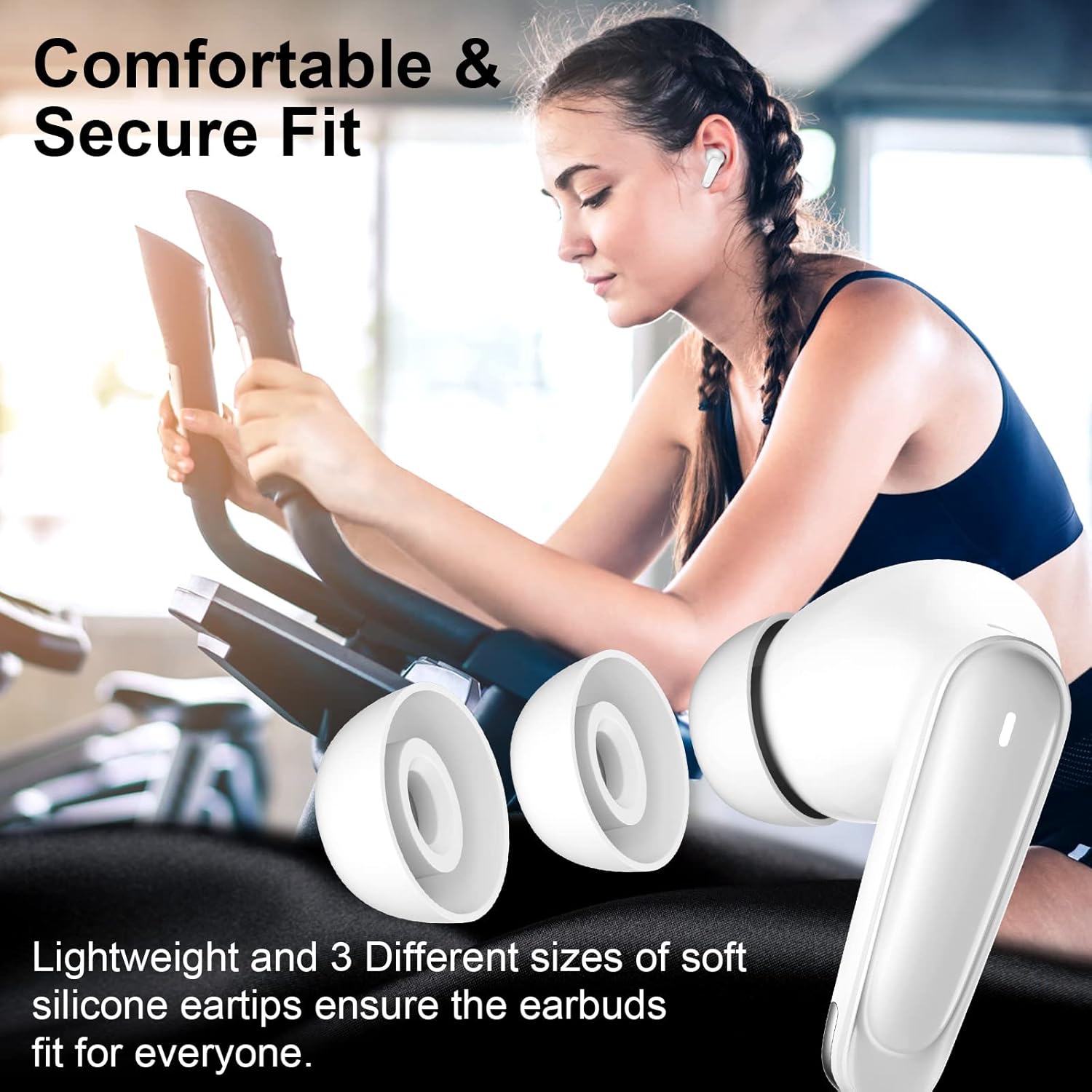
Figure 6: Ultra Low-Latency Game Mode
Maintenance
To ensure the longevity and optimal performance of your earbuds:
- Clean the earbuds and charging case regularly with a soft, dry cloth.
- Avoid using harsh chemicals or abrasive materials.
- Keep the charging contacts on the earbuds and inside the case clean and free of debris.
- Store the earbuds in their charging case when not in use to protect them and keep them charged.
- Avoid exposing the earbuds to extreme temperatures, humidity, or liquids. The earbuds are not water resistant.
Troubleshooting
If you encounter issues with your earbuds, try the following solutions:
- No Sound: Ensure earbuds are charged, properly paired, and volume is up on both the earbuds and your device.
- Cannot Pair: Make sure Bluetooth is enabled on your device and the earbuds are in pairing mode. Try turning Bluetooth off and on again on your device.
- Intermittent Connection: Ensure there are no obstructions between the earbuds and your device. Keep the device within the Bluetooth range (up to 10 meters).
- One Earbud Not Working: Try placing both earbuds back into the charging case, closing it, and then taking them out again to re-establish the connection.
- Reset Earbuds: If issues persist, consult the full user manual for specific reset instructions, or contact customer support.
Specifications
Key technical specifications for the Jelanry Wireless Earbuds ACA-i22:
| Feature | Specification |
|---|---|
| Model Name | ACA-i22 (Jelanry00702) |
| Connectivity Technology | Wireless (Bluetooth 5.2) |
| Bluetooth Range | Up to 10 meters |
| Noise Control | Sound Isolation (Passive Noise Isolation) |
| Control Type | Touch Control |
| Charging Time | Approximately 1 hour |
| Ear Placement | In Ear |
| Water Resistance Level | Not Water Resistant |
| Included Components | Earbuds, Charging Case, Silicone Tips, User Manual |
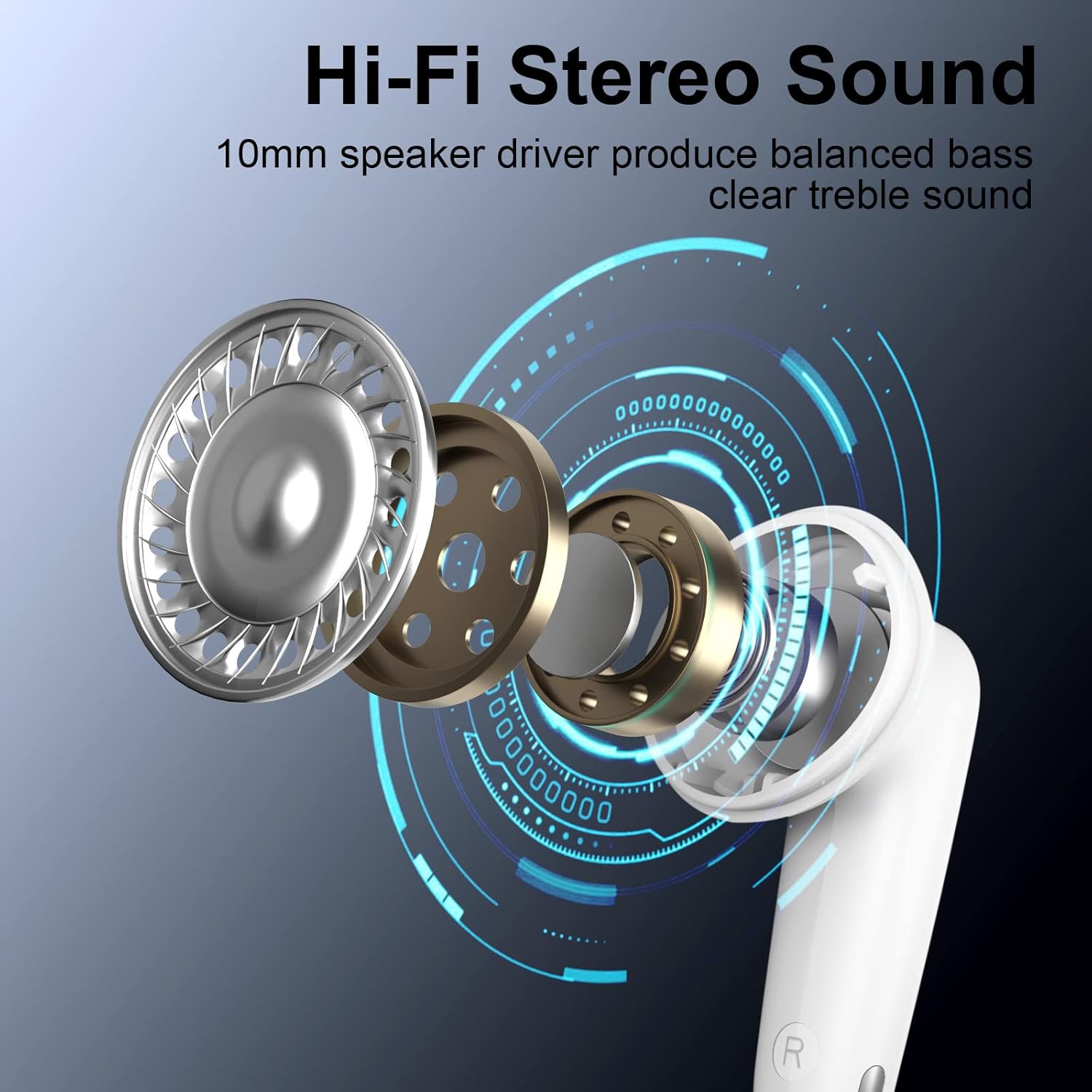
Figure 7: Hi-Fi Stereo Sound Driver

Figure 8: Bluetooth 5.2 Technology
Warranty and Support
For warranty information or technical support, please refer to the contact details provided in your product packaging or visit the official Jelanry website. Keep your purchase receipt for warranty claims.


