
VOPLLS V-15000L-WiFi-Bluetooth Projector
VOPLLS V-15000L-WiFi-Bluetooth Projector User Manual
Model: V-15000L-WiFi-Bluetooth Projector | Brand: VOPLLS
Introduction
Thank you for choosing the VOPLLS V-15000L-WiFi-Bluetooth Mini Projector. This portable projector is designed to provide a high-quality home theater experience with its 1080P Full HD support, 5G WiFi, and Bluetooth connectivity. Its compact size makes it ideal for both indoor and outdoor use. Please read this manual thoroughly to ensure proper setup and operation.
What's Included
The VOPLLS V-15000L-WiFi-Bluetooth Projector package typically includes the following items:
- VOPLLS Mini Projector
- HDMI Cable
- Power Cord
- AV Signal Cable
- Remote Control
- Mini Tripod
- Lens Cover

Image: The VOPLLS Mini Projector with a smartphone placed on top, demonstrating its compact size and connectivity, alongside a small tripod.
Setup Guide
- Power Connection: Connect the power cord to the projector and then to a power outlet.
- Lens Cover: Remove the lens cover before operation. Replace it after use to protect the lens.
- Positioning: Place the projector on a stable, flat surface. The included mini tripod can be attached to adjust the projection angle.
- Focus Adjustment: Use the "FOCUS" knob on the side of the projector to achieve a clear image. Rotate until the image appears sharp.
- Keystone Correction: The projector features a keystone adjustment knob (or digital correction via menu) to correct distorted images if the projector is not perfectly perpendicular to the screen.
- Connecting Devices:
- HDMI: Connect laptops, gaming consoles (e.g., PS5), or TV sticks (e.g., Roku, Fire TV) using the HDMI cable.
- USB: Insert USB drives for media playback.
- AV: Use the AV signal cable for older devices.
- Smartphone/Tablet: For iOS devices, an additional Lightning to HDMI adapter is required (not included). For Android devices, ensure your device supports screen mirroring and follow the wireless mirroring instructions.

Image: A close-up of the VOPLLS Mini Projector's rear panel, highlighting the various input ports including HDMI, USB, and AV, along with the keystone adjustment.
Operating Instructions
Wireless Connectivity (WiFi & Bluetooth)
The projector supports both 2.4GHz and 5GHz dual-band WiFi for stable and fast screen mirroring, and Bluetooth for audio output.
- WiFi Screen Mirroring:
- Navigate to the "Screen Mirroring" or "WiFi Display" option in the projector's menu.
- Ensure your smartphone or tablet is connected to the same WiFi network as the projector.
- On your device, enable screen mirroring (e.g., "Smart View" on Android, "Screen Mirroring" on iOS) and select the projector from the list of available devices.
- Note: Due to copyright restrictions, streaming services like Netflix, Prime Video, and Hulu cannot be mirrored directly from a smartphone. Please use a TV Stick (e.g., Fire TV Stick, Roku) connected via HDMI for these applications.
- Bluetooth Connection:
- Go to the "Bluetooth" settings in the projector's menu.
- Enable Bluetooth on the projector and your external Bluetooth speaker or headphones.
- Select your audio device from the list on the projector to pair.
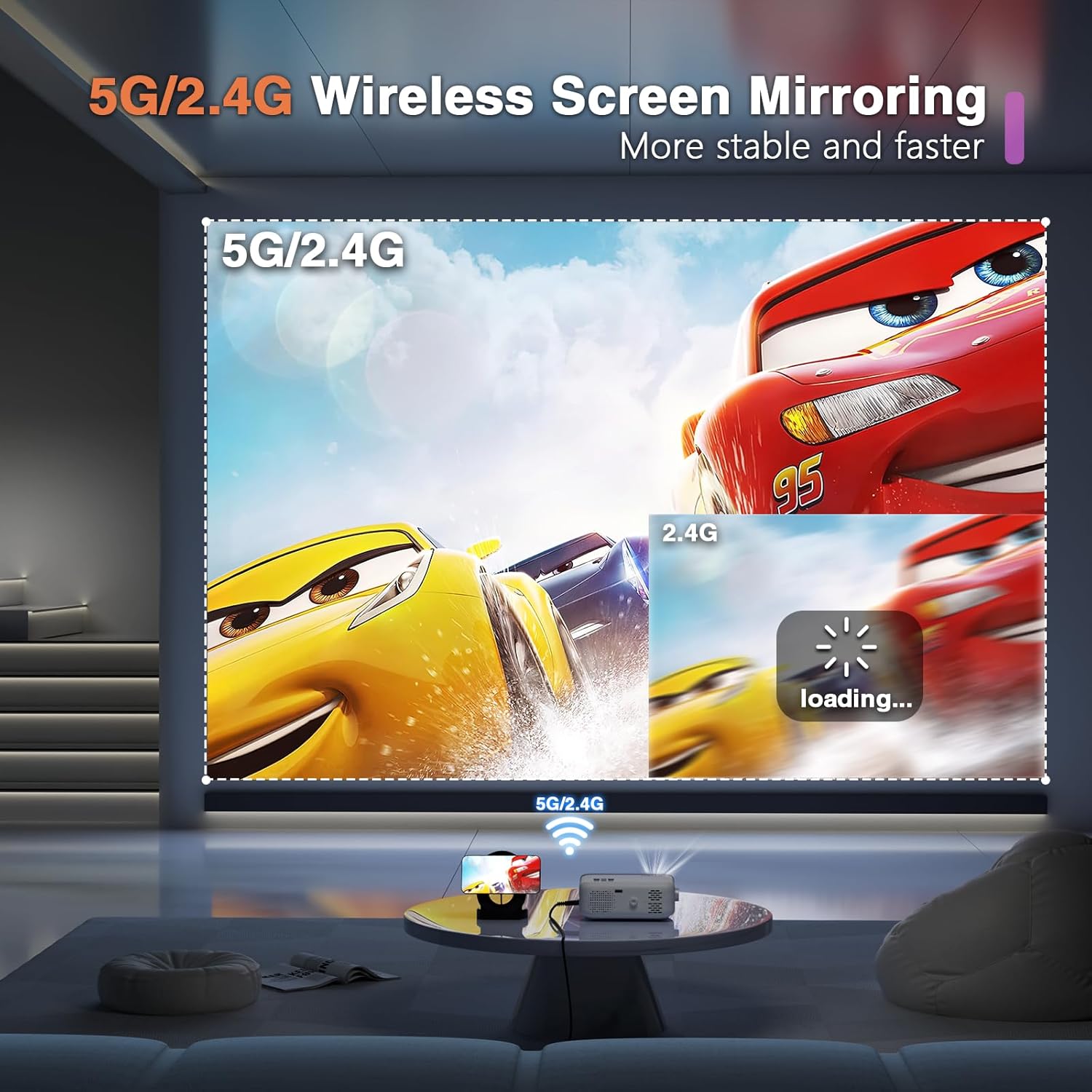
Image: An illustration showing the VOPLLS Mini Projector wirelessly mirroring content (cartoon cars) from a smartphone, highlighting the 5G/2.4G dual-band WiFi capability for stable and faster streaming.

Image: People enjoying an outdoor movie night projected by the VOPLLS Mini Projector, with a Bluetooth speaker connected, illustrating the Bluetooth 5.1 connection feature.
Projection Size and Zoom Function
The projector offers a flexible projection size and a convenient zoom function.
- Projection Size: The recommended projection size ranges from 35 inches to 210 inches, with an optimal projection distance between 3.7 feet to 23.6 feet.
- Zoom Function: Use the remote control to adjust the image size from 100% down to 50% without physically moving the projector.

Image: A visual representation of the VOPLLS Mini Projector's ability to project various screen sizes (35", 105", 210") at different distances, demonstrating its versatility for different room sizes.
Maintenance
- Lens Cleaning: Gently clean the projector lens with a soft, lint-free cloth. Avoid abrasive materials or harsh chemicals.
- Ventilation: Ensure the projector's ventilation ports are clear and unobstructed to prevent overheating. Do not block the air inlets or outlets.
- Lamp Life: The LED light source is designed for a long lifespan of up to 60,000 hours, minimizing the need for lamp replacement.
- Storage: When not in use, store the projector in a cool, dry place and replace the lens cover to protect it from dust.

Image: An exploded view of the VOPLLS Mini Projector's lens system, illustrating its design for a long lamp life of up to 60,000 hours.
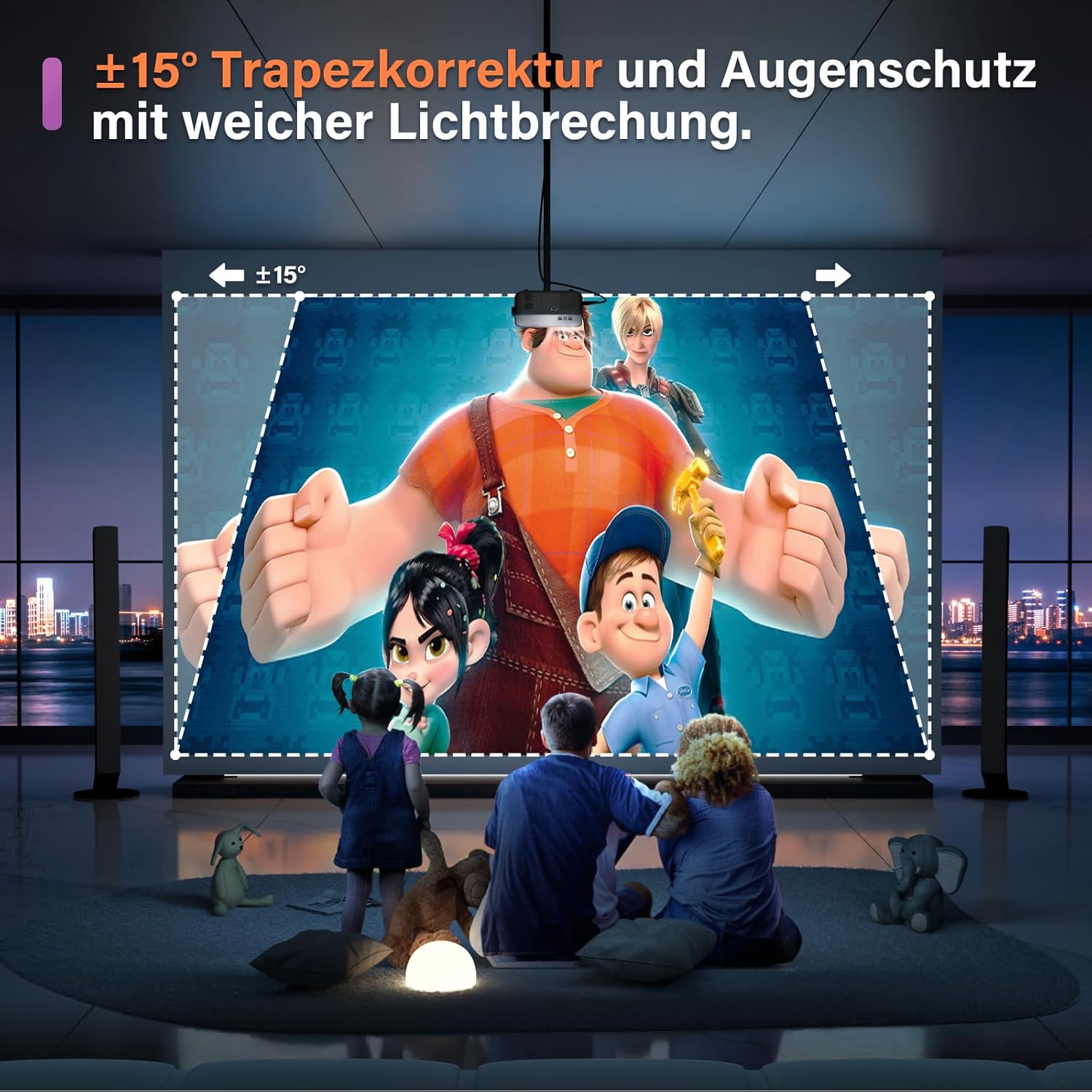
Image: A diagram illustrating the airflow and heat dissipation system of the VOPLLS Mini Projector, indicating efficient cooling.
Troubleshooting
| Problem | Possible Cause / Solution |
|---|---|
| No image / Blurry image |
|
| No sound |
|
| Cannot screen mirror Netflix/Hulu |
|
| Remote control not working |
|
Specifications
| Feature | Detail |
|---|---|
| Brand | VOPLLS |
| Model | V-15000L-WiFi-Bluetooth Projector |
| Supported Resolution | 1080P Full HD |
| Brightness | 15000L (Lumens) |
| WiFi Connectivity | 5GHz & 2.4GHz Dual-Band |
| Bluetooth | Yes (for external audio) |
| Projection Size | 35" to 210" |
| Projection Distance | 3.7ft to 23.6ft |
| Zoom Function | 100% to 50% |
| Lamp Life | Up to 60,000 hours |
| Dimensions | 6.69 x 4.9 x 2.64 inches |
| Weight | 2.61 pounds |
| Input Interfaces | HDMI, USB, AV |
| Controller Type | Button Control, Remote Control |
Warranty and Support
For warranty information and customer support, please refer to the contact details provided in your product packaging or visit the official VOPLLS website. You can also find additional support and FAQs on the VOPLLS Store page on Amazon:
Related Documents - V-15000L-WiFi-Bluetooth Projector
 |
VOPLLS Home Theater Projector User Manual Comprehensive user manual for the VOPLLS Home Theater Projector, providing detailed instructions on setup, connections, operation, and troubleshooting for optimal home entertainment. |
 |
VOPLLS N0901 1080P Projector User Manual Comprehensive user manual for the VOPLLS N0901 1080P projector. Learn about setup, connections, operation, features, and troubleshooting for your VOPLLS projector. |
 |
VOPLLS M10 Home Theater Projector User Manual Comprehensive user manual for the VOPLLS M10 Home Theater Projector, covering setup, operation, connections, settings, troubleshooting, and product features. |
 |
VOPLLS Projector User Manual User manual for the VOPLLS projector, covering installation, operation, connections, settings, and troubleshooting. Includes guides for connecting to various devices like iPhones, iPads, Macs, Android smartphones, and Windows laptops. |
 |
VOPLLS VP-I Beamer: Full HD LED Projector with Android, Wi-Fi, and Bluetooth Discover the VOPLLS VP-I Beamer, a Full HD LED projector featuring 1380 Ansi Lumens, 20000:1 contrast, integrated Android, Wi-Fi, Bluetooth, and extensive connectivity for home entertainment and presentations. |
 |
VOPLLS M03H LED LCD Projector - Full HD 1080p, 450 Ansi Lumens Detailed specifications for the VOPLLS M03H portable LED LCD projector, featuring Full HD 1080p resolution, 450 Ansi Lumens, 12000:1 contrast, 100,000-hour LED life, integrated media player, Wi-Fi, Bluetooth, and screen mirroring capabilities. |
Ask a question about this manual
Ask about setup, troubleshooting, compatibility, parts, safety, or missing instructions. Manuals+ will review the question and use this page’s manual context to help answer it.