
XTREME DIGITAL LIFESTYLE ACCESSORIES MLB7-1052-RGB
Monster Multi-Color and Warm-White LED Light Bulb User Manual
Model: MLB7-1052-RGB
Introduction
Thank you for choosing the Monster Multi-Color and Warm-White LED Light Bulb. This smart bulb offers an unparalleled lighting experience with 16 million customizable color and white options, dimming capabilities, and smart control features. Designed for ease of use, it integrates seamlessly with your smart home ecosystem, allowing control via a dedicated app or voice commands through popular assistants like Alexa, Siri, and Google Assistant. This manual provides essential information for setting up, operating, maintaining, and troubleshooting your new smart light bulb.
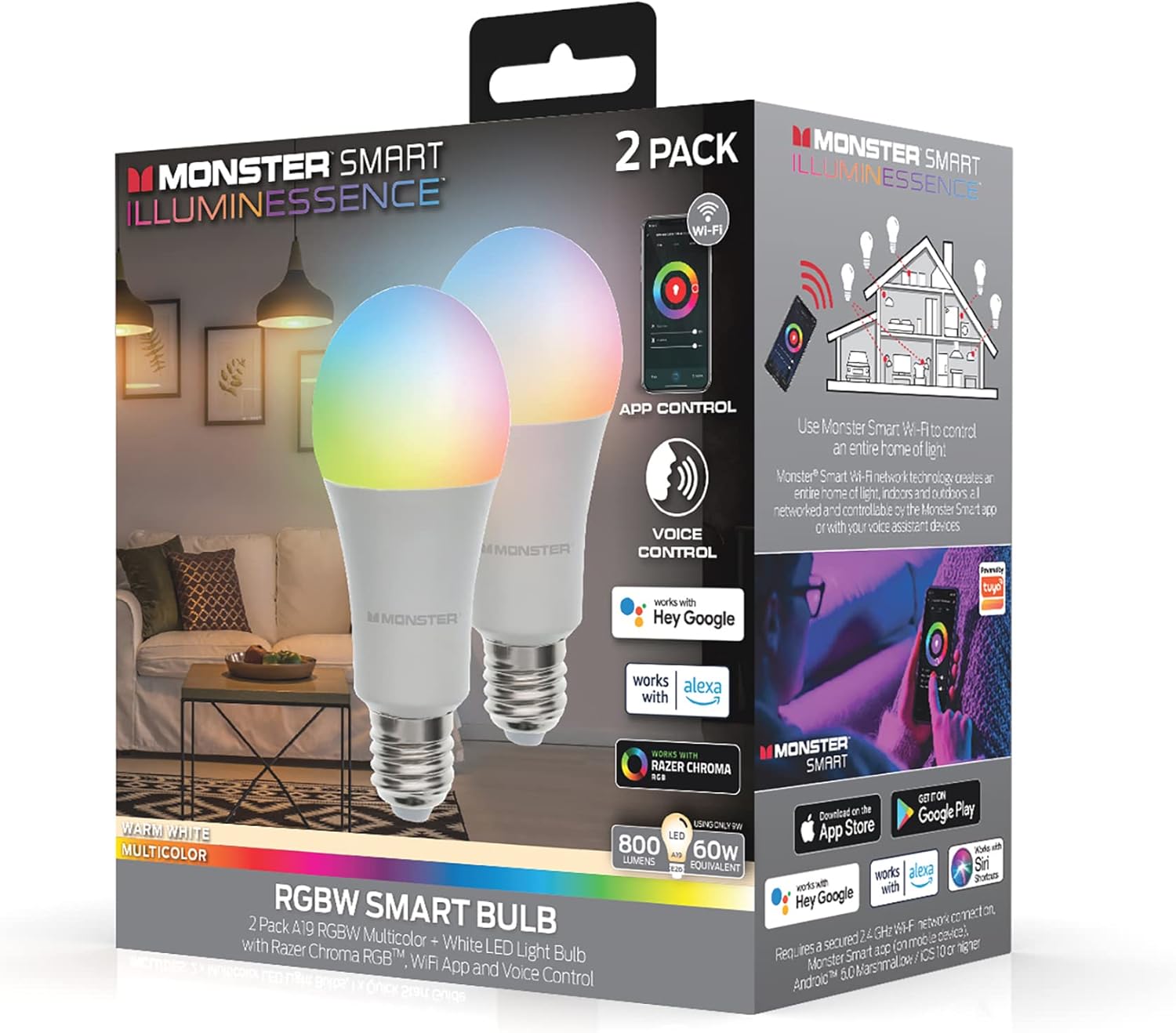
Image: The Monster Smart Illuminessence RGBW Smart Bulb 2-pack packaging, showcasing the bulbs and their smart features like app and voice control.
Setup
1. Installation
- Ensure the power to the light fixture is turned off before installation.
- Carefully screw the Monster Smart LED Light Bulb into a standard E26 (A19 shape) light socket.
- Turn on the power to the light fixture. The bulb should light up, indicating it's ready for pairing.
2. Connecting to the Monster Smart App
The Monster Smart App is essential for full control and customization of your bulb. It is compatible with both iOS and Android devices.
- Download the "Monster Smart" app from the Apple App Store or Google Play Store.
- Open the app and create an account or log in if you already have one.
- Ensure your mobile device is connected to a 2.4 GHz Wi-Fi network. The smart bulb requires a 2.4 GHz connection for initial setup and operation.
- In the app, tap the "+" icon to add a new device.
- Select "Lighting" or "Smart Bulb" from the device list.
- Follow the on-screen instructions in the app to put the bulb into pairing mode (usually by turning it off and on a few times until it blinks).
- Confirm your Wi-Fi network and enter the password when prompted.
- The app will search for and connect to your smart bulb. Once connected, you can rename the bulb for easier identification.

Image: A person interacting with the Monster Smart app on a smartphone, demonstrating the app's interface for controlling the light bulb's color and brightness.
3. Voice Assistant Integration (Optional)
Your Monster Smart Bulb is compatible with Amazon Alexa, Google Assistant, and Apple Siri for convenient voice control.
- Open your Amazon Alexa, Google Home, or Apple Home app.
- Navigate to the "Skills" or "Works with Google" section.
- Search for and enable the "Monster Smart" skill/service.
- Link your Monster Smart account when prompted.
- Discover devices. Your smart bulb should now appear in your voice assistant app and be controllable by voice commands.
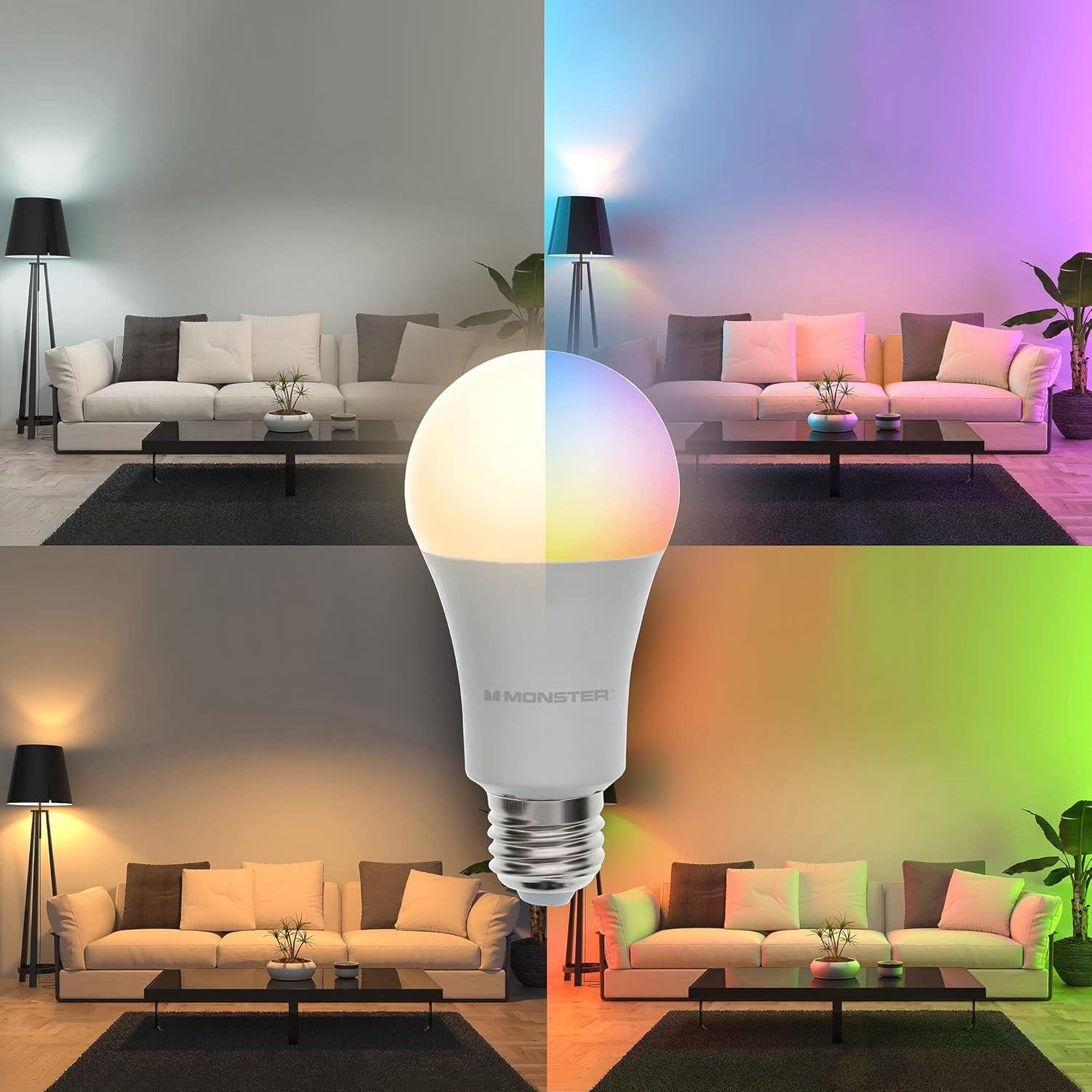
Image: A Monster Smart Bulb is shown in a split image, illustrating its capability to produce both warm white and a spectrum of multicolor lighting, transforming the ambiance of a living room.
Operating Your Smart Bulb
Color and Brightness Control
The Monster Smart App provides extensive control over your bulb's lighting. You can choose from 16 million colors and various shades of white, as well as adjust brightness levels.
- Color Selection: In the app, navigate to the color wheel or palette to select your desired hue.
- White Tones: Switch to the white light section to choose between warm white and cool white options.
- Dimming: Use the brightness slider in the app to adjust the light intensity from 1% to 100%.
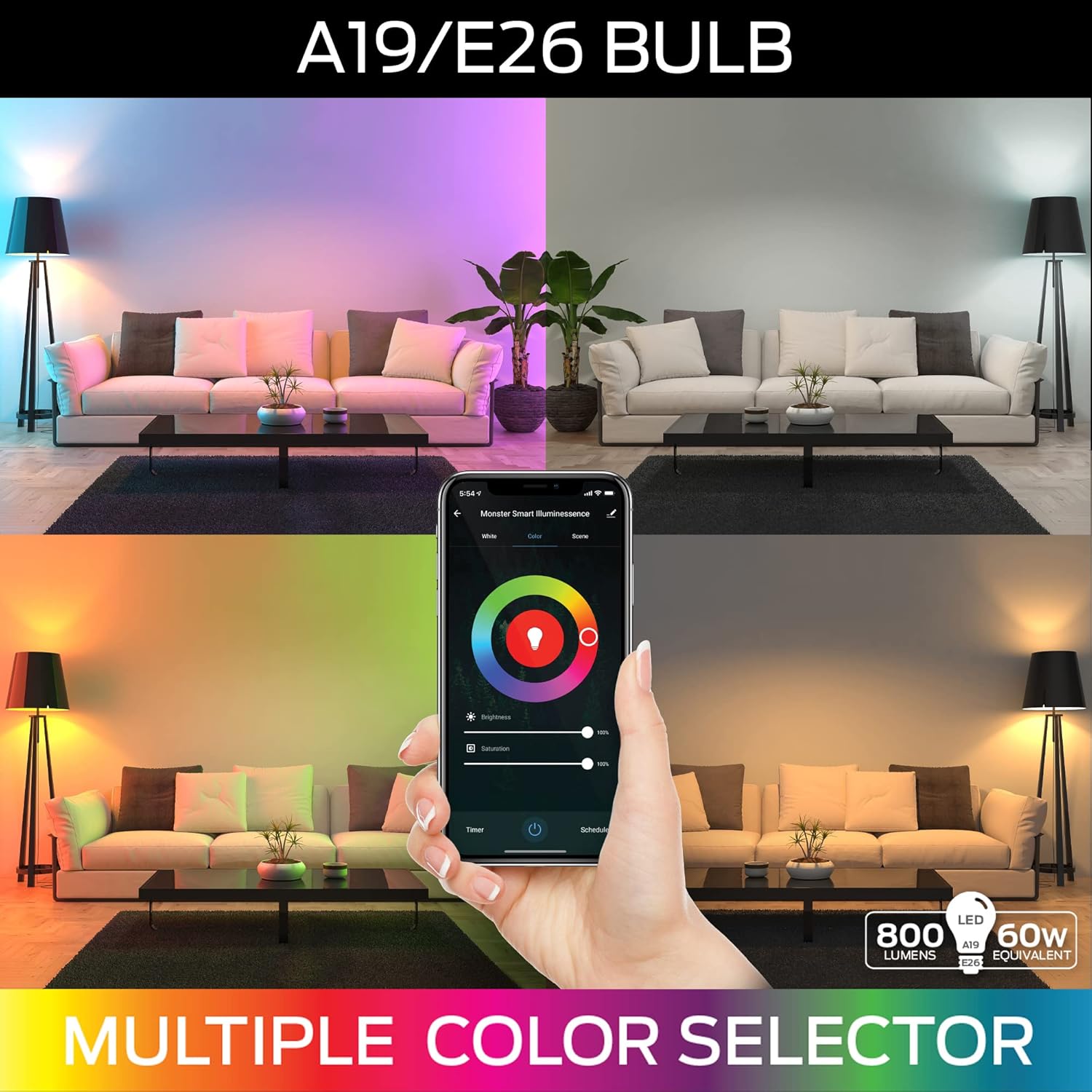
Image: A visual representation of the A19/E26 bulb's capabilities, featuring a smartphone screen displaying a multi-color selector interface, allowing users to choose from a wide range of colors and adjust brightness.
Pre-set Scenes and Custom Modes
The app includes various pre-set lighting scenes for different moods and occasions. You can also create and save your own custom lighting modes.
- Explore the "Scenes" section in the app to activate pre-configured lighting effects.
- To create a custom mode, adjust the color, brightness, and effects as desired, then save it with a unique name.
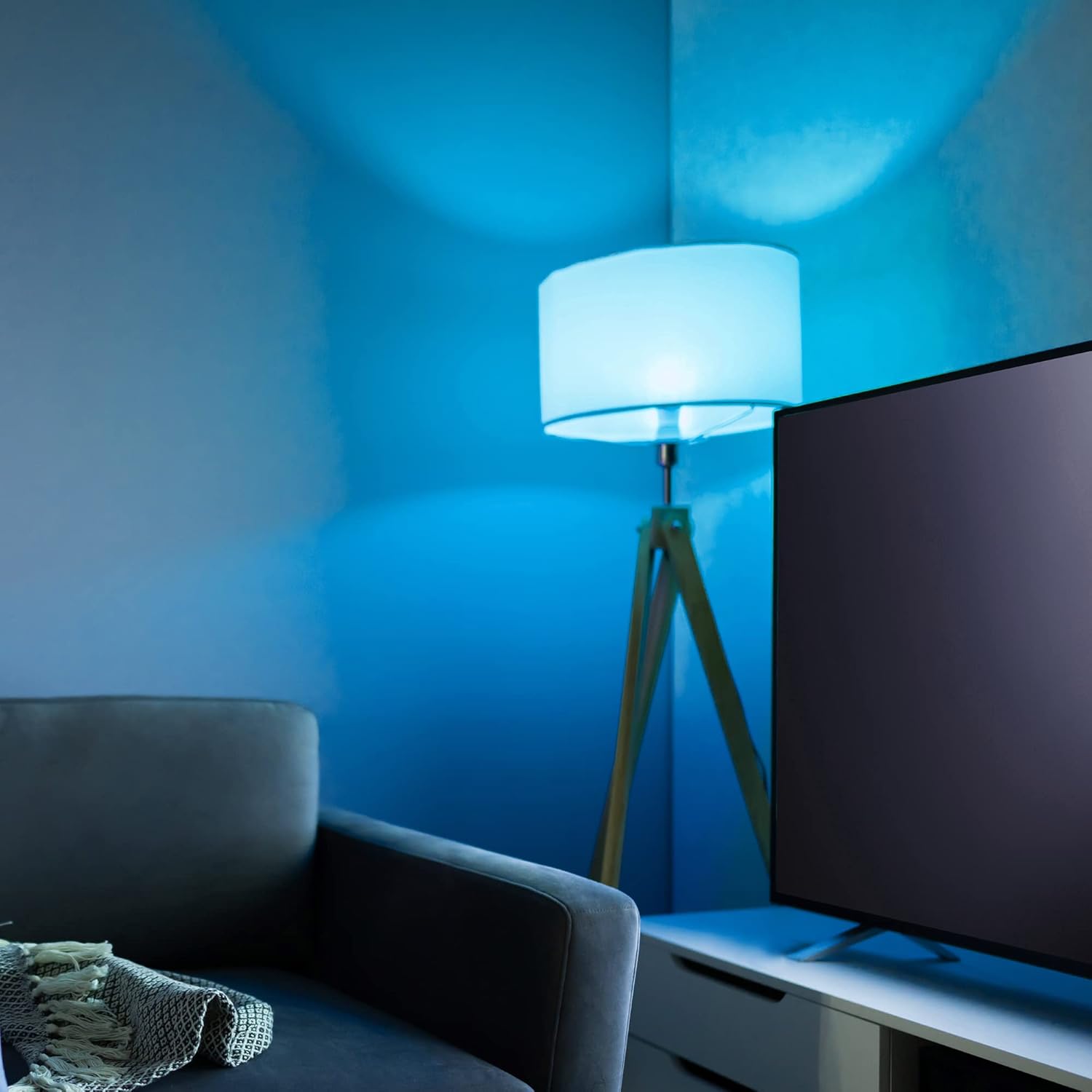
Image: A room bathed in a vibrant blue light, demonstrating the smart bulb's ability to create specific color atmospheres.
Scheduling and Timers
Automate your lighting with schedules and timers for convenience and energy saving.
- Schedules: Set specific times for your bulbs to turn on/off, change color, or adjust brightness. This is ideal for daily routines or vacation mode.
- Timers: Use the timer function to automatically turn off the light after a set duration.
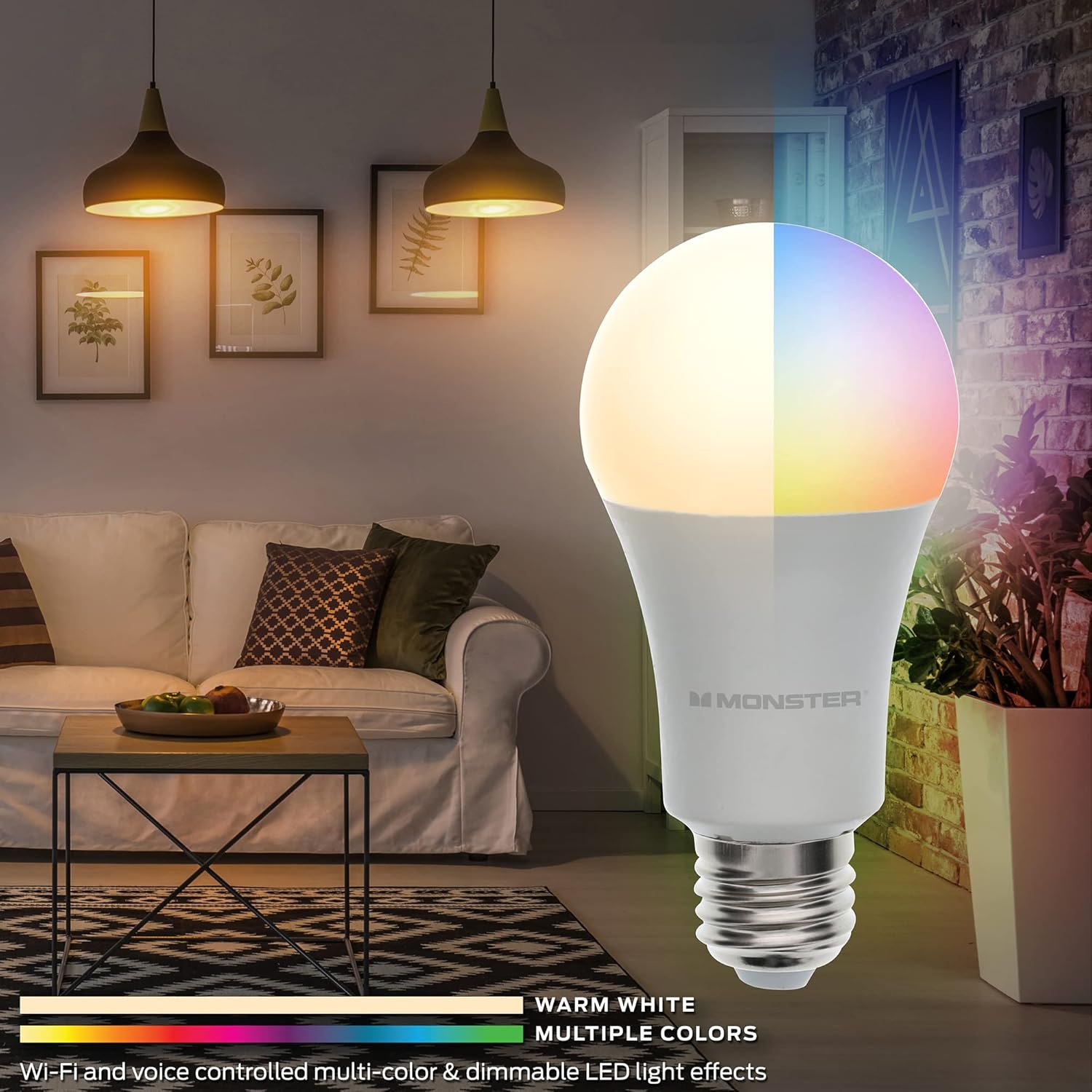
Image: The Monster Smart Illuminessence RGBW Smart Bulb is prominently displayed in a modern living room, showcasing its ability to provide both warm white and vibrant multicolor lighting effects.
Maintenance
The Monster Smart LED Light Bulb requires minimal maintenance to ensure optimal performance and longevity.
- Cleaning: Before cleaning, ensure the bulb is off and cool. Wipe the bulb with a soft, dry cloth. Do not use liquid cleaners or abrasive materials.
- Storage: If storing the bulb for an extended period, keep it in its original packaging in a cool, dry place.
- Firmware Updates: Periodically check the Monster Smart App for available firmware updates. These updates can improve performance, add new features, and enhance security.
Troubleshooting
| Problem | Possible Cause | Solution |
|---|---|---|
| Bulb does not turn on. | No power to the fixture; Bulb not screwed in properly; Bulb is faulty. | Check the light switch and circuit breaker. Ensure the bulb is securely screwed into the socket. Test the bulb in another working fixture. |
| Cannot connect to Wi-Fi / App setup fails. | Incorrect Wi-Fi band (not 2.4 GHz); Incorrect Wi-Fi password; Bulb not in pairing mode; Wi-Fi signal too weak. | Ensure your phone is connected to a 2.4 GHz Wi-Fi network. Double-check your Wi-Fi password. Turn the bulb off and on 3-5 times to enter pairing mode (it should blink). Move the bulb closer to your Wi-Fi router. |
| Voice control not working. | Voice assistant skill not enabled; Account not linked; Device not discovered. | Verify the "Monster Smart" skill is enabled in your voice assistant app. Ensure your Monster Smart account is linked. Ask your voice assistant to "discover devices." |
| App is slow or unresponsive. | App cache; Network issues; Outdated app version. | Clear the app cache, restart the app, or reinstall it. Check your internet connection. Ensure the app is updated to the latest version. |
Specifications
- Brand: XTREME DIGITAL LIFESTYLE ACCESSORIES
- Model Name: MLB7-1052-RGB
- Light Type: LED
- Wattage: 9 Watts (Power Consumption), 10 Watts (Rated), 60 Watts (Incandescent Equivalent)
- Brightness: 800 Lumens (White Brightness)
- Bulb Shape Size: A19
- Bulb Base: E26
- Light Color: Multicolor, Warm White
- Color Temperature: 6000 Kelvin
- Connectivity Technology: Wi-Fi (2.4 GHz)
- Control Method: App, Voice (Amazon Alexa, Google Assistant)
- Indoor/Outdoor Usage: Indoor
- Material: Iron
- Item Weight: 3.52 ounces
- Package Dimensions: 4.88 x 4.8 x 2.56 inches
- UPC: 805106892678
Warranty and Support
This Monster Smart LED Light Bulb comes with a standard manufacturer's warranty. For detailed warranty information, product support, or to contact customer service, please visit the official XTREME DIGITAL LIFESTYLE ACCESSORIES website or refer to the warranty card included with your purchase.
For further assistance, you may also refer to the XTREME DIGITAL LIFESTYLE ACCESSORIES Store on Amazon.
Ask a question about this manual
Ask about setup, troubleshooting, compatibility, parts, safety, or missing instructions. Manuals+ will review the question and use this page’s manual context to help answer it.