Introduction
The Samsung M33 5G is a powerful smartphone designed for seamless connectivity and performance. Featuring a 6.6-inch Full HD+ 120Hz display, a versatile 50MP Quad Camera system, and a robust Octa-core processor, this device is built to handle demanding tasks, gaming, and multimedia consumption. This manual provides essential information for setting up, operating, maintaining, and troubleshooting your Samsung M33 5G.
What's in the Box
Upon unboxing your Samsung M33 5G, please ensure all the following items are present:
- Samsung M33 5G Smartphone
- 25W Wall Charger
- USB Cable
- SIM Tray Ejector
If any items are missing or damaged, please contact your retailer or Samsung customer support.
Setup
1. SIM Card and MicroSD Card Installation
Your Samsung M33 5G supports dual Nano SIM cards and a MicroSD card for expanded storage. The device features a hybrid SIM slot.
- Locate the SIM tray on the side of your phone.
- Insert the provided SIM tray ejector tool into the small hole next to the tray and push gently until the tray pops out.
- Place your Nano SIM card(s) and/or MicroSD card into the designated slots on the tray. Ensure the gold contacts face downwards.
- Carefully reinsert the tray into the phone until it clicks into place.
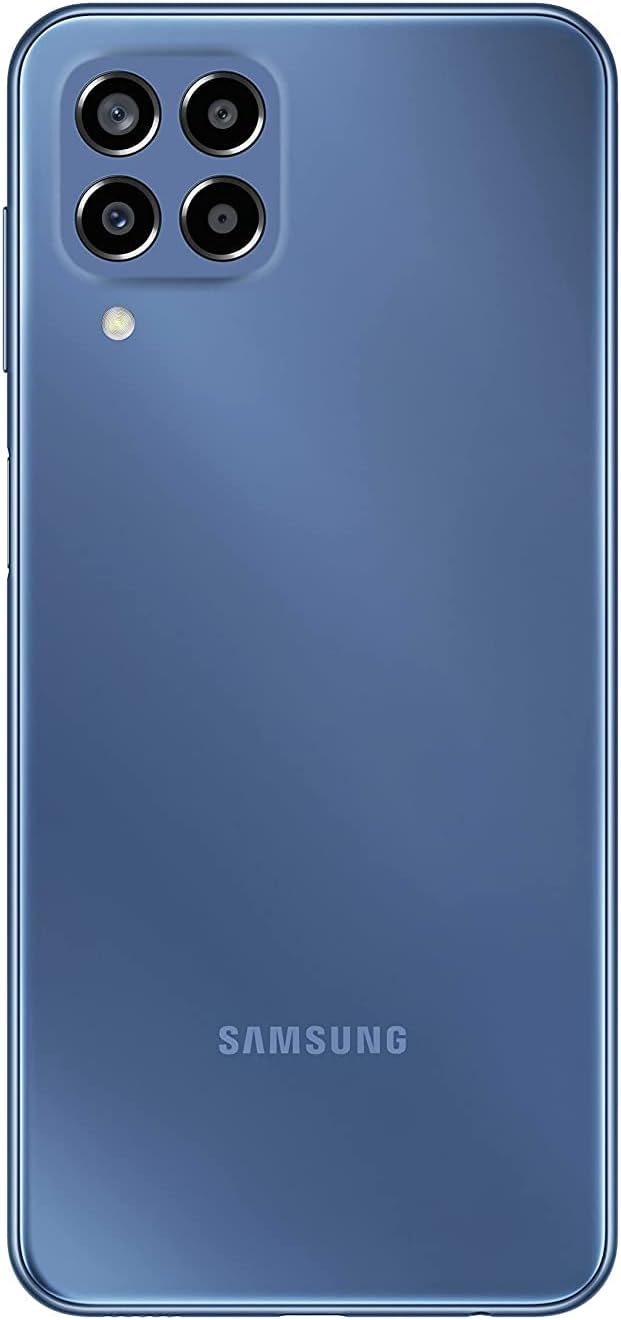
Image: Rear view of the Samsung M33 5G smartphone, highlighting the camera module and the Samsung branding.
2. Initial Charging and Power On
Before first use, it is recommended to fully charge your device.
- Connect the USB cable to the 25W Wall Charger and then to the USB-C port on your phone.
- Plug the charger into a power outlet. The charging indicator will appear on the screen.
- Once sufficiently charged, press and hold the Power button (located on the side) until the Samsung logo appears.
- Follow the on-screen instructions to complete the initial setup, including language selection, Wi-Fi connection, and Google account setup.
Operating Your Device
Display and Navigation
The Samsung M33 5G features a 6.6-inch PLS LCD display with Full HD+ resolution (1080 x 2408) and a 120Hz refresh rate for smooth scrolling and responsiveness.
- Touchscreen Gestures: Navigate using taps, swipes, pinches, and long presses.
- Fingerprint Sensor: The power button integrates a fingerprint sensor for secure unlocking.
Camera Features
Your device is equipped with a versatile Quad Camera system:
- Main Camera: 50.0 MP (F1.8) for high-resolution photos.
- Ultra Wide Camera: 5.0 MP (F2.2) with a 123-degree angle of view for expansive shots.
- Macro Camera: 2.0 MP (F2.4) to capture fine details up close.
- Depth Camera: 2.0 MP (F2.4) for adjustable background blur in portrait photos.
- Front Camera: 8.0 MP (F2.2) for selfies and video calls.
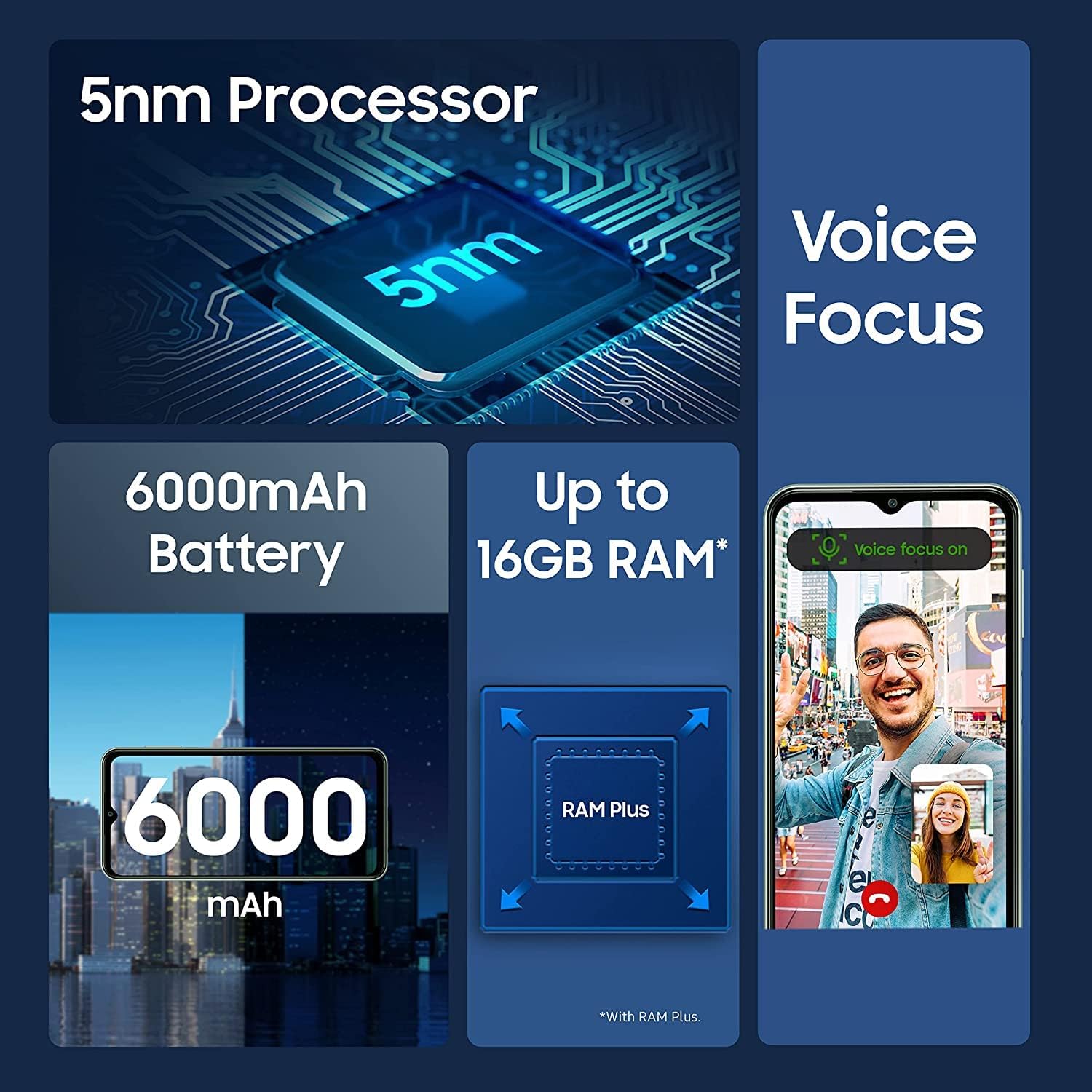
Image: Infographic detailing key features of the Samsung M33 5G, including its 5nm processor, Voice Focus technology, 6000mAh battery, and expandable RAM up to 16GB with RAM Plus.
Performance and Storage
The M33 5G is powered by an Octa-core processor (2x2.4 GHz Cortex-A78 & 6x2.0 GHz Cortex-A55) with a Mali-G68 GPU, ensuring smooth performance. It comes with 8GB of RAM, expandable with RAM Plus technology, and 128GB of internal storage. Storage can be further expanded up to 1TB using a MicroSD card.
Connectivity
The device supports 5G and 4G LTE cellular networks (unlocked for worldwide use, but not compatible with Verizon, AT&T, Boost, Cricket, or CDMA carriers). It also features Wi-Fi 802.11 a/b/g/n/ac (2.4G+5GHz), Bluetooth (version not specified but standard for smartphones), GPS, Glonass, Beidou, Galileo, and QZSS for location services. A 3.5mm stereo earjack is included.
Maintenance
Device Care
- Keep your phone clean using a soft, dry cloth. Avoid harsh chemicals.
- Protect the screen with a screen protector and use a protective case to prevent physical damage.
- Avoid exposing the device to extreme temperatures, direct sunlight, or liquids.
Software Updates
Regularly check for and install software updates to ensure your device has the latest features, security patches, and performance improvements. You can usually find this option in your phone's Settings menu under 'Software update'. The device runs on Android 12.0 out of the box.
Troubleshooting
If you encounter issues with your Samsung M33 5G, try the following common solutions:
- Device not powering on: Ensure the battery is charged. Connect to the charger and wait a few minutes before attempting to power on again.
- Apps freezing or crashing: Close the problematic app and reopen it. If the issue persists, restart your phone.
- Poor network signal: Check if your SIM card is properly inserted. Move to an area with better network coverage.
- Battery draining quickly: Reduce screen brightness, close unused apps, and disable unnecessary features like GPS or Wi-Fi when not in use.
- Touchscreen unresponsive: Restart the device. If the issue continues, contact support.
For more complex issues, refer to the Samsung support website or contact customer service.
Specifications
| Feature | Detail |
|---|---|
| Model Name | M33 5G |
| Item Model Number | SM-M336B/DSN (sm-m336b/ds) |
| Operating System | Android 12.0 |
| Processor | Octa-core (2x2.4 GHz Cortex-A78 & 6x2.0 GHz Cortex-A55) |
| Display Size | 6.6 Inches |
| Display Technology | PLS LCD, 120Hz |
| Display Resolution | 1080 x 2408 (FHD+) |
| RAM | 8 GB (with RAM Plus support) |
| Internal Storage | 128 GB |
| Expandable Storage | MicroSD up to 1 TB |
| Rear Camera (Main) | 50.0 MP (F1.8) |
| Rear Camera (Ultra Wide) | 5.0 MP (F2.2) |
| Rear Camera (Macro) | 2.0 MP (F2.4) |
| Rear Camera (Depth) | 2.0 MP (F2.4) |
| Front Camera | 8.0 MP (F2.2) |
| Battery Capacity | 5000 Milliamp Hours (mAh) |
| Charging | 25W Fast Charging |
| Cellular Technology | 5G + 4G LTE (Unlocked) |
| Wireless Connectivity | Wi-Fi 802.11 a/b/g/n/ac (2.4G+5GHz), Bluetooth |
| Location Technology | GPS, Glonass, Beidou, Galileo, QZSS |
| Audio Jack | 3.5 mm Stereo |
| Sensors | Accelerometer, Fingerprint Sensor, Gyro Sensor, Geomagnetic Sensor, Virtual Light Sensing, Virtual Proximity Sensing |
| Item Weight | 11 ounces |
| Package Dimensions | 7 x 3 x 1 inches |
Warranty and Support
Your Samsung M33 5G is covered by a manufacturer's warranty. Please refer to the warranty card included with your purchase or visit the official Samsung website for detailed warranty terms and conditions specific to your region.
For technical support, software updates, or service inquiries, please visit the official Samsung support website or contact their customer service hotline. You can find contact information and FAQs on www.samsung.com/support/.