
Apple MNUL3LL/A
Apple Watch Series 8 [GPS 45mm] User Manual
Model: MNUL3LL/A
Introduction
This manual provides essential information for the safe and effective use of your Apple Watch Series 8 [GPS 45mm]. Please read this manual thoroughly before using your device and retain it for future reference.
The Apple Watch Series 8 is designed to be an essential companion for a healthy life, offering advanced sensors for health insights, safety features, and a bright Always-On Retina display.
What's in the Box
- Apple Watch Series 8 Case
- Sport Band (Midnight)
- 1m Magnetic Charging Cable

Image: The contents of the Apple Watch Series 8 packaging, including the watch unit, the sport band, and the USB-C magnetic fast charging cable.
Setup Guide
1. Initial Charging
Before first use, ensure your Apple Watch is sufficiently charged. Connect the magnetic charging cable to the back of the watch and plug the USB-C end into a power adapter (sold separately) or a USB-C port.
Note: The watch requires an iPhone 8 or later with the latest iOS version for setup and full functionality.
2. Pairing with iPhone
- Turn on your Apple Watch by pressing and holding the side button until you see the Apple logo.
- Bring your iPhone near your Apple Watch. A pairing screen will appear on your iPhone. Tap Continue.
- Position your iPhone so that your Apple Watch appears in the viewfinder on your iPhone.
- Follow the on-screen instructions on both devices to complete the pairing process.
3. Band Attachment
To attach the band, slide it into the slots on the Apple Watch until you hear a click. Ensure both ends of the band are securely fastened.
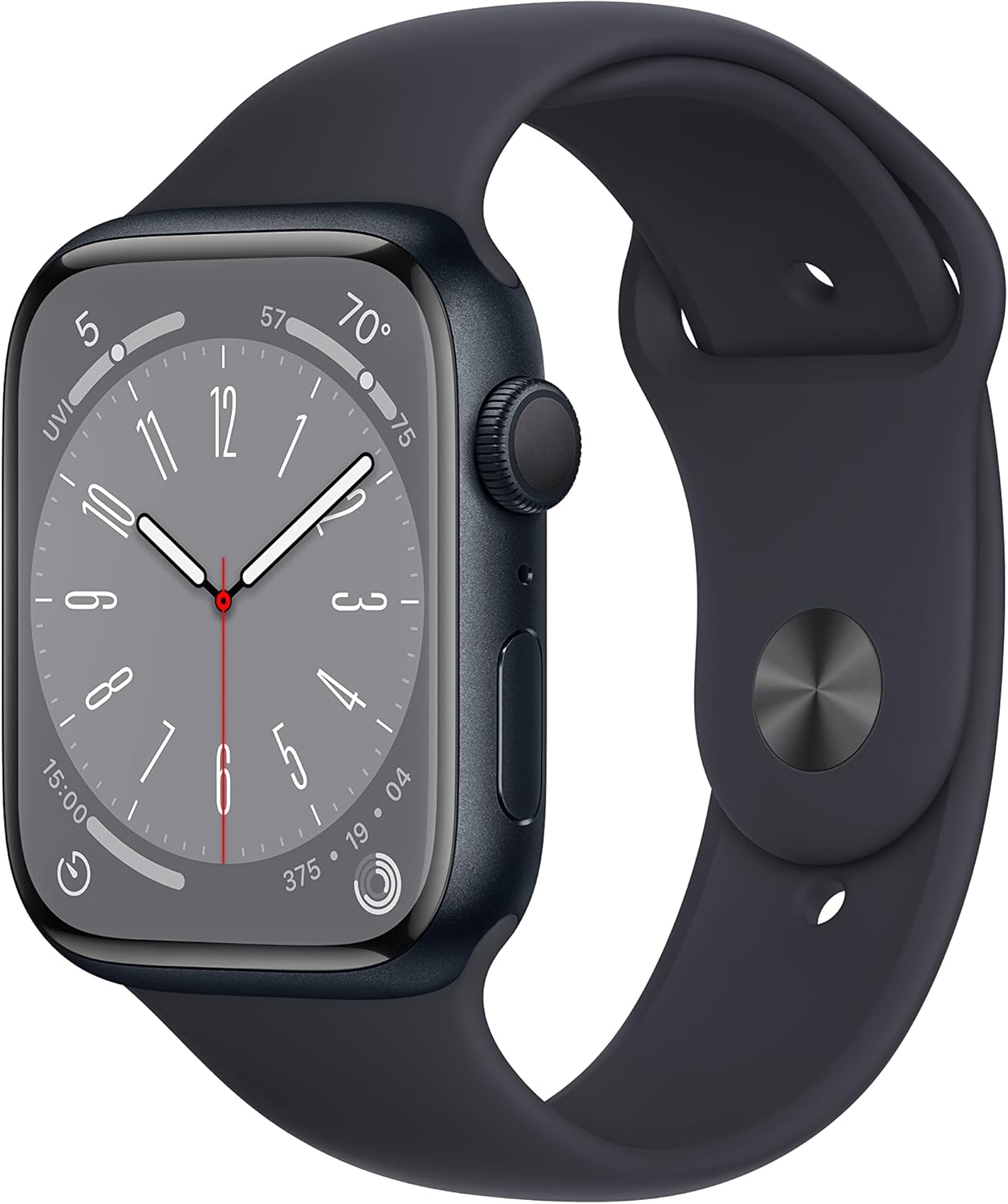
Image: The Apple Watch Series 8, showcasing its Midnight Aluminum Case and Midnight Sport Band, ready for wear.
Operating Your Apple Watch
Basic Navigation
- Digital Crown: Rotate to scroll, zoom, or adjust values. Press to go to the watch face or Home Screen. Double-press to switch between recently used apps.
- Side Button: Press to open the Dock (recently used apps), access Apple Pay, or use Emergency SOS. Press and hold to power on/off or access Medical ID.
- Tap: Select items or activate functions.
- Swipe: Move between screens or dismiss notifications.
- Force Touch (Haptic Touch): Press firmly on the display to reveal additional options (context-dependent).
Key Features and Usage
The Apple Watch Series 8 offers a range of advanced features:
- Fitness Tracking: Utilize the enhanced Workout app for various activities. Track metrics like heart rate, distance, and calories burned.
- Health Monitoring:
- Temperature Sensing: Provides insights into women's health.
- Blood Oxygen: Monitor your blood oxygen levels.
- ECG App: Take an electrocardiogram anytime.
- Irregular Rhythm Notifications: Receive alerts for potential irregular heart rhythms.
- Sleep Stages: Track time spent in REM, Core, and Deep sleep.
- Safety Features:
- Crash Detection: Automatically connects to emergency services in severe car crashes.
- Fall Detection: Detects hard falls and can initiate emergency calls.
- Emergency SOS: Provides urgent assistance with a button press.
- Communication: Send texts, make calls, listen to music, use Siri, and receive notifications directly from your wrist.
- Apple Pay: Make secure payments with a tap.
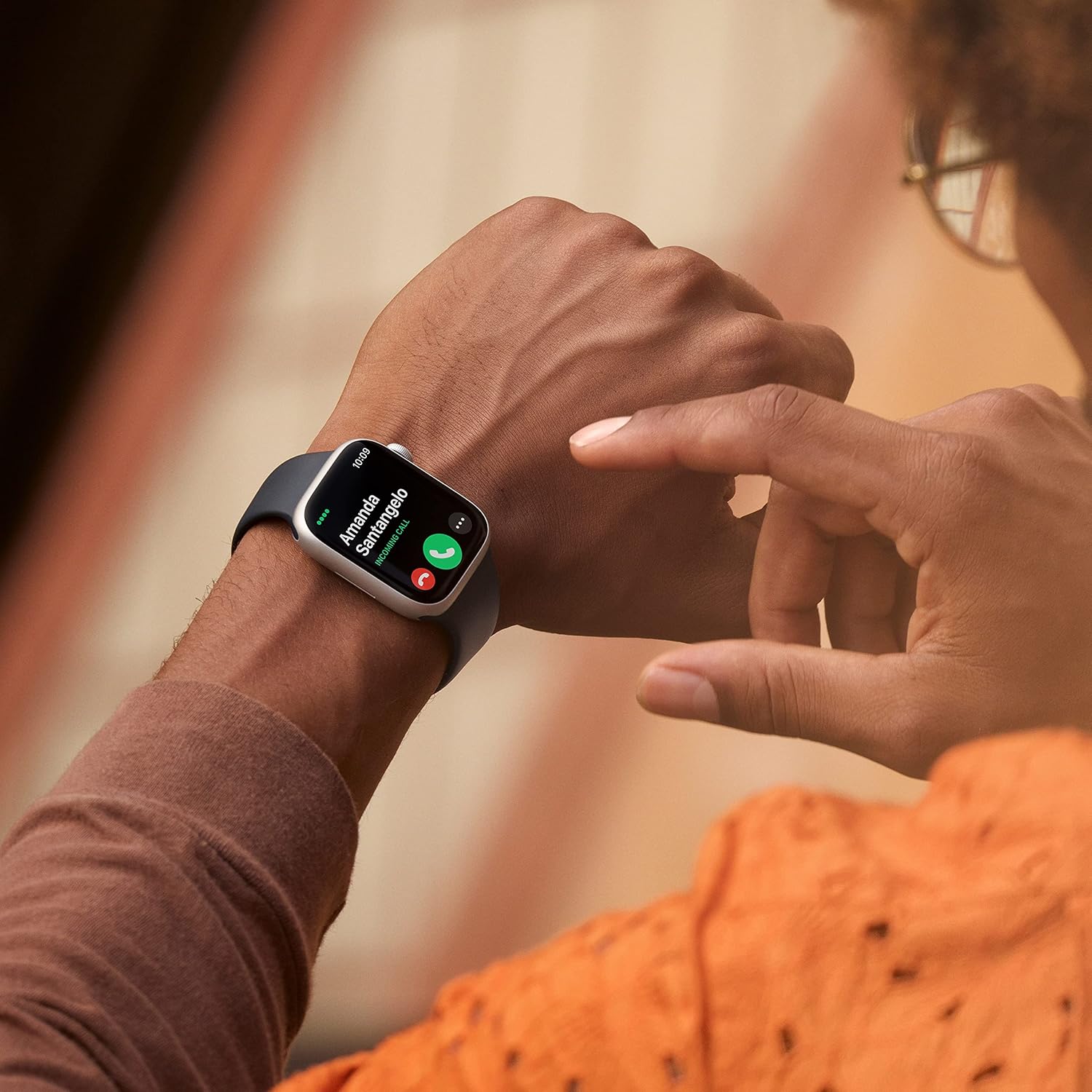
Image: A user interacting with the Apple Watch Series 8 to answer a phone call, demonstrating its communication capabilities.

Image: A detailed view of the Apple Watch Series 8 screen, highlighting the clarity of the Always-On Retina display and customizable watch faces.

Image: A close-up of the Apple Watch Series 8's Digital Crown and side button, showing the textured finish of the Digital Crown.
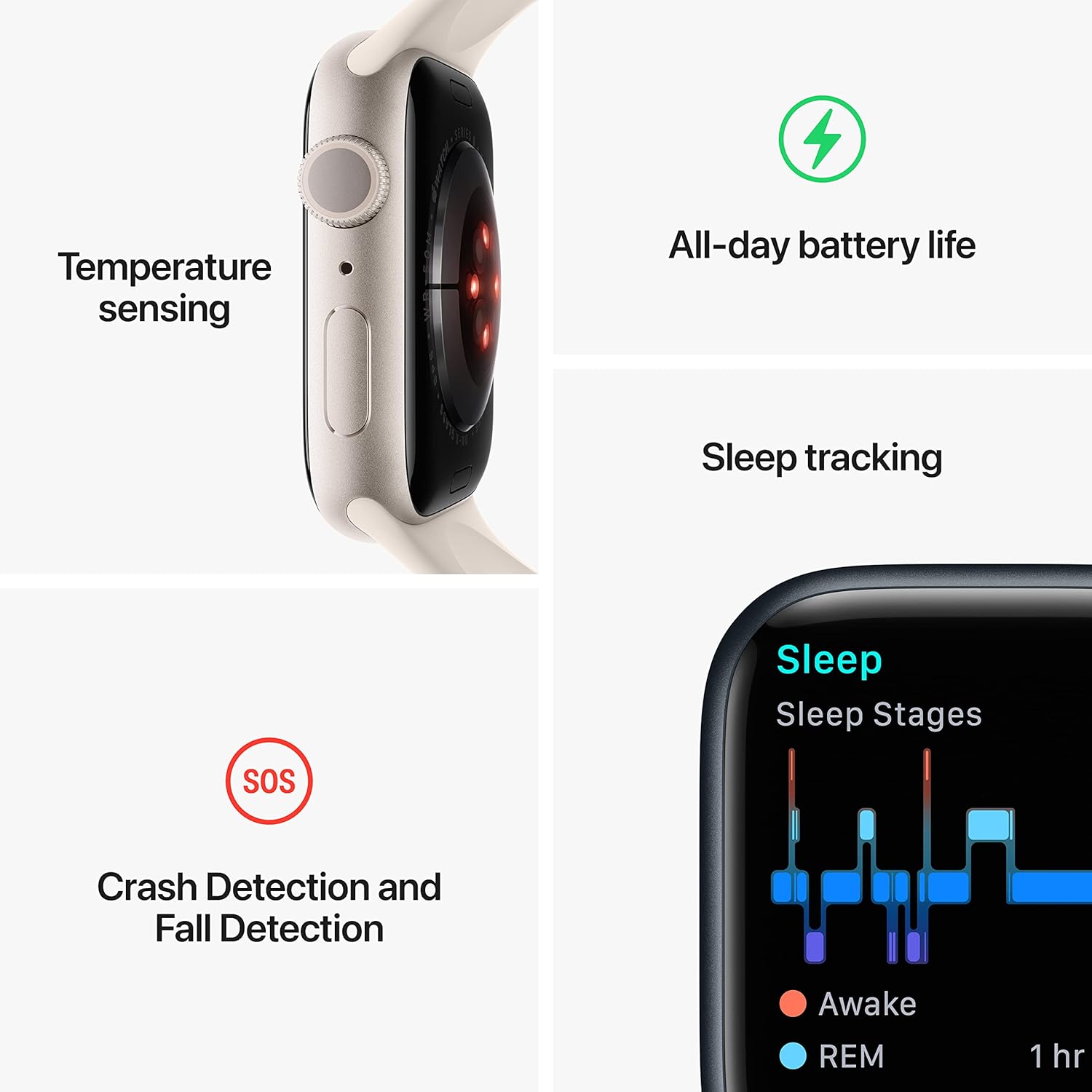
Image: An infographic detailing the core functionalities of the Apple Watch Series 8, including temperature sensing, all-day battery life, sleep tracking, and safety features like Crash Detection, Fall Detection, and Emergency SOS.
Maintenance and Care
- Cleaning: Clean your Apple Watch with a soft, lint-free cloth. If necessary, lightly dampen the cloth with fresh water. Do not use soaps or cleaning products.
- Water Resistance: The Apple Watch Series 8 is swimproof with WR50 water resistance. It can be used for shallow-water activities like swimming in a pool or ocean. It should not be used for scuba diving, waterskiing, or other activities involving high-velocity water or submersion below shallow depth.
- Durability: The watch is crack resistant and IP6X-certified dust resistant. Avoid extreme temperatures and impacts.
- Battery Life: To optimize battery life, manage background app refresh, reduce screen brightness, and enable Low Power Mode when needed.
Troubleshooting
Common Issues and Solutions
| Issue | Possible Solution |
|---|---|
| Watch not turning on | Ensure the watch is charged. Press and hold the side button for at least 10 seconds until the Apple logo appears. |
| Cannot pair with iPhone | Ensure Bluetooth is enabled on your iPhone. Restart both devices. Make sure your iPhone is running the latest iOS version. |
| Apps not responding | Force quit the app by pressing the side button, then swipe the app to the left and tap the 'X'. Restart the app. If issue persists, restart the watch. |
| Inaccurate heart rate/activity tracking | Ensure the watch is worn snugly on your wrist. Clean the back of the watch. Check for software updates. |
Software Updates
Regularly update your Apple Watch software (watchOS) through the Watch app on your iPhone to ensure optimal performance, security, and access to new features.
Specifications
- Model: MNUL3LL/A
- Display: Always-On Retina Display
- Case Size: 45mm
- Materials: Midnight Aluminum Case
- Band: Midnight Sport Band (M/L - fits 160–210mm wrists)
- Operating System: watchOS
- Storage: 32 GB
- Connectivity: GPS, Wi-Fi (802.11n), Bluetooth
- Water Resistance: WR50 (Swimproof)
- Dust Resistance: IP6X certified
- Sensors: Blood Oxygen sensor, Electrical heart sensor (ECG app), Optical heart sensor, Temperature sensing, Accelerometer, Gyroscope, Ambient light sensor
- Battery: Lithium Ion (included)
- Dimensions: 1.73 x 0.42 x 1.5 inches
- Weight: 1.28 ounces
Warranty Information
Apple products typically come with a one-year limited warranty. For detailed warranty terms and conditions, please refer to the documentation included with your purchase or visit the official Apple support website. This warranty covers manufacturing defects but does not cover damage caused by accidents, misuse, or unauthorized modifications.
Support and Service
For further assistance, technical support, or service inquiries, please visit the official Apple Support website or contact Apple customer service. You can find more information and resources at:
Keep your purchase receipt and product serial number (found on the watch or its packaging) readily available when contacting support.
Important Safety Information
Read all safety information below and in the Apple Watch User Guide before using Apple Watch to avoid injury. Keep this manual for future reference.
- Driving and Navigation: Do not use Apple Watch for navigation or other tasks that distract you while driving.
- Medical Device Interference: Apple Watch contains magnets that may interfere with medical devices. Consult your physician and medical device manufacturer for specific information.
- Skin Irritation: Some people may experience reactions to certain materials. If you experience redness, swelling, itchiness, or any other irritation, remove your Apple Watch and consult a doctor.
- Hearing Damage: To prevent possible hearing damage, do not listen at high volume levels for long periods.
Related Documents - MNUL3LL/A
 |
Apple Watch Series 6 Teardown: Internal Components and Analysis A detailed teardown and analysis of the Apple Watch Series 6, exploring its internal hardware, new sensors, battery, Taptic Engine, and repairability score. |
 |
Apple Watch User Guide: Master Your Smartwatch with watchOS 10.4 The official Apple Watch User Guide for watchOS 10.4. Learn setup, features, health tracking, connectivity, apps, safety, and more for all Apple Watch models. Your essential companion for maximizing your smartwatch experience. |
 |
Apple Watch User Guide: Setup, Features, Health, and Fitness Comprehensive user guide for Apple Watch covering setup, health tracking, fitness, apps, Apple Fitness+, safety features, and connectivity with watchOS 10.4. |
 |
Apple Watch Band and Case User Manual - Model T1 User manual for the Apple Watch Band and Case, Model T1. Provides product information, manufacturer details, safety warnings, instructions for use, maintenance, disposal, and technical specifications. |
 |
Apple Watch Series 4 拆解指南 iFixit 发布的 Apple Watch Series 4 (型号 A2008) 详细拆解与组件分析。涵盖内部结构、规格、ECG和心率传感器功能、电池、S4 SiP以及可修复性评估。 |
 |
Apple Watch User Guide: Master watchOS 10 Features and Settings Comprehensive user guide for Apple Watch, covering setup, features, watchOS 10 updates, health tracking, fitness, connectivity, and safety. Learn to maximize your Apple Watch experience. |