
Yale SD-L2000-BL
Yale Conexis L2 Smart Door Lock (SD-L2000-BL) Instruction Manual
Model: SD-L2000-BL
1. Product Overview
The Yale Conexis L2 Smart Door Lock provides advanced security and convenient keyless access for your home. This smart lock integrates with the Yale Home App, allowing for remote control and monitoring. It supports multiple entry methods including key tags, key cards, and smartphone access.
Key features include:
- Keyless entry via key tag, key card, or Yale Home App.
- Remote access and real-time notifications through the Yale Home App.
- Compatibility with Amazon Alexa and Google Assistant.
- Secure encryption and tamper alarm for enhanced security.
- Battery operated with a 9V battery connection override backup.

Image: Front view of the Yale Conexis L2 Smart Door Lock in black, showing the handle and integrated smart module.
2. Setup and Installation
2.1 Compatibility Check
Before installation, ensure your door meets the following requirements:
- Door Thickness: Suitable for most PVC and Composite lift-to-lock doors with a thickness between 44-70mm.
- Centre Measurement: The distance between the center of the cylinder and the center of the door handle/spindle must be 92mm. Remove the internal handle for accurate measurement.
- Important Note: The Yale Conexis L2 Smart Door Lock is not compatible with Avantis brand multipoint door locks. Avantis locks are distinguishable by having the locking bolt above the latch bolt.

Image: Diagram illustrating the 3-step compatibility guide for the Yale Conexis L2, showing door thickness (44-70mm) and 92mm center measurement, along with a note about Avantis incompatibility.
2.2 Included Components
The package typically includes:
- Yale Conexis L2 Smart Door Lock unit
- WiFi Connect Bridge
- Key Tag
- Key Card
- Fixing pack
- 4x AA batteries
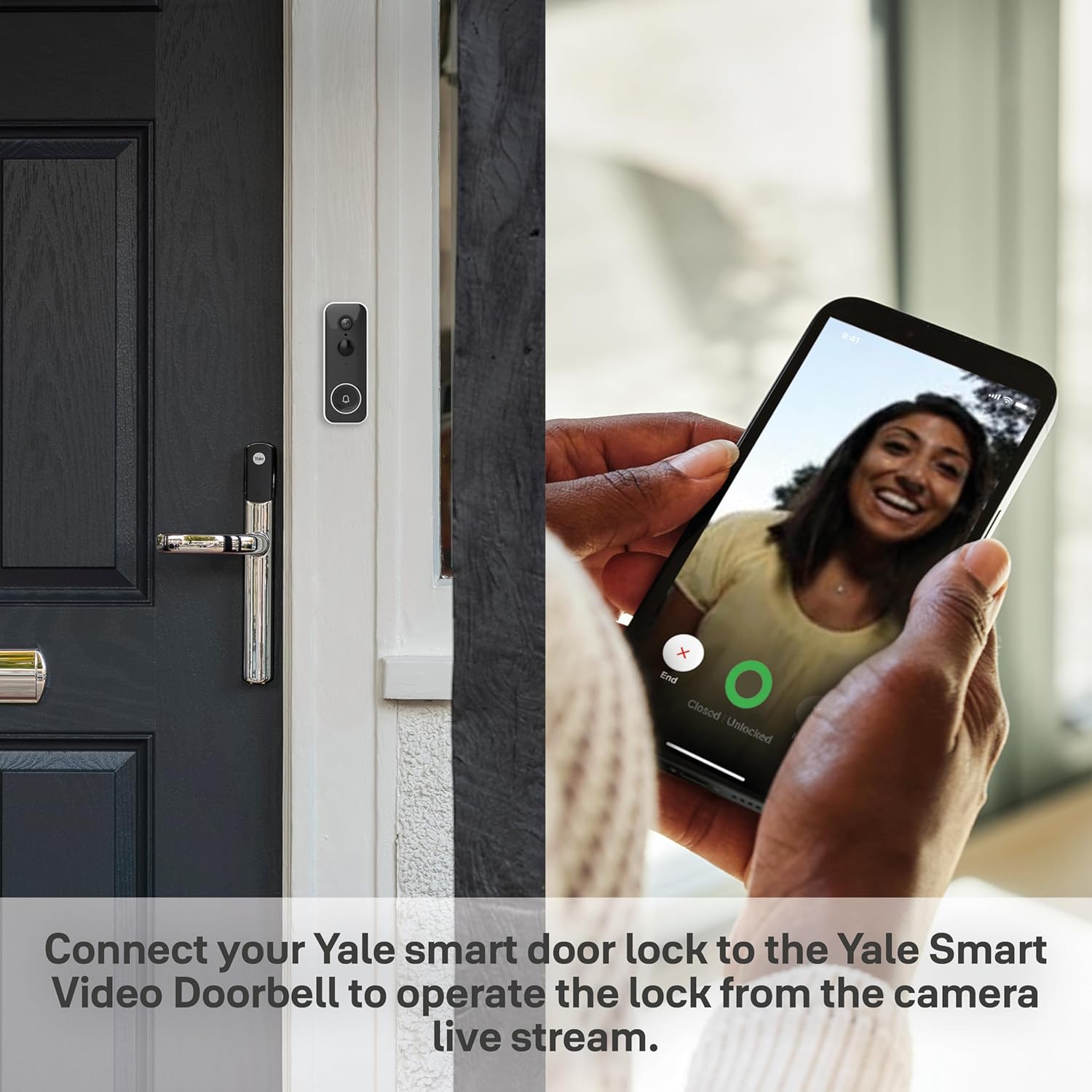
Image: A collection of Yale Conexis L2 components, including the main lock unit, the yellow module, and the white Yale Connect Bridge.
2.3 Battery Installation
The lock requires 4x AA batteries (included). Install them into the designated battery compartment on the interior side of the lock. Ensure correct polarity. An alert will be given when batteries are running low.
2.4 Yale Home App Setup
- Download the Yale Home App from your device's app store.
- Create an account or log in.
- Follow the in-app instructions to add your Conexis L2 Smart Door Lock. This typically involves scanning a QR code or entering a serial number.
- Pair the WiFi Connect Bridge with your home Wi-Fi network. Note: The bridge primarily connects to 2.4GHz Wi-Fi networks. If you experience connection issues, temporarily disable 5GHz Wi-Fi on your router during setup, then re-enable it afterward.
- Add key tags and key cards through the app as instructed.

Image: A smartphone displaying the Yale Home App interface, showing lock status and control options.
3. Operating the Lock
3.1 Keyless Entry Methods
- Key Tag/Key Card: Present the registered key tag or key card to the designated reader area on the lock's exterior. The lock will unlock automatically.
- Smartphone (Yale Home App): Use the Yale Home App on your smartphone to remotely unlock or lock the door. Ensure Bluetooth is enabled for proximity unlocking or Wi-Fi for remote access via the Connect Bridge.

Image: A hand holding a Yale key tag near the top of the Yale Conexis L2 Smart Door Lock, indicating keyless entry.
3.2 Remote Access and Monitoring
With the Yale Home App and WiFi Connect Bridge, you can:
- Lock or unlock your door from anywhere.
- Receive real-time notifications if the door is unlocked unexpectedly.
- Grant or revoke access to friends, family, or trusted individuals instantly via the app.
- Monitor who comes and goes with activity logs.
3.3 Voice Assistant Integration
The Yale Conexis L2 is compatible with leading voice assistants:
- Amazon Alexa: Link your Yale Home account to Alexa to control your lock with voice commands (e.g., "Alexa, is my front door locked?").
- Google Assistant: Connect your Yale Home account to Google Assistant for voice control and status checks.
3.4 Security Features
The lock incorporates several security measures:
- Encrypted Bluetooth Technology: Ensures secure communication between the lock and your smartphone.
- Tamper Alarm: An audible alarm will sound if someone attempts to force entry or tamper with the lock, acting as a deterrent.
- BSI IoT Kitemark: The lock has undergone rigorous testing for quality, durability, and physical attack resistance, meeting BSI IoT Kitemark standards.
4. Maintenance
4.1 Battery Replacement
When the batteries are low, the lock will provide an alert. Replace all four AA batteries promptly. In the event of complete battery failure, a 9V battery can be temporarily connected to the external terminals for emergency power to operate the lock.
4.2 Cleaning
Clean the lock's exterior with a soft, damp cloth. Avoid using abrasive cleaners or solvents, as these can damage the finish.
5. Troubleshooting
- Lock not responding: Check battery levels and replace if necessary. Ensure the lock is properly installed and all connections are secure.
- App connectivity issues:
- Ensure your smartphone's Bluetooth is enabled and you are within range for direct lock communication.
- Verify the WiFi Connect Bridge is powered on and connected to your home Wi-Fi.
- If the bridge struggles to connect, ensure your router is broadcasting a 2.4GHz Wi-Fi signal. Temporarily disabling 5GHz during initial setup may resolve connection issues.
- Check your internet connection.
- Key tag/card not working: Ensure the key tag/card is properly registered in the Yale Home App. Present it correctly to the reader area.
- "Serial number invalid" or app not recognizing lock: Double-check the serial number entry. If issues persist, contact Yale customer support.
- Regional App Availability (Important for US users): The Yale Home App, which is essential for this lock's functionality, is primarily designed for the UK and European markets. Users in other regions, particularly the US, may encounter difficulties downloading or using the app due to regional restrictions. This can prevent full setup and utilization of the smart features. Consult Yale's official support channels for regional compatibility information before purchase and installation.
For further assistance, refer to the official Yale support website or contact their customer service.
6. Specifications
| Brand | Yale |
| Model Name | CONEXIS L2 SMART LOCK - YALE ACCESS - BLACK |
| Model Number | SD-L2000-BL |
| Lock Type | Electronic Lock, Key Lock |
| Special Feature | App control, Keyless Features |
| Connectivity Protocol | Wi-Fi (via Connect Bridge), Bluetooth |
| Controller Type | Google Assistant, Amazon Alexa |
| Power Source | 4x AA Batteries (with 9V override) |
| Item Dimensions (L x W x H) | 3.82 x 1.3 x 14.96 inches |
| Item Weight | 2.2 pounds (1 Kilogram) |
| Material | Polyvinyl Chloride, Zinc finish |

Image: Technical drawing showing the dimensions of the Yale Conexis L2 lock, module, and bridge in millimeters and inches.
7. Warranty and Support
7.1 Manufacturer's Warranty
The Yale Conexis L2 Smart Door Lock comes with a 2-year manufacturer's warranty. Please retain your proof of purchase for warranty claims.
7.2 Customer Support
For technical support, warranty claims, or further inquiries, please visit the official Yale website or contact their customer service department. Contact details can typically be found on the Yale brand website or within the Yale Home App.
It is recommended to check the official Yale website for the most up-to-date information regarding product compatibility and regional app availability.
Related documentsSD-L2000-BL


Ask a question about this manual
Ask about setup, troubleshooting, compatibility, parts, safety, or missing instructions. Manuals+ will review the question and use this page’s manual context to help answer it.