
1. Introduction and Overview
The CONTEC SP80B is a portable, handheld spirometer designed for measuring various respiratory parameters. It is equipped with Bluetooth connectivity for convenient data transfer to compatible devices. This manual provides essential information for the safe and effective use of your SP80B spirometer.
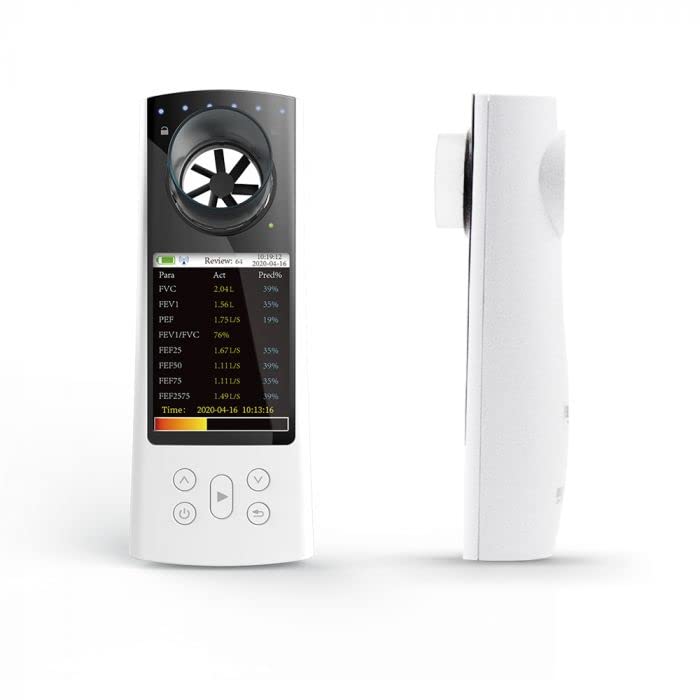
Figure 1: Front and side view of the CONTEC SP80B Handheld Spirometer. The device features a clear LCD screen and intuitive control buttons.
Key Features:
- Measures 8 parameters: FVC (Forced Vital Capacity), FEV1 (Forced Expiratory Volume in one second), PEF (Peak Expiratory Flow), FEV1/FVC, FEF25 (Forced Expiratory Flow at 25% of FVC), FEF50 (Forced Expiratory Flow at 50% of FVC), FEF75 (Forced Expiratory Flow at 75% of FVC), and FEF2575 (Forced Expiratory Flow between 25% and 75% of FVC).
- 2.83" LCD display for clear readings.
- Indicates expiration within 6 seconds by indicators.
- Rechargeable lithium battery (2200mAh) for extended use.
- Continuous working time: > 10 hours.
- Data transmission via Bluetooth and USB.
- Stores up to 224 cases with waveform data (more than 10000 for cases without waveform).
2. Setup
Before first use, ensure the device is fully charged and all components are present and undamaged.
2.1 Unpacking
Carefully remove the spirometer and all accessories from the packaging. Verify that the following items are included:
- CONTEC SP80B Handheld Spirometer unit
- Mouthpieces (disposable)
- USB charging cable
- User Manual (this document)
2.2 Charging the Battery
The device is powered by a rechargeable lithium battery. Connect the provided USB cable to the spirometer's charging port and the other end to a standard USB power adapter (not included) or a computer USB port. The charging indicator on the device will illuminate during charging and turn off when fully charged. A full charge typically takes approximately 2-3 hours.
2.3 Initial Power-On
Press and hold the power button (usually marked with a power symbol) for a few seconds until the LCD screen illuminates. The device will perform a self-check and display the main interface.
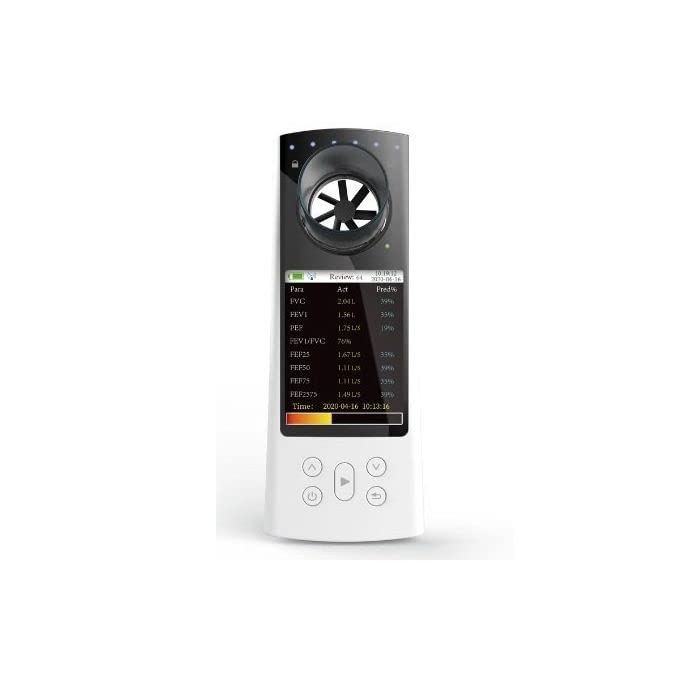
Figure 2: The CONTEC SP80B spirometer displaying various respiratory parameters on its screen. This view highlights the device's user interface.
3. Operating Instructions
Follow these steps for accurate spirometry measurements.
3.1 Preparing for a Test
- Ensure the device is powered on and fully charged.
- Attach a new, clean disposable mouthpiece to the spirometer's sensor opening.
- Sit upright in a comfortable position.
- Ensure there are no obstructions to breathing.
3.2 Performing a Spirometry Test
The device will guide you through the test. Typically, a spirometry test involves the following steps:
- Inhale Deeply: Take the deepest breath you can, filling your lungs completely.
- Seal Lips Around Mouthpiece: Place the mouthpiece in your mouth and seal your lips tightly around it.
- Exhale Forcefully and Completely: Blow out as hard and as fast as you can until your lungs are completely empty. Continue exhaling for at least 6 seconds, or until the device indicates completion.
- Review Results: The measured parameters will be displayed on the LCD screen immediately after the test.
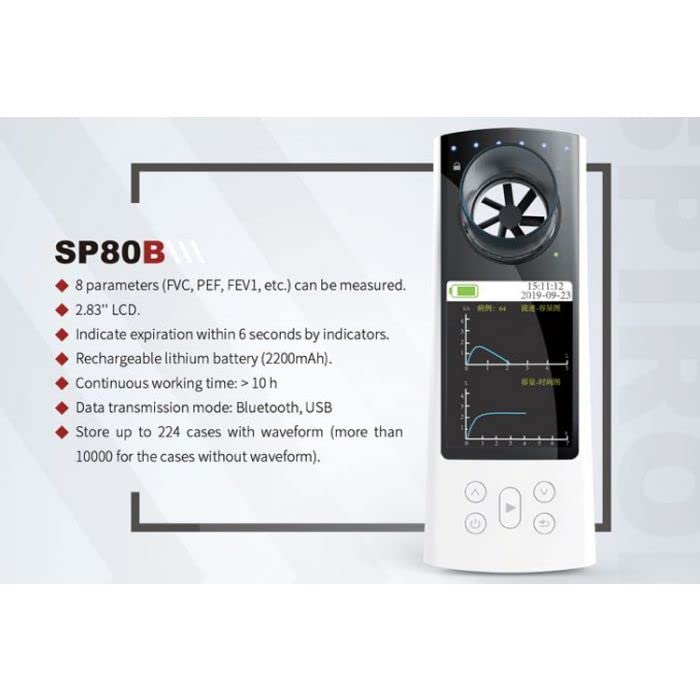
Figure 3: The CONTEC SP80B display showing detailed spirometry test results, including FVC, FEV1, PEF, and other parameters with actual and predicted values.
3.3 Data Transfer via Bluetooth
The SP80B supports Bluetooth connectivity for transferring data to a compatible smartphone or computer application. Refer to the specific application's instructions for pairing and data synchronization.
- Ensure Bluetooth is enabled on both the spirometer and your receiving device.
- Open the dedicated spirometry application on your smartphone or computer.
- Follow the application's instructions to search for and pair with the SP80B device.
- Once paired, data can be transferred and viewed in the application.
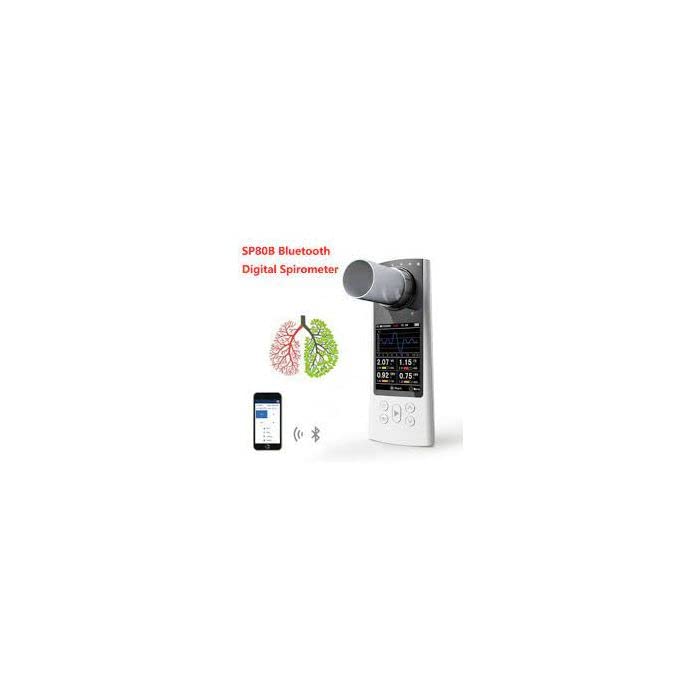
Figure 4: The CONTEC SP80B spirometer demonstrating its Bluetooth connectivity with a smartphone, allowing for data synchronization and analysis.
4. Maintenance
Proper maintenance ensures the longevity and accuracy of your spirometer.
4.1 Cleaning the Device
- Wipe the exterior of the device with a soft, damp cloth. Do not use abrasive cleaners or immerse the device in water.
- The mouthpiece should be disposable and replaced after each use to prevent cross-contamination.
- Ensure the sensor opening is free from dust or debris. Use a soft brush if necessary, but avoid inserting objects into the sensor.
4.2 Battery Care
- Charge the battery regularly, even if the device is not in frequent use, to maintain battery health.
- Avoid fully discharging the battery frequently.
- Store the device in a cool, dry place when not in use.
4.3 Storage
Store the spirometer in its original packaging or a protective case in a clean, dry environment, away from direct sunlight, extreme temperatures, and humidity.
5. Troubleshooting
If you encounter issues with your SP80B spirometer, refer to the following common problems and solutions:
| Problem | Possible Cause | Solution |
|---|---|---|
| Device does not power on. | Low battery or device malfunction. | Charge the device fully. If the problem persists, contact customer support. |
| Bluetooth connection fails. | Bluetooth not enabled, device out of range, or pairing issue. | Ensure Bluetooth is enabled on both devices. Move devices closer. Restart both devices and try pairing again. |
| Inaccurate readings. | Improper test technique, dirty sensor, or device malfunction. | Review operating instructions for proper technique. Clean the sensor area. If issues persist, contact support. |
| Screen is blank or frozen. | Software glitch or low battery. | Try restarting the device by holding the power button. Charge the device. |
6. Specifications
Detailed technical specifications for the CONTEC SP80B Handheld Spirometer.
- Brand: CONTEC
- Model: SP80B
- Item Weight: 120 g
- Package Dimensions: 16 x 6.5 x 4.5 cm
- Connectivity Technology: Bluetooth
- Power Source: Battery Powered (Rechargeable Lithium Battery 2200mAh)
- Display: 2.83" LCD
- Data Storage: Up to 224 cases with waveform, over 10000 cases without waveform
- Date First Available: 6 September 2022
7. Warranty and Support
For specific warranty terms and conditions, please refer to the warranty card included with your product or contact the authorized CONTEC distributor or seller from whom you purchased the device. Warranty coverage typically includes defects in materials and workmanship under normal use.
Customer Support:
If you require technical assistance, have questions about the device's operation, or need to report a malfunction, please contact the seller or CONTEC customer support. Have your product model (SP80B) and purchase information ready when contacting support.


