
UPBRIGHT Bomaker Odine III Soundbar Power
User Manual
UpBright 19V AC/DC Adapter
1. Introduction
This user manual provides essential information for the safe and effective use of your UpBright 19V AC/DC Adapter. Please read this manual thoroughly before using the product and retain it for future reference.
2. Product Overview
The UpBright 19V AC/DC Adapter is a global power supply designed to provide stable and reliable power to compatible devices, such as the Bomaker Odine III 37-Inch 2.0 Channel Wired & Wireless Bluetooth 5.0 3D Soundbar. It features robust protection mechanisms to ensure the safety of your devices.

Figure 2.1: UpBright 19V AC/DC Adapter. This image shows the main power adapter unit with its attached DC output cable ending in a barrel connector, and a separate AC input power cord.
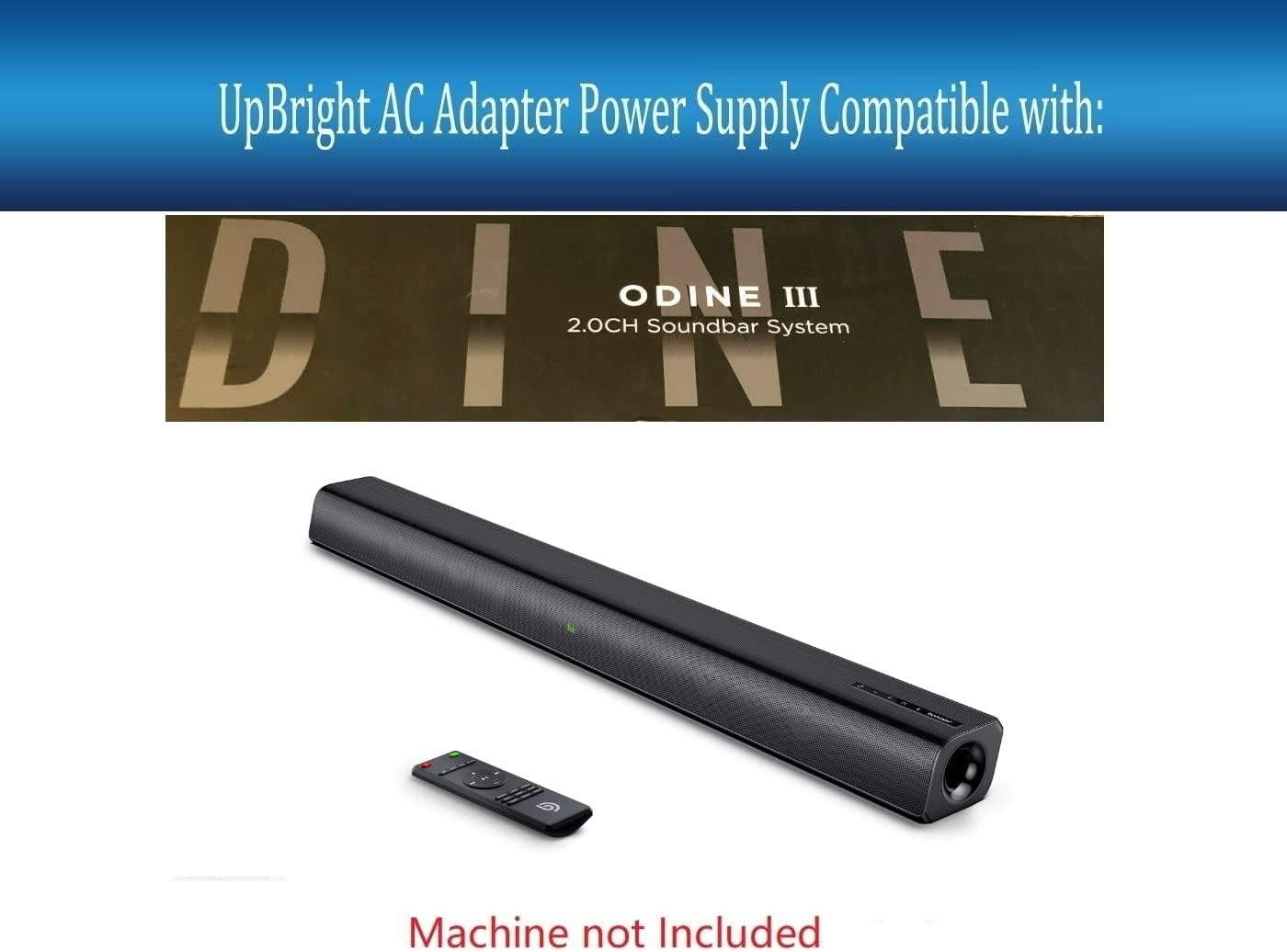
Figure 2.2: Compatibility illustration. This image displays the UpBright AC adapter alongside a Bomaker Odine III soundbar, indicating the adapter's intended use with this specific soundbar model. Note: Soundbar is not included with the adapter.
3. Key Features
- Global Compatibility: Supports World Wide Input Voltage 100-240VAC, 50/60Hz.
- Output Specifications: Provides 19V DC, 2.5A (2500mA) power.
- Safety Protections:
- OVP (Over Voltage Output Protection)
- OCP (Over Current Output Protection)
- SCP (Short Circuit Output Protection)
- Durable Design: Constructed for reliable and long-term performance.
- Barrel Connector: Standard barrel type connector for wide compatibility.
4. Setup Instructions
- Unpack the Adapter: Carefully remove the AC/DC adapter and its power cord from the packaging.
- Select Correct Power Cord: Identify the appropriate AC power cord for your region (US, EU, UK, AU, etc.).

Figure 4.1: Example of different AC power cord types. The product comes with one suitable AC power cord for your country or area.
- Connect AC Power Cord: Insert the AC power cord firmly into the input port of the UpBright AC/DC adapter.
- Connect to Device: Plug the barrel connector of the adapter's DC output cable into the power input port of your compatible device (e.g., Bomaker Odine III Soundbar). Ensure a secure connection.
- Connect to Wall Outlet: Plug the AC power cord into a standard wall electrical outlet.
Important: Always ensure the adapter's voltage and current specifications match your device's requirements to prevent damage. This adapter is specifically designed for devices requiring 19V DC and up to 2.5A.
5. Operation
Once properly connected, the UpBright AC/DC adapter will supply power to your device. There are no user-adjustable settings on the adapter itself. Its operation is automatic upon connection to a power source and a compatible device.
- Ensure all connections are firm before powering on your device.
- The adapter is designed for continuous operation within its specified limits.
6. Maintenance and Care
- Cleaning: Disconnect the adapter from both the wall outlet and your device before cleaning. Use a soft, dry cloth to wipe the surface. Do not use liquid cleaners or aerosols.
- Storage: When not in use, store the adapter in a cool, dry place away from direct sunlight and extreme temperatures. Avoid tightly coiling the cables to prevent damage.
- Handling: Do not drop, disassemble, or attempt to repair the adapter. Refer to qualified service personnel for any repairs.
- Ventilation: Ensure the adapter has adequate ventilation during operation. Do not cover it or place it in an enclosed space that could restrict airflow.
7. Troubleshooting
| Problem | Possible Cause | Solution |
|---|---|---|
| Device not powering on. |
|
|
| Adapter feels warm. |
|
|
8. Product Specifications
| Attribute | Specification |
|---|---|
| Model Number | Bomaker Odine III Soundbar Power (Compatible) |
| Input Voltage | 100-240VAC, 50/60Hz |
| Output Voltage | 19V DC |
| Output Current | 2.5A (2500mA) |
| Connector Type | Barrel Connector |
| Product Dimensions | 5 x 3 x 1 inches |
| Item Weight | 10 ounces |
| Safety Features | OVP, OCP, SCP Protection |
9. Warranty and Support
UpBright products are designed for reliability and performance. This adapter comes with:
- 30 Days Refund Policy
- 24 Months Exchange Warranty
For technical support, warranty claims, or any inquiries, please contact UpBright customer service through the retailer where the product was purchased or visit the official UpBright store page on Amazon: UPBRIGHT Store.
Related documentsBomaker Odine III Soundbar Power

Ask a question about this manual
Ask about setup, troubleshooting, compatibility, parts, safety, or missing instructions. Manuals+ will review the question and use this page’s manual context to help answer it.