
WILSON Blade UL Gruuv V2
Wilson Blade UL Gruuv V2 Platform Tennis Paddle User Manual
Model: Blade UL Gruuv V2
Introduction
Thank you for choosing the Wilson Blade UL Gruuv V2 Platform Tennis Paddle. This manual provides essential information for the proper setup, operation, maintenance, and troubleshooting of your new paddle. The Blade UL Gruuv V2 is engineered to enhance your game with its innovative GRUUV angled hole technology, designed to increase ball rotation and improve shot control.
Please read this manual thoroughly before using the paddle to ensure optimal performance and longevity.
Setup
The Wilson Blade UL Gruuv V2 Platform Tennis Paddle comes ready for immediate use. No complex assembly is required. However, consider the following for optimal setup:
- Grip Check: Ensure the grip feels comfortable and secure in your hand. The paddle features a 4.25-inch grip size, suitable for adult players. If desired, an overgrip can be applied for personalized feel and moisture absorption.
- Wrist Tether: Always utilize the integrated wrist tether. Loop the tether around your wrist and tighten it securely to prevent accidental dropping of the paddle during play, which can cause damage to the paddle or injury to others.
- Initial Inspection: Before your first use, visually inspect the paddle for any signs of damage from shipping. Check the paddle face, frame, and grip for cracks, dents, or loose components.
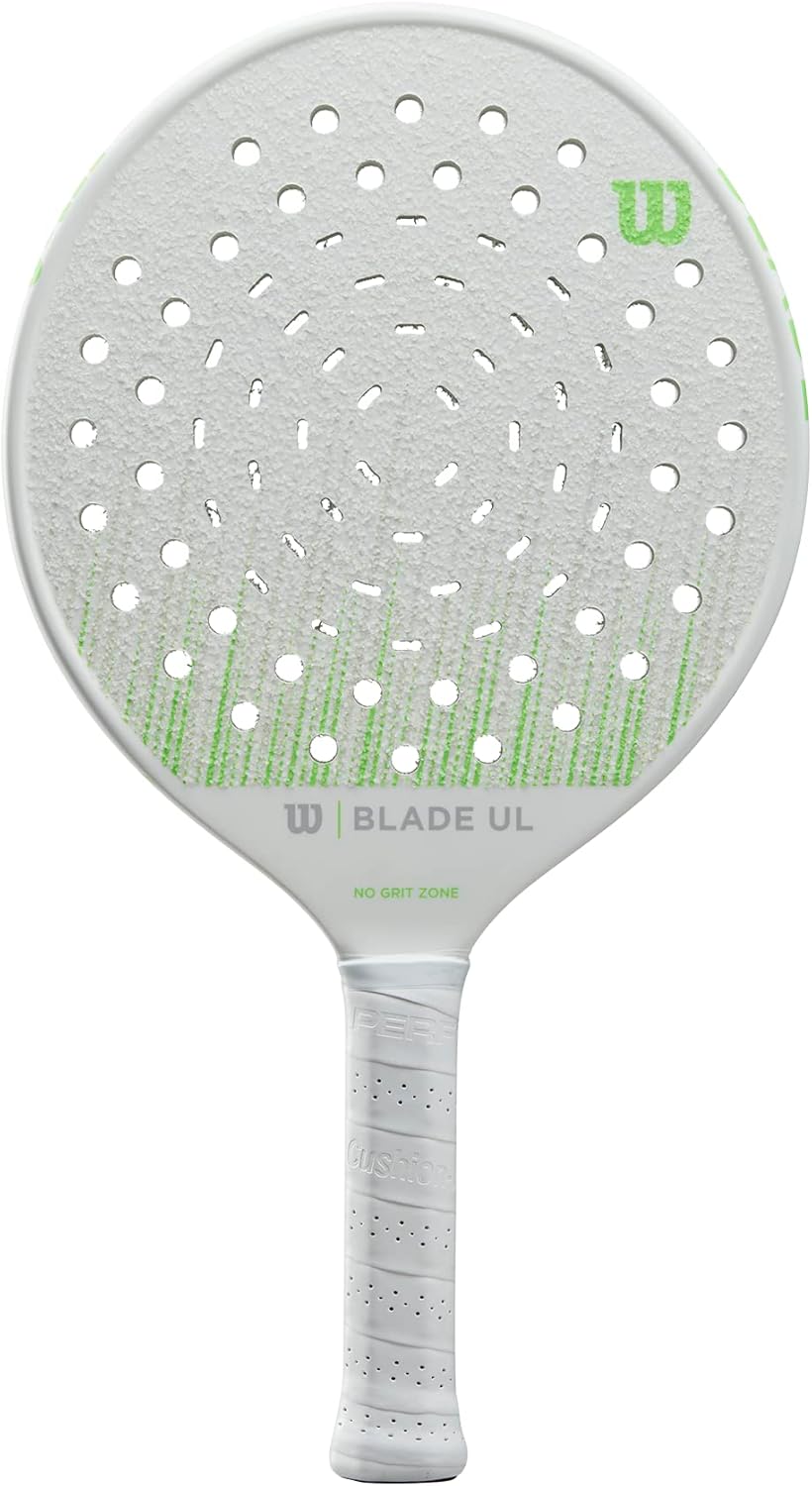
Figure 1: Wilson Blade UL Gruuv V2 Platform Tennis Paddle. This image displays the paddle's overall design, including the GRUUV hole pattern and the grip.
Operating Instructions
The Wilson Blade UL Gruuv V2 is designed for all skill levels in platform tennis. Its core technology, GRUUV, enhances ball spin and control.
- GRUUV Technology: The angled hole pattern on the paddle face is engineered to increase the amount of spin you can impart on the ball. Experiment with different stroke angles to maximize ball rotation, allowing for more aggressive shots and better control over ball placement.
- Control and Power: The paddle's carbon fiber frame and foam core provide a balanced blend of power and control. The lightweight design (360 grams) allows for quick reactions and maneuverability, while the solid construction ensures consistent power transfer.
- Sweet Spot: Familiarize yourself with the paddle's sweet spot for optimal shot execution. The design aims for a forgiving sweet spot, but consistent contact will yield the best results.
- Playing Conditions: This paddle is suitable for standard platform tennis court conditions. Avoid extreme temperatures or prolonged exposure to direct sunlight when not in use, as this can affect the paddle's materials.

Figure 2: Detail of the paddle face, showcasing the GRUUV angled hole technology designed for enhanced ball spin.
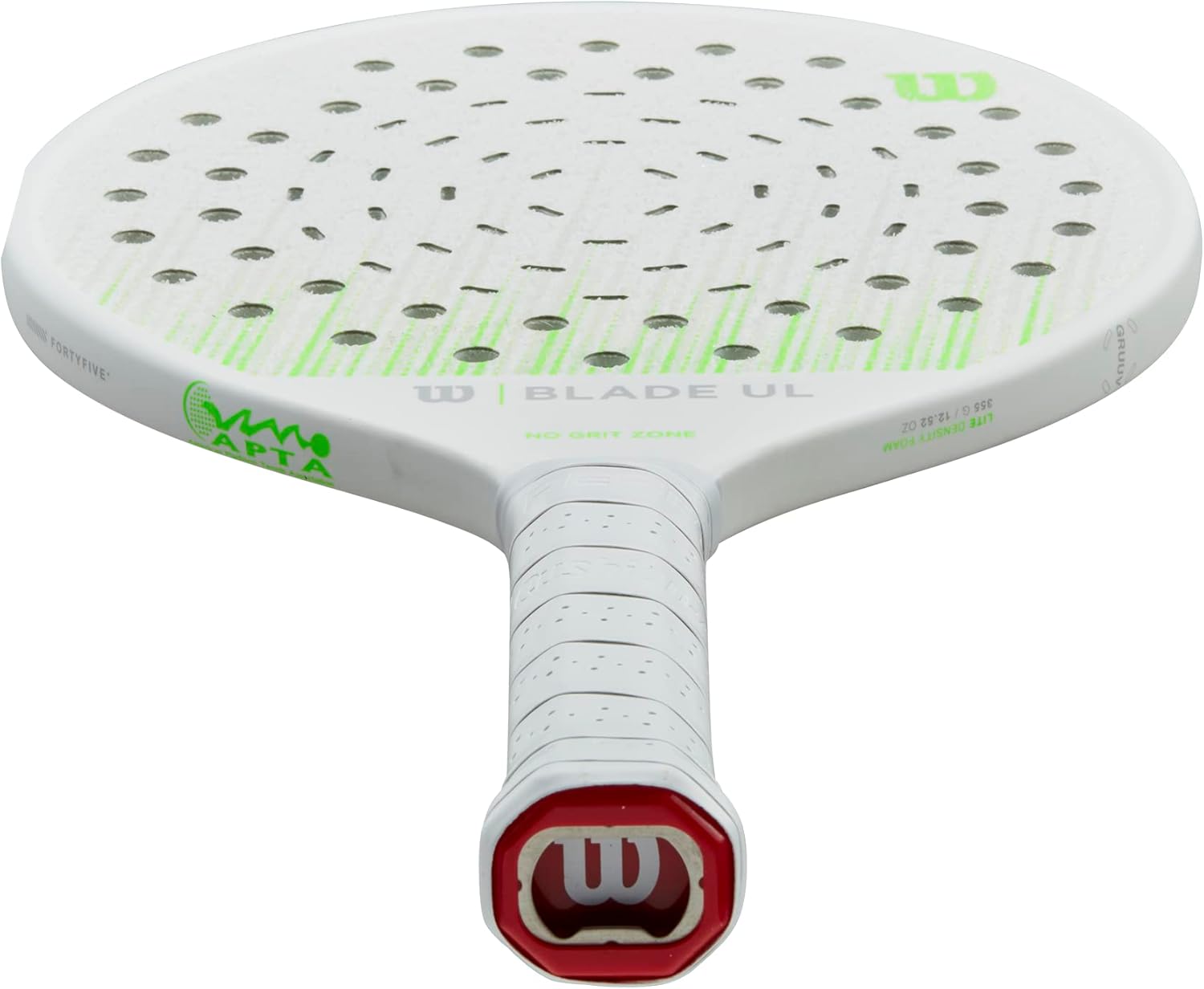
Figure 3: View of the paddle's handle and butt cap, illustrating the grip design and wrist tether attachment point.
Care and Maintenance
Proper care will extend the life and maintain the performance of your Wilson Blade UL Gruuv V2 Platform Tennis Paddle.
- Cleaning: After each use, wipe down the paddle face and grip with a clean, damp cloth to remove dirt, sweat, and debris. Avoid using harsh chemicals or abrasive cleaners, as these can damage the paddle's finish and materials.
- Storage: Store your paddle in a cool, dry place away from direct sunlight and extreme temperatures. Prolonged exposure to heat can warp the paddle or degrade the materials. A paddle cover (not included) is recommended for added protection during transport and storage.
- Inspection: Regularly inspect the paddle for any signs of wear or damage, such as cracks in the frame or face, loose grip, or fraying wrist tether. Address any issues promptly to prevent further damage or potential injury.
- Grip Replacement: The grip may wear down over time with regular use. Replace the grip or apply a new overgrip when it becomes slick or uncomfortable to maintain optimal control.
Troubleshooting
This section addresses common issues you might encounter with your platform tennis paddle.
| Issue | Possible Cause | Solution |
|---|---|---|
| Reduced Ball Spin | Paddle face is dirty or worn. Incorrect stroke technique. | Clean the paddle face thoroughly. Practice stroke mechanics to utilize GRUUV technology effectively. |
| Slipping Grip | Sweat accumulation. Worn-out grip. | Wipe grip dry during play. Consider applying an overgrip or replacing the existing grip. |
| Unusual Noise or Vibration | Internal damage or loose components. | Stop using the paddle immediately. Inspect for cracks or damage. If damage is suspected, contact Wilson customer support. |
| Paddle Feels Heavy/Sluggish | Not applicable for this model, as it is designed to be lightweight. | Ensure proper technique and physical conditioning. This paddle is designed for maneuverability. |
Product Specifications
| Brand | WILSON |
| Model | Blade UL Gruuv V2 |
| Sport | Tennis (Platform Tennis) |
| Skill Level | All |
| Frame Material | Carbon Fiber |
| Shaft Material | Foam |
| Item Weight | 360 Grams |
| Grip Size | 4.25 inches |
| Product Dimensions (L x W) | 3.39"L x 0.73"W (Note: These dimensions seem unusually small for a paddle, likely referring to a specific part or an error in source data. User should refer to official product page for full dimensions.) |
| Age Range | Adult |
| UPC | 097512652759 |
| First Available | August 28, 2022 |
Warranty and Support
For specific warranty information regarding your Wilson Blade UL Gruuv V2 Platform Tennis Paddle, please refer to the warranty card included with your purchase or visit the official Wilson Sporting Goods website. Warranty terms typically cover manufacturing defects.
If you have any questions, require technical assistance, or need to report an issue, please contact Wilson customer support through their official website or the contact information provided with your product packaging. When contacting support, please have your product model and purchase date available.
No official product videos from the seller were available for embedding in this manual.
Ask a question about this manual
Ask about setup, troubleshooting, compatibility, parts, safety, or missing instructions. Manuals+ will review the question and use this page’s manual context to help answer it.