
Introduction
This manual provides detailed instructions for the installation, operation, and maintenance of your OtterBox Defender Series Case for iPad (A16 & 10th Gen). Please read these instructions carefully to ensure proper use and maximum protection for your device.

Image: The OtterBox Defender Series Case in black, showcasing its rugged design and protective features.
Setup: Case Installation
The OtterBox Defender Series Case provides multi-layer protection. Follow these steps to properly install your iPad into the case.
Step-by-Step Installation
- Separate the Case Components: Carefully detach the outer silicone slipcover from the hard internal shell. Then, separate the two halves of the hard internal shell.

Image: A side view of the OtterBox Defender Series Case, illustrating its multi-layer construction.
- Place iPad into Hard Shell: Position your iPad (A16 or 10th Gen) into the front hard shell piece, ensuring all edges align correctly. The built-in screen protector should lay flat against your iPad's screen.
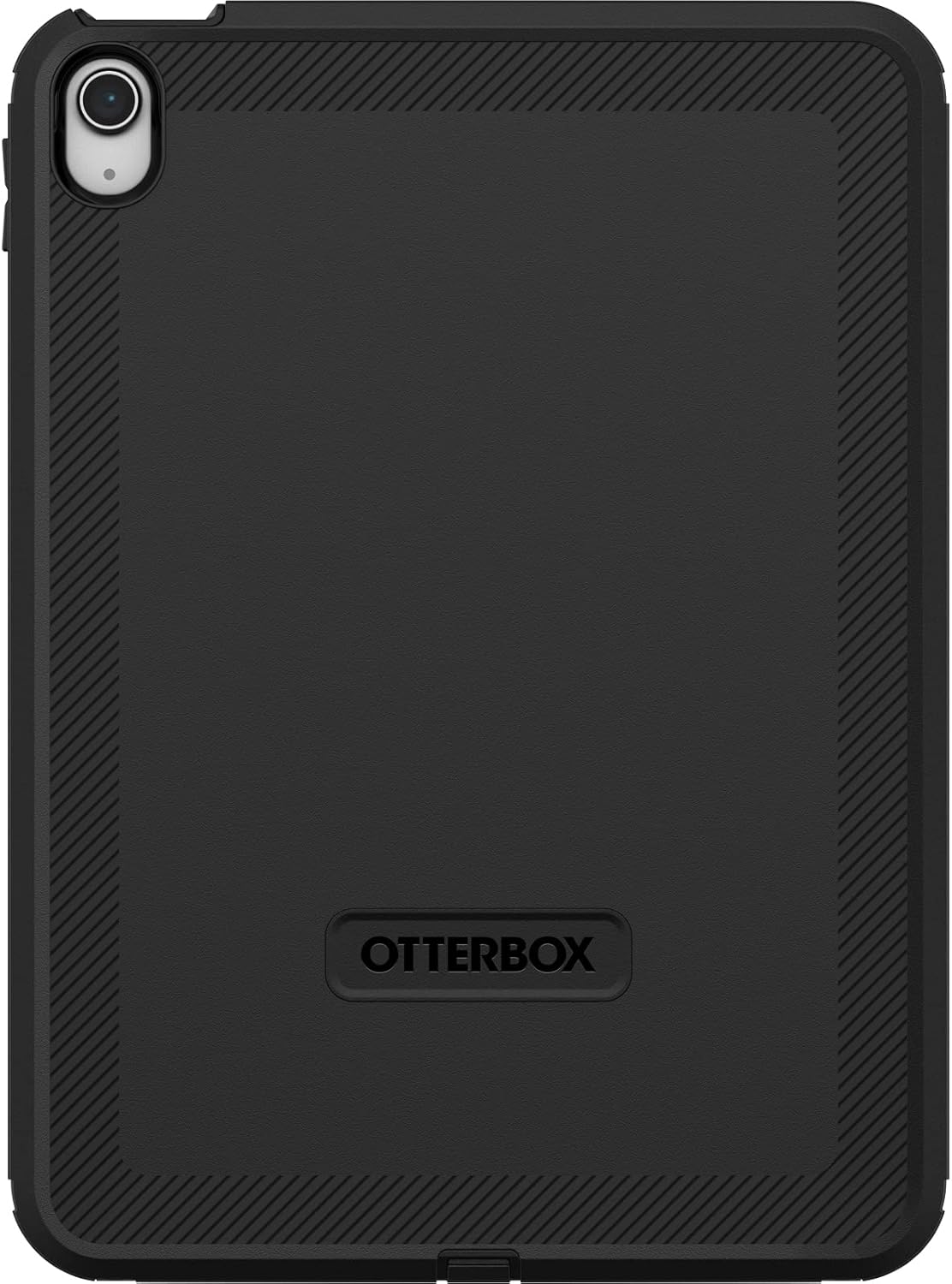
Image: The iPad securely fitted into the front hard shell, with the integrated screen protector visible.
- Close the Hard Shell: Snap the back hard shell piece onto the front piece, enclosing your iPad completely. Ensure all clips are securely fastened around the perimeter.
- Apply Silicone Slipcover: Stretch and fit the outer silicone slipcover over the assembled hard shell. Ensure all ports are covered by the integrated port covers and that the slipcover fits snugly around the entire case.
Installation Video Guide
For a visual guide, please refer to the official installation video below:
Video: Official OtterBox Defender Series Tablet Installation Guide. This video demonstrates the step-by-step process of installing your iPad into the Defender Series case, ensuring all protective layers are correctly assembled.
Operating Instructions
Using the Integrated Stand
The included shield cover doubles as a versatile stand, offering multiple viewing and typing angles.
- Attaching the Stand: The stand clips onto the front of the case when not in use, providing an additional layer of screen protection.
- Activating the Stand: To use, detach the stand from the front of the case. Fold it into the desired position.
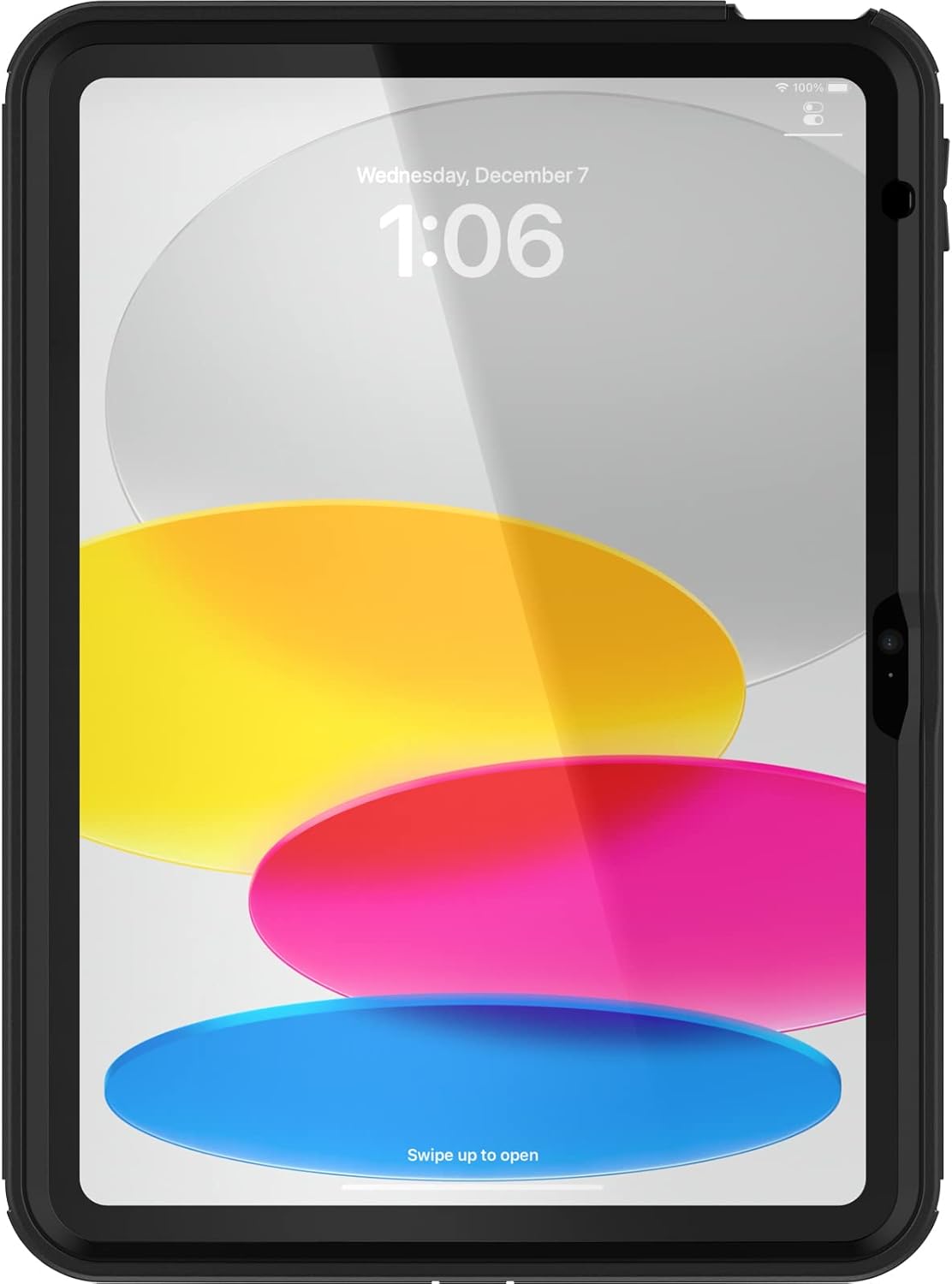
Image: The case with its kickstand deployed for a low-angle typing position.
- Adjusting Angles: The stand supports four positions for comfortable typing, media viewing (landscape), and portrait interaction. Adjust the stand by sliding the support mechanism to lock into the desired angle.

Image: The case with its kickstand deployed for a higher-angle media viewing position.

Image: A side profile of the case showing the kickstand supporting the iPad at an angle.
Apple Pencil Storage
The case includes a dedicated storage slot for your Apple Pencil, ensuring it is secure and readily accessible.
- Inserting Apple Pencil: Gently slide your Apple Pencil into the designated slot on the side of the case until it is securely held.
- Removing Apple Pencil: Pull the Apple Pencil firmly from its storage slot when needed.
Port Covers
Integrated port covers protect the charging port and headphone jack from dust and debris. Open them only when necessary for charging or connecting accessories, and ensure they are securely closed afterward.
Maintenance
To maintain the effectiveness and appearance of your OtterBox Defender Series Case, follow these guidelines:
- Cleaning: Use a soft, damp cloth to wipe down the exterior of the case. For stubborn dirt, a mild soap solution can be used. Avoid harsh chemicals or abrasive cleaners, as these can damage the case materials.
- Screen Protector Care: Regularly clean the built-in screen protector with a microfiber cloth to remove fingerprints and smudges. If dust accumulates underneath, carefully remove the case, clean both the iPad screen and the protector, and reassemble.
- Inspection: Periodically inspect the case for any signs of wear or damage, especially around the edges, port covers, and the stand mechanism. If significant damage is observed, consider replacing the case to ensure continued protection.
Troubleshooting
Here are solutions to common issues you might encounter with your Defender Series Case:
| Issue | Possible Cause | Solution |
|---|---|---|
| Stand is difficult to open or close. | Accumulation of dirt or wear over time. | Clean the stand mechanism. If wear is significant, contact customer support for warranty options. |
| Dust or debris under the screen protector. | Improper installation or environmental factors. | Carefully remove the case, clean both the iPad screen and the built-in screen protector with a microfiber cloth, and reassemble ensuring a tight seal. |
| Case does not fit snugly. | Incorrect model or improper assembly. | Verify your iPad model (A16 or 10th Gen). Re-check all installation steps, ensuring all hard shell clips are fastened and the silicone cover is properly seated. |
Specifications
- Brand: OtterBox
- Model Number: 77-89953
- Compatible Devices: iPad (A16 & 10th Gen)
- Color: Black
- Form Factor: Case
- Shell Type: Hard
- Material: Polycarbonate
- Additional Features: Kickstand, Built-in Screen Protector, Port Covers, Apple Pencil Storage
- Water Resistance Level: Water Repellent
- Item Dimensions: 11.69 x 8.19 x 1.13 inches
- Item Weight: 459 g
- GTIN/UPC: 840262399692
Warranty Information
The OtterBox Defender Series Case is covered by a Limited Lifetime Warranty. This warranty covers defects in materials and workmanship under normal use. For detailed terms and conditions, or to initiate a warranty claim, please visit the official OtterBox website or contact their customer support.
Customer Support
If you require further assistance, have questions about your product, or need to report an issue, please contact OtterBox customer support through their official channels:
- Official Website: www.otterbox.com
- Amazon Store: OtterBox Amazon Store
Please have your product model number (77-89953) and proof of purchase ready when contacting support.


