Introduction
Thank you for choosing the GenXenon X7 Bone Conduction Headphones. These open-ear wireless headphones are designed for comfort and safety, featuring IPX8 waterproofing and a built-in 32GB memory for both Bluetooth and MP3 modes. This manual provides detailed instructions for setup, operation, maintenance, and troubleshooting to ensure optimal performance and longevity of your device.
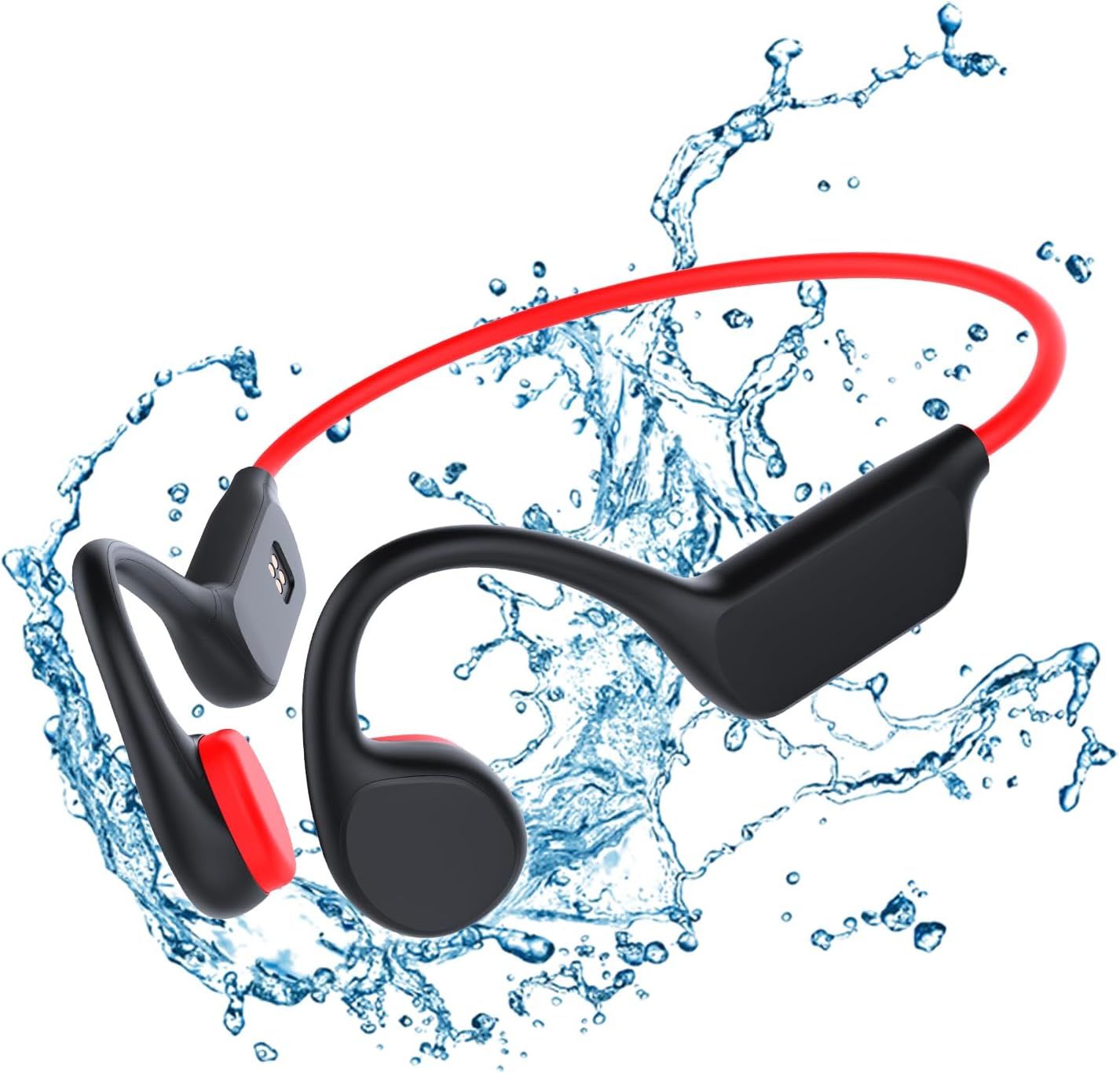
Image: GenXenon X7 Bone Conduction Headphones, black with a red band, surrounded by water splashes, highlighting its waterproof feature.
What's in the Box
Please check the package contents to ensure all items are present:
- GenXenon X7 Bone Conduction Headphones
- Power Cable (Charging Cable)
- Swimming Nose Clip
- Earplugs (for swimming)
- Velvet Bag
Product Overview
Familiarize yourself with the components and features of your X7 headphones.

Image: The GenXenon X7 headphones displayed next to a smartphone, illustrating key features such as lightweight design, IPX8 water resistance, Bluetooth V5.2, long battery life, true bone conduction, and insensitive delay.
Key Features:
- Open-Ear Design: Allows awareness of surroundings for safety during outdoor activities.
- Lightweight and Comfortable: Ergonomically designed with an ultra-light titanium frame (32g).
- IPX8 Waterproof: Submersible up to 12 feet (3.6 meters) for swimming. Note: Bluetooth range is limited underwater.
- Long Battery Life: Up to 8 hours of continuous audio playback, 300 hours standby.
- Bluetooth/MP3 Dual Mode: Seamlessly switch between Bluetooth 5.3 connectivity and a built-in 32GB MP3 player.
Wearing the Headphones:
The X7 headphones are designed to rest comfortably around your ears and behind your head, allowing the bone conduction transducers to sit on your cheekbones.
- Place the flexible band behind your head, resting it on your neck.
- Position the transducers (the parts with the speakers) on your cheekbones, just in front of your ears.
- Adjust for a snug and comfortable fit. The lightweight design ensures stability during various activities.

Image: A side profile view of the GenXenon X7 headphones positioned on a head model, demonstrating the open-ear design and how the bone conduction transducers rest near the ear.

Image: A man running on a treadmill, wearing the GenXenon X7 headphones, illustrating the stable and comfortable fit during dynamic activities.
Setup
1. Initial Charging
Before first use, fully charge your X7 headphones. Connect the magnetic charging cable to the charging port on the headphones and the other end to a USB power adapter (not included) or a computer USB port.
- Ensure the magnetic connector is correctly aligned for charging.
- A full charge takes approximately 5 minutes for quick charge, or longer for a complete charge from empty.
- The LED indicator will change color to indicate charging status (e.g., red for charging, blue for fully charged).

Image: A close-up view of the magnetic charging pins located on the side of the GenXenon X7 headphones, showing the contact points for the charging cable.
2. Bluetooth Pairing
- Power On: Press and hold the Power button until the LED indicator flashes blue and red, indicating pairing mode.
- Activate Bluetooth: On your smartphone or Bluetooth-enabled device, go to Bluetooth settings and turn on Bluetooth.
- Select Device: Look for "GenXenon X7" or "X7" in the list of available devices and select it to connect.
- Confirmation: Once connected, the LED indicator will flash blue slowly, and you may hear a voice prompt confirming the connection.
3. Loading Music to MP3 Mode (Internal 32GB Memory)
To use the headphones as an MP3 player, you need to transfer audio files to its internal storage.
- Connect to Computer: Connect the headphones to your computer using the provided charging cable. The computer should recognize the headphones as a removable disk drive.
- Transfer Files: Drag and drop your desired audio files (e.g., MP3, WAV) into the recognized drive folder.
- Eject Safely: Once files are transferred, safely eject the device from your computer before disconnecting the cable.
Operating Instructions
Basic Controls:
| Button/Action | Function |
|---|---|
| Power Button (Multi-function Button) |
|
| Volume Up (+) |
|
| Volume Down (-) |
|
| Mode Switch Button | Short press: Switch between Bluetooth mode and MP3 mode. |
| Voice Assistant (Siri/Google Assistant) | Triple press Power button: Activate voice assistant. |
Using Bluetooth Mode:
Once paired with your device, the headphones will automatically connect when powered on and within range. You can stream audio and make calls.
- For optimal Bluetooth performance, ensure your connected device is within 10 meters (33 feet) of the headphones.
- Bluetooth connectivity is not supported underwater. Switch to MP3 mode for swimming.

Image: A person engaged in a workout, wearing the GenXenon X7 headphones, demonstrating the open-ear design and stable fit during physical activity.
Using MP3 Mode (Internal Storage):
Switch to MP3 mode by pressing the Mode Switch button. The headphones will play music directly from its 32GB internal memory.
- This mode is ideal for activities where Bluetooth signals are unreliable or unavailable, such as swimming.
- Use the Volume Up/Down buttons to navigate tracks (press and hold).
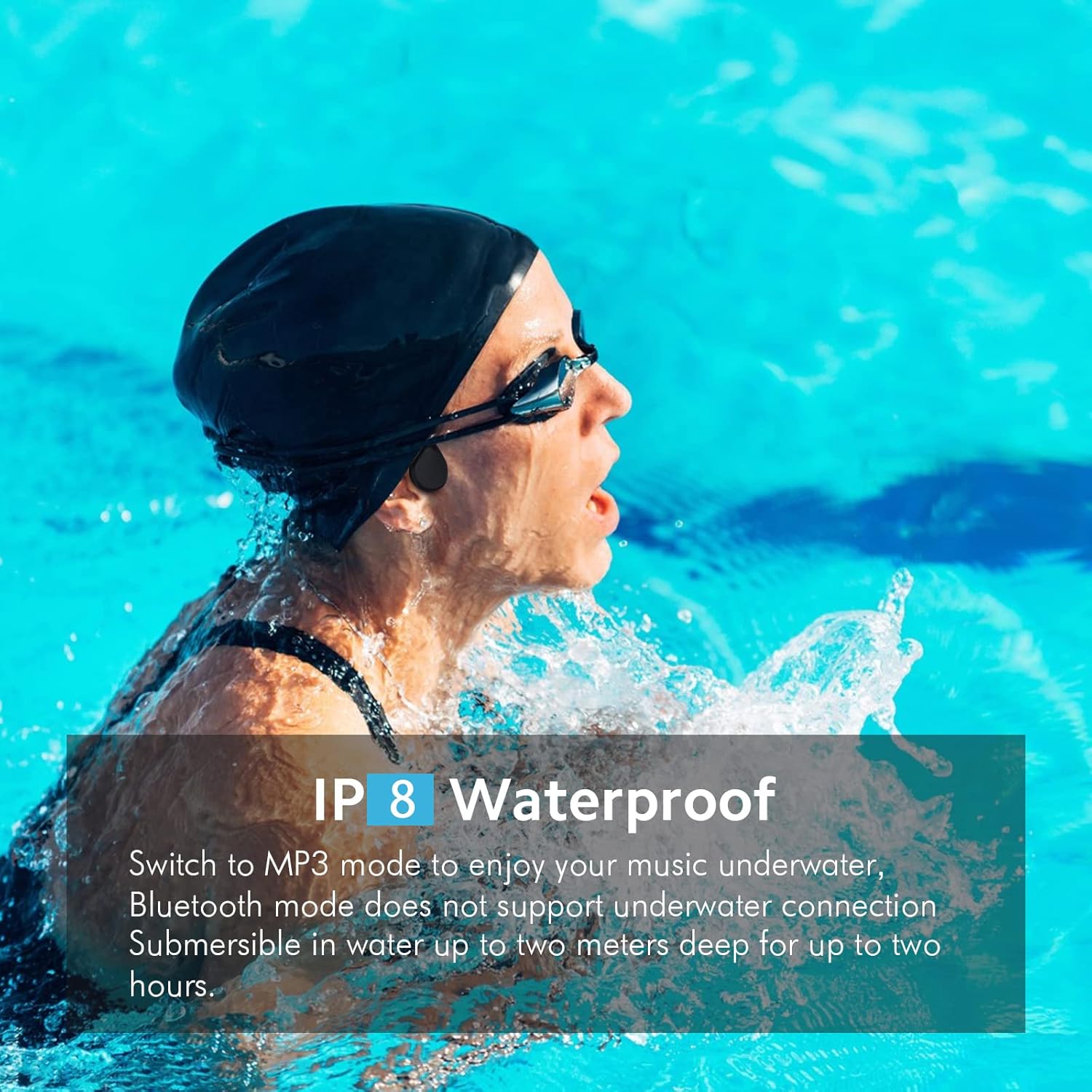
Image: A person swimming in a pool, wearing the GenXenon X7 headphones, illustrating their IPX8 waterproof capability for underwater use in MP3 mode.
Maintenance
Cleaning:
- Wipe the headphones with a soft, damp cloth after each use, especially after swimming or intense workouts, to remove sweat, chlorine, or salt water.
- Do not use abrasive cleaners or solvents.
- Ensure the charging port is dry before connecting the charging cable.
Storage:
- Store the headphones in the provided velvet bag to protect them from dust and scratches.
- Keep them in a cool, dry place, away from direct sunlight and extreme temperatures.
Battery Care:
- To preserve battery life, avoid fully discharging the headphones frequently.
- Charge the headphones regularly, even if not in use, to prevent deep discharge.
Troubleshooting
| Problem | Possible Cause / Solution |
|---|---|
| Headphones do not power on. |
|
| Cannot pair with Bluetooth device. |
|
| No sound or low volume. |
|
| Bluetooth disconnects frequently. |
|
| Cannot transfer files to MP3 mode. |
|
| Sound quality is poor underwater. |
|
Specifications
| Feature | Detail |
|---|---|
| Model Name | X7 Black |
| Connectivity Technology | Wireless (Bluetooth) |
| Wireless Communication Technology | Bluetooth 5.3 |
| Internal Memory | 32 GB |
| Water Resistance Level | IPX8 (up to 12 feet / 3.6 meters) |
| Battery Life | 8 Hours (playback) |
| Standby Life | 300 Hours |
| Charging Time | Approx. 5 minutes for quick charge |
| Item Weight | 3.2 ounces (90.7 grams) |
| Material | Titanium |
| Frequency Range | 20 Hz - 20,000 Hz |
| Bluetooth Range | 10 Meters (33 feet) |
| Audio Driver Type | Bone Conduction Driver |
| Control Type | Siri (Voice Assistant) |
| Noise Control | Active Noise Cancellation (for microphone) |
| Product Dimensions | 5 x 3 x 2 inches |
Warranty and Support
Warranty Information:
GenXenon products are manufactured to high quality standards. For specific warranty details regarding your X7 Bone Conduction Headphones, please refer to the warranty card included in your product packaging or visit the official GenXenon website. The warranty typically covers manufacturing defects for a specified period from the date of purchase.
Customer Support:
If you encounter any issues or have questions not covered in this manual, please contact GenXenon customer support. You can usually find contact information (email, phone, or support portal) on the official GenXenon website or through your purchase platform.
When contacting support, please have your product model (X7) and purchase details ready.


