
Introduction
This manual provides comprehensive instructions for the safe and efficient operation, installation, and maintenance of your Samsung DV90BB5245AES AI Control Heat Pump Dryer. Please read this manual thoroughly before using your appliance and keep it for future reference.
The Samsung AI Control Heat Pump Dryer offers intelligent drying features designed to simplify your laundry routine. It learns user habits, suggests optimal cycles, and provides quick information on the display. Key features include the Optimal Dry Sensor for precise drying, the Air Refresh function for deodorizing clothes, and a convenient 2-in-1 filter for easy maintenance.
Important Safety Instructions
Always follow basic safety precautions when using electrical appliances to reduce the risk of fire, electric shock, or injury to persons.
- Read all instructions before using the dryer.
- Do not dry articles that have been previously cleaned in, washed in, soaked in, or spotted with gasoline, dry-cleaning solvents, or other flammable or explosive substances.
- Do not allow children to play on or in the appliance. Close supervision of children is necessary when the appliance is used near children.
- Before the appliance is removed from service or discarded, remove the door to the drying compartment.
- Do not reach into the appliance if the drum is moving.
- Do not install or store this appliance where it will be exposed to the weather.
- Do not tamper with controls.
- Do not repair or replace any part of the appliance or attempt any servicing unless specifically recommended in the user-maintenance instructions or in published user-repair instructions that you understand and have the skills to carry out.
- Do not use fabric softeners or products to eliminate static unless recommended by the manufacturer of the fabric softener or product.
- Do not use heat to dry articles containing foam rubber or similarly textured rubber-like materials.
- Clean the lint screen before or after each load.
- Keep the area around the exhaust opening and adjacent surrounding areas free from the accumulation of lint, dust, and dirt.
- The interior of the appliance and exhaust duct should be cleaned periodically by qualified service personnel.
- Do not place items exposed to cooking oils in your dryer. Items contaminated with cooking oils may contribute to a chemical reaction that could cause a load to catch fire.
- Do not use this appliance for purposes other than its intended use.
Setup and Installation
Unpacking
Carefully remove all packaging materials. Ensure all components are present and undamaged. Keep packaging materials away from children.
Location Requirements
Install the dryer on a solid, level floor. Ensure adequate clearance around the appliance for ventilation and maintenance. Avoid direct sunlight or extreme temperatures.

Image Description: A technical diagram illustrating the dimensions of the Samsung dryer. The front view shows a width of 600mm and a height of 1080mm (including a rear wall clearance). The side view shows a depth of 600mm and a height of 850mm. This diagram is crucial for planning the installation space.
Electrical Connection
Connect the dryer to a dedicated, grounded electrical outlet as specified in the electrical requirements section of this manual (refer to specifications). Do not use extension cords.
Drainage Connection (Optional)
For continuous drainage of condensed water, connect the provided drain hose to a suitable drain. If not using continuous drainage, the water tank must be emptied manually after each cycle.
Operating Instructions
Control Panel Overview
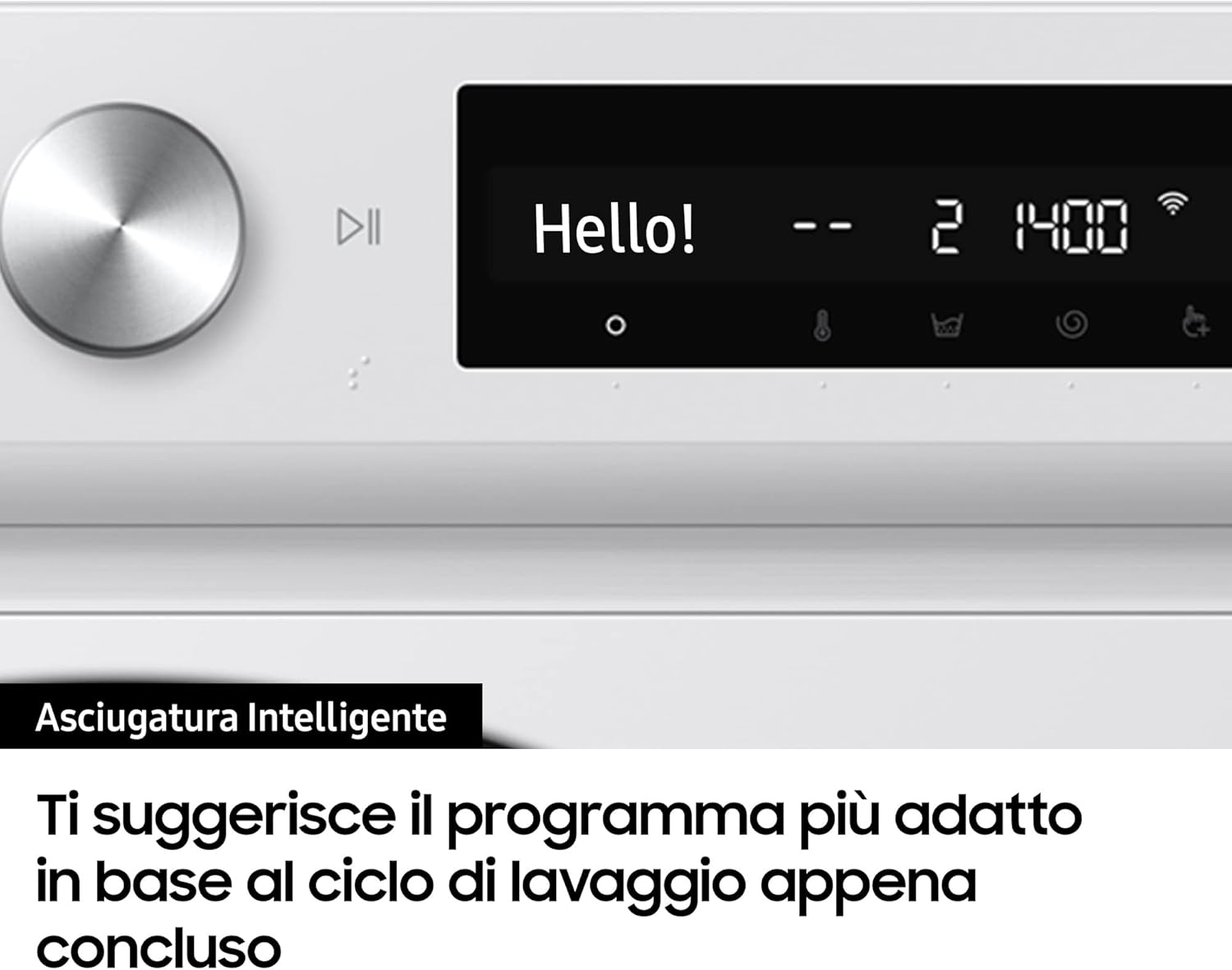
Image Description: A close-up view of the dryer's control panel. It features a large central rotary dial, a play/pause button, and a digital display showing "Hello!" and cycle information like "Cotton 3hr 02min". Various icons for settings are visible below the display.
The control panel features a rotary dial for program selection and a digital display for cycle information and settings. The AI Control system learns your drying habits and suggests frequently used cycles, offering up to 2 customizable programs.
Loading the Dryer
Open the dryer door and load items loosely into the drum. Do not overload the dryer. For best results, sort laundry by fabric type and desired dryness level.

Image Description: A front view of the Samsung heat pump dryer with its door open, revealing the spacious drum interior. The control panel is visible at the top, and the lint filter housing is at the bottom left of the door opening.
Selecting a Drying Program
- Turn the rotary dial to select the desired drying program (e.g., Cotton, Synthetics, Delicates).
- The Optimal Dry Sensor will automatically calibrate the temperature and duration for perfect drying based on the load's moisture level.
- Adjust additional options if available (e.g., dryness level, anti-crease).
- Press the Start/Pause button to begin the cycle.
Special Functions
- AI Control: Learns your most frequent drying cycles and suggests them first.
- Optimal Dry Sensor: Automatically adjusts drying time and temperature for optimal results and energy efficiency.
- Air Refresh: This function refreshes and deodorizes clothes using a gentle airflow, removing unpleasant odors without washing.
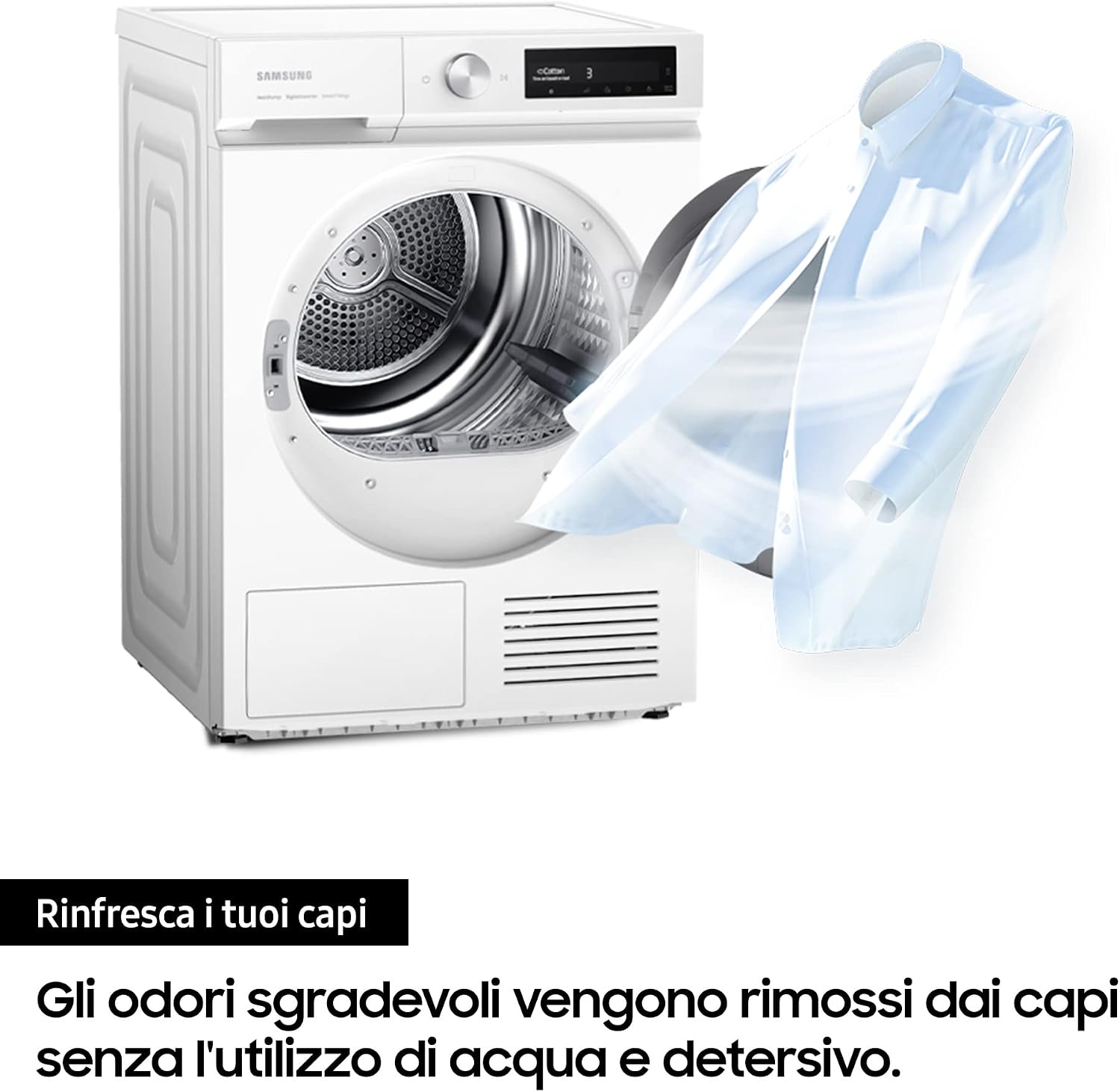
Image Description: The Samsung dryer is shown with a white shirt seemingly floating in the air next to it, symbolizing the Air Refresh function. Text on the image indicates that unpleasant odors are removed without water or detergent.
- Quick Dry: For small loads, this feature can dry up to 1 kg of laundry in approximately 35 minutes.

Image Description: Two hands are shown holding a light blue shirt, stretched out as if being quickly dried. A circular icon with "35min" inside is displayed, indicating the quick dry feature.
- Hygiene Care: Utilizes gentle heat to eliminate up to 99% of bacteria from clothes.

Image Description: Various baby clothes and towels are visible inside the dryer drum, illuminated by a warm, orange glow, signifying the use of heat for drying and sanitization.
SmartThings Integration
The SmartThings app allows for personalized, efficient, and problem-proof drying. Connect your dryer to the app for remote control, cycle suggestions, and diagnostics.

Image Description: The Samsung dryer is shown on the left, with a wireless signal icon connecting it to a smartphone on the right. The smartphone screen displays the Samsung SmartThings app interface, showing device care and operational status.
Maintenance and Cleaning
Cleaning the Lint Filter
The 2-in-1 filter system is designed for easy maintenance. Clean the lint filter before or after every load to ensure optimal drying performance and energy efficiency.
- Open the dryer door.
- Pull out the 2-in-1 filter located at the bottom of the door opening.
- Separate the two filter sections.
- Remove any accumulated lint by hand or with a soft brush.
- Reassemble the filter and reinsert it firmly into its housing.
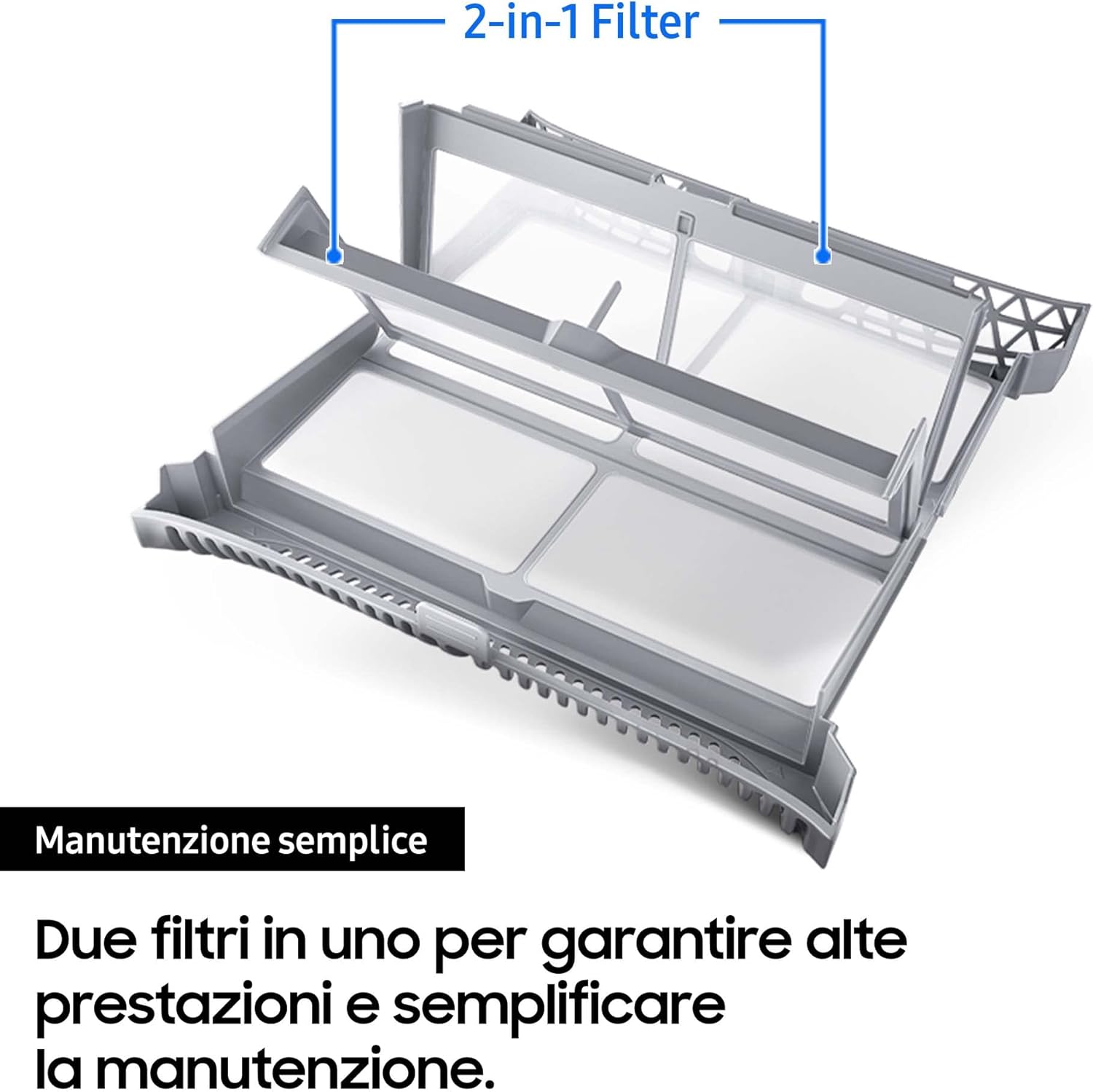
Image Description: A detailed view of the dryer's 2-in-1 lint filter, shown separated into its two components. The image highlights the dual-layer design for effective lint collection and simplified cleaning.

Image Description: A view inside the dryer drum, showing the lint filter correctly installed at the bottom of the drum opening. The filter is grey and rectangular, designed to catch lint during the drying cycle.
Emptying the Water Tank
If not using continuous drainage, the condensed water collects in the water tank. Empty the tank after each drying cycle to prevent interruptions.
- Pull out the water tank located at the top left of the dryer.
- Pour out the collected water.
- Reinsert the water tank firmly until it clicks into place.
Cleaning the Heat Exchanger
The heat exchanger should be cleaned periodically, approximately once a month, or when indicated by the appliance. Refer to the full manual for detailed instructions on accessing and cleaning the heat exchanger.
Exterior Cleaning
Wipe the exterior surfaces of the dryer with a soft, damp cloth. Do not use abrasive cleaners or solvents.
Troubleshooting
Before contacting service, review the following common issues and solutions.
| Problem | Possible Cause | Solution |
|---|---|---|
| Dryer does not start. | Power cord unplugged; door not closed properly; circuit breaker tripped. | Ensure power cord is securely plugged in. Close the door firmly. Check and reset the circuit breaker. |
| Clothes are not drying properly. | Lint filter clogged; dryer overloaded; incorrect program selected; heat exchanger needs cleaning. | Clean the lint filter. Reduce load size. Select an appropriate drying program. Clean the heat exchanger as per maintenance instructions. |
| Dryer stops mid-cycle. | Water tank full (if not using continuous drainage); power interruption. | Empty the water tank. Check power supply. |
| Unusual noise during operation. | Foreign objects in the drum; dryer not level. | Check the drum for loose items. Ensure the dryer is level using adjustable feet. |
If the problem persists after attempting these solutions, please contact Samsung customer support.
Product Specifications
| Specification | Detail |
|---|---|
| Brand | Samsung |
| Model Number | DV90BB5245AES3 |
| Product Dimensions (W x D x H) | 60 x 60 x 85 cm |
| Item Weight | 50 Kilograms |
| Capacity | 9 Kilograms |
| Color | White |
| Form Factor | Front Load |
| Loading Type | Front Load |
| Product Type Name | Dryer with Optimal Dry Control |
| Energy Efficiency | A+++ (Heat Pump Technology) |

Image Description: An image displaying the "TOP LEVEL A+++" energy efficiency rating logo, alongside a visual representation of the heat pump technology in the Samsung dryer. The text confirms "Classe énergétique A+++ avec technologie à pompe de chaleur" (Energy class A+++ with heat pump technology).
Customer Support
For further assistance, warranty information, or to schedule service, please visit the official Samsung website or contact their customer support line.
Website: www.samsung.com