
1. Introduction
This manual provides essential information for setting up, operating, maintaining, and troubleshooting your IST Computers IdeaPad Slim 3i Laptop. Please read this guide thoroughly to ensure proper use and to maximize the lifespan of your device.
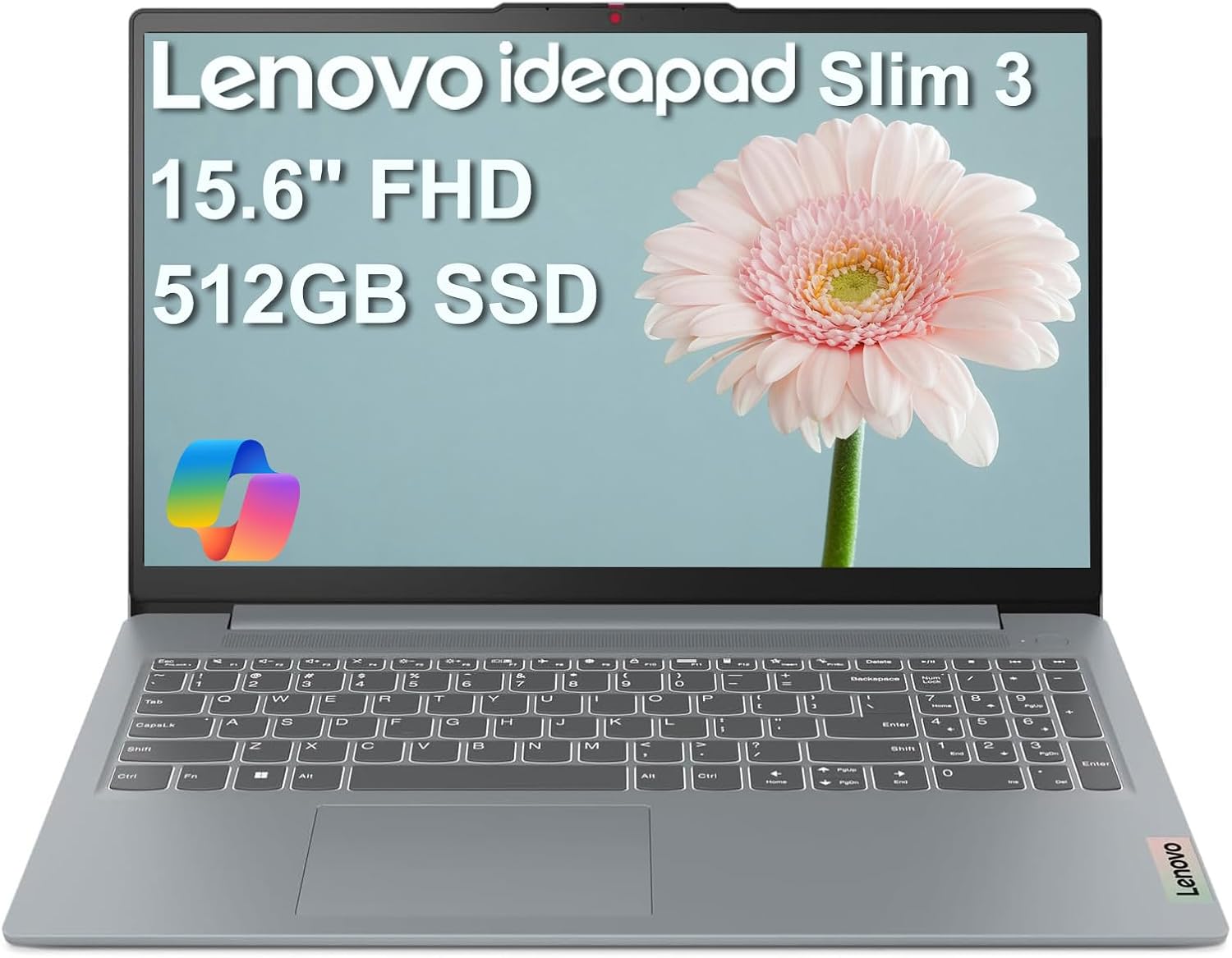
Image: The IdeaPad Slim 3i laptop, showcasing its sleek design and full display.
2. Setup Guide
2.1 Unboxing and Initial Inspection
Carefully remove all components from the packaging. Verify that the following items are included:
- IdeaPad Slim 3 Laptop
- 65W AC Adapter with Power Cord
- User Manual (this document)
Inspect the laptop for any physical damage. If any damage is found, contact customer support immediately.
2.2 Connecting Power
Connect the 65W AC adapter to the laptop's power connector and then plug it into a wall outlet. It is recommended to fully charge the battery before initial use.
2.3 Initial Power On and Operating System Setup
Press the power button to turn on the laptop. Follow the on-screen instructions to complete the Windows 11 Home setup process. This includes selecting your language, region, connecting to a Wi-Fi network, and creating a user account.
2.4 Port Overview and Connectivity
The IdeaPad Slim 3i offers various ports for connecting peripherals and external devices.

Image: Diagram illustrating the various ports on the left and right sides of the IdeaPad Slim 3i laptop.
| Number | Port | Description |
|---|---|---|
| 1 | Card reader | For reading memory cards. |
| 2 | USB 3.2 Gen 1 | Standard USB port for connecting peripherals. |
| 3 | Power connector | Connect the AC adapter here. |
| 4 | USB 3.2 Gen 1 | Another standard USB port. |
| 5 | HDMI® | Connect to external displays or TVs. |
| 6 | USB-C® 3.2 Gen 1 | Versatile USB-C port for data transfer and charging. |
| 7 | Headphone / microphone combo jack (3.5mm) | For connecting headphones or a headset. |
The laptop supports Wi-Fi 6 for fast wireless internet and Bluetooth 5.2 for connecting wireless accessories.
3. Operating Your Laptop
3.1 Keyboard and Touchpad
The laptop features a full-sized keyboard and a responsive touchpad for navigation. Familiarize yourself with the function keys (Fn) for quick access to settings like volume, brightness, and Wi-Fi.

Image: Top-down view of the IdeaPad Slim 3i laptop's keyboard and touchpad layout.
3.2 Display Features
The 15.6-inch Full HD (1920x1080) anti-glare display provides clear visuals and reduces reflections, enhancing your viewing experience.
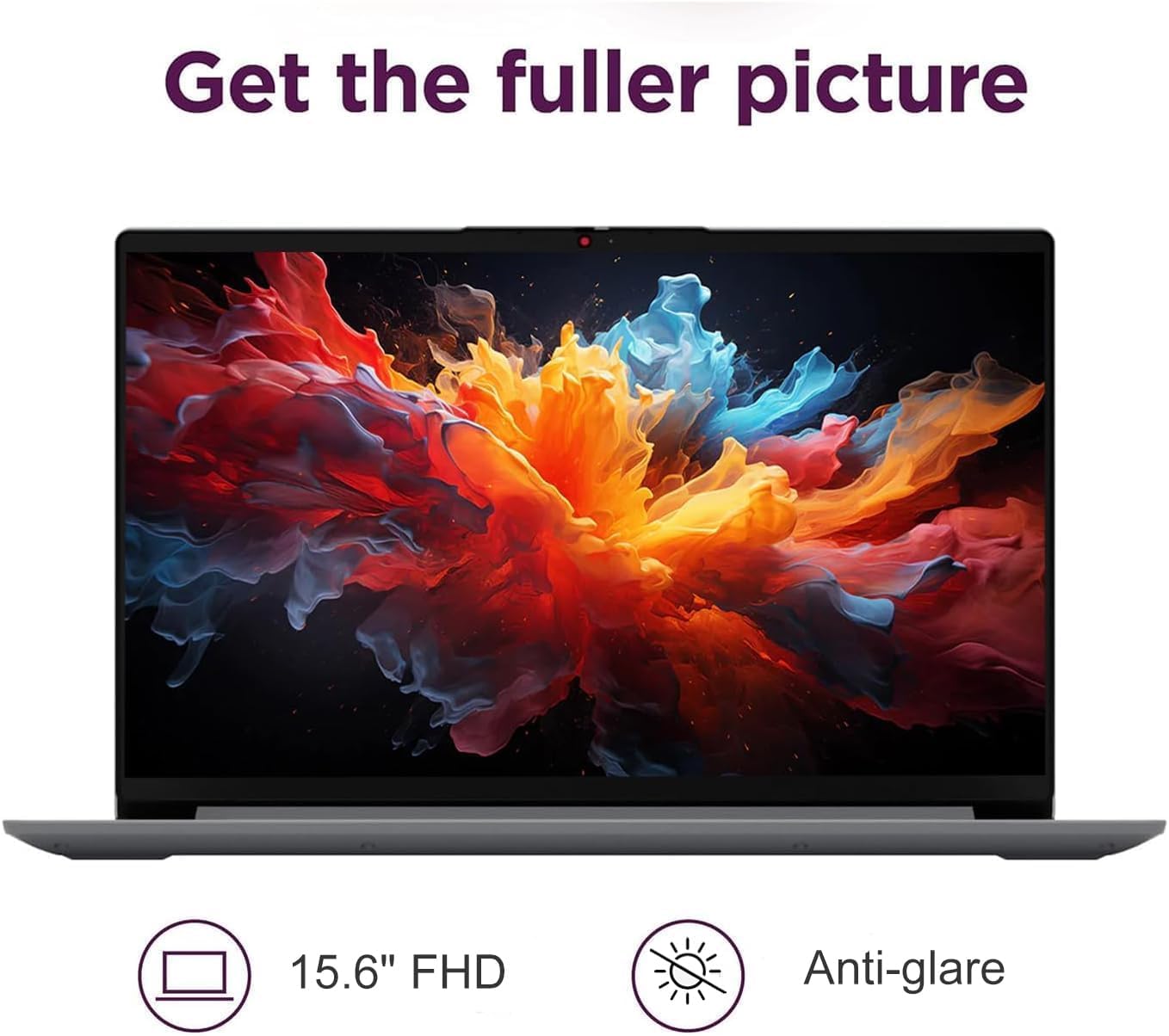
Image: The IdeaPad Slim 3i laptop display showing vibrant colors, highlighting its 15.6-inch FHD anti-glare screen.
3.3 Audio System
Experience immersive sound with the integrated Dolby Audio speakers. Adjust volume using the dedicated function keys or through the Windows sound settings.
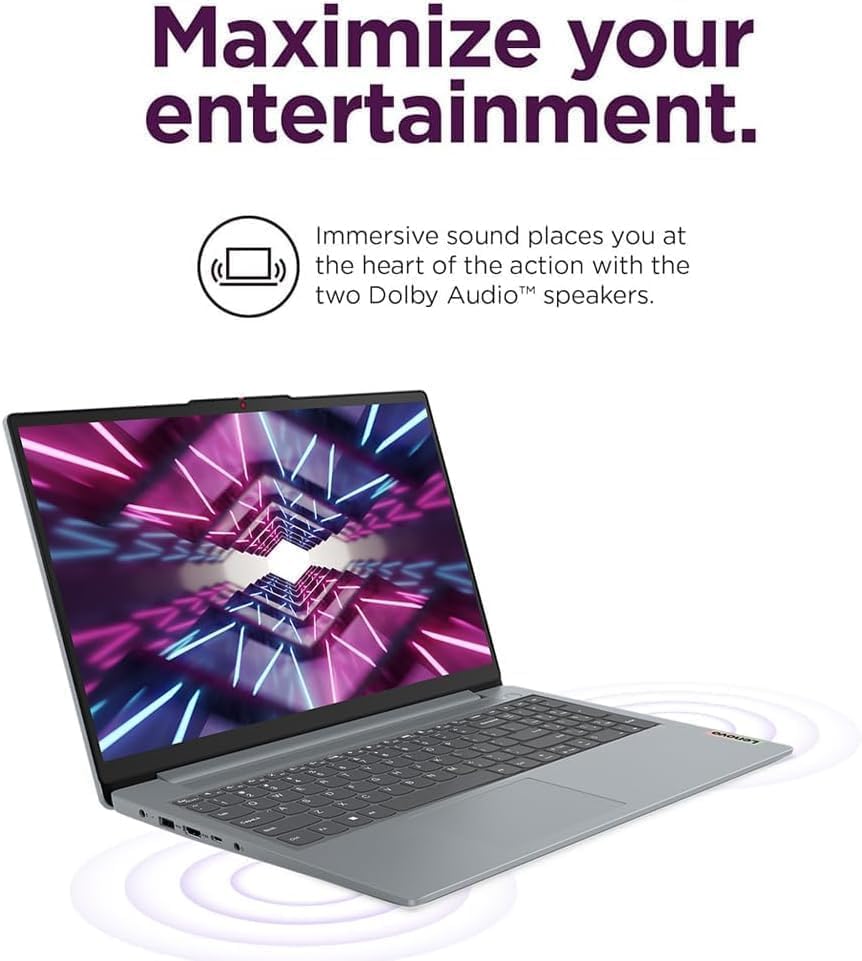
Image: The IdeaPad Slim 3i laptop with sound waves emanating from it, emphasizing the Dolby Audio speakers for enhanced entertainment.
3.4 Webcam with Privacy Shutter
The integrated webcam includes a physical privacy shutter. Slide the shutter to cover the camera lens when not in use to ensure your privacy.
3.5 Battery Management
The IdeaPad Slim 3i offers up to 10 hours of battery life. It also supports Rapid Charge technology, allowing for quick recharging. To optimize battery life, adjust power settings in Windows and disconnect the charger once the battery is full.

Image: The IdeaPad Slim 3i laptop with a clock graphic, indicating its super long battery life of up to 10 hours.
4. Maintenance
4.1 Cleaning Your Laptop
Use a soft, lint-free cloth slightly dampened with water or a screen cleaner to clean the display. For the keyboard and chassis, use a dry, soft cloth. Avoid harsh chemicals or abrasive materials.
4.2 Software Updates
Regularly check for and install Windows updates and driver updates to ensure optimal performance and security. These can be found in the Windows Settings menu.
4.3 Storage and RAM Management
The laptop comes with a 512GB SSD for fast storage and 8GB DDR5 RAM for efficient multitasking. Periodically review your installed applications and files to free up storage space. Close unnecessary programs to optimize RAM usage.
4.4 Durability
The IdeaPad Slim 3i meets MIL-STD-810H standards, indicating a degree of durability against environmental factors. However, it is not indestructible. Avoid dropping the laptop or exposing it to extreme conditions.

Image: The IdeaPad Slim 3i laptop shown with a 'US MILITARY GRADE MIL-STD-810H' badge, indicating its durable and reliable construction.
5. Troubleshooting
This section addresses common issues you might encounter with your IdeaPad Slim 3i laptop.
5.1 Power Issues
- Laptop does not turn on: Ensure the AC adapter is securely connected to both the laptop and a working power outlet. Check if the power indicator light is on. Try holding the power button for 10-15 seconds to perform a hard reset.
- Battery not charging: Verify the power adapter is functioning correctly. Try a different outlet. If the issue persists, contact support.
5.2 Display Problems
- Screen is blank: Ensure the laptop is powered on. Try adjusting the screen brightness using the function keys. If an external monitor is connected, try disconnecting it.
- Flickering screen: Update your graphics drivers. If the issue continues, it may indicate a hardware problem.
5.3 Connectivity Issues
- Wi-Fi not connecting: Check if Wi-Fi is enabled (often via a function key or in Windows settings). Restart your router and the laptop. Ensure you are entering the correct Wi-Fi password.
- Bluetooth device not pairing: Ensure Bluetooth is enabled on both the laptop and the device. Put the Bluetooth device into pairing mode. Remove and re-add the device in Windows Bluetooth settings.
5.4 General Performance Issues
- Slow performance: Close unnecessary applications. Check for malware. Ensure Windows and drivers are up to date. Consider freeing up disk space.
- System freezes: If the system becomes unresponsive, press and hold the power button for several seconds until the laptop shuts down. Restart the laptop.
For more complex issues, refer to the online support resources or contact IST Computers customer service.
6. Technical Specifications
Below are the detailed technical specifications for the IdeaPad Slim 3i Laptop:
| Feature | Specification |
|---|---|
| Model Name | IdeaPad Slim 3i |
| Standing Screen Display Size | 15.6 Inches |
| Max Screen Resolution | 1920 x 1080 pixels (FHD) |
| Processor | Intel 8-Core i3-N305 (1.8 GHz) |
| RAM | 8 GB DDR5 |
| Memory Speed | 4800 MHz |
| Hard Drive | 512 GB SSD |
| Graphics Coprocessor | Intel UHD Graphics (Integrated) |
| Wireless Type | 802.11ax (Wi-Fi 6), Bluetooth 5.2 |
| USB Ports | 2x USB 3.0, 2x USB Type-C |
| Other Ports | Card Reader, HDMI 1.4, Headphone/Mic Combo Jack |
| Operating System | Windows 11 Home |
| Average Battery Life | 10 Hours |
| Item Weight | 4.02 pounds |
| Product Dimensions (LxWxH) | 14.4 x 9.76 x 0.75 inches |
| Color | Arctic Grey |
| Special Features | Anti Glare Coating, Backlit Keyboard, Fingerprint Reader, Numeric Keypad, Spill Resistant |
7. Warranty and Support
7.1 Product Warranty
The IdeaPad Slim 3i laptop comes with a one-year manufacturer warranty covering defects in materials and workmanship for most components. Additionally, IST Computers provides a three-year warranty on the RAM (Memory) and SSD (Storage) components that have been upgraded by their professional technicians.
Please retain your proof of purchase for warranty claims.
7.2 Customer Support
For technical assistance, troubleshooting, or warranty inquiries, please contact IST Computers customer support. Refer to the contact information provided with your purchase documentation or visit the official IST Computers website for support details.
You can also visit the IST Computers Brand Store on Amazon for more information.