
Introduction
Thank you for choosing the HOMCOM Modern TV Stand. This manual provides essential information for the safe assembly, operation, and maintenance of your new TV stand. Please read all instructions carefully before assembly and retain this manual for future reference.
This TV stand is designed to accommodate TVs up to 45 inches and features a storage shelf and a drawer, offering a functional and stylish solution for your living space.
Safety Information
WARNING: Failure to follow these safety instructions could result in injury or damage to the product.
- Keep all packaging materials away from children.
- Ensure all parts are present and undamaged before beginning assembly. Do not use if any parts are missing or damaged.
- Assemble the unit on a soft, clean surface to prevent scratches.
- Do not overtighten screws during assembly, as this may damage the material.
- Place the TV stand on a level and stable surface to prevent tipping.
- Do not exceed the maximum weight capacity: 132 lbs (total), 11 lbs (drawer), 22 lbs (shelf).
- Always place the TV centrally on the stand and ensure it does not overhang the edges.
- Do not allow children to climb on or play with the TV stand.
- For optimal stability, consider securing the TV stand to a wall using anti-tip hardware (not included, but recommended for safety).
Package Contents
Please verify that all components listed in your product's packaging insert are present before beginning assembly. If any parts are missing or damaged, contact HOMCOM customer support.
Note: The specific number and type of fasteners and panels will be detailed in the included assembly diagram.
Assembly Instructions
Assembly of the HOMCOM Modern TV Stand requires two adults and basic tools (e.g., screwdriver). Follow the numbered steps provided in the included assembly diagram. Below are general guidelines and visual aids.
Step 1: Prepare Components
Unpack all components and lay them out on a clean, soft surface. Identify each part using the labels in the assembly diagram.

Image: Various components of the TV stand laid out on a protective surface, ready for assembly. This helps in identifying parts before starting.
Step 2: Assemble the Main Frame
Connect the main horizontal and vertical panels according to the diagram. Ensure all cam locks and dowels are securely fastened. Do not overtighten screws.
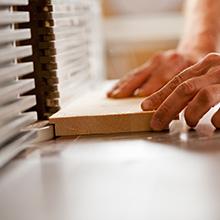
Image: Close-up of furniture panels being joined, illustrating the assembly process with fasteners.
Step 3: Install Shelves and Drawer
Attach the internal shelves and assemble the drawer unit. Ensure drawer slides are correctly oriented and move smoothly. Insert the drawer into its designated slot.

Image: An open drawer of the TV stand, demonstrating its storage capacity.
Step 4: Attach Adjustable Foot Pads
Screw the adjustable foot pads into the pre-drilled holes at the bottom of the TV stand. These pads allow for fine-tuning the height to adapt to uneven ground, ensuring stability.
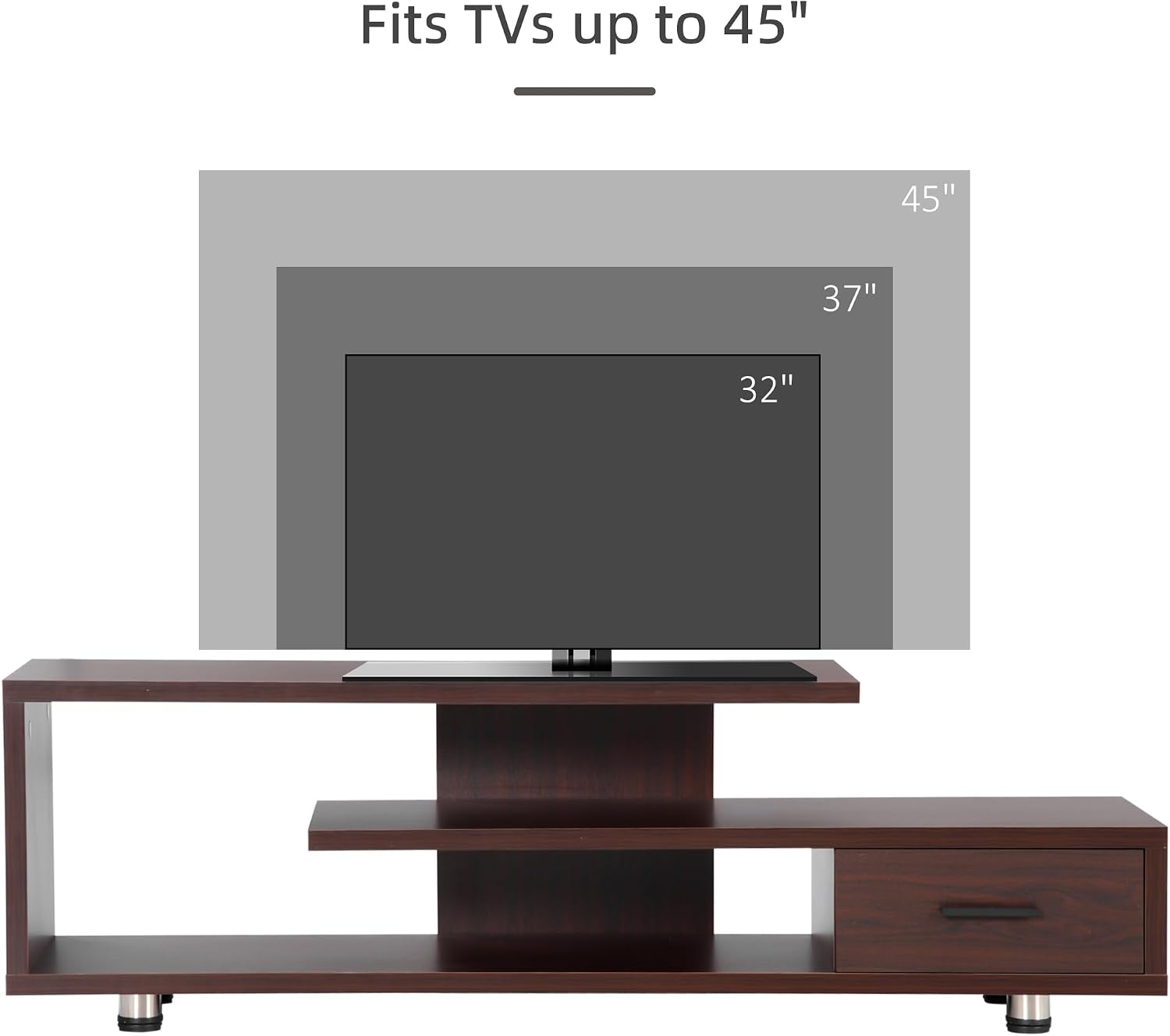
Image: A close-up view of the adjustable foot pads, designed to stabilize the stand on uneven surfaces.
Setup
Placement
Choose a suitable location for your TV stand. Ensure the surface is level and capable of supporting the combined weight of the stand, your television, and any stored items. Adjust the foot pads as needed to achieve perfect stability.
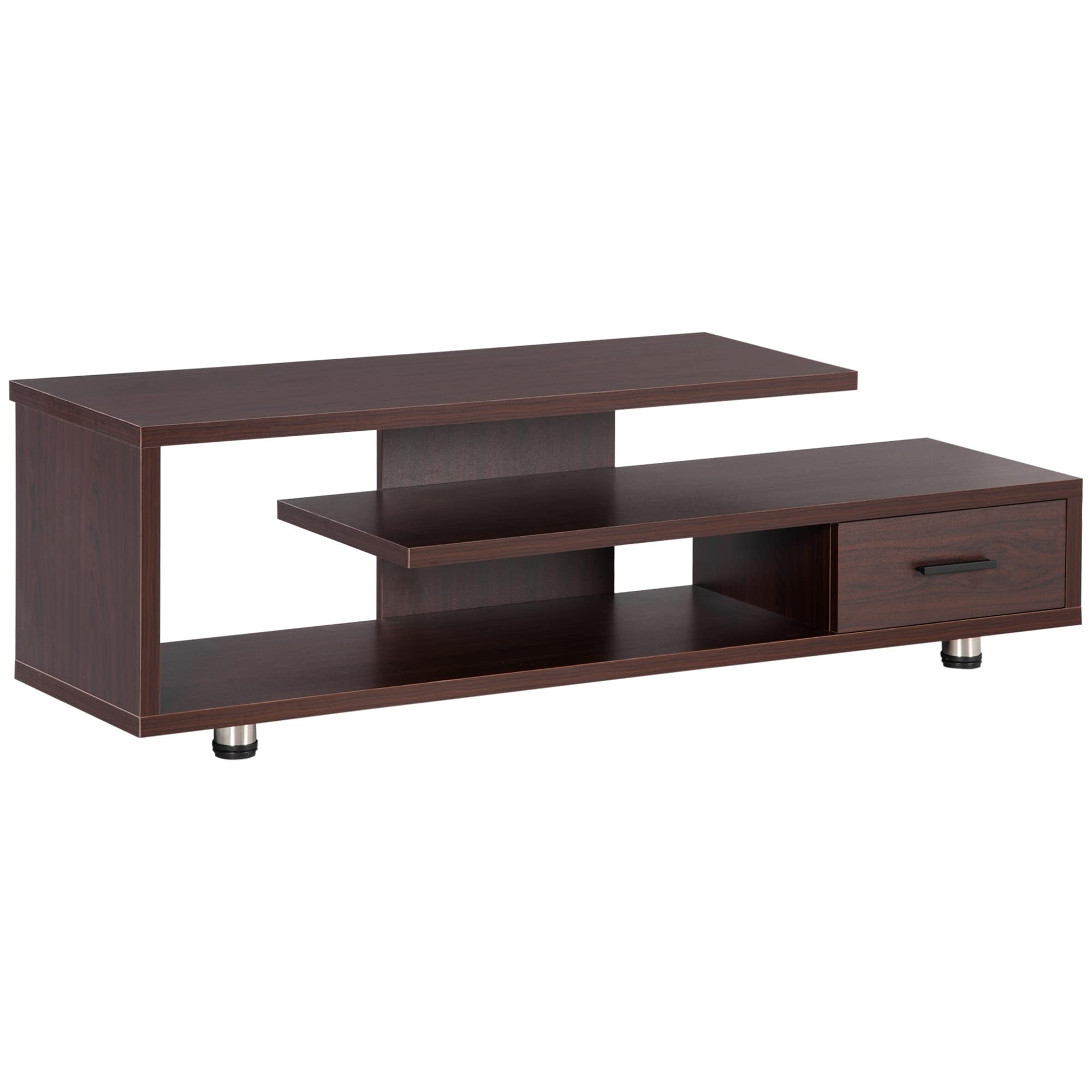
Image: The HOMCOM Modern TV Stand positioned in a living room, showcasing its functional design with a television and media devices.
TV Placement
Carefully place your television on the top surface of the stand. This stand is suitable for TVs up to 45 inches. Ensure the TV base is fully supported and does not overhang the edges. For larger TVs, verify compatibility with the stand's dimensions and weight capacity.

Image: A visual guide demonstrating the maximum TV size (up to 45 inches) that can be safely placed on the TV stand.
Cable Management
The TV stand features an open-back design to facilitate easy access for connecting cables to your entertainment systems and TV. Organize cables neatly to prevent tangles and ensure proper ventilation for electronic devices.
Operating Instructions
Using Storage Shelves
The open shelves provide space for media players, gaming consoles, soundbars, and decorative items. Distribute weight evenly across the shelves, ensuring not to exceed the 22 lbs weight capacity per shelf.

Image: The TV stand displaying various media devices and decorative items on its open shelves, highlighting its modern style and storage capabilities.
Using the Storage Drawer
The integrated drawer offers concealed storage for remote controls, cables, or other small items, helping to keep your living area tidy. The drawer has a weight capacity of 11 lbs.
Maintenance
Cleaning
To clean the TV stand, simply wipe it with a dry, soft cloth. Avoid using abrasive cleaners, harsh chemicals, or excessive moisture, as these can damage the finish.
Regular Inspection
Periodically check all screws and fasteners to ensure they remain tight. Retighten if necessary to maintain the structural integrity and stability of the unit.
Troubleshooting
- Unit is wobbly: Ensure the TV stand is on a level surface. Adjust the foot pads at the bottom until the unit is stable. Check all assembly screws and tighten them if loose.
- Drawer does not slide smoothly: Verify that the drawer slides are correctly installed and aligned. Ensure no obstructions are in the drawer tracks.
- Missing parts: If you find any parts missing during assembly, do not proceed. Contact HOMCOM customer support immediately for assistance.
Specifications
| Model Number | B0BC859H34 |
| Brand | HOMCOM |
| Color | Walnut |
| Overall Dimensions | 53.25" W x 13.75" D x 16.5" H |
| Item Weight | 50.6 lbs |
| Max TV Size | 45 inches |
| Weight Capacity (Total) | 132 lbs |
| Weight Capacity (Drawer) | 11 lbs |
| Weight Capacity (Shelf) | 22 lbs |
| Material | Particleboard |
| Assembly Required | Yes |
| Product Care | Wipe with Dry Cloth |

Image: A technical drawing showing the precise dimensions of the TV stand, including width, depth, and height measurements for various sections.
Warranty and Support
For warranty information, missing parts, or technical support, please refer to the contact details provided in your product packaging or visit the official HOMCOM website. Please have your model number (B0BC859H34) and purchase date available when contacting support.
You can visit the HOMCOM Store for more information: HOMCOM Store on Amazon.


