
Introduction
This manual provides detailed instructions for the safe and efficient operation, maintenance, and troubleshooting of your Shark IX140H Lightweight Cordless Pet Stick Vacuum. Please read this manual thoroughly before first use and retain it for future reference.

The Shark IX140H Lightweight Cordless Pet Stick Vacuum in blue.
Product Components
Your Shark IX140H vacuum comes with several components designed for versatile cleaning:
- Main Vacuum Unit (Handheld)
- Extension Wand
- Floor Nozzle with Brushroll
- 8" Crevice Tool
- Dusting Brush
- Pet Hair Tool
- Charging Adapter
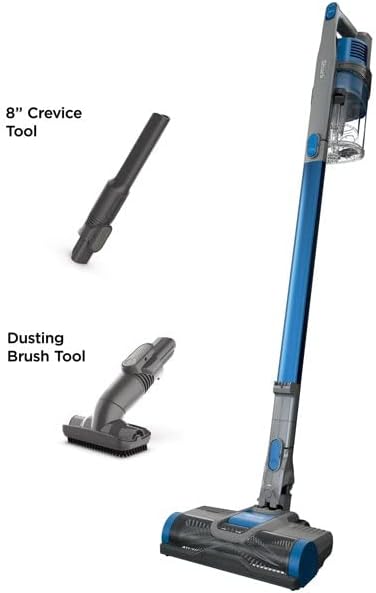
The 8-inch Crevice Tool, ideal for reaching tight spaces and corners.
The Dusting Brush Tool, suitable for delicate surfaces and removing fine dust.

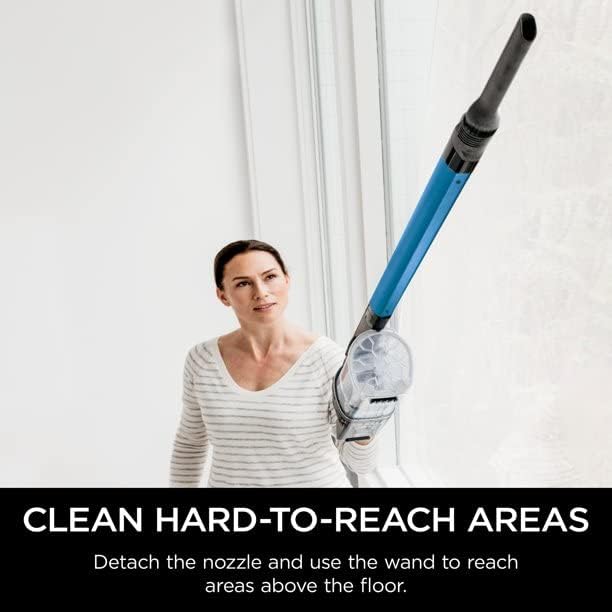
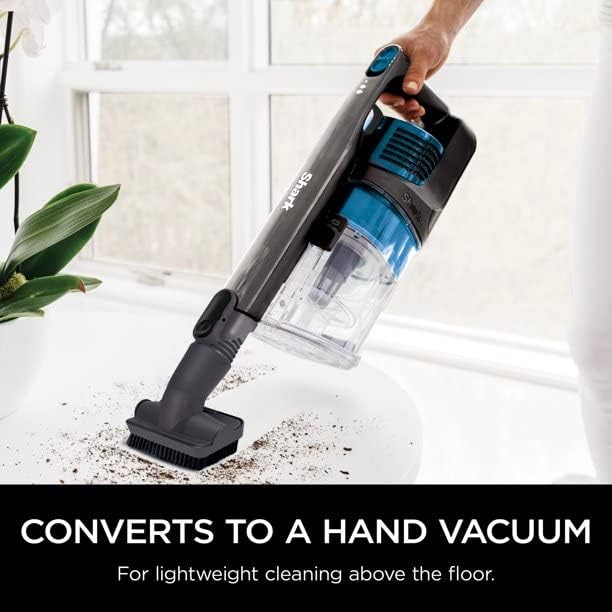
The vacuum easily converts to a handheld unit for versatile cleaning above floors.
Setup
- Unpack: Carefully remove all components from the packaging.
- Assemble:
- Insert the extension wand into the floor nozzle until it clicks securely.
- Insert the handheld vacuum into the top of the extension wand until it clicks securely.
- Charge Battery: Connect the charging adapter to the handheld vacuum's charging port. Plug the adapter into a standard electrical outlet. The battery indicator lights will illuminate to show charging status. Ensure the battery is fully charged before first use (approximately 4 hours).
Operating Instructions
- Power On/Off: Press the Power button located on the handle to turn the vacuum on or off.
- Select Power Mode: Your vacuum features two power levels. Press the mode selection button to switch between standard suction and MAX power mode for tougher messes.
- Using Attachments:
- To use the vacuum as a handheld unit, press the release button to detach the extension wand.
- Attach the desired accessory (crevice tool, dusting brush, or pet hair tool) directly to the handheld vacuum or to the end of the extension wand for extended reach.
- Cleaning Surfaces:
- For bare floors and low-pile carpets, use the standard power mode.
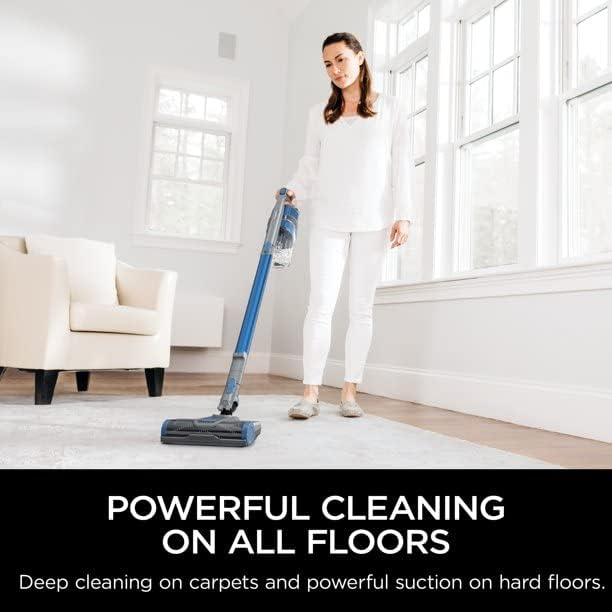
- For deep cleaning on carpets or stubborn debris, activate MAX power mode.
The Shark IX140H provides powerful cleaning on both carpets and hard floors.
Detach the nozzle and use the wand to easily clean hard-to-reach areas above the floor.
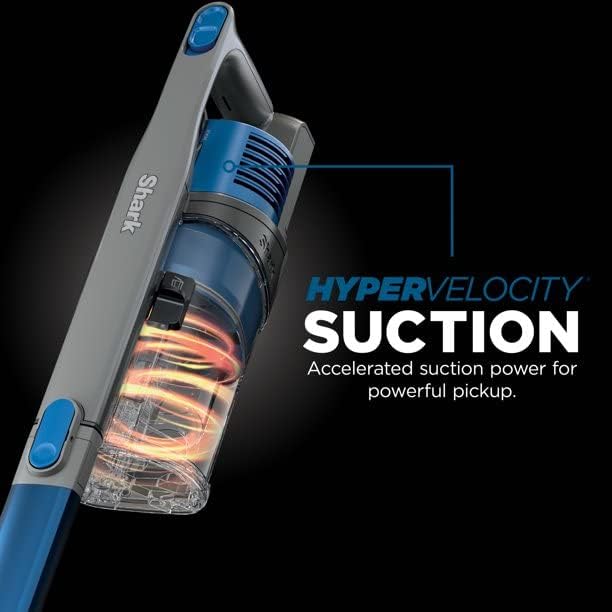
The vacuum features Hypervelocity Suction for accelerated and powerful pickup.
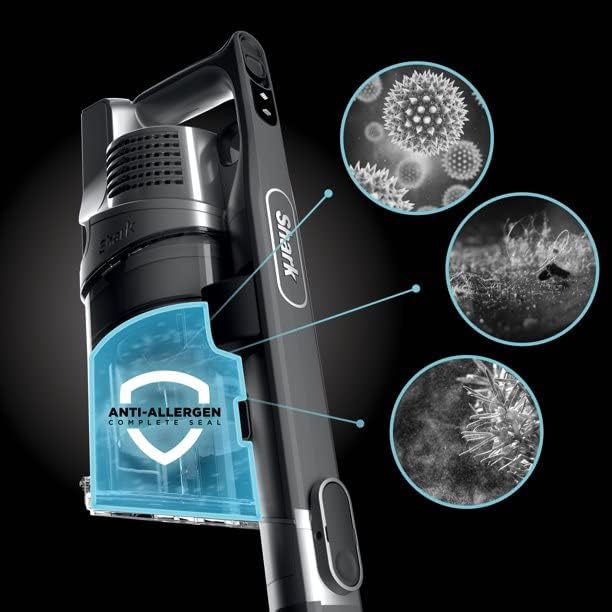
Equipped with an Anti-Allergen Complete Seal, trapping dust and allergens within the vacuum.
Maintenance
Regular maintenance ensures optimal performance of your vacuum.
- Emptying the Dust Cup:
- Press the dust cup release latch to detach the dust cup from the handheld vacuum.
- Hold the dust cup over a trash bin and press the empty button to release debris.
- Close the dust cup lid and reattach it to the handheld vacuum until it clicks.
- Cleaning Filters:
- Locate the pre-motor foam and felt filters inside the dust cup. Remove them.
- Tap loose dirt off filters between washes. Rinse filters with cold water only. Allow to air-dry completely for at least 24 hours before reinstalling.
- The post-motor HEPA filter is located at the bottom of the handheld unit. Twist to unlock and remove. Rinse with cold water and allow to air-dry completely for at least 24 hours.
- Clean filters monthly or as needed, depending on usage.
- Brushroll Maintenance:
- Regularly check the brushroll for any hair, string, or debris that may be wrapped around it.
- Use scissors to carefully cut away any wrapped debris.
Troubleshooting
If you encounter issues with your Shark IX140H vacuum, refer to the following common problems and solutions:
| Problem | Possible Cause | Solution |
|---|---|---|
| Vacuum not turning on | Battery not charged; Battery not properly inserted. | Ensure battery is fully charged. Reinsert battery securely. |
| Poor suction | Dust cup full; Filters clogged; Blockage in nozzle/wand/hose. | Empty dust cup. Clean filters. Check for and clear any blockages. |
| Brushroll not spinning | Debris wrapped around brushroll; Nozzle not properly attached. | Remove any obstructions from brushroll. Ensure nozzle is securely connected. |
| Short battery life | Using MAX power mode excessively; Battery degradation over time. | Use standard power mode for general cleaning. Ensure full charge before use. Consider battery replacement if significantly degraded. |
Specifications
| Feature | Detail |
|---|---|
| Brand | Shark |
| Model Number | IX140 |
| Special Feature | Bagless |
| Filter Type | HEPA Filter |
| Included Components | Crevice Tool, Dusting Brush, Pet Hair Tool |
| Cordless | Yes |
| Runtime | Up to 40 minutes (varies by power mode and attachment) |
| Recommended Uses | Indoor, Carpet, Hardwood Floors |
| Form Factor | Stick |
| Color | Blue |
| Product Dimensions | 7"L x 10"W x 46"H |
| Battery Type | Lithium-Ion |
| Controller Type | Push Button |
| Control Method | Touch |
| Portable | Yes |
| Number of Power Levels | 2 |
| Item Weight | 10.73 pounds |
Warranty and Support
For warranty information and customer support, please refer to the documentation included with your original product purchase or visit the official Shark website. Keep your purchase receipt as proof of purchase for any warranty claims.