
1. Introduction
Thank you for choosing the Ekrist Portable Charger Power Bank. This device is designed to provide reliable and efficient power for your mobile devices on the go. With its ultra-huge capacity and multiple charging ports, it ensures your smart devices remain connected anytime, anywhere. Please read this manual carefully before use to ensure proper operation and maintenance.

Figure 1: Ekrist Portable Charger Power Bank Overview
2. Package Contents
Please check the package contents upon unboxing. If any items are missing or damaged, please contact customer support.
- 1 x Ekrist 25800mAh Battery Portable Charger
- 1 x USB C Cable
- 1 x User Manual (this document)
3. Product Features
- Ultra-Huge Capacity: 25800mAh capacity, capable of charging most smartphones multiple times.
- Advanced Intelligent Controlling IC: Ensures higher quality, safety, and reliability.
- Triple USB Outputs: Features two USB-A ports (5V/2.1A, 5V/1A) and one USB-C port (5V/3.0A) for simultaneous charging of up to three devices.
- USB-C Input & Output: The USB-C port supports both input and output for fast recharging and device charging.
- High-Speed Charging: Delivers fast charging speeds to minimize downtime.
- 4 LED Power Indicators: Clearly displays the remaining battery level (25%, 50%, 75%, 100%).
- Certified Safe: Built-in smart protection system against overcurrent, high temperature, overcharge, and overvoltage.
- Flight Safe: Designed to be safely carried on planes.

Figure 2: Universal Compatibility with various devices.

Figure 3: USB-C Input and Output for high-speed charging.
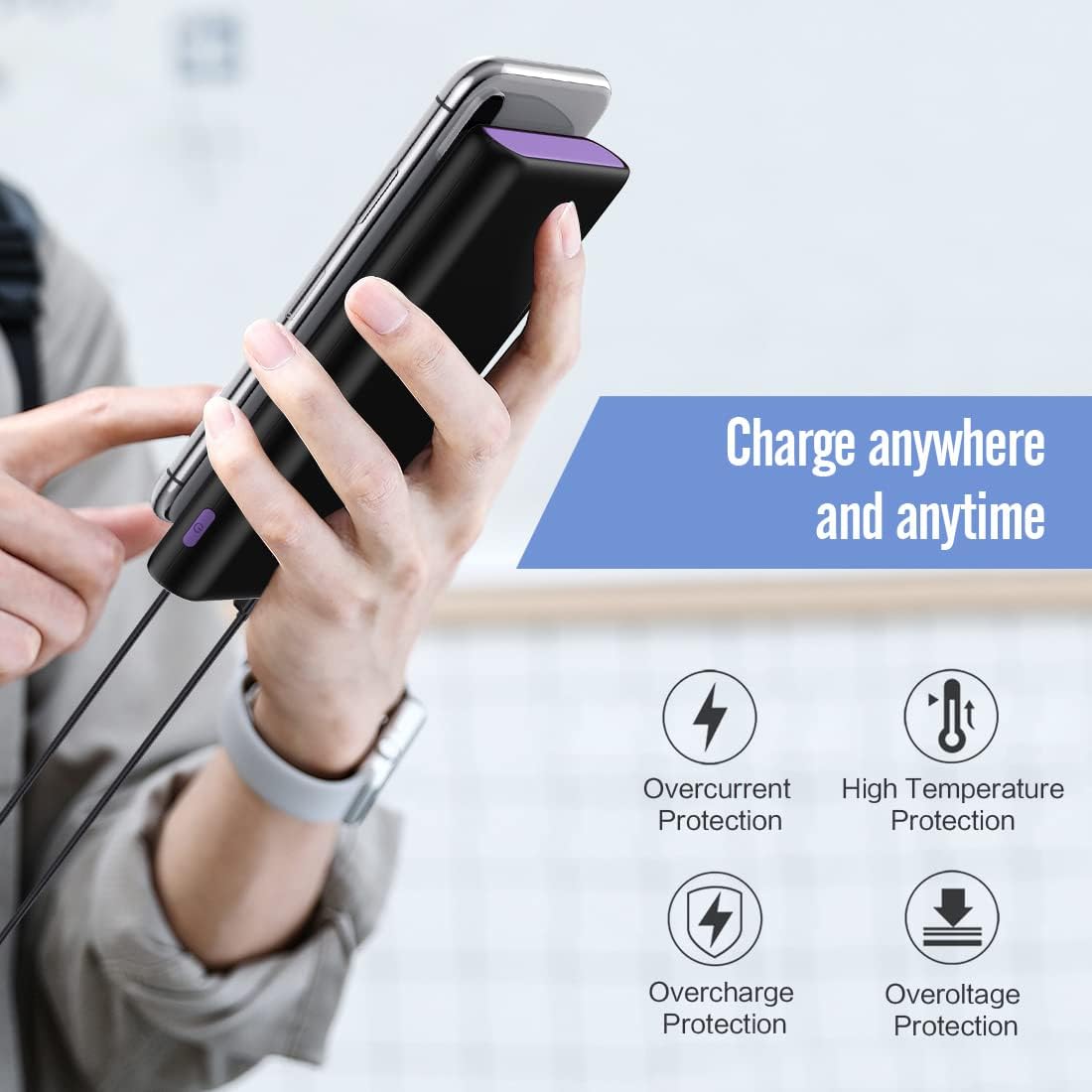
Figure 4: Built-in smart protection features.
4. Specifications
| Attribute | Detail |
|---|---|
| Capacity | 25800mAh |
| Battery Type | Li-polymer (Grade A rated CE RoHs and UL certification) |
| Input | 5V/3A (USB-C) |
| Output 1 (USB-A) | 5V/2.1A |
| Output 2 (USB-A) | 5V/1A |
| Output 3 (USB-C) | 5V/3.0A |
| Dimensions (L x W x H) | 5.91 x 2.95 x 0.6 inches (15.0 x 7.5 x 1.5 cm) |
| Weight | 13 ounces (368 grams) |
| Model Number | HX160Y8 |

Figure 5: Product Dimensions.
5. Setup
5.1 Initial Charging of the Power Bank
Before first use, it is recommended to fully charge the power bank.
- Connect the provided USB-C cable to the USB-C input/output port on the power bank.
- Connect the other end of the USB-C cable to a compatible USB wall charger (not included). For optimal charging speed, use a 5V/3A charger.
- The LED indicators will light up sequentially to show the charging progress.
- Charging is complete when all four LED indicators are solid blue. This typically takes 8-12 hours with a 2.1A input charger, or 12-24 hours with a 1A charger.

Figure 6: LED Indicator Status.
6. Operating Instructions
6.1 Charging Your Devices
The power bank can charge up to three devices simultaneously.
- Connect your device's charging cable to one of the available USB output ports (USB-A or USB-C) on the power bank.
- Connect the other end of the cable to your device.
- The power bank will automatically begin charging your device. If it does not, press the power button located on the side of the power bank.
- The LED indicators will show the remaining power of the power bank during charging.
- Disconnect your device once it is fully charged.

Figure 7: Charging multiple devices.
6.2 Checking Battery Level
To check the remaining battery level of the power bank, simply press the power button once. The LED indicators will illuminate to show the current charge:
- One LED: 0-25% remaining charge
- Two LEDs: 26-50% remaining charge
- Three LEDs: 51-75% remaining charge
- Four LEDs: 76-100% remaining charge
7. Maintenance
- Store the power bank in a cool, dry place away from direct sunlight and extreme temperatures.
- Avoid dropping or subjecting the power bank to strong impacts.
- Do not expose the power bank to water or other liquids.
- Clean the power bank with a soft, dry cloth. Do not use harsh chemicals or abrasive materials.
- For prolonged storage, charge the power bank to about 50% every 3 months to maintain battery health.
- Use only the included cable, your original device cable, or a third-party certified cable (e.g., MFi) for charging.
8. Troubleshooting
| Problem | Possible Cause | Solution |
|---|---|---|
| Power bank not charging |
|
|
| Device not charging from power bank |
|
|
| Slow charging |
|
|
9. Warranty & Support
Ekrist provides 24 Months Support Services for this portable battery charger. If you encounter any issues or have questions regarding your product, please do not hesitate to contact our customer support team. We are committed to providing friendly and easy-to-reach support.
Please refer to your purchase documentation or the Ekrist official website for contact information.

