Introduction
This manual provides detailed instructions for the setup, operation, and maintenance of your Timex UFC Men's Impact 50mm Watch. Please read these instructions carefully to ensure proper use and longevity of your timepiece.

Image 1: Front view of the Timex UFC Men's Impact 50mm Watch. This image displays the watch's face, featuring both analog hands and a digital display, set within a robust red and black casing with a matching strap.
Watch Components
Familiarize yourself with the various buttons and their functions:
- RESET Button (Top Left): Used to reset functions such as the stopwatch or to navigate settings.
- MODE Button (Bottom Left): Cycles through different watch modes (e.g., Time, Alarm, Stopwatch).
- ST/STP Button (Top Right): Starts and stops the stopwatch function, or adjusts settings.
- INDIGLO Button (Bottom Right): Activates the Indiglo night-light for illumination of the display.
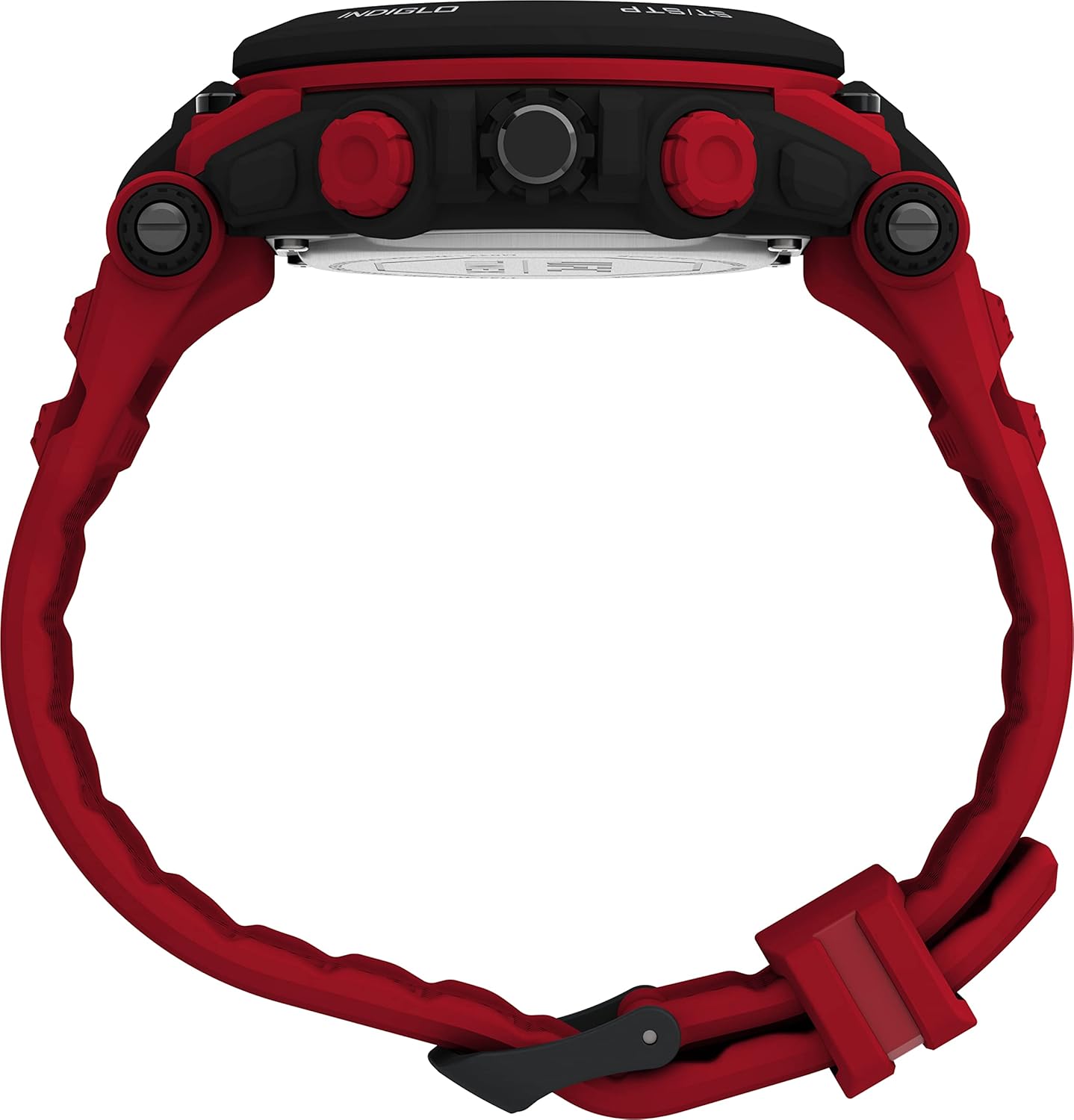
Image 2: Side view of the watch, showing the four control buttons. The top left button is labeled 'RESET', the bottom left 'MODE', the top right 'ST/STP', and the bottom right 'INDIGLO'.
Initial Setup
Setting Time and Date
- Press the MODE button repeatedly until the time setting mode is displayed (often indicated by flashing digits).
- Use the ST/STP button to adjust the flashing digit (hours, minutes, seconds).
- Press the RESET button to move to the next setting (e.g., from hours to minutes, then to date, month, year).
- Once all settings are correct, press the MODE button to exit the setting mode.
- For analog time, pull out the crown (center button on the right side) and turn it to set the hands. Push the crown back in to start the analog movement.
Battery Information
Your watch comes with one Lithium Metal battery pre-installed. When the display dims or functions become erratic, it may be time for a battery replacement. It is recommended to have battery replacement performed by a qualified watch technician to ensure water resistance is maintained.
Operating Modes
Time Mode
This is the default mode, displaying the current time and date. The analog hands show the primary time, while the digital display can show time, date, or other information depending on your settings.
Stopwatch Mode
- Press the MODE button until the stopwatch display appears.
- Press the ST/STP button to start the stopwatch.
- Press ST/STP again to pause the stopwatch.
- Press the RESET button to clear the stopwatch to zero.
Alarm Mode
- Press the MODE button until the alarm setting display appears.
- Use the ST/STP and RESET buttons to set the desired alarm time.
- Press the MODE button to activate or deactivate the alarm. An alarm icon will typically appear when activated.
Indiglo Night-Light
Press the INDIGLO button (bottom right) to illuminate the watch face for a few seconds, allowing visibility in low-light conditions.
Maintenance and Care
Water Resistance
This watch is water resistant to 50 meters (164 feet). This means it can withstand splashes or brief immersion in water. It is not suitable for swimming, diving, or bathing. Avoid pressing buttons while the watch is wet or submerged to prevent water ingress.
Cleaning
Clean your watch regularly with a soft, damp cloth. For the strap, a mild soap solution can be used, followed by rinsing with clean water and thorough drying. Avoid harsh chemicals or abrasive materials.
Battery Replacement
When the battery needs replacement, it is recommended to take your watch to an authorized Timex service center or a professional watch repair shop. This ensures the correct battery type is used and the watch's water resistance seal is properly re-secured.

Image 3: Rear view of the watch, displaying the red strap and the stainless steel case back. The Timex logo is visible on the strap keeper.
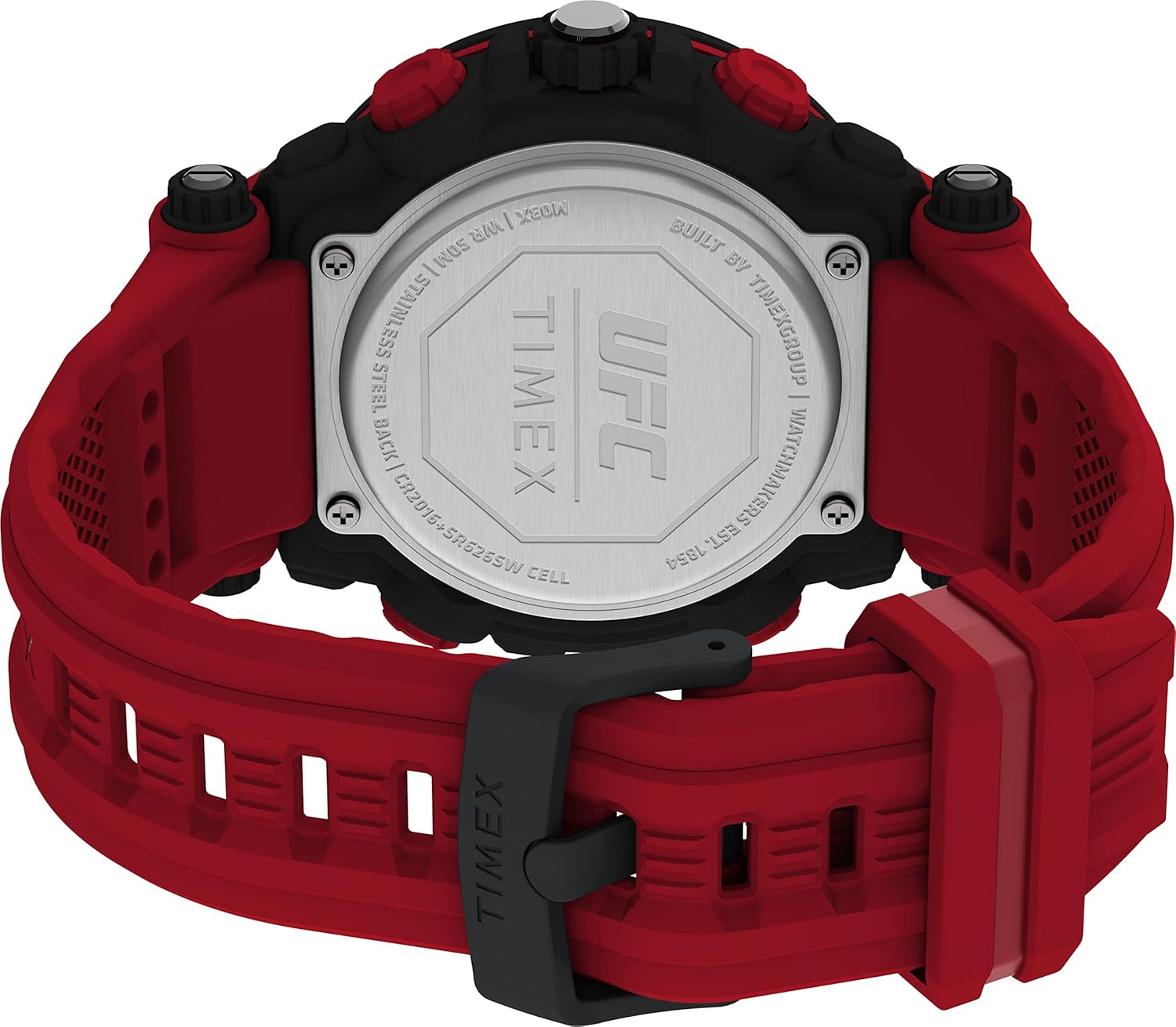
Image 4: Close-up of the watch's stainless steel case back. Engraved details include the UFC and Timex logos, water resistance rating (WR 50M), 'STAINLESS STEEL BACK', and battery specifications ('CR2016+SR626SW CELL').
Troubleshooting
- Digital Display is Dim or Blank: The battery may be low or depleted. Refer to the 'Battery Replacement' section.
- Analog Hands Not Moving: Ensure the crown is pushed in completely. If still not moving, the battery may need replacement or there could be a mechanical issue.
- Buttons Not Responding: Ensure the watch is not in a locked mode (if applicable) or that it is not wet. If the issue persists, a reset may be required (consult a service center).
- Incorrect Time/Date: Follow the 'Setting Time and Date' instructions carefully.
Specifications
| Feature | Detail |
|---|---|
| Model Number | TW5M53000JT |
| Case Diameter | 50mm |
| Strap Length | 8 inches (Red) |
| Lens Material | Acrylic |
| Water Resistance | 50m (164ft) |
| Battery Type | 1 Lithium Metal battery (CR2016 + SR626SW Cell) |
| Case Material | Stainless Steel Back |
| Item Weight | 5.29 ounces |
Warranty and Support
For warranty information and customer support, please refer to the official Timex website or contact Timex customer service directly. Details regarding specific warranty periods and service procedures are typically provided with your purchase documentation.
You can visit the Timex Store on Amazon for additional product information and support resources.


