
1. Introduction
This manual provides detailed instructions for the installation, operation, and maintenance of your BANVIE Car Alarm System with Remote Start and Push Button Starter. This system enhances vehicle security and convenience with features such as keyless entry, remote engine start, and a push-button ignition.
Key Features:
- Keyless Entry: Remote control lock/unlock doors and trunk release.
- 1-Way Alarm: Alerts for shock or unauthorized door/ACC trigger.
- Remote Start: Pre-warm or pre-cool your vehicle remotely.
- Push Button Start: Replaces traditional key ignition for engine start/stop.
- Push Button Auto-lock: Automatically locks the push button 30 seconds after engine stop.
- Central Door Locking Automation: Automatic door locking functionality.
- Emergency Override: Provides a method to disarm the system in emergencies.
- Automatic Engine Cut-off: Engine cuts off after 15 minutes if foot brake is not pressed after remote start.
- Code Learning: Allows for pairing new remote controls.

Image 1.1: Overview of the BANVIE Car Alarm System components, including the main unit, siren, push button, remote controls, and wiring harnesses.
2. Setup and Installation
Important: Professional installation by a qualified technician is highly recommended due to the complexity of this system and its integration with vehicle electrical systems. Improper installation can lead to vehicle damage or system malfunction.
2.1. Package Contents
Verify that all components are present in the package:
- Main unit
- Push button
- Siren
- 2x Transmitters (remote controls)
- Shock sensor
2.2. Immobilizer Bypass Module
If your vehicle uses chip keys (an immobilizer system), an immobilizer bypass module (e.g., ASIN: B075TH5B91) is required for the remote engine start function to operate correctly. This module is sold separately and is not included with this system.
Alternatively, the user manual (page 7) describes a method for installers to bypass the chip without a dedicated bypass module. Consult the full user manual for detailed instructions on this procedure.
3. Operating Instructions
3.1. Keyless Entry (Lock/Unlock)
Use the remote control to lock and unlock your vehicle's doors. This function also includes remote trunk release.
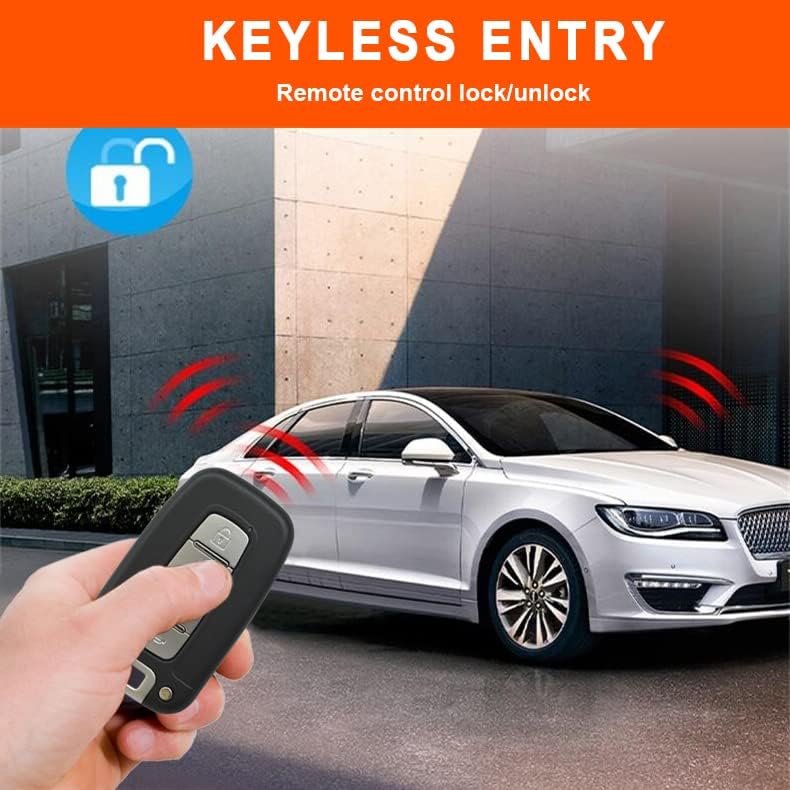
Image 3.1: A hand holding the remote control, demonstrating the keyless entry function to lock or unlock the vehicle.
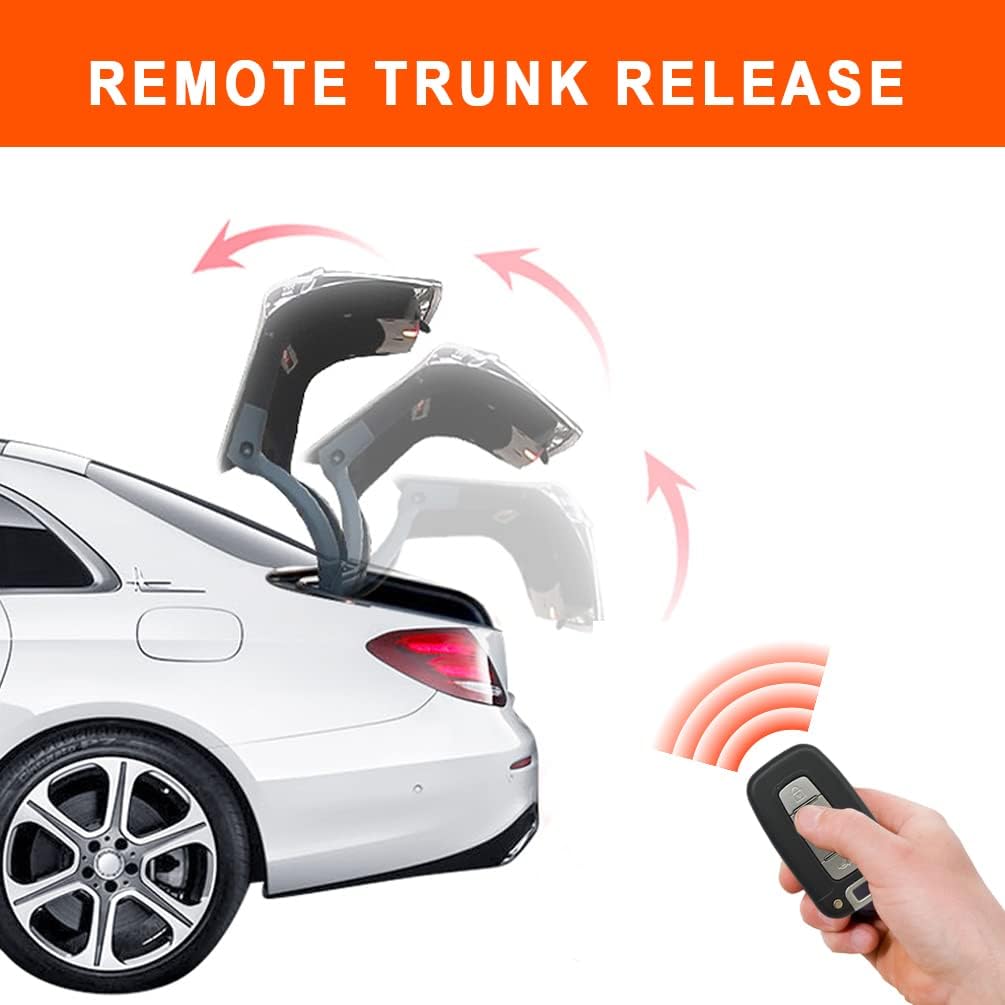
Image 3.2: A car trunk opening remotely, illustrating the remote trunk release feature.
3.2. Remote Engine Start/Stop
To remotely start your engine, press and hold the designated button on your remote control. This allows you to pre-warm your car in cold weather or pre-cool it in hot weather. The engine will automatically cut off after 15 minutes if the foot brake pedal is not pressed.
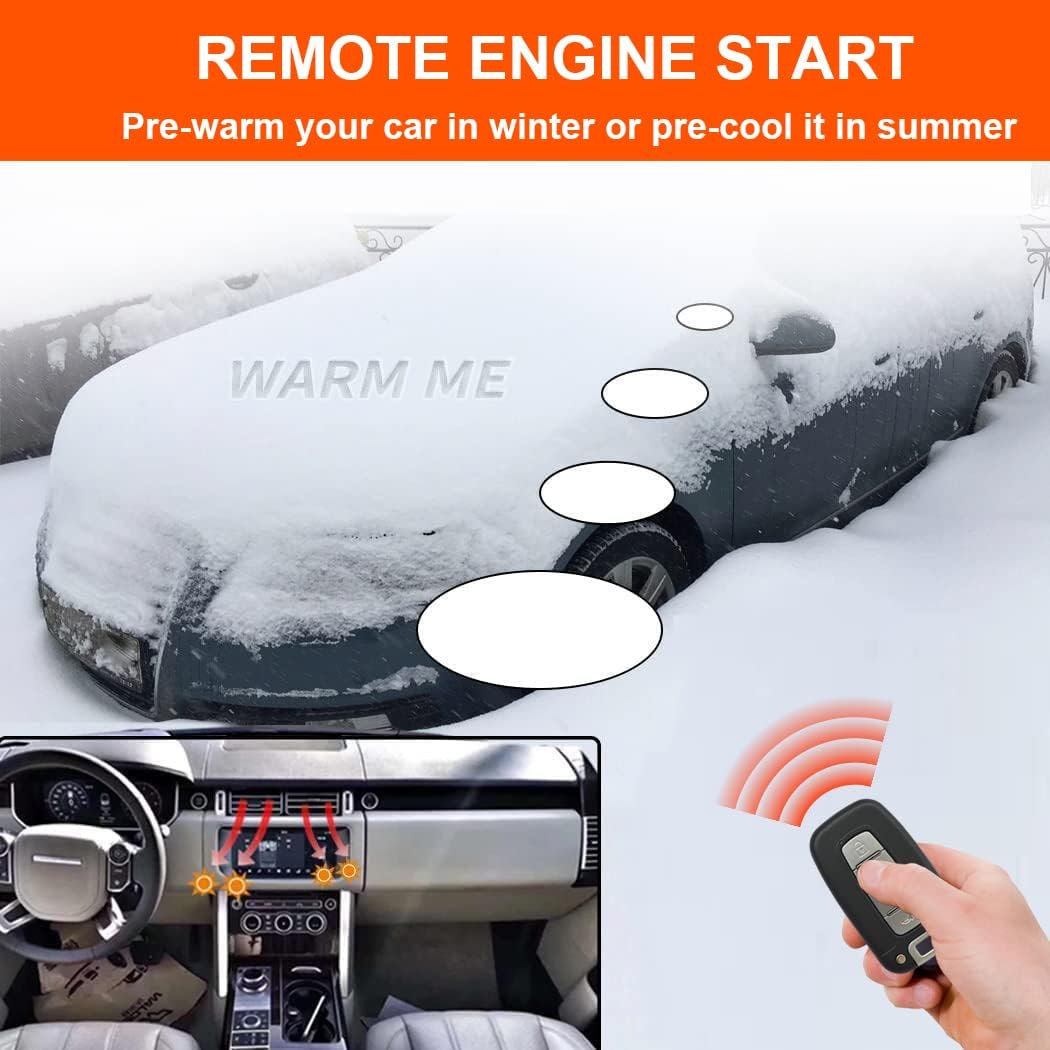
Image 3.3: A car covered in snow, being remotely started to warm up, with a remote control in hand.
3.3. Push Button Start/Stop
Once installed, the system replaces your traditional key ignition. To start or stop the engine, simply press the "ENGINE START STOP" button. Keep pressing the button to start/stop the car.

Image 3.4: A close-up of a finger pressing the illuminated "ENGINE START STOP" button in a car.
3.4. Alarm Functions
- 1-Way Alarm: The siren will sound for 8 seconds if the car body is shocked. It will sound for 25 seconds if a side door is opened or the foot brake is pressed without disarming.
- Shock Sensor: Detects impacts to the vehicle and triggers the alarm.
- Panic Code/Car Finding: Activates the alarm to locate your vehicle or deter threats.
- Illegal Door Opening/ACC Triggered: Triggers the alarm if doors are opened or ACC is activated without authorization.

Image 3.5: An illustration depicting a thief attempting to break into a car, with a visual representation of the anti-theft alarm and shock sensor activating.
3.5. Push Button Auto-lock
For security, the push button will automatically lock 30 seconds after the engine is stopped, preventing unauthorized use.
3.6. Window Closing Function
If a window closer module is installed in your vehicle, the system can be configured to automatically close windows upon arming.
4. Maintenance
The BANVIE Car Alarm System is designed for low maintenance. Regularly check the remote control batteries (CR2032) and replace them as needed to ensure reliable operation. Keep the main unit and sensors free from excessive moisture and extreme temperatures.
5. Troubleshooting
If you experience issues with your BANVIE Car Alarm System, consider the following:
- System Not Responding: Check remote control battery levels. Ensure the vehicle's main battery is charged.
- Remote Start Failure: Verify that an immobilizer bypass module is correctly installed if your car has chip keys. Ensure all doors are closed and the vehicle is in park.
- Alarm Triggers Randomly: Adjust the sensitivity of the shock sensor. Ensure the vehicle is not parked in an area prone to vibrations.
- Push Button Not Working: Check for proper wiring connections. Ensure the auto-lock feature is not active.
For complex issues or if you are unsure about any step, it is strongly advised to consult with a professional automotive technician. Attempting to repair or modify the system without proper knowledge can void the warranty and cause further damage.
6. Specifications
6.1. Main Unit System
- Working Voltage: DC 12 V ± 3 V
- Static Current: ≤ 15mA
- PKE Emission Current: 40mA
- Working Frequency: 433 - 434 MHZ
- ACC / Start Current: 30A
6.2. Remote Control
- Working Voltage: DC 3V
- Operation Current: 8uA
- Static Current: ≤ 15mA
- PKE Emission Current: 40mA
- Battery: CR2032 (2 required, included)
6.3. General Product Information
- Item Weight: 1.06 ounces
- Product Dimensions: 11.81 x 11.81 x 11.81 inches
- Wireless Remote: Yes
- Maximum Range: 100 Feet (1E+2 Feet)
- Compatible Devices: Cars
- ASIN: B0BBN7TD5Y
- Date First Available: August 23, 2022
7. Warranty and Support
This BANVIE Car Alarm System comes with a 1-year warranty from the date of purchase. Please retain your proof of purchase for warranty claims.
For technical support, installation guidance, or warranty inquiries, please contact BANVIE customer service. Contact information can typically be found on the product packaging or the official BANVIE website.
Legal Disclaimer: Due to the complexity of this system, installation of this product must only be performed by an authorized directed dealer. BANVIE security products, Inc. and its vendors shall not be liable for any accident resulting from the wrong installation of this product.