
1. Product Overview
The K&F Concept Trail Camera (Model KF35.153) is a high-performance wildlife camera designed for capturing clear images and videos of animals in their natural habitat. Featuring a 24MP camera and 1296P 30fps video recording capabilities, it ensures detailed and smooth footage. Its rapid 0.2-second trigger speed and advanced motion detection system minimize missed shots. Equipped with 940nm No Glow LEDs, it provides invisible night vision for discreet observation. The camera is built to withstand outdoor conditions with an IP66 waterproof and dustproof rating, making it suitable for various applications including wildlife monitoring, hunting, farm surveillance, and home security.

Figure 1: K&F Concept Trail Camera with included 64GB SD card and 4 AA batteries. This image shows the main unit, a 64GB SD card, and four AA batteries, which are all part of the standard package.
2. Initial Setup
2.1. Battery Installation
The camera requires four (4) new 1.5V AA alkaline batteries for operation. Alternatively, an external 6V 1A power supply can be used. Ensure the external power supply uses a DC plug with an outer diameter of 3.5mm and an inner diameter of 1.35mm.
2.2. SD Card Preparation
A standard SD card of Class 10 or higher is required for storing photos and videos. Before the first use, it is crucial to format the SD card directly within the camera's settings menu. This ensures optimal compatibility and performance.
2.3. Lens Protection Film
Before deploying the camera, gently remove the protective film from the lens to ensure clear image capture.
2.4. Camera Placement
Mount the trail camera at a height of 1 to 2 meters (approximately 3 to 6.5 feet) from the ground. Position the camera parallel to the ground in the desired direction to prevent overexposure in images. For optimal night vision performance, clear any obstacles directly in front of the camera's field of view.

Figure 2: The camera's IP66 waterproof design ensures durability in outdoor environments, including rain and dust. This image shows the camera securely mounted on a tree, enduring rainfall, demonstrating its robust IP66 protection.
3. Operating Instructions
3.1. Motion Detection and Trigger Speed
The camera is equipped with an intelligent PIR sensor, capable of detecting motion up to 20 meters (65 feet) away. Once motion is detected, the camera triggers within an impressive 0.2 seconds, ensuring that fast-moving subjects are captured effectively.

Figure 3: The camera's rapid 0.2-second trigger speed ensures that fast-moving subjects, such as a running dog shown here, are captured without blur or delay.
3.2. Night Vision Capabilities
Utilizing No Glow Black LEDs and Starlight night vision technology, the camera provides an invisible flash, making it discreet for wildlife observation. It captures excellent night images and videos without disturbing animals.

Figure 4: Smart Night Vision provides crisp images in darkness. This image illustrates the camera's ability to capture clear black-and-white images at night, avoiding common issues like overexposure or underexposure.
3.3. Recording Modes and Settings
The camera offers various functions to customize your recording experience:
- Time-lapse: Capture events over extended periods.
- Recording Delay: Set a delay between triggered recordings.
- Target Recording Time: Define specific time frames for recording.
- Burst Shooting: Capture multiple photos in quick succession.
- Camera Name: Assign a unique name to your camera for easy identification.
- Password Protection: Secure your camera settings with a password to prevent unauthorized access.
Videos are saved in AVI format. For optimal playback on a computer, it is recommended to use media players such as VLC Media Player or IrfanView, as standard Windows video players may not fully support this format.
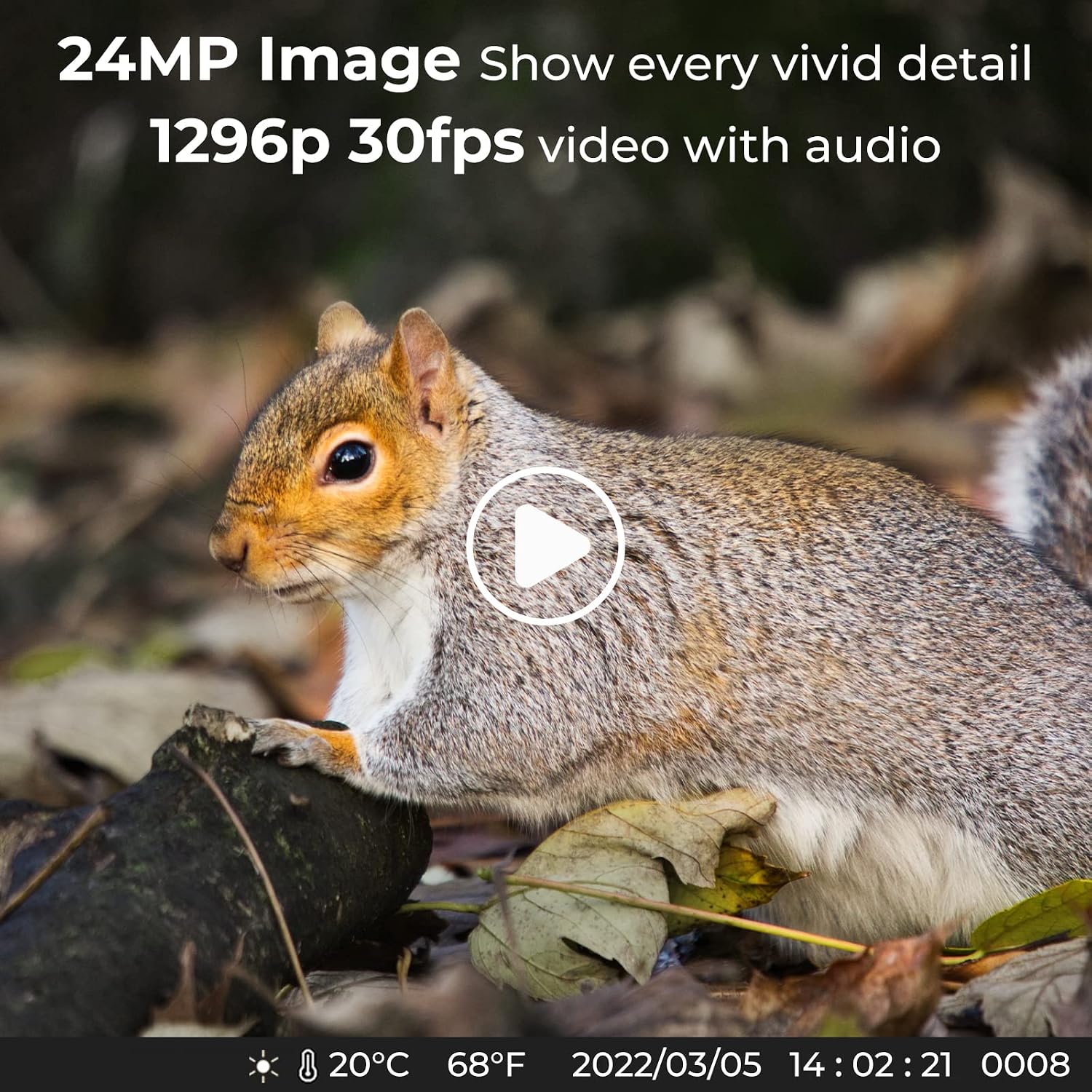
Figure 5: The camera captures high-quality 24MP images and smooth 1296p video at 30 frames per second, ensuring every detail is recorded. This image shows a squirrel captured in vivid detail, demonstrating the camera's image and video capabilities.
4. Maintenance
4.1. Weather Resistance
The K&F Concept Trail Camera features an IP66 waterproof and dustproof design, utilizing high-density waterproof materials and a compact housing. This robust construction ensures reliable operation in various weather conditions, including rain, wind, and snow.
4.2. Battery Life
In sleep mode, the camera can achieve a standby time of up to 6 months, minimizing the need for frequent battery changes. Actual battery life may vary depending on usage patterns, temperature, and battery quality.
5. Troubleshooting
| Problem | Possible Cause / Solution |
|---|---|
| Camera is unresponsive or not turning on. |
|
| SD card issues (e.g., not recognized, errors, or filling up too quickly). |
|
| Poor night vision images or videos. |
|
| Condensation or fogging inside the lens. |
|
| Difficulty viewing recordings on the camera's screen. |
|
6. Technical Specifications
| Feature | Detail |
|---|---|
| Model Number | KF35.153 |
| Photo Resolution | 24MP (6528x3672) |
| Video Resolution | 1296P (2304x1296) at 30fps |
| Video Format | AVI |
| Trigger Speed | 0.2 seconds |
| PIR Detection Angle | 120° |
| Night Vision Range | 20 meters |
| Power Source | 4x 1.5V AA Alkaline Batteries or External 6V 1A DC (3.5mm outer, 1.35mm inner) |
| Waterproof Rating | IP66 |
| Dimensions (L x W x H) | 23 x 13 x 8.5 cm (9.06 x 5.12 x 3.35 inches) |
| Weight | 460g (1.01 lbs) without batteries |
| Material | Plastic |
| Color | Tree Bark (Camouflage) |
| Connectivity Technology | Wireless (Wi-Fi) |

Figure 6: Package Contents. This image displays all items included in the box: the trail camera, a quick guide, the instruction manual, a mini USB cable, a mounting strap, a 64GB SD card, and four AA batteries.
7. Warranty and Support
While specific warranty details are not provided in this manual, K&F Concept is committed to customer satisfaction. For any product-related inquiries, technical support, or warranty claims, please contact K&F Concept customer service through their official website or the platform where the product was purchased.
Visit the official K&F Concept store for more information and support: K&F Concept Store