
YFFIZQ Blue-96GB
Contents
YFFIZQ MP3 Player User Manual
Model: Blue-96GB
Brand: YFFIZQ
1. Introduction
Thank you for choosing the YFFIZQ 96GB MP3 Player. This device is designed to provide a high-quality portable audio and media experience. With its advanced features and user-friendly interface, you can enjoy your music, videos, and e-books on the go. This manual will guide you through the setup, operation, and maintenance of your new MP3 player.

Figure 1.1: YFFIZQ 96GB MP3 Player (Blue-96GB model)
2. Product Features
- 96GB Large Memory & Long Playback Time: Built-in 32GB internal storage, expandable with an included 64GB TF Card (supports up to 128GB, not included). Enjoy over 50 hours of music playback on a single 2-hour charge.
- Wireless MP3 Player with Bluetooth 5.1: Compatible with Bluetooth 5.0/4.2/4.1/4.0/2.0 for fast and stable connection to Bluetooth earbuds, headphones, or speakers. Note: This Bluetooth cannot pair with phones or cars.
- HiFi Lossless Sound Music Player: Features a built-in speaker and professional intelligent digital noise reduction chip for HIFI sound quality. Supports MP3/WMA/OGG/APE/FLAC/WAV/AAC/ACELP/DRM audio formats.
- 2.8 Inch Full-Screen Touch MP3 Player: Equipped with a 2.8-inch explosion-proof glass and sturdy zinc alloy body for comfortable grip and scratch resistance. High-sensitive full touch screen for easy and smooth operation.
- Multi-function MP3 Player: Supports music playback, FM radio, recording, video playback, picture & file browsing, E-book reading, alarm, sleep timer, screen lock, screen saver, OTG data transfer, AUX audio connection, and sport pedometer. Includes a wearable sports armband.
3. Setup
3.1 Charging the Device
Before first use, fully charge your MP3 player. Connect the included USB-C cable to the device's charging port and the other end to a USB power adapter (not included) or a computer's USB port. A full charge takes approximately 2 hours.

Figure 3.1: Charging the MP3 Player
3.2 Memory Expansion
The MP3 player comes with 32GB of internal storage and a 64GB TF card. You can expand the memory further by inserting a TF card up to 128GB (not included) into the designated slot.

Figure 3.2: Memory Expansion with TF Card
3.3 OTG Data Transfer
You can directly transfer files to your player from your phone using the equipped OTG adapter and USB cable, without needing a computer or laptop.

Figure 3.3: OTG Data Transfer
4. Operating Instructions
4.1 Power On/Off
To power on the device, press and hold the power button located on the side until the screen lights up. To power off, press and hold the same button until the shutdown prompt appears, then confirm.
4.2 Music Playback
Navigate to the 'Music' icon on the main screen. You can browse your music by 'All Songs', 'Artists', 'Albums', 'Styles', or 'Playlists'. Select a song to begin playback. The player supports various audio formats including MP3, WMA, OGG, APE, FLAC, WAV, AAC, ACELP, and DRM.

Figure 4.1: Supported Audio Formats
4.3 Bluetooth Connection
From the main menu, select the 'Bluetooth' icon. Turn on Bluetooth and search for available devices. Select your Bluetooth headphones, earbuds, or speaker from the list to pair. Once paired, audio will be routed through the connected device.
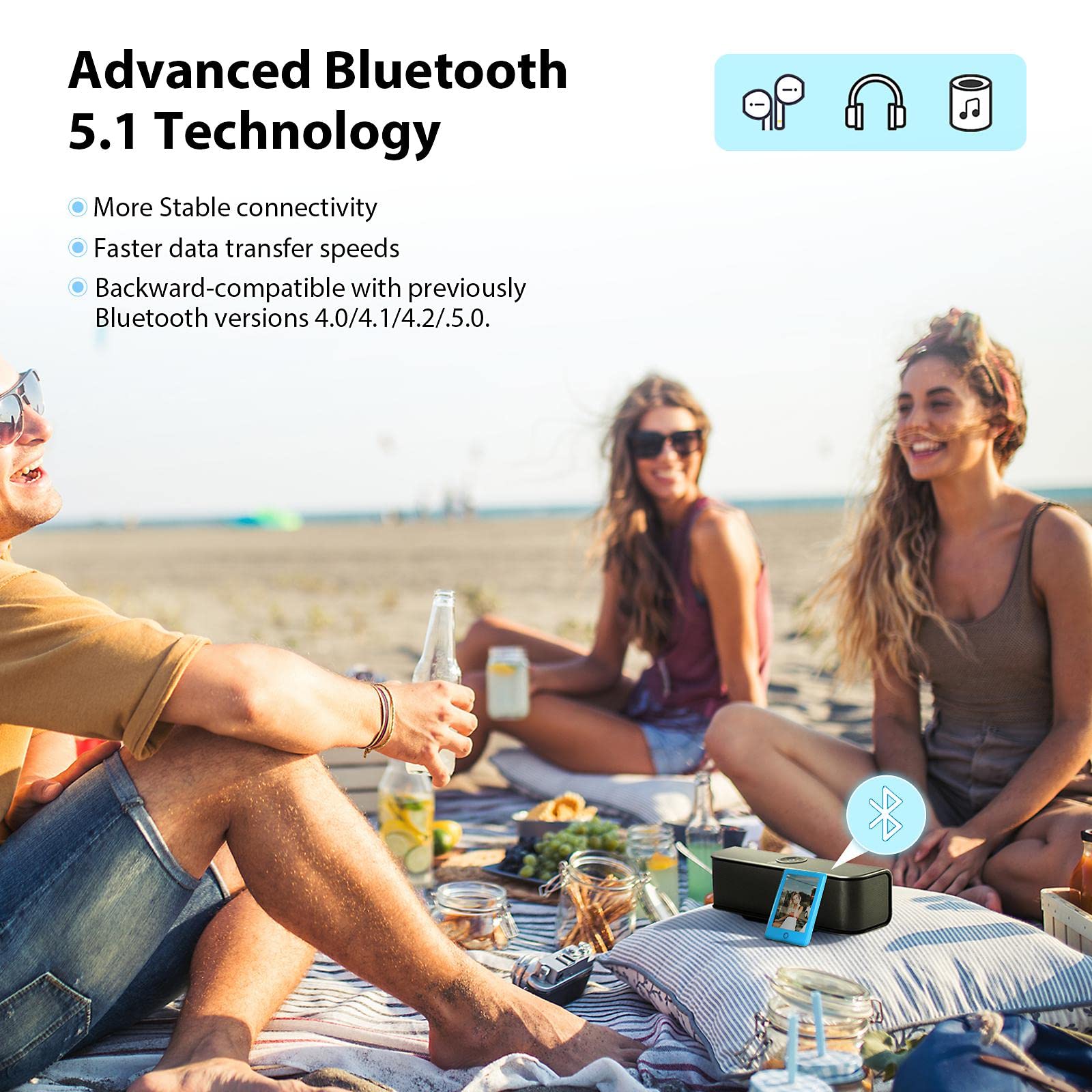
Figure 4.2: Advanced Bluetooth 5.1 Connectivity
4.4 Full Touch Screen Control
The 2.8-inch HD highly sensitive touch screen allows for smooth navigation and operation, similar to a smartphone. Tap icons to select functions and swipe to scroll through lists.

Figure 4.3: High Sensitive Touch Screen Control
4.5 Other Functions
The MP3 player offers a variety of additional functions accessible from the main menu:
- Video Playback: Supports video playback.
- FM Radio: Tune into your favorite radio stations.
- Recording: Use the built-in microphone to record audio.
- E-Book: Read e-books in supported formats.
- Pedometer: Track your steps, time, calories, and distance during exercise.
- AUX Audio Connection: Connect to external audio systems using the included AUX cable.

Figure 4.4: Video Playback

Figure 4.5: FM Radio Function

Figure 4.6: Voice Recording

Figure 4.7: E-Book Reader
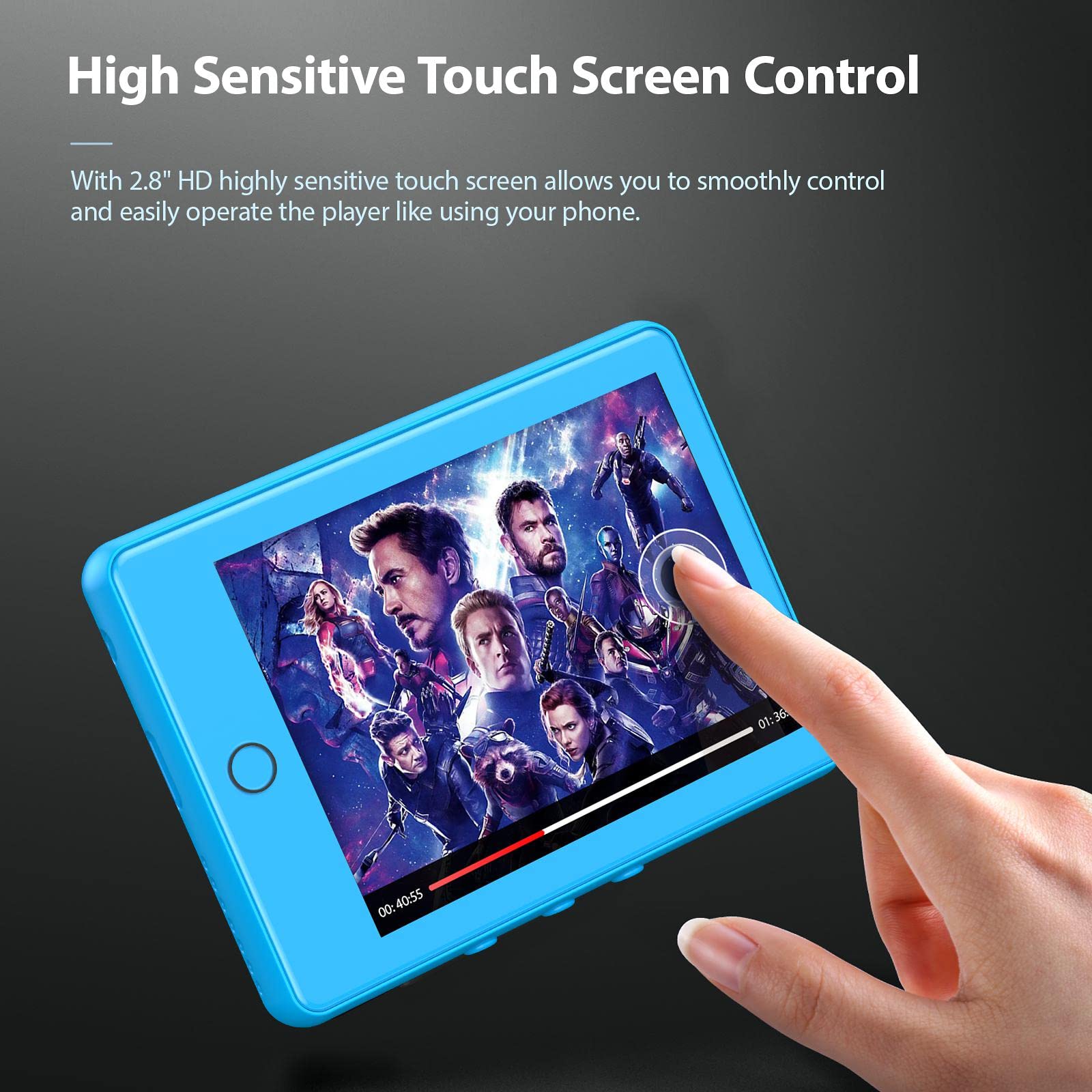
Figure 4.8: Built-in Pedometer

Figure 4.9: AUX Audio Connection

Figure 4.10: Multi-function Interface
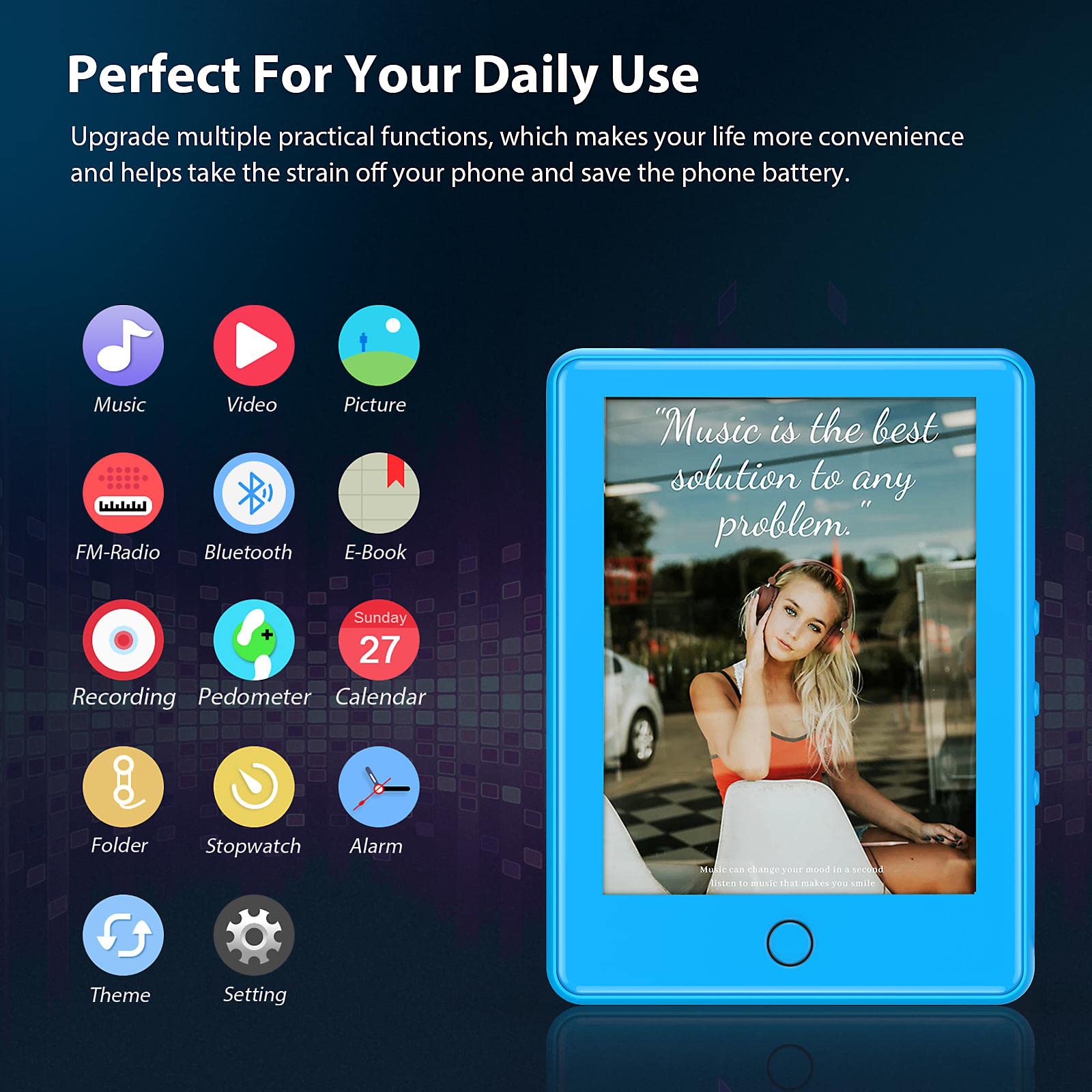
Figure 4.11: Portable Design and Usage Scenarios
5. Maintenance
- Keep the device dry. Avoid exposure to moisture or extreme temperatures.
- Clean the screen and body with a soft, dry cloth. Do not use abrasive cleaners or solvents.
- Avoid dropping the device or subjecting it to strong impacts.
- Store the device in a cool, dry place when not in use.
6. Troubleshooting
6.1 Device Not Turning On
- Ensure the battery is charged. Connect the player to a power source and allow it to charge for at least 15 minutes before attempting to power on again.
- Press and hold the power button for 5-10 seconds to perform a hard reset.
6.2 Cannot Connect to Bluetooth Device
- Ensure the Bluetooth device is in pairing mode.
- Make sure the MP3 player's Bluetooth is enabled.
- Move the MP3 player closer to the Bluetooth device.
- Restart both the MP3 player and the Bluetooth device.
- Remember, this MP3 player's Bluetooth cannot pair with phones or cars.
6.3 Files Not Transferring
- Ensure the USB cable is securely connected to both the player and the computer/phone.
- Check if the player is recognized as a removable disk on your computer.
- Verify that the files are in a supported format.
- If using OTG, ensure your phone supports OTG functionality.
6.4 No Sound
- Check the volume level on the player.
- If using headphones, ensure they are properly plugged in or connected via Bluetooth.
- Test with different headphones or audio files.
7. Specifications
| Feature | Detail |
|---|---|
| Product Dimensions | 0.33 x 2.28 x 3.07 inches |
| Item Weight | 3.53 ounces |
| Internal Memory | 32 GB |
| Expandable Memory | Up to 128 GB (TF Card) |
| Screen Size | 2.8 Inches |
| Connectivity | Bluetooth 5.1, AUX |
| Supported Audio Formats | MP3/WMA/OGG/APE/FLAC/WAV/AAC/ACELP/DRM |
| Battery | 500mAh Lithium Ion (included) |
| Charging Time | Approx. 2 hours |
| Playback Time | 50+ hours (music) |
| Color | Blue |
| Manufacturer | YFFIZQ |
8. What's in the Box
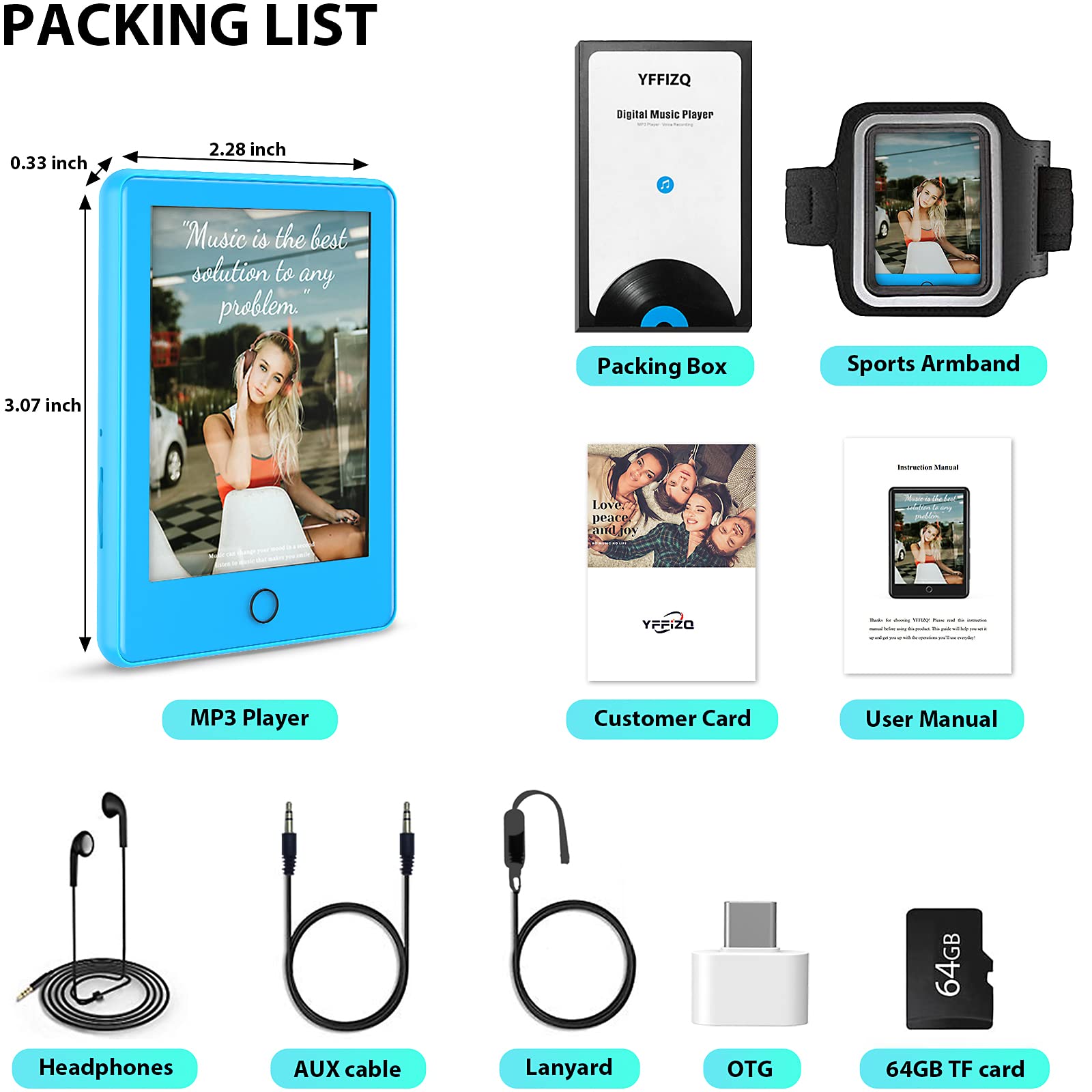
Figure 8.1: Packing List
- YFFIZQ MP3 Player
- 64GB TF Card
- USB-C Charging Cable
- Headphones
- AUX Cable
- Lanyard
- OTG Adapter
- Sports Armband
- User Manual
9. Warranty and Support
Your YFFIZQ MP3 Player comes with a 12-month free warranty. We also offer a 90-day refund policy and lifetime 24-hour friendly customer service. For any questions, issues, or support needs, please contact our customer service team via the contact information provided in the product packaging or on our official website.
10. Official Product Videos
Currently, there are no official product videos from the seller available for embedding in this manual. Please refer to the text instructions and images for guidance.
Documents and downloads
Ask a question about this manual
Ask about setup, troubleshooting, compatibility, parts, safety, or missing instructions. Manuals+ will review the question and use this page’s manual context to help answer it.