
1. Introduction
Thank you for choosing the Hommie 1.69" Smartwatch. This manual provides essential information for setting up, operating, maintaining, and troubleshooting your device. Please read it carefully to ensure optimal performance and longevity of your smartwatch.
2. What's in the Box
Upon unboxing, please verify that all the following items are included:
- Hommie 1.69" Smartwatch
- Magnetic Charging Cable
- User Manual
- Additional Watch Straps (if applicable)

3. Setup
3.1 Charging the Smartwatch
Before first use, fully charge your smartwatch. Connect the magnetic charging cable to the charging points on the back of the watch and plug the USB end into a power adapter (not included) or a computer's USB port.
- Charging Time: Approximately 2.5 hours for a full charge.
- Usage Time: 7-15 days on a single charge.
- Standby Time: Up to 30-45 days.

3.2 App Download and Pairing
To unlock all features, download the companion app to your smartphone.
- Scan the QR code in the manual or on the watch screen, or search for the app name (usually specified in the manual or on the watch) in your smartphone's app store (Google Play Store for Android, Apple App Store for iOS).
- Install the app and create an account if prompted.
- Ensure Bluetooth is enabled on your smartphone.
- Open the app, navigate to the device pairing section, and select your Hommie Smartwatch from the list of available devices.
- Follow the on-screen prompts to complete the pairing process.
Compatibility:
- Compatible with iOS 9.0 and Android 5.0 or later.
- Not compatible with PC, iPad, tablet, or Windows Phone.
3.3 Wearing the Smartwatch
Wear the smartwatch snugly on your wrist, about one finger's width from your wrist bone. Ensure the sensor on the back of the watch is in contact with your skin for accurate heart rate and sleep monitoring.
4. Operating Instructions
4.1 Basic Navigation
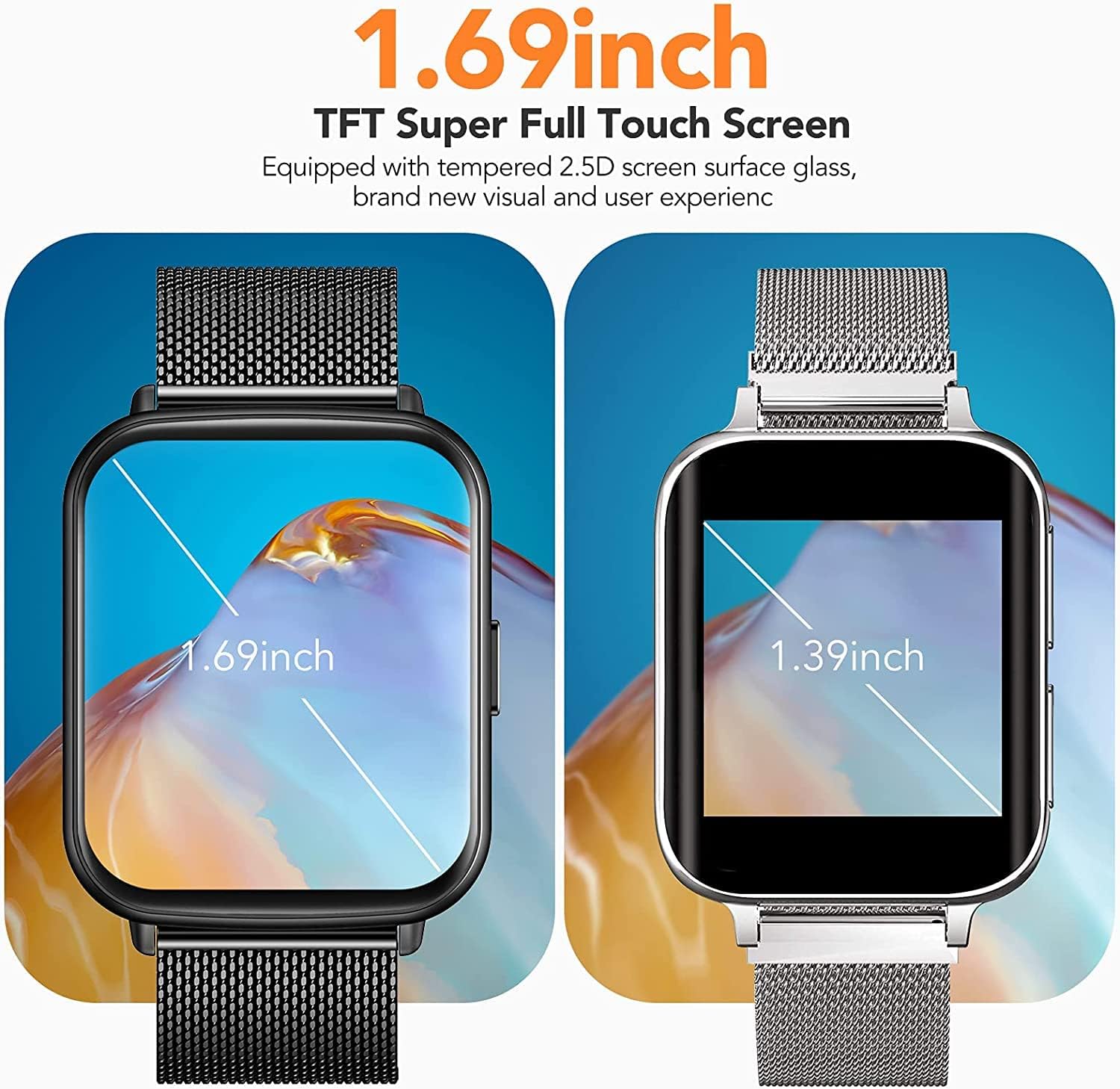
The Hommie Smartwatch features a 1.69-inch TFT HD touchscreen (240 x 280 resolution) made of 2.5D tempered glass.
- Swipe Up/Down: Scroll through menus and notifications.
- Swipe Left/Right: Access quick functions or different screens.
- Tap: Select an item or confirm an action.
- Side Button: Typically used to return to the home screen or power on/off the device (long press).
4.2 Watch Faces
The smartwatch offers 25 different watch faces, and you can also customize your own through the companion app. To change the watch face, long-press on the current watch face on the screen and swipe left or right to browse options. Tap to select.

4.3 Notifications
Receive call, SMS, and app notifications (e.g., Facebook, Twitter, WhatsApp, Instagram) directly on your wrist. The watch will vibrate to alert you. You can hang up incoming calls directly from the watch.

4.4 Health Monitoring
The smartwatch automatically monitors your health data:
- Heart Rate: Real-time 24-hour heart rate monitoring.
- Sleep Monitor: Tracks your sleep status (deep sleep, light sleep, wake-up time) from 6 PM to 12 PM.
View daily, weekly, and monthly health data in the companion app to better understand your health condition.

4.5 Sports Modes and GPS
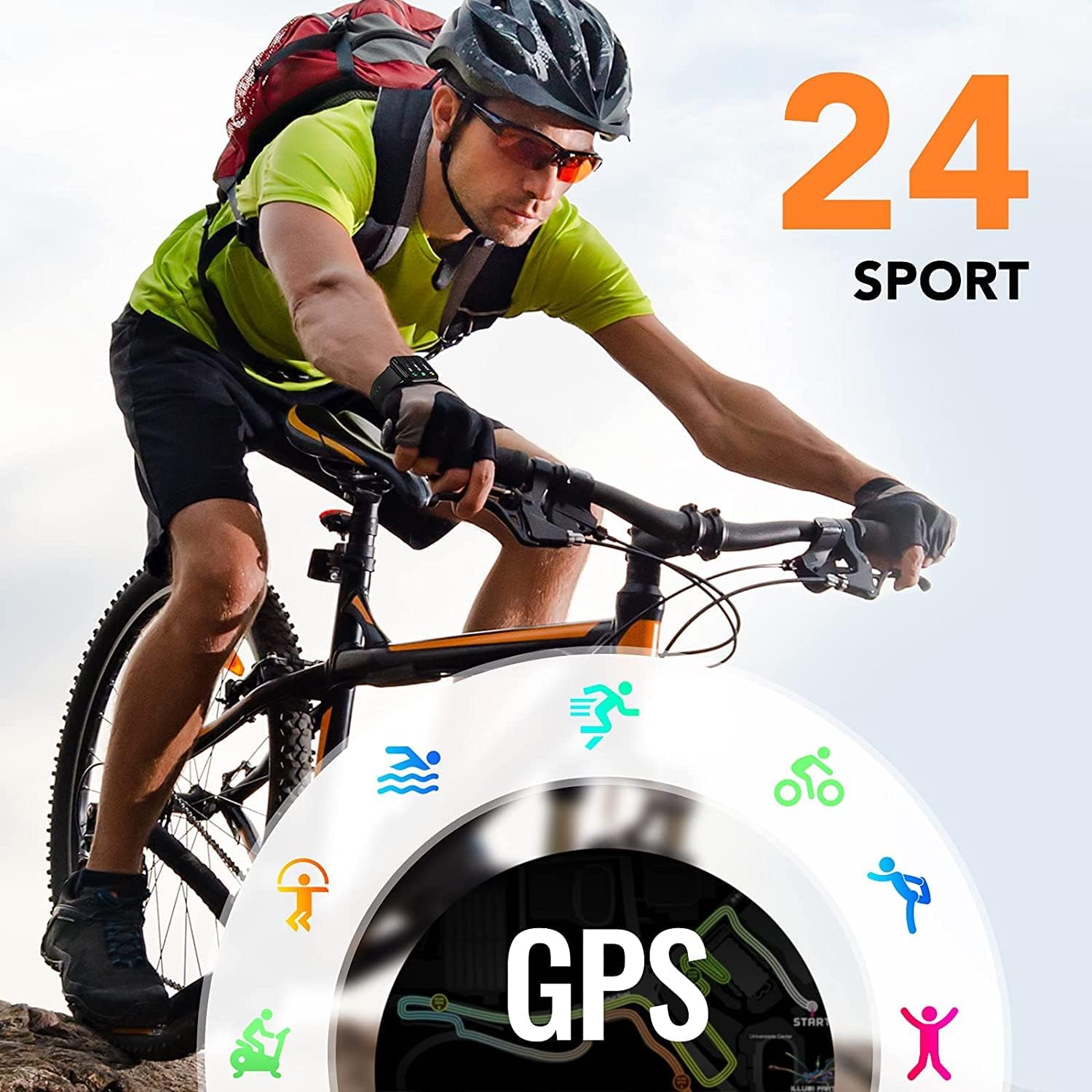
The watch supports 24 sports modes, including racing, cycling, jump rope, swimming, badminton, table tennis, climbing, walking, basketball, baseball, and volleyball. It tracks steps, calories, and distance.
When connected to the mobile app, you can use shared GPS to track your route during outdoor activities. Share your workout results with friends through the app.
4.6 Other Features
The smartwatch includes additional functions:
- Pedometer (steps, distance, calories)
- Stopwatch
- Music Control
- Alarm Clock
- Phone Search
- Weather Notification
5. Maintenance
5.1 Cleaning
Regularly clean your smartwatch and strap to prevent skin irritation and maintain device hygiene. Use a soft, damp cloth to wipe the screen and body. For the strap, follow the manufacturer's recommendations for the specific material.
5.2 Water Resistance
The Hommie Smartwatch is IP68 waterproof. This means it is resistant to dust and can withstand immersion in water up to 1.5 meters for up to 30 minutes. You can wear it when washing hands, in the rain, or while swimming. However, it is not suitable for hot showers, saunas, or diving, as steam and high water pressure can compromise the seals.
5.3 Battery Care
To prolong battery life:
- Avoid extreme temperatures.
- Do not let the battery fully discharge frequently.
- Charge the device using the provided magnetic charging cable.
6. Troubleshooting
If you encounter issues with your Hommie Smartwatch, refer to the following common problems and solutions:
| Problem | Possible Solution |
|---|---|
| Watch does not turn on | Ensure the watch is fully charged. Press and hold the side button for several seconds. |
| Cannot pair with smartphone | Ensure Bluetooth is enabled on your phone. Restart both the watch and phone. Make sure the app is installed and open. Check compatibility (iOS 9.0+/Android 5.0+). |
| Notifications not received | Check app notification settings on your phone and within the smartwatch app. Ensure the watch is connected via Bluetooth. |
| Inaccurate health data | Ensure the watch is worn snugly on your wrist, with the sensor in contact with your skin. Clean the sensor regularly. |
| Screen unresponsive | Restart the watch by long-pressing the side button. If unresponsive, allow the battery to drain completely and then recharge. |
7. Specifications
| Feature | Detail |
|---|---|
| Brand | Hommie |
| Model | 1.69" Smartwatch |
| Screen Size | 1.69 inches TFT HD Touchscreen |
| Resolution | 240 x 280 pixels |
| Display Material | 2.5D Tempered Glass |
| Operating System | Android Wear, Android (compatible) |
| Wireless Standard | Bluetooth |
| Battery Capacity | 230 mAh Lithium-ion |
| Charging Time | Approx. 2.5 hours |
| Usage Time | 7-15 days |
| Standby Time | 30-45 days |
| Water Resistance | IP68 |
| Compatible Devices | Smartphones (iOS 9.0+ / Android 5.0+) |
| Special Features | Notifications, Text Messages, Alarm Clock, Heart Rate Monitor, Sleep Monitor, Pedometer, 24 Sports Modes, Shared GPS, Music Control, Weather |
| Watch Shape | Rectangular |
8. Warranty and Support
8.1 Warranty Information
Hommie products are manufactured to high-quality standards. This product is covered by a standard manufacturer's warranty against defects in materials and workmanship from the date of purchase. Please retain your proof of purchase for warranty claims. The warranty does not cover damage caused by misuse, accidents, unauthorized modifications, or normal wear and tear.
8.2 Customer Support
For technical assistance, warranty inquiries, or any questions regarding your Hommie 1.69" Smartwatch, please contact our customer support team. Refer to the contact information provided on the product packaging or our official website.
Website: www.hommie.com (Example, please refer to actual brand website)
Email: support@hommie.com (Example, please refer to actual brand support email)