Introduction
This manual provides instructions for the Ceybo BN59-01388A Remote Control, designed for use with Samsung Crystal UHD 4K CU7000 Series Smart TVs. Please read this manual thoroughly before using the remote control to ensure proper operation and to maximize your viewing experience.
Setup
1. Installing Batteries
The Ceybo BN59-01388A remote control requires two AAA batteries (not included) for operation. Follow these steps to install them:
- Locate the battery compartment on the back of the remote control.
- Slide the battery cover open.
- Insert two AAA batteries, ensuring the positive (+) and negative (-) terminals align correctly with the markings inside the compartment.
- Close the battery cover securely.
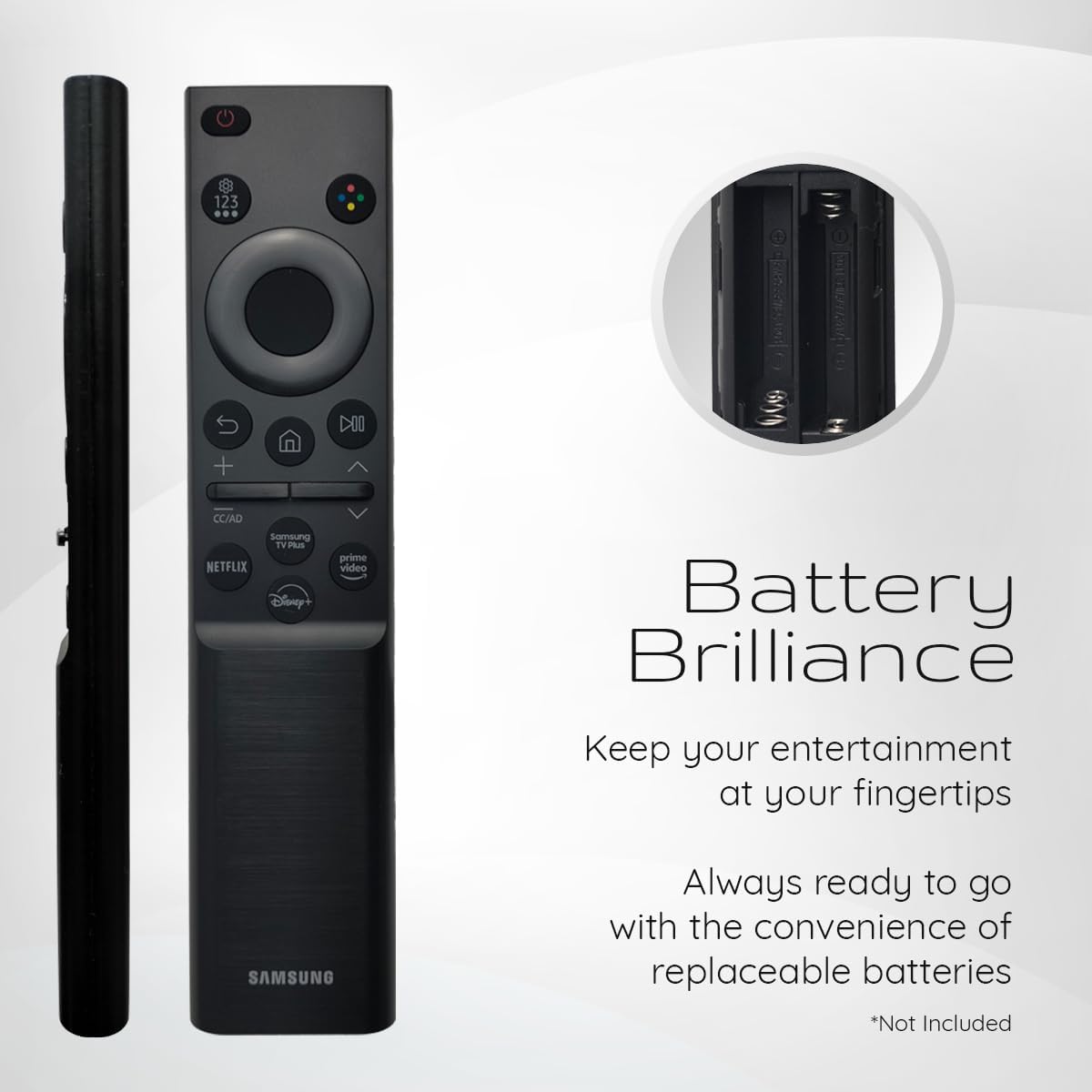
Figure 1: Battery compartment on the Ceybo BN59-01388A remote control.
2. Pairing the Remote Control
To establish a connection between your remote control and your Samsung Smart TV, follow these pairing instructions:
- Ensure your Samsung Crystal UHD 4K CU7000 Series Smart TV is powered on.
- Point the remote control towards the TV.
- Simultaneously press and hold the Return button and the Play/Pause button for 3 seconds or more. These buttons are typically located near the center of the remote.
- A pairing message should appear on your TV screen, indicating successful pairing. Follow any on-screen prompts if necessary.
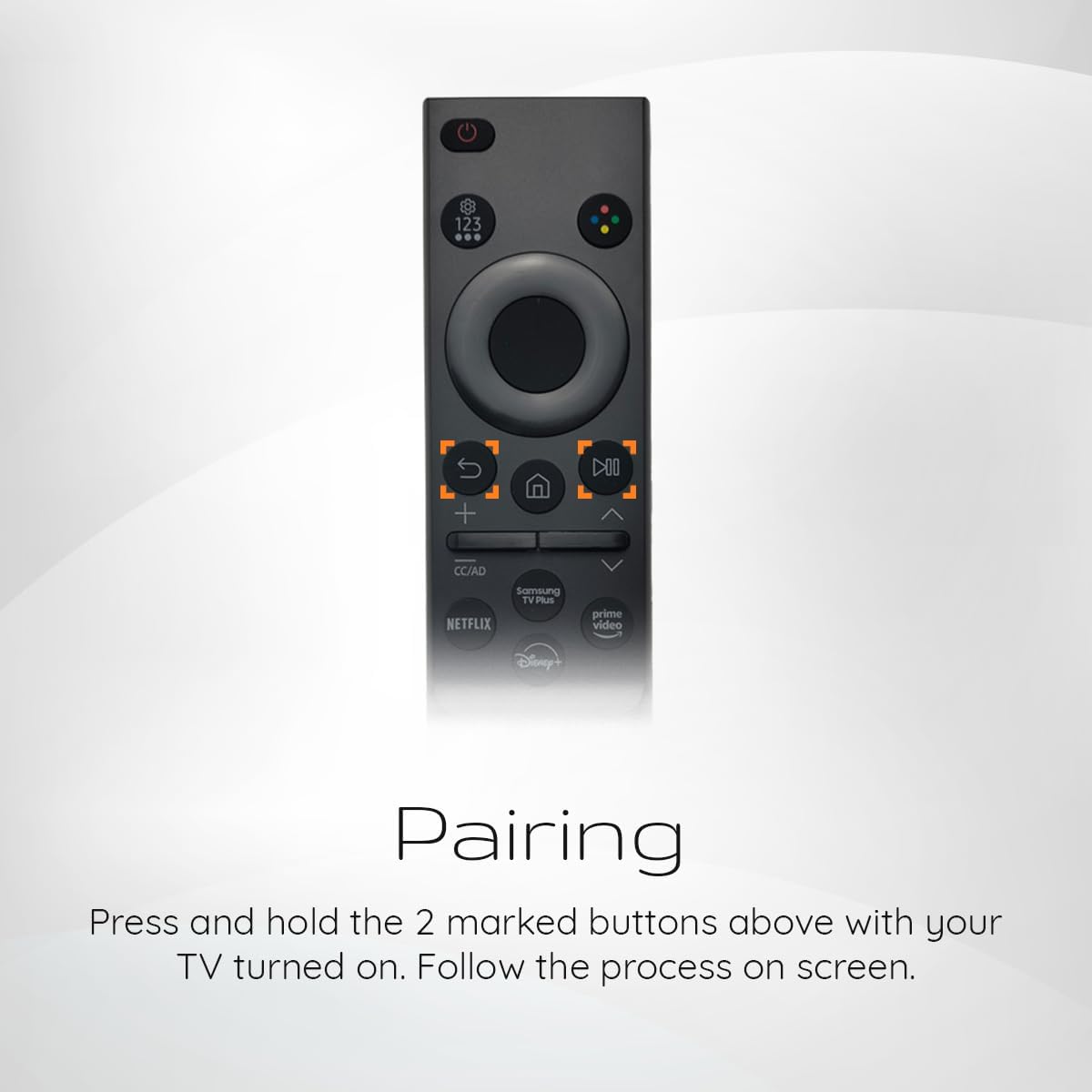
Figure 2: Highlighted pairing buttons on the remote control.
Operating Instructions
The Ceybo BN59-01388A remote control features an ergonomic design with user-friendly buttons for effortless navigation and control of your TV functions.
Basic Functions:
- Power Button: Located at the top, used to turn the TV on or off.
- Directional Pad (Navi-Pad): Central circular pad for navigating menus and selecting items.
- Volume Control: Buttons marked with '+' and '-' to adjust the sound level.
- Channel Control: Buttons marked with 'up' and 'down' arrows to change TV channels.
- Input/Source: Button to switch between different input sources (HDMI, AV, etc.).
- Return Button: Navigates back to the previous screen or menu.
- Home Button: Returns to the TV's main Smart Hub or home screen.
- Play/Pause Button: Controls media playback.
Quick Access Buttons:
The remote includes dedicated shortcut buttons for popular streaming services:
- Netflix: Direct access to the Netflix application.
- Prime Video: Direct access to the Amazon Prime Video application.
- Disney+: Direct access to the Disney+ application.
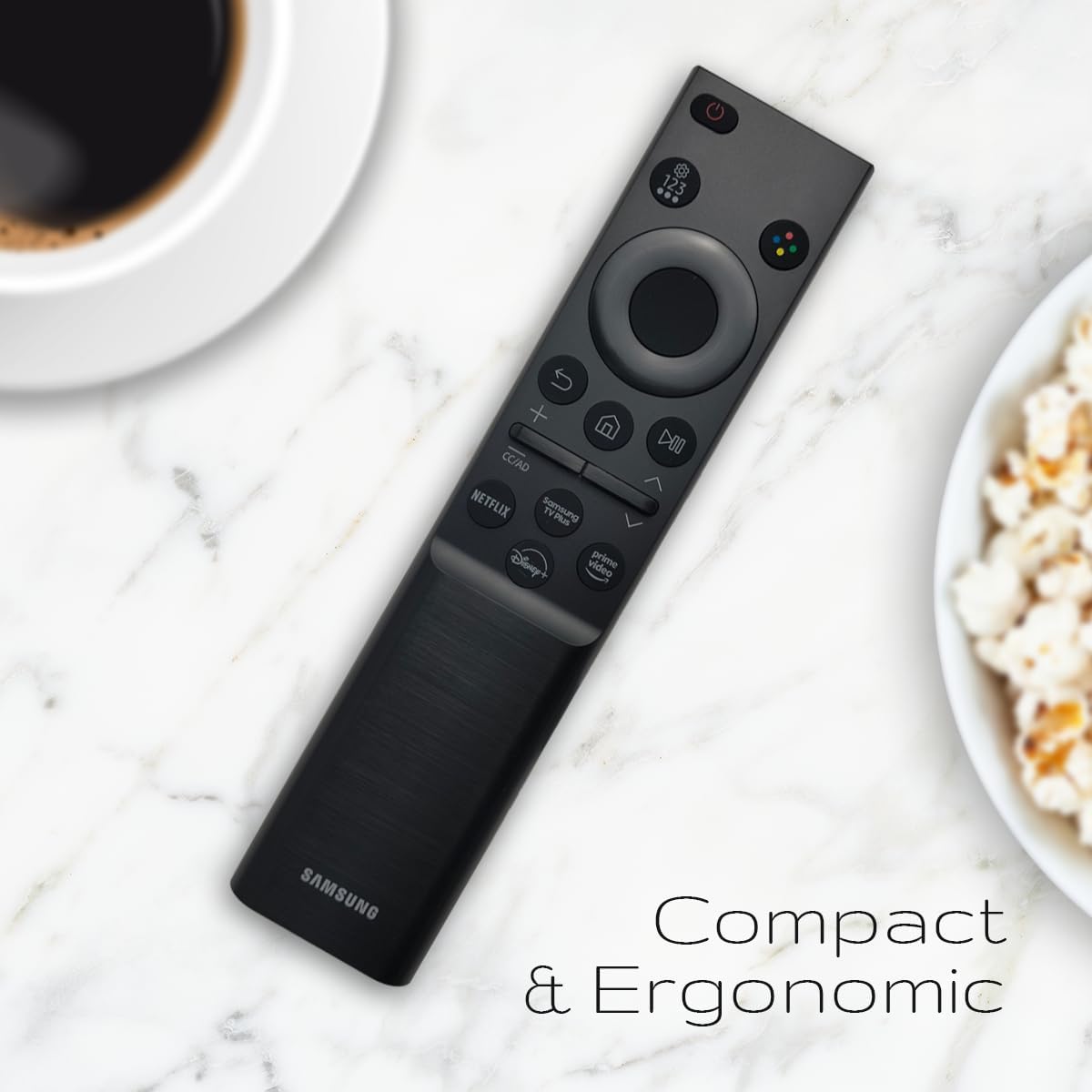
Figure 3: Ceybo BN59-01388A remote control in use.
Compatibility
This remote control is compatible with the following Samsung Crystal UHD 4K CU7000 Series Smart TV models:
- UN43CU7000
- UN50CU7000
- UN55CU7000
- UN58CU7000
- UN65CU7000
- UN70CU7000
- UN75CU7000
- UN85CU7000

Figure 4: Remote control with a list of compatible TV models.
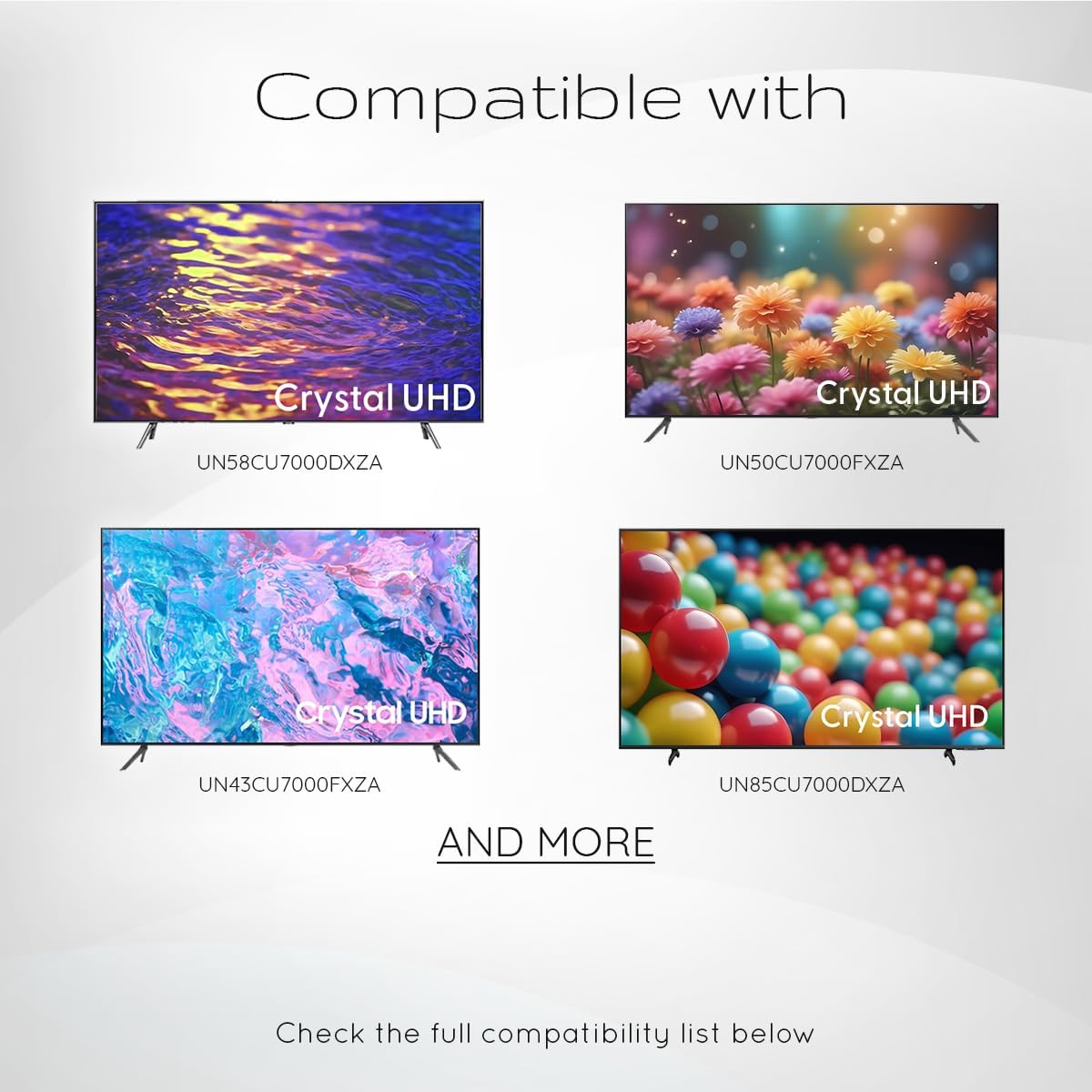
Figure 5: Visual representation of compatible Samsung Crystal UHD TVs.
Maintenance
To ensure the longevity and optimal performance of your remote control, follow these maintenance guidelines:
- Cleaning: Wipe the remote control with a soft, dry cloth. Do not use liquid cleaners or abrasive materials.
- Battery Replacement: Replace batteries when the remote's response becomes sluggish or stops working. Always replace both batteries at the same time with new ones of the same type (AAA).
- Storage: Store the remote in a cool, dry place away from direct sunlight and extreme temperatures.
- Avoid Drops: Protect the remote from physical impact, as drops can damage internal components.
Troubleshooting
If you encounter issues with your Ceybo BN59-01388A remote control, refer to the following common problems and solutions:
| Problem | Solution |
|---|---|
| Remote is not responding. |
|
| Remote is not pairing with the TV. |
|
| Specific buttons are not working. |
|
Specifications
- Model Number: BN59-01388A
- Brand: Ceybo
- Compatible Devices: Samsung Crystal UHD 4K CU7000 Series Smart TV
- Power Source: 2 x AAA Batteries (not included)
- Dimensions: 8 x 2 x 0.5 inches (approximately)
- Weight: 1.44 ounces (approximately)
- Color: Black
- Special Feature: Ergonomic design, dedicated streaming service shortcut buttons (Netflix, Prime Video, Disney+)
Warranty & Support
For warranty information or technical support regarding your Ceybo BN59-01388A Remote Control, please refer to the documentation provided at the time of purchase or contact Ceybo customer service directly. Contact details can typically be found on the manufacturer's official website or on the product packaging.
The product is sold by GlobalTradeNetwork. For specific return policies, please refer to the retailer's terms of sale. A typical return policy duration is 30 days from the date of purchase.
Video Guide
Ceybo OEM BN59-01388A Remote Control Overview
This video provides a visual overview of the Ceybo BN59-01388A remote control, demonstrating its features, compatibility, and ease of pairing with Samsung Crystal UHD TVs. It highlights the compact design and dedicated shortcut buttons.


