
ANENG SZ02
ANENG Digital Multimeter SZ02 User Manual
Model: SZ02 | Brand: ANENG
Introduction
This ANENG Digital Multimeter is an auto-ranging TRMS device designed for accurate measurement of various electrical parameters. It features 9999 counts and anti-burning protection, making it a reliable tool for both industrial and household electrical troubleshooting.
It measures AC/DC voltage, AC/DC current, resistance, continuity, capacitance, live/zero wire, frequency, diode, and temperature. Key features include an LCD backlit screen, dual torch lighting, and non-contact voltage (NCV) testing for enhanced safety and usability.
What's in the Box
- 1x ANENG Digital Multimeter (SZ02)
- 2x AAA Batteries (pre-installed)
- 1x Multimeter Test Lead
- 1x Temperature Line
- 1x Instruction Manual

Image: The ANENG Digital Multimeter SZ02 and its included accessories: test leads, temperature probe, and user manual.
Setup
Battery Installation
The multimeter comes with 2 AAA batteries pre-installed. Ensure they are properly seated before first use.
Connecting Test Leads
Insert the red test lead into the "INPUT" jack (positive) and the black test lead into the "COM" jack (common/negative) on the multimeter. Ensure a secure connection.
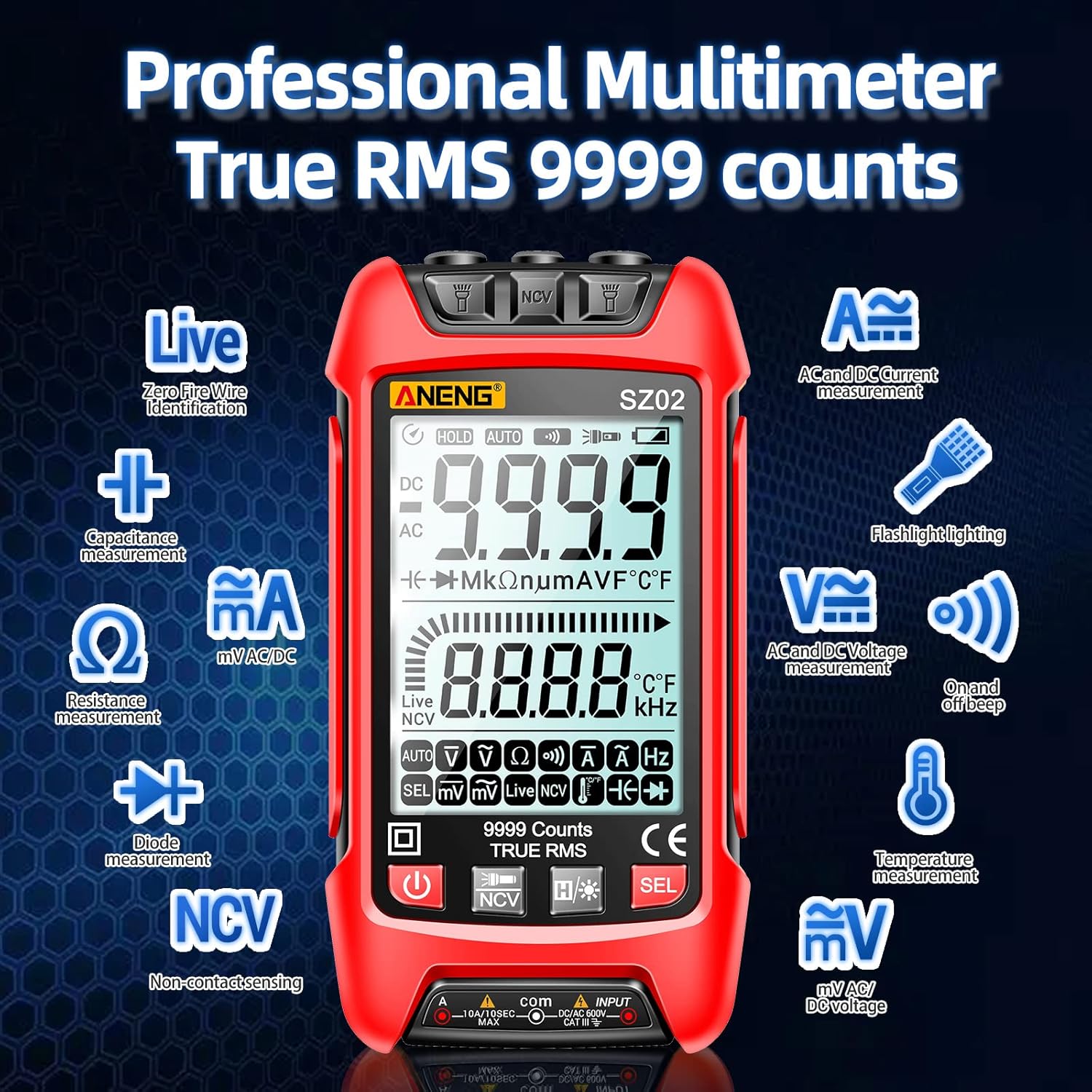
Image: The ANENG SZ02 multimeter with red and black test leads properly inserted into the input jacks.
The test leads are designed to withstand high voltage and current, and include protective caps for the probe tips.
Video: This video demonstrates the unboxing of the ANENG SZ02 multimeter and the correct procedure for inserting the test leads into the device.
Operating Instructions
Power On and Backlight
Press the power button to turn on the multimeter. The LCD screen features a bright backlight for easy readability in various lighting conditions.

Image: A detailed view of the multimeter's LCD screen, highlighting its bright backlight for improved visibility.
Automatic Measurement (Auto-ranging)
The multimeter features an auto-ranging function, automatically identifying and measuring AC/DC voltage, resistance, and other parameters without manual range selection.
AC Voltage Measurement
To measure AC voltage, insert the test leads into the live and neutral points of the AC source. The multimeter will automatically detect and display the AC voltage.
DC Voltage Measurement
For DC voltage measurement, connect the test leads across the positive and negative terminals of the DC source. The multimeter will automatically identify and display the DC voltage.
Resistance Measurement
To measure resistance, ensure the circuit is de-energized. Touch the test leads to both ends of the resistor. The multimeter will display the resistance value.
Continuity Test
For continuity testing, touch the test leads to both ends of the circuit or wire. A continuous "dididi" beep indicates continuity.
Diode Measurement
When measuring diodes, ensure the positive and negative poles of the test leads are aligned with the diode's polarity for accurate readings.
Capacitance Measurement
Safety Note:
For safety, always discharge capacitors before attempting to measure their capacitance.
After discharging, touch the test leads to both ends of the capacitor. The multimeter will display the capacitance value.
Millivolt Measurement
When measuring millivolts, the displayed value can be reset to zero before taking a new measurement for precision.
Live Wire / Zero Wire Identification
The multimeter can identify live and neutral wires. When measuring a live wire, the screen will turn red and beep. The neutral wire will not trigger a beep.
AC Current Measurement
For AC current measurement, the test lead needs to be inserted into the 10A jack. Ensure the circuit is properly configured for current measurement (in series).
DC Current Measurement
To measure DC current, connect the multimeter in series with the circuit. The multimeter will display the current flowing through the circuit.
Temperature Measurement
Plug the temperature probe into the designated jacks. Use the probe to measure the temperature of an object.
NCV (Non-Contact Voltage) Induction
The NCV feature allows for non-contact detection of AC voltage. When voltage is detected, the screen will turn red and display "EF" (Electric Field), and the device will beep.

Image: The multimeter screen showing "EF" during NCV detection, indicating the presence of an electric field.
Video: This video provides a comprehensive demonstration of various measurement functions of the ANENG SZ02 multimeter, including voltage, resistance, continuity, diode, capacitance, and current measurements.
Flashlight Function
The multimeter is equipped with a dual flashlight at the top, which can be activated to illuminate dark working areas.
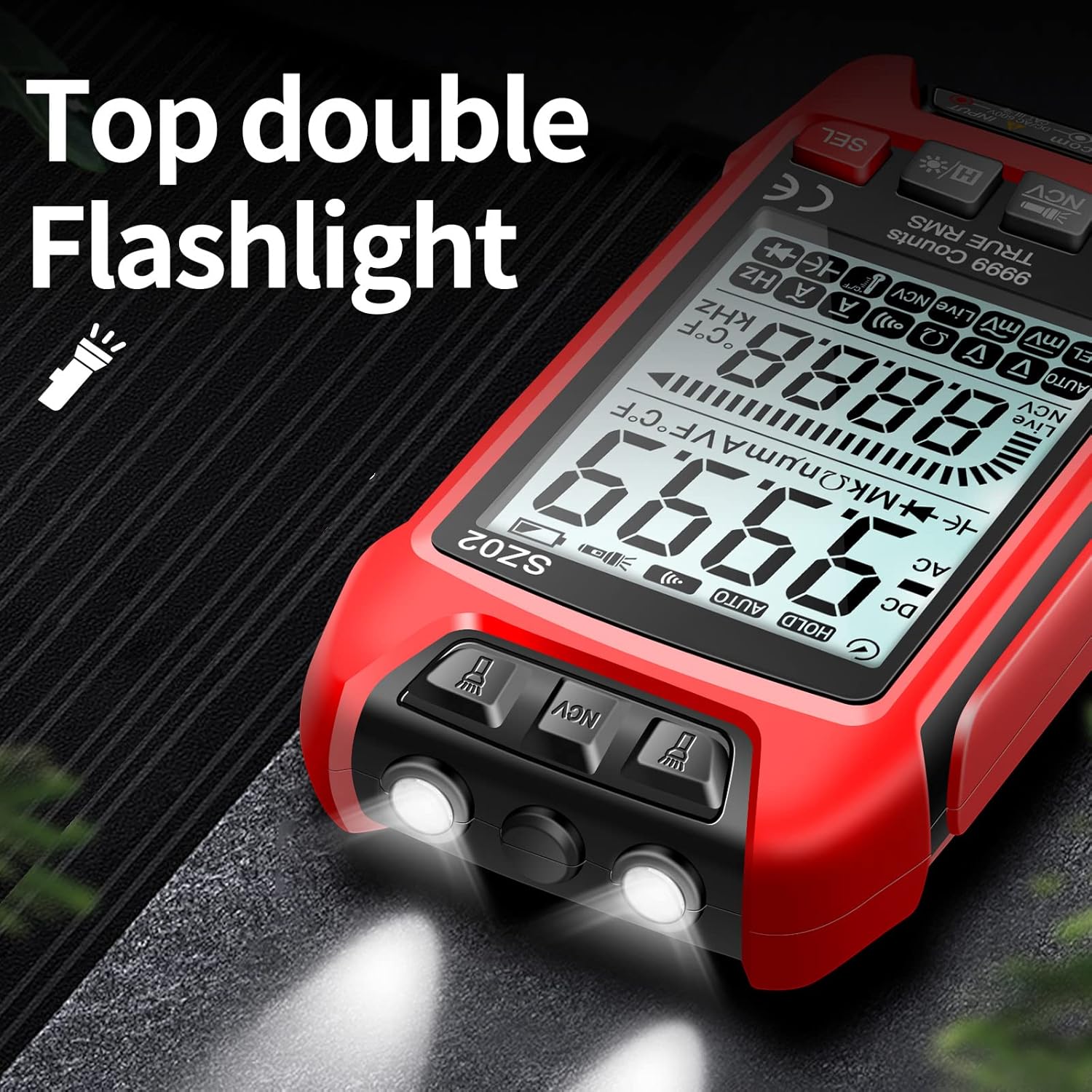
Image: The top of the multimeter with its dual flashlights turned on, providing illumination.
Specifications
| Feature | Detail |
|---|---|
| Brand | ANENG |
| Model | SZ02 |
| Measurement Type | Multimeter, Voltmeter |
| Power Source | Battery Powered (2 AAA batteries included) |
| Package Dimensions | 5.47 x 2.95 x 2.72 inches |
| Item Weight | 8.78 ounces |
| Manufacturer | ANENG |
| Country of Origin | China |
Troubleshooting
If the multimeter is not functioning as expected, consider the following common issues:
- No Display/Power On: Check if the batteries are correctly installed and have sufficient charge. Replace batteries if necessary.
- Inaccurate Readings: Ensure test leads are properly connected to the correct input jacks for the measurement type. Verify the probes are making good contact with the circuit.
- No Continuity Beep: Confirm the multimeter is set to continuity mode. Check for open circuits or damaged wires.
- "OL" (Overload) Display: This indicates the measured value is outside the multimeter's range for the selected function. Ensure you are using the correct measurement mode and range (if not auto-ranging).
- NCV Not Responding: Ensure the NCV sensor is positioned close enough to the AC voltage source.
For persistent issues, refer to the detailed instruction manual included with your product or contact ANENG customer support.
Maintenance
To ensure the longevity and accuracy of your ANENG Digital Multimeter, follow these maintenance guidelines:
- Cleaning: Wipe the multimeter with a dry, soft cloth. Do not use abrasive cleaners or solvents.
- Storage: Store the multimeter in a cool, dry place away from direct sunlight and extreme temperatures.
- Battery Replacement: Replace batteries promptly when the low battery indicator appears to prevent inaccurate readings and potential damage.
- Test Leads: Inspect test leads regularly for any signs of wear, cuts, or damage. Replace damaged leads immediately to ensure safety and accurate measurements.
- Protective Cover: The silicone cover provides protection against drops and electric shocks. Ensure it is properly fitted.
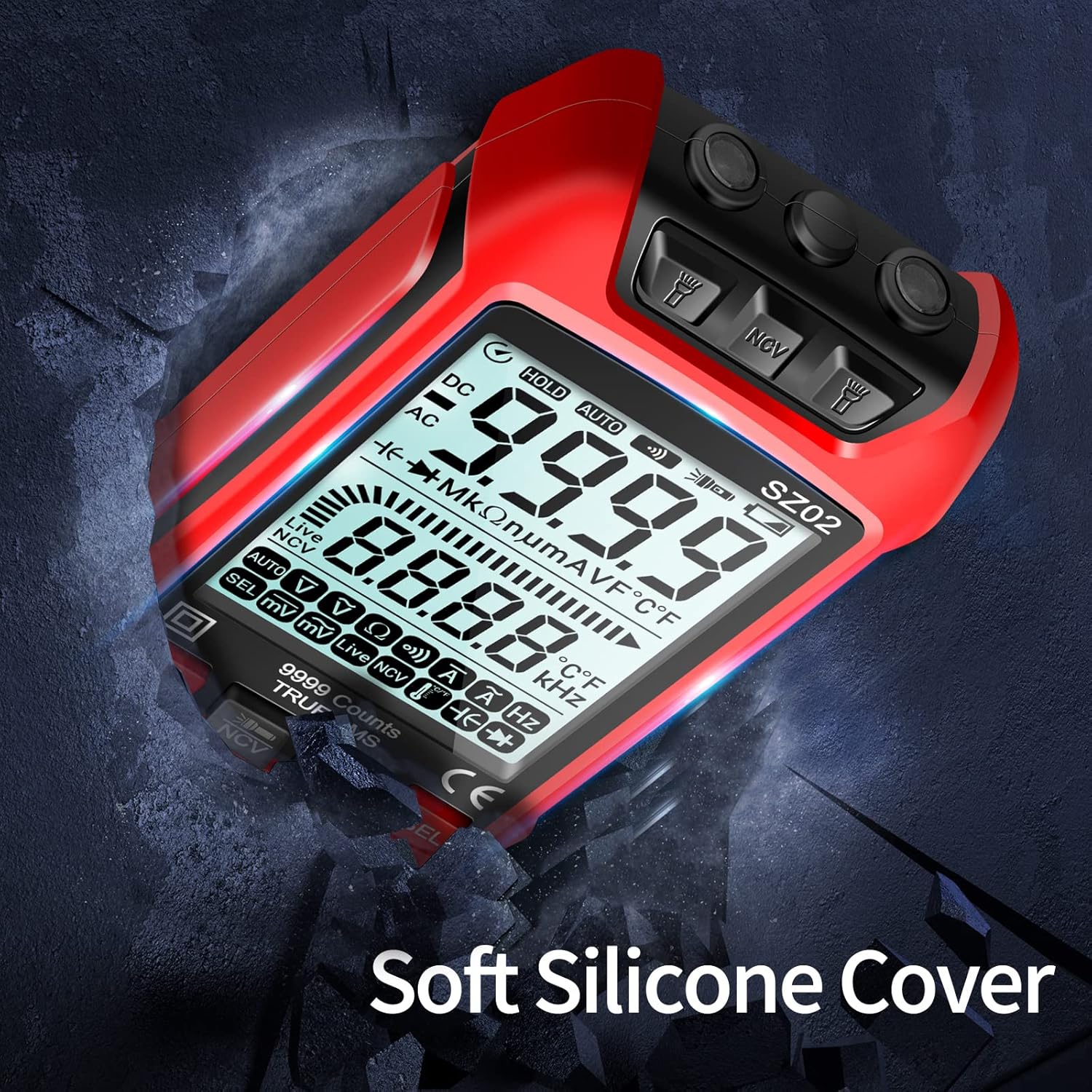
Image: The multimeter encased in its soft silicone protective cover, designed to absorb impacts.
Warranty and Support
ANENG provides a lifetime service and technical support for this electrical tester.
For any inquiries, technical assistance, or warranty claims, please contact ANENG customer support through their official channels.
Related documentsSZ02


Ask a question about this manual
Ask about setup, troubleshooting, compatibility, parts, safety, or missing instructions. Manuals+ will review the question and use this page’s manual context to help answer it.