1. Introduction
The Gigastone 3-in-1 Qi Wireless PD Power Bank (Model QP-10200W) is a versatile charging solution designed for mobile devices. This hybrid product combines the functionalities of a traditional wall charger, a portable power bank, and a wireless charging pad. It features a 10,000 mAh battery capacity and supports various fast charging protocols, making it suitable for a wide range of devices including iPhones and Android phones. Its compact design and integrated AC plug enhance portability and convenience.

Figure 1: Gigastone 3-in-1 Qi Wireless PD Power Bank (Model QP-10200W)
2. Product Features
- Fast Charging: Supports USB-C Power Delivery (PD 3.0) 20W and USB-A Qualcomm Quick Charge (QC3.0) 18W.
- Optimal Battery Capacity: Equipped with a 10,000 mAh internal battery.
- Multifunctionality: Operates as a wall charger, a portable power bank, and a Qi wireless charging pad with outputs of 5W/7.5W/10W/15W.
- Global Voltage Support: Compatible with global voltage standards from 100V to 240V.
- Minimalist Design: Features a compact, lightweight design with a foldable AC plug for easy portability and storage.
- Integrated Safety: Includes over-current, over-charge, over-heat, and over-voltage protection. Constructed with fire-proof housing and a Grade A lithium battery.

Figure 2: Overview of the 4-in-1 functions and components.
3. Setup and Initial Charging
3.1 Charging the Power Bank
To charge the Gigastone 3-in-1 Power Bank, simply unfold the integrated AC plug and insert it into a standard wall outlet (100V-240V). The LED display on the device will indicate the charging status and current battery level. The power bank will automatically begin charging.
3.2 LED Power Status Display
The integrated LED display provides real-time information on the power bank's battery percentage. This allows you to monitor the remaining charge and know when it's time to recharge the unit.
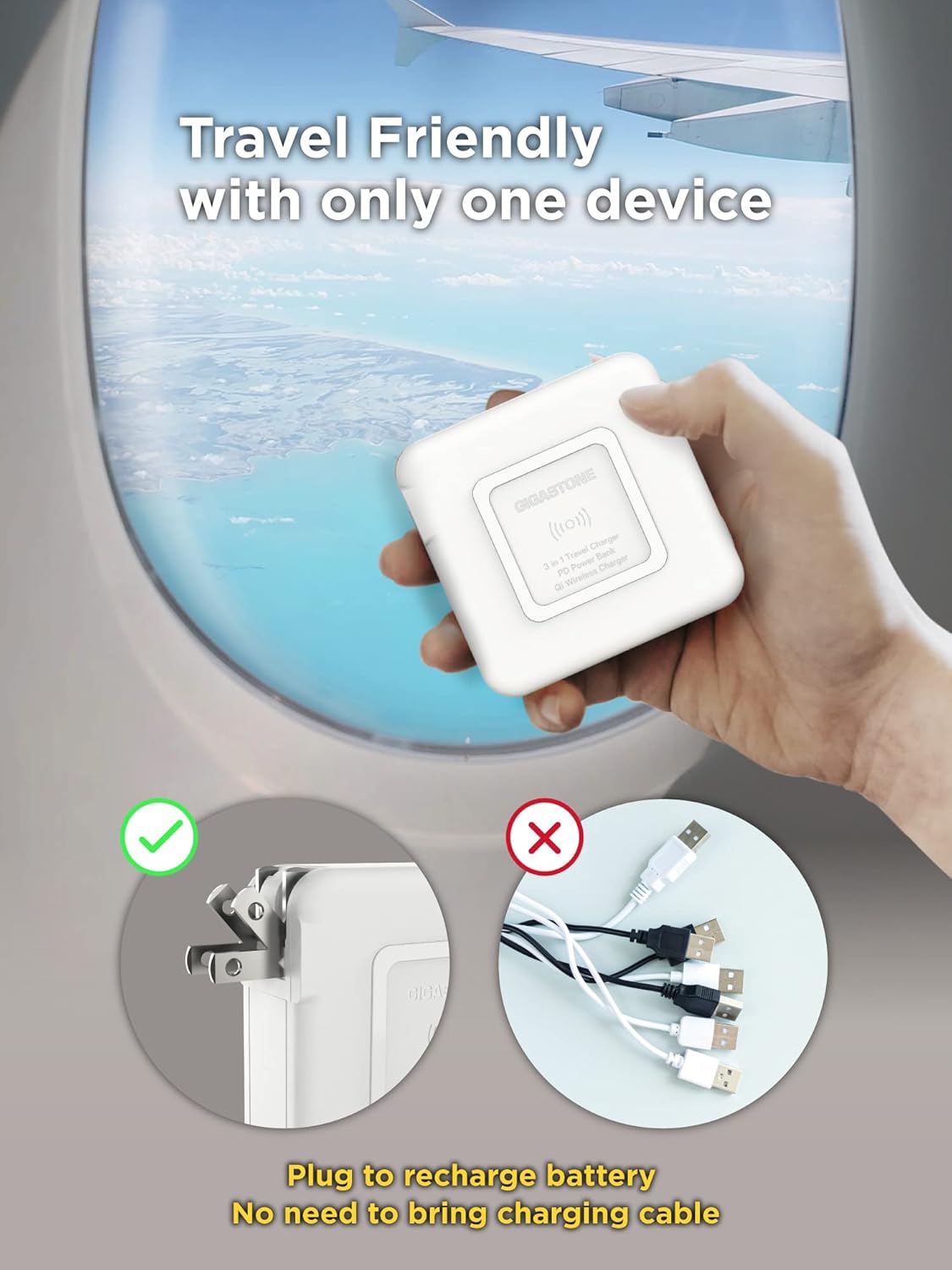
Figure 3: Foldable AC plug for direct wall charging.
4. Operating Instructions
4.1 Wired Charging
The power bank features both USB-C PD 3.0 (20W) and USB-A QC3.0 (18W) ports for wired charging. Connect your device using a compatible USB cable to the appropriate port. The power bank will automatically detect and deliver the optimal charging speed for your device.
4.2 Wireless Charging
For wireless charging, ensure your device is Qi-compatible. Place your device directly onto the wireless charging pad located on the surface of the power bank. The power bank supports wireless output of 5W, 7.5W, 10W, and 15W, adapting to your device's requirements.
4.3 Simultaneous Charging
The Gigastone 3-in-1 Power Bank allows for simultaneous charging of multiple devices. You can charge up to three devices concurrently using a combination of wired and wireless charging methods. For example, you can charge two devices via USB ports and one wirelessly.
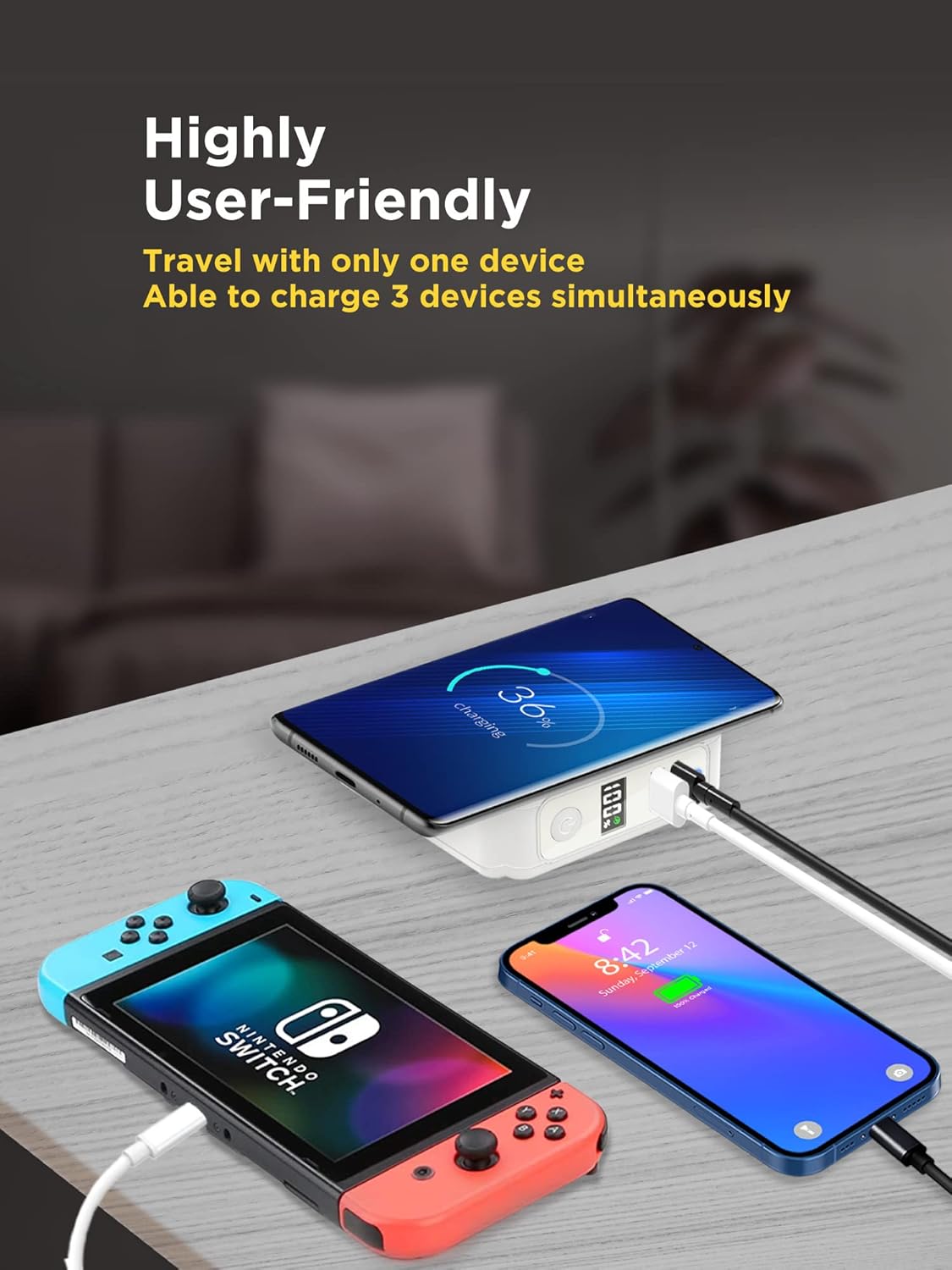
Figure 4: Charging multiple devices simultaneously.

Figure 5: Fast charging performance comparison.
5. Maintenance and Safety
5.1 General Care
To maintain the longevity and performance of your power bank, avoid exposing it to extreme temperatures, direct sunlight, or moisture. Clean the device with a soft, dry cloth. Do not attempt to disassemble or repair the unit yourself.
5.2 Safety Features
The Gigastone 3-in-1 Power Bank is equipped with multiple protection mechanisms:
- Over Current Protection
- Over Charge Protection
- Over Heat Protection
- Over Voltage Protection
- Short Circuit Protection
- Foreign Object Detection (for wireless charging)
- Static Electricity Protection
The device also features fire-proof housing and utilizes a Grade A lithium battery for enhanced safety.
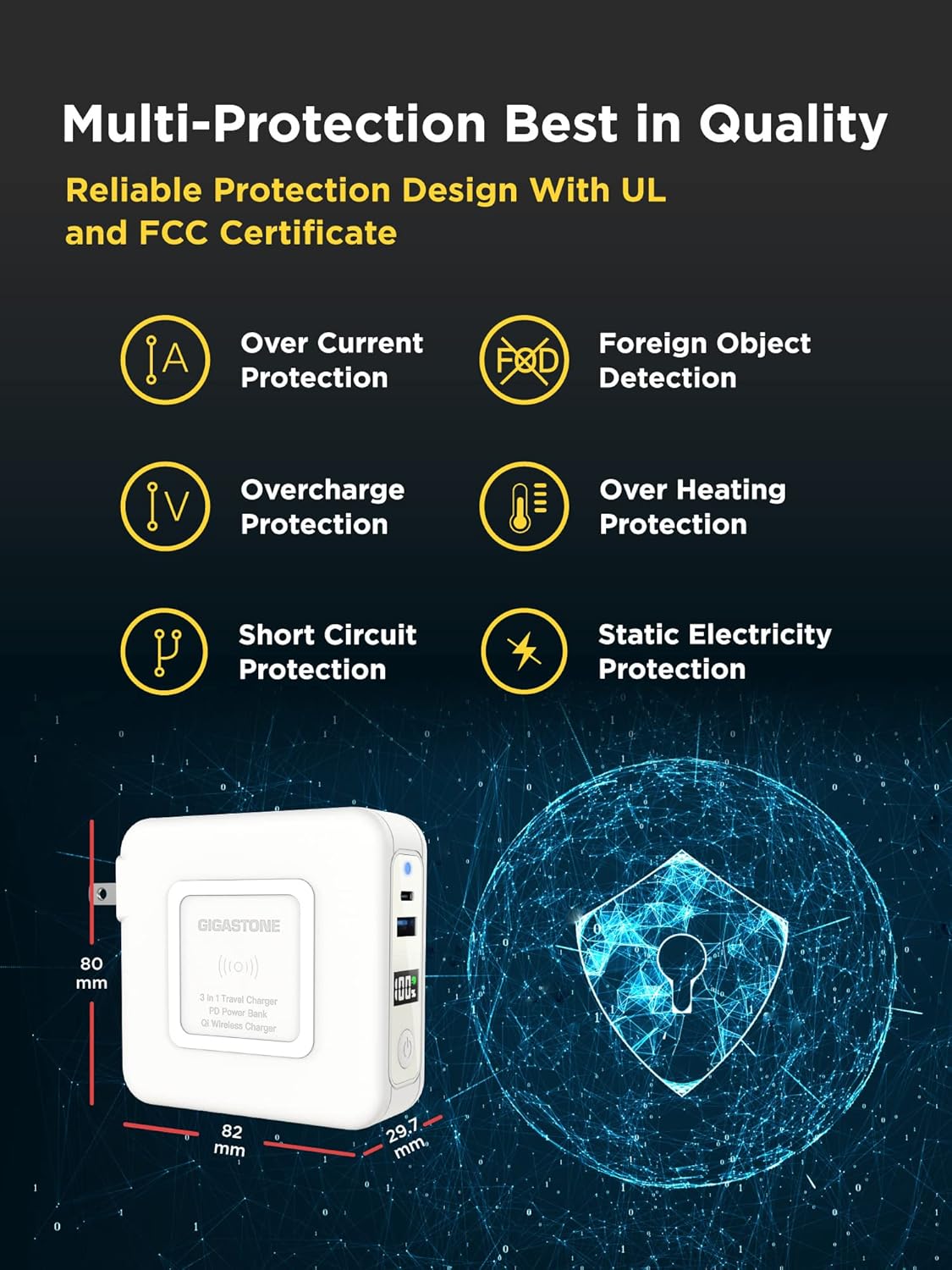
Figure 6: Multi-protection features for safe operation.
6. Troubleshooting
If you encounter issues with your Gigastone 3-in-1 Power Bank, please refer to the following common troubleshooting steps:
- Device not charging: Ensure the power bank is sufficiently charged. Check all cable connections for wired charging. For wireless charging, ensure your device is properly aligned on the charging pad and is Qi-compatible. Remove any thick phone cases that might interfere with wireless charging.
- Slow charging: Verify that your cables and devices support fast charging protocols (PD 3.0 or QC3.0) to achieve maximum speeds. Ensure the power bank itself is fully charged.
- Power bank not charging: Confirm the AC plug is securely inserted into a live wall outlet. Check the LED display for any error indicators.
- Overheating: While some warmth during charging is normal, excessive heat may indicate an issue. Disconnect all devices and the power bank from the wall. Allow it to cool down before attempting to use it again. If overheating persists, discontinue use and contact customer support.
7. Technical Specifications
| Feature | Specification |
|---|---|
| Model Number | QP-10200W |
| Battery Capacity | 10,000 mAh |
| USB-C PD Output | 20W Max |
| USB-A QC3.0 Output | 18W Max |
| Qi Wireless Output | 5W/7.5W/10W/15W |
| AC Input Voltage | 100V-240V |
| Product Dimensions | 3.22 x 3.14 x 1.16 inches |
| Item Weight | 10.5 ounces |
| Manufacturer | Shenzhen U-Angel Technology Co., Ltd |
| Date First Available | August 15, 2022 |
8. Warranty and Support
Gigastone offers a Global Manufacturer Warranty. For warranty claims, technical support, or any inquiries regarding your QP-10200W Power Bank, please contact Gigastone America directly.
- Address: 17520 Von Karman Ave, Irvine, CA 92614
- Telephone: +1-949-450-2900
- E-mail: service@gigastone.com
- Website: www.gigastone.com
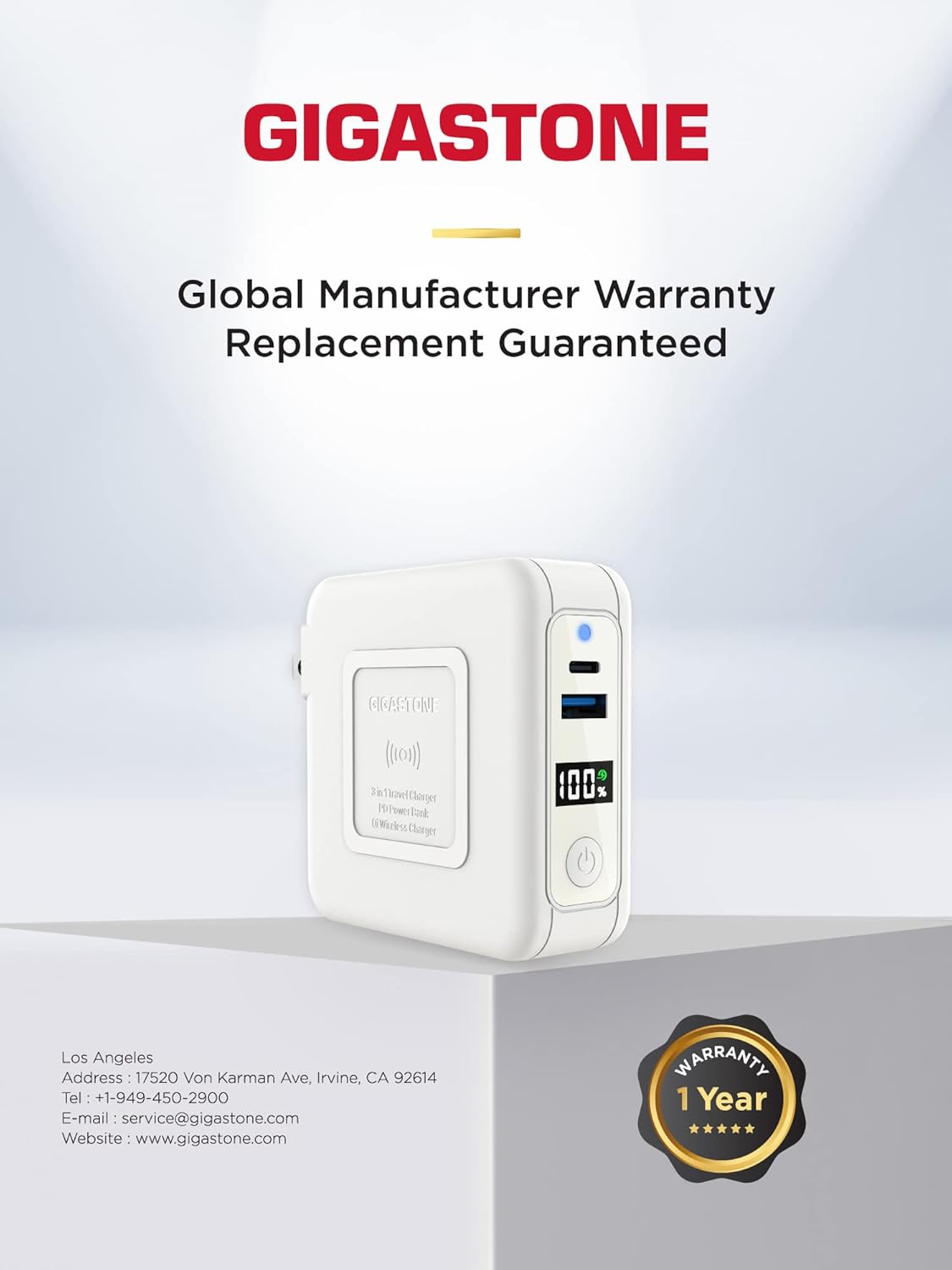
Figure 7: Gigastone Global Manufacturer Warranty information.
9. Official Product Video
Video 1: An overview of the Gigastone QP-10200 4-in-1 Power Bank, demonstrating its features and usage.


