Introduction
Thank you for choosing the Vinsetto 2-Drawer Mobile File Cabinet. This manual provides essential information for the safe assembly, operation, and maintenance of your new filing cabinet. Please read these instructions carefully before assembly and retain them for future reference.
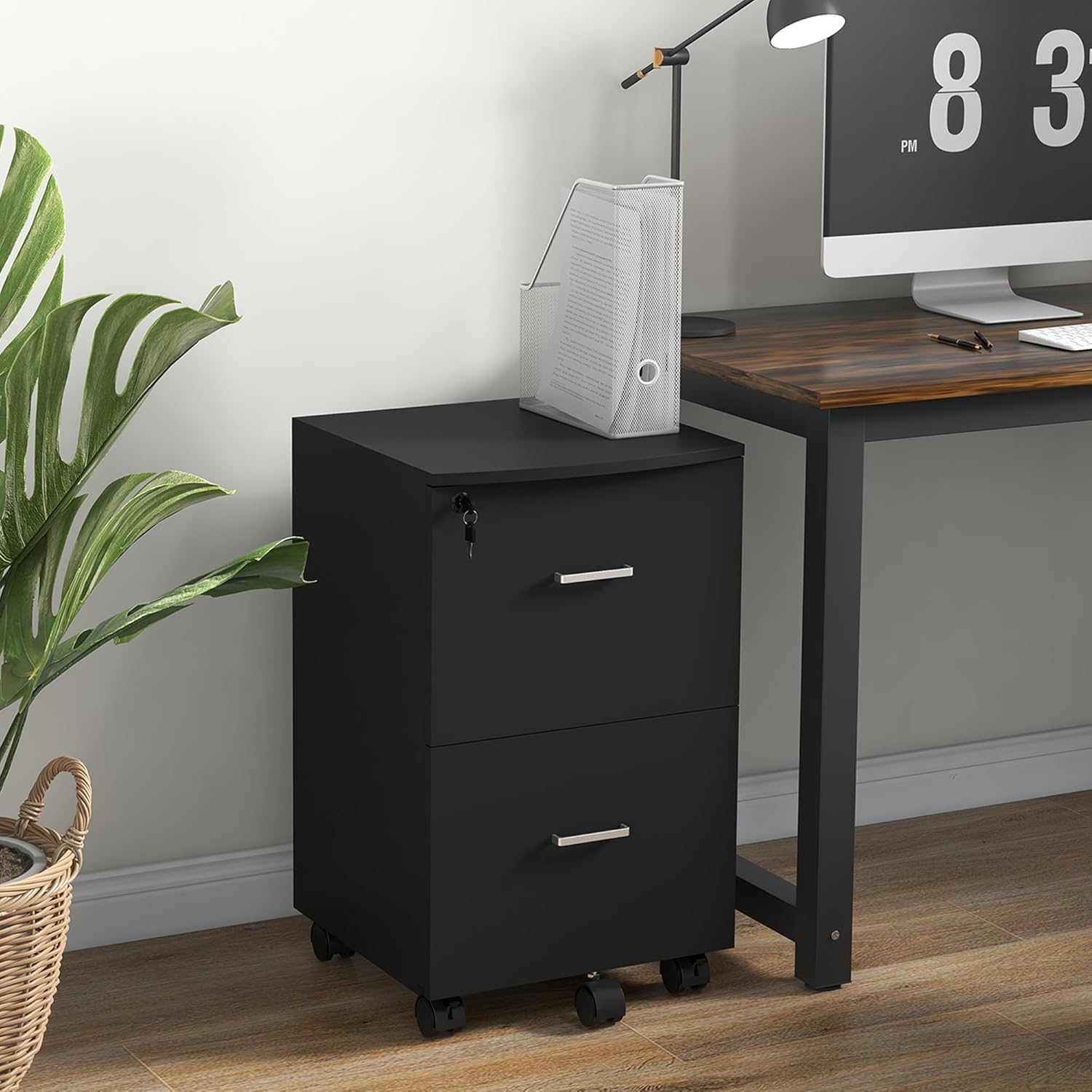
Image: The Vinsetto 2-drawer mobile file cabinet positioned next to a desk in an office environment, showcasing its compact design and utility.
Safety Information
Caution: To ensure safe use and prevent injury or damage, please observe the following guidelines:
- The maximum weight capacity for the entire cabinet is 15 kg (33 pounds).
- Each drawer has a maximum weight capacity of 5 kg (11 pounds). Do not exceed these limits.
- Ensure the cabinet is properly assembled and stable to prevent tipping or falling.
- When moving the cabinet, be aware of the wheels, as they may present a pinch point hazard.
- Always engage the wheel brakes when the cabinet is in a stationary position to prevent unintended movement.
Package Contents
Before beginning assembly, verify that all components are present and undamaged. Refer to the detailed parts list included in your product packaging. Typically, the package includes:
- Cabinet panels (top, bottom, sides, back)
- Drawer components (fronts, sides, backs, bottoms)
- Drawer slides and hardware
- Casters (wheels), including two with brakes and one anti-tip support caster
- Locking mechanism and two keys
- Adjustable hanging bars for files
- Assembly hardware (screws, dowels, cam locks, etc.)
- Assembly instructions booklet
If any parts are missing or damaged, please contact customer support before proceeding with assembly.
Assembly Instructions
Assembly of the Vinsetto 2-Drawer Mobile File Cabinet requires careful attention to detail. Please follow the step-by-step instructions provided in the physical assembly manual included with your product. The following provides a general overview and highlights key features:
Tools Required (Not Included):
- Phillips head screwdriver
- Hammer (for dowels, if applicable)
General Assembly Steps:
- Unpack and Identify Parts: Lay out all components and hardware. Compare them against the parts list in your manual.
- Assemble the Cabinet Frame: Attach the side panels to the bottom and back panels using the provided hardware. Ensure all connections are secure.
- Install Drawer Slides: Secure the drawer slides to the inner sides of the cabinet frame according to the manual's diagrams. Pay attention to orientation.
- Assemble Drawers: Construct each drawer by attaching the sides, back, and bottom to the drawer front. Install the corresponding drawer slides onto the assembled drawers.
- Install Casters: Attach the five universal wheels to the bottom of the cabinet. Ensure the two wheels with brakes are positioned at the front for easy access. Install the additional support caster beneath the bottom drawer area to prevent tipping.
- Integrate Locking Mechanism: Install the lock into the designated slot on the top drawer. Ensure the double interlock mechanism aligns correctly to secure both drawers simultaneously when locked.
- Insert Drawers: Carefully slide the assembled drawers onto the cabinet slides.
- Install Hanging Bars: Place the adjustable hanging bars inside the top drawer. These can be adjusted to accommodate A4 or letter-size documents.

Image: A detailed view showing the adjustable hanging bar being installed within a drawer, with examples of A4 and Letter-size file configurations.
Operating Instructions
Drawer Operation:
The cabinet features two spacious drawers for document storage. Pull the handles gently to open and push to close. Avoid forcing drawers if they encounter resistance.

Image: The file cabinet with both drawers open, illustrating the ample storage capacity for files and other office items.
Locking Mechanism:
The top drawer is equipped with a double interlock system that secures both drawers simultaneously. Insert one of the two provided keys into the lock on the top drawer and turn to engage or disengage the lock. Ensure both drawers are fully closed before attempting to lock the cabinet.
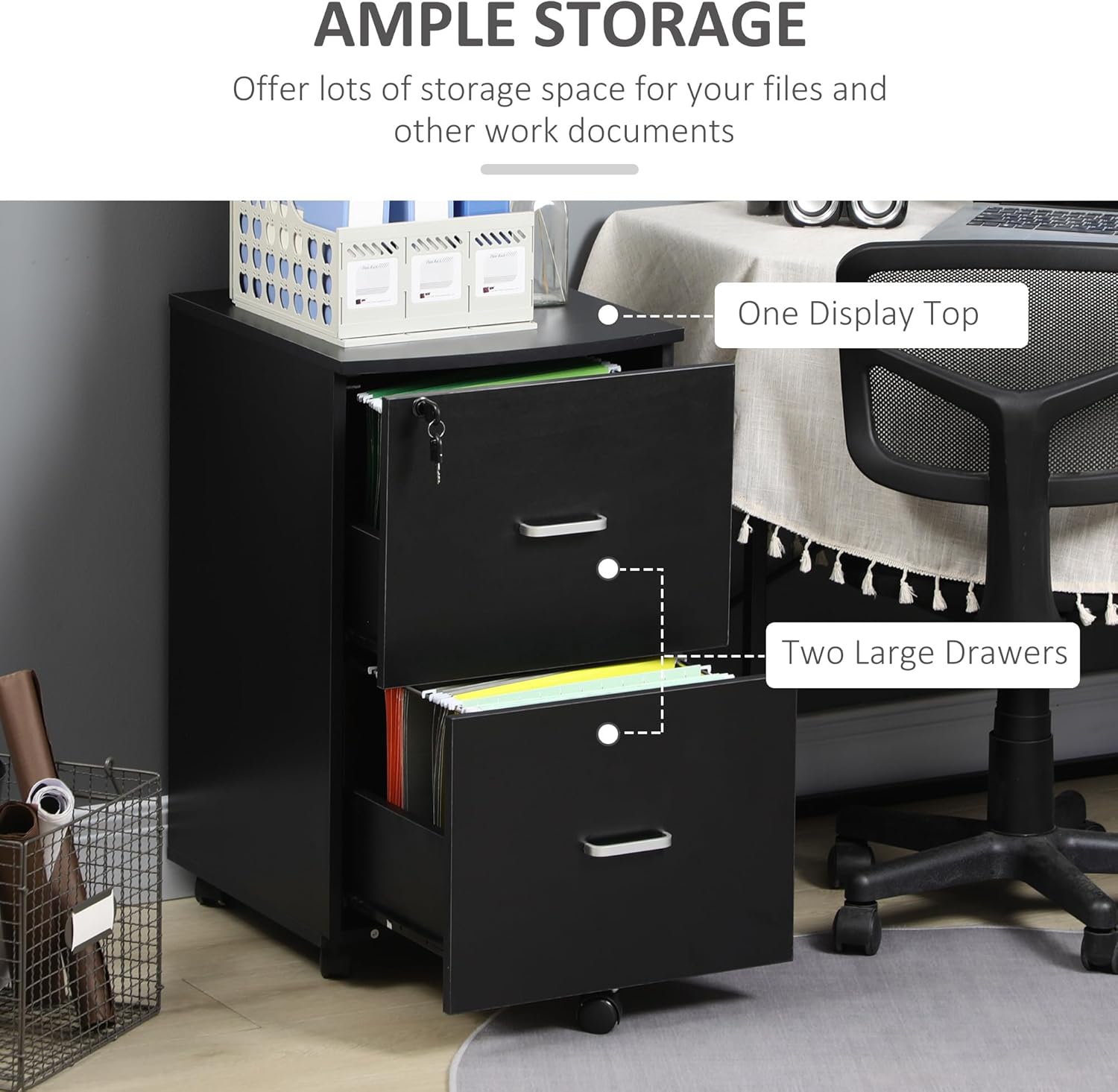
Image: A visual representation of the cabinet's lockable design, highlighting the key and showing the cabinet in both unlocked (drawers accessible) and locked (drawers secured) states.
Mobility and Stability:
The cabinet is fitted with five universal wheels for easy movement. Two of these wheels include brakes for stability. To move the cabinet, release the brakes on the front wheels. To secure the cabinet in place, press down on the brake levers on the front wheels until they lock. An additional support caster is located beneath the bottom drawer to enhance stability and prevent tipping when drawers are extended.
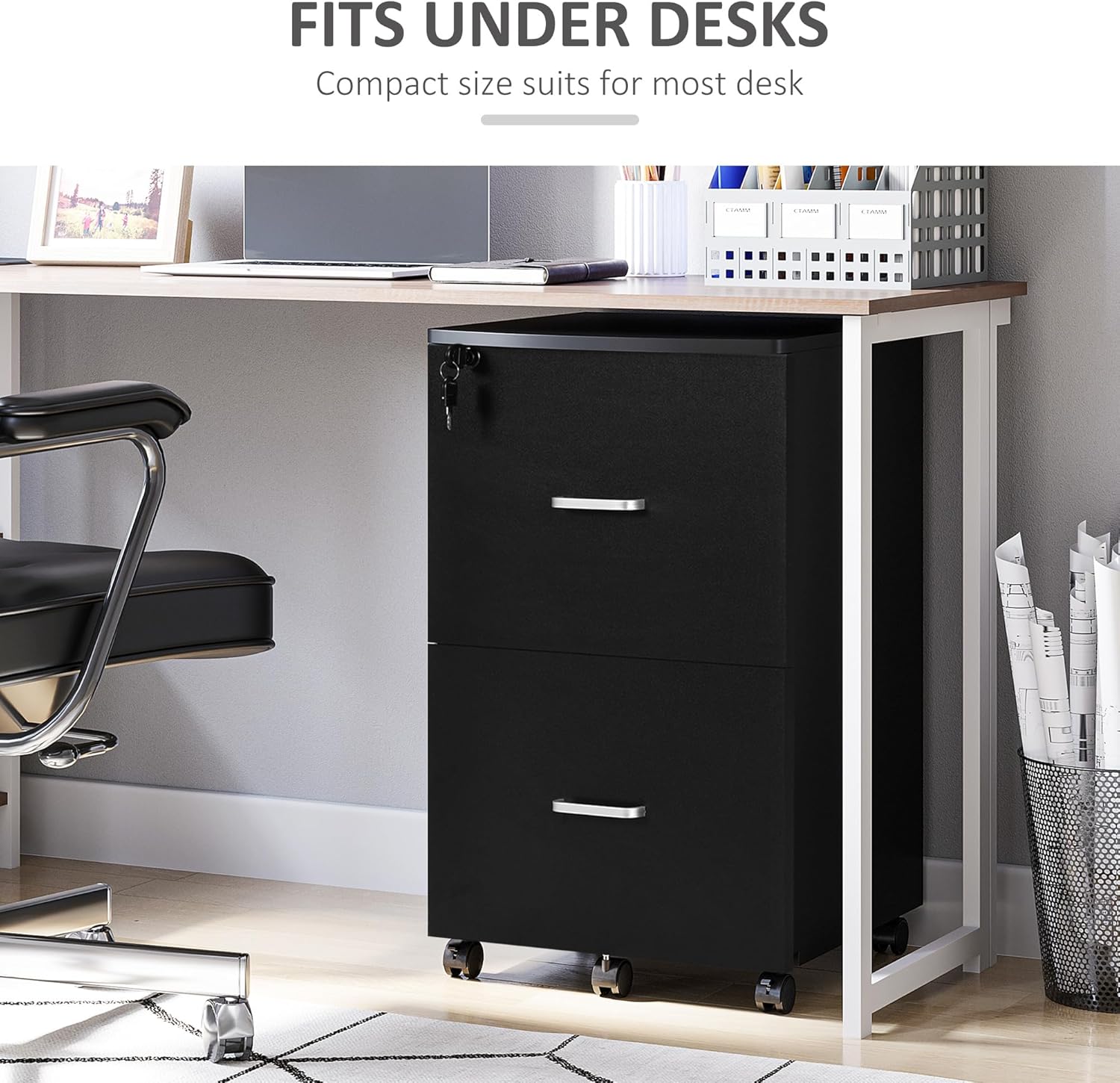
Image: A close-up view of the cabinet's base, detailing the five wheels for mobility, two of which have brakes for secure positioning, and the central support caster designed to prevent tipping.
File Organization:
The top drawer includes adjustable hanging bars. These bars can be repositioned to accommodate either A4 or letter-size hanging file folders, allowing for flexible document organization.
Maintenance
Cleaning:
The cabinet's melamine surface is scratch-resistant and easy to clean. Wipe surfaces with a soft, damp cloth. Avoid using abrasive cleaners or harsh chemicals, as these can damage the finish.
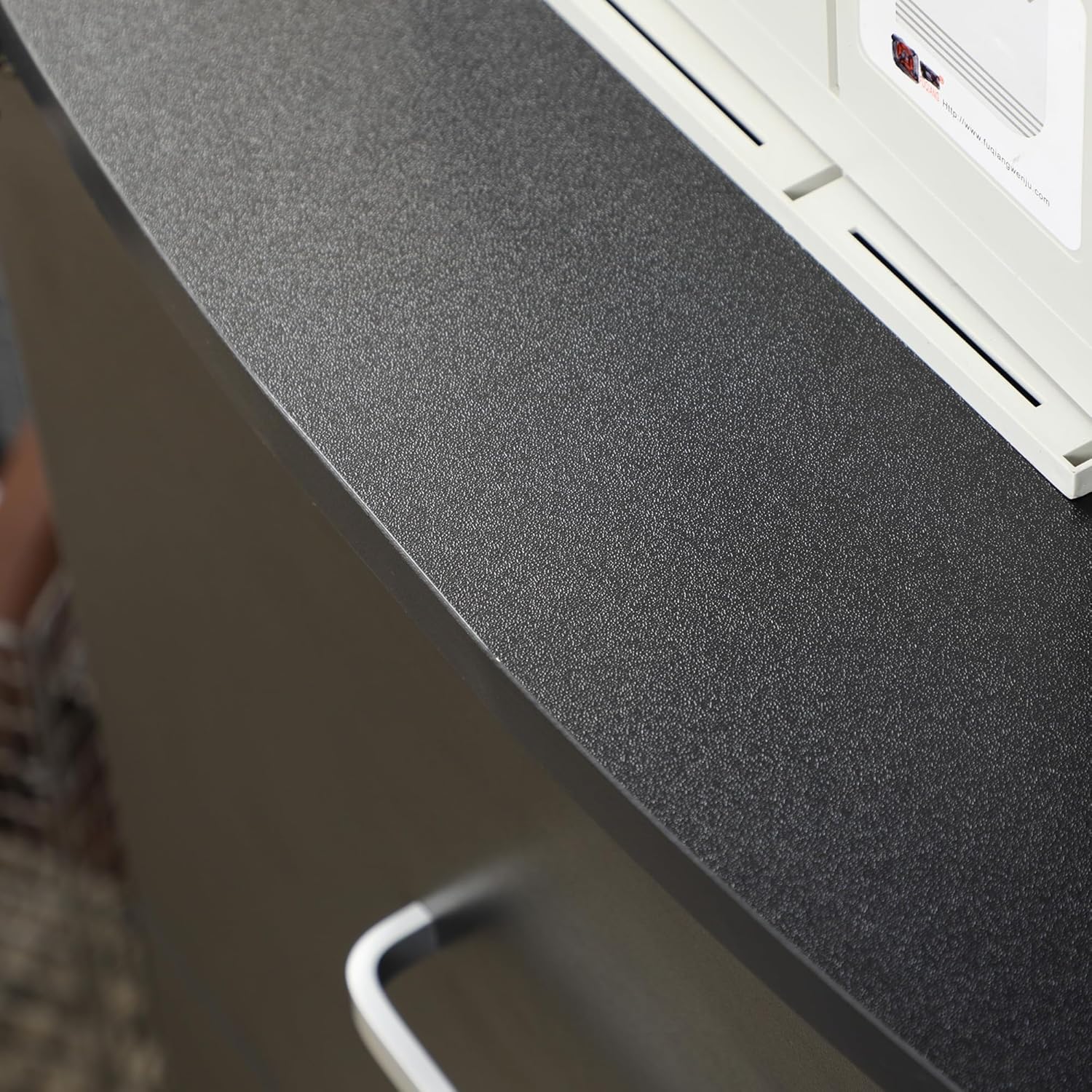
Image: A close-up shot of the cabinet's black melamine surface, highlighting its texture and finish, which is designed for durability and easy cleaning.
General Care:
- Periodically check all screws and fasteners to ensure they remain tight. Retighten as necessary.
- Keep the cabinet away from direct sunlight and excessive moisture to prevent material degradation.
- Avoid placing excessively heavy items on top of the cabinet or inside the drawers to prevent structural damage and maintain stability.
Troubleshooting
If you encounter any issues with your Vinsetto file cabinet, refer to the following common problems and solutions:
- Drawers do not open or close smoothly:
Check that the drawer slides are correctly installed and aligned. Ensure no objects are obstructing the drawer's path or the slides. Verify that all assembly screws for the slides are tightened. - Lock mechanism is not working:
Ensure both drawers are fully closed before attempting to lock. Check that the locking bar is properly aligned with the catches on both drawers. If the lock feels stiff, apply a small amount of graphite lubricant to the keyhole. - Cabinet is wobbly or unstable:
Verify that all assembly hardware is securely tightened. Ensure the cabinet is placed on a flat, level surface. Check that the support caster is correctly installed and making contact with the floor. - Hanging files do not fit:
Ensure the adjustable hanging bars are correctly positioned for either A4 or letter-size documents. Refer to the assembly instructions for proper bar placement. - Wheels do not roll or lock:
Check for any debris obstructing the wheels. Ensure the brake levers are fully engaged or disengaged as intended.
If problems persist after attempting these solutions, please contact Vinsetto customer support for further assistance.
Specifications
| Feature | Detail |
|---|---|
| Brand | Vinsetto |
| Model Number | CA924-035BK0231 |
| Colour | Black |
| Overall Dimensions (L x W x H) | 43 cm x 45 cm x 72 cm (17" x 17.75" x 28.25") |
| Material | Engineered Wood (Particleboard and MDF) |
| Overall Weight Capacity | 15 kg (33 lbs) |
| Each Drawer Weight Capacity | 5 kg (11 lbs) |
| Special Features | Lockable (2 keys included), Rolling Casters (2 with brakes), Anti-tip Support Caster, Adjustable Hanging Bars (A4/Letter size) |
| Item Weight | 17.01 kg |
| Mounting Type | Floor Mount |
| Recommended Use | Files & Folders, Home Office |

Image: A diagram illustrating the precise dimensions of the Vinsetto 2-drawer file cabinet, including height, width, and depth in both inches and centimeters.
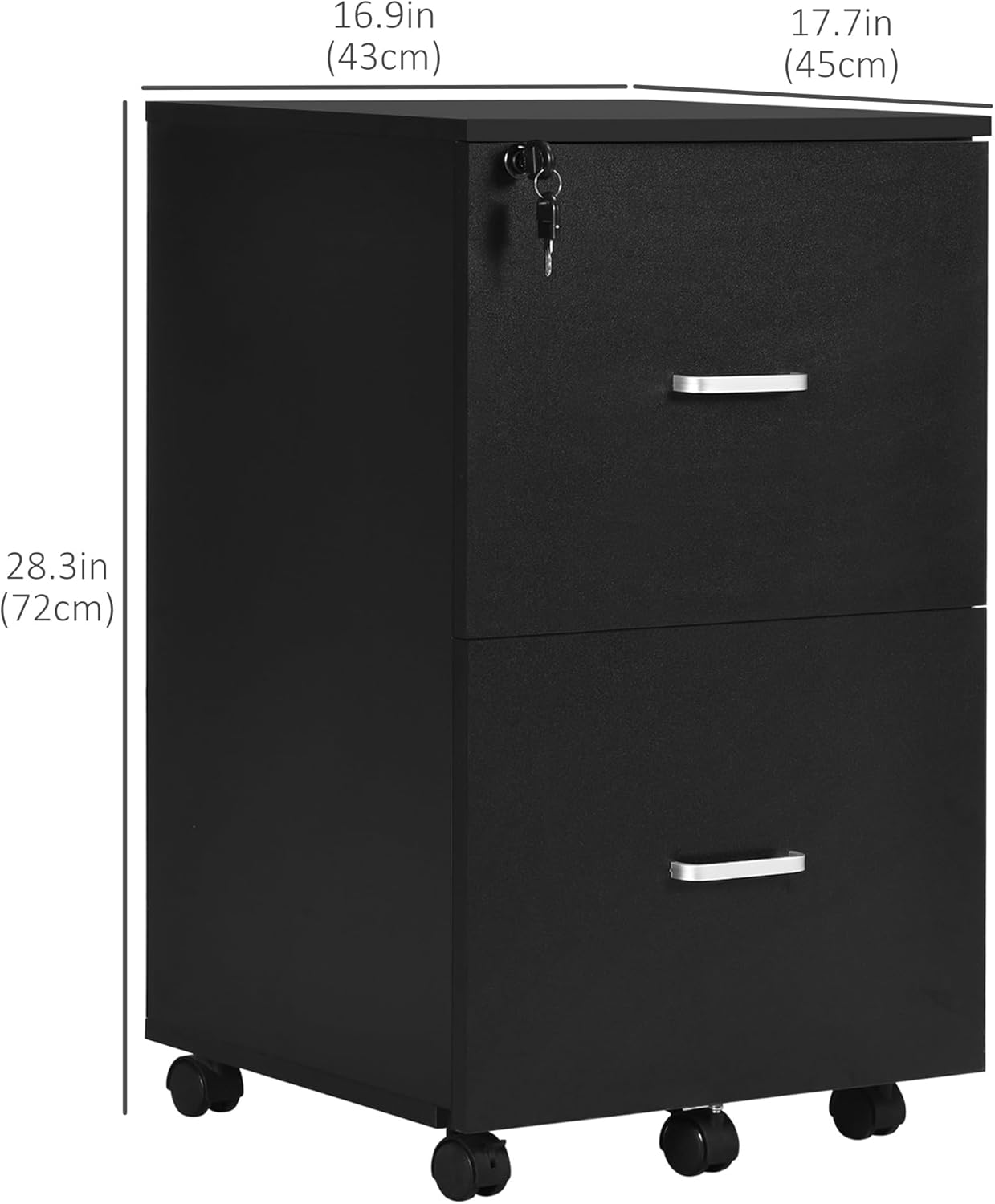
Image: The file cabinet positioned neatly under a desk, demonstrating its compact size and suitability for various office setups.
Warranty and Support
For warranty information, please refer to the documentation included with your purchase or contact the retailer. For product support, missing parts, or technical assistance, please contact Vinsetto customer service. Contact details can typically be found on the product packaging or the manufacturer's official website.


