
Introduction
Welcome to the user manual for your JBL Endurance Run 2 wired in-ear sports earphones. This guide provides essential information on setting up, operating, maintaining, and troubleshooting your earphones to ensure optimal performance and longevity.
Key Features
- Fliphook Technology: Flexible two-way design allows wearing the headphones either in-ear or behind-the-ear for comfort and stability.
- TwistLock and Flexsoft Technologies: Ergonomically built to ensure a secure fit that never hurts and stays in place during intense workouts.
- IPX5 Sweatproof: Designed to withstand sweat and water, making them suitable for high-intensity outdoor or indoor workout sessions.
- JBL Pure Bass Sound: Delivers bold sound with rich bass through 8.2mm dynamic drivers.
- Hands-Free Calls: Features an in-line one-button remote with a microphone for easy call management.
- Magnetic Earbuds: Provides tangle-free cable management when the earphones are not in use.
What's in the Box
Your JBL Endurance Run 2 package includes the following items:
- 1 x Endurance Run 2 Wired Earphones
- 3 x Sizes of Ear Tips (S, M, L)
- 1 x Enhancer
- 1 x Warranty / Warning Card
- 1 x Safety Sheet / Quick Start Guide (QSG)
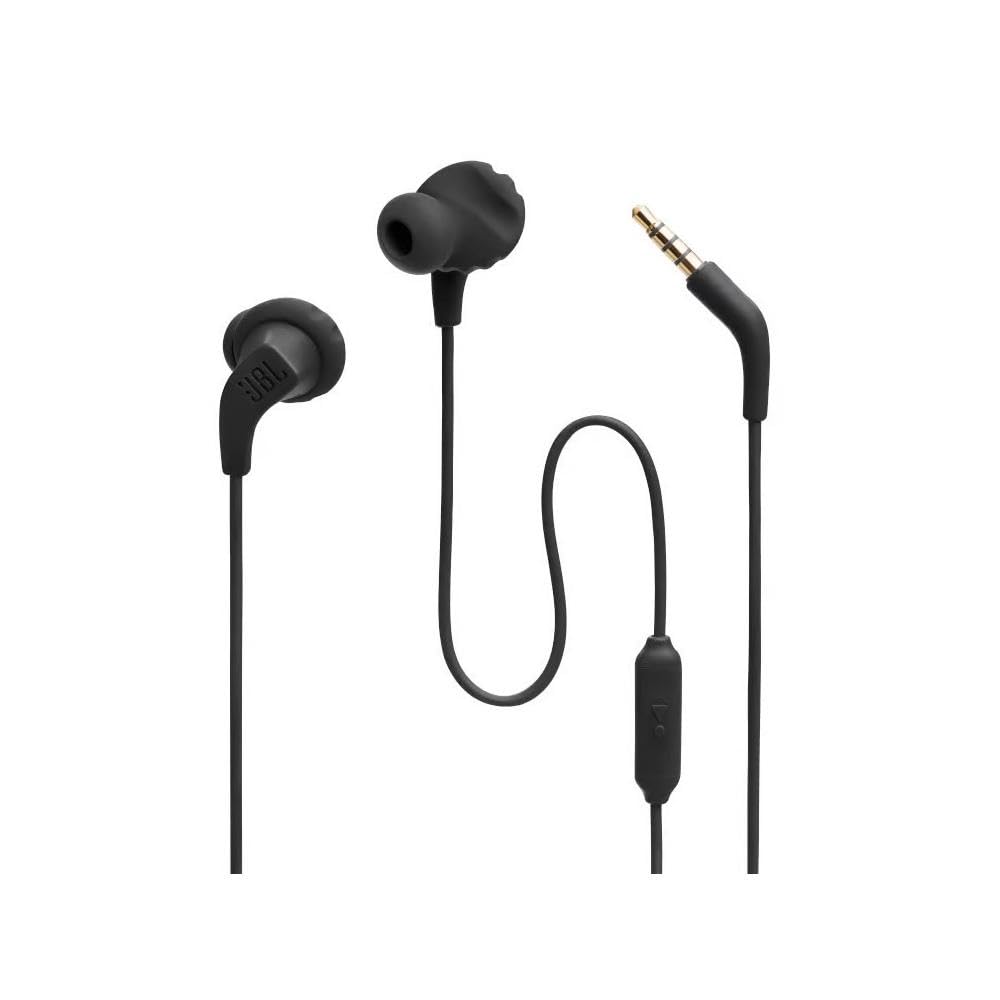
Image: The JBL Endurance Run 2 wired earphones, showing the earbuds, cable, in-line remote, and 3.5mm audio jack.
Setup
1. Choosing the Right Ear Tips and Enhancers
For optimal sound quality and a secure fit, select the ear tips and enhancers that best suit your ears. Experiment with the different sizes provided to find the most comfortable and stable fit.
2. Wearing the Earphones (FlipHook Design)
The JBL Endurance Run 2 features FlipHook technology, allowing you to wear the earphones in two ways:
- In-Ear: Insert the earbuds directly into your ear canal.
- Behind-the-Ear: Loop the cable over your ear for added security, especially during physical activity. This method utilizes the TwistLock and FlexSoft technologies to keep the earphones firmly in place without discomfort.
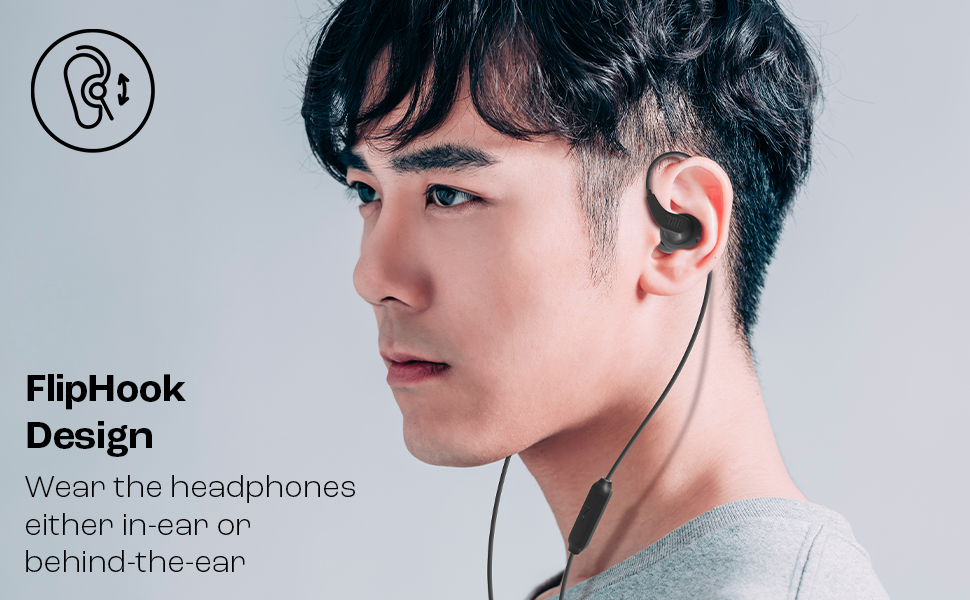
Image: A man demonstrating the behind-the-ear wearing style of the JBL Endurance Run 2 earphones, highlighting the FlipHook design.
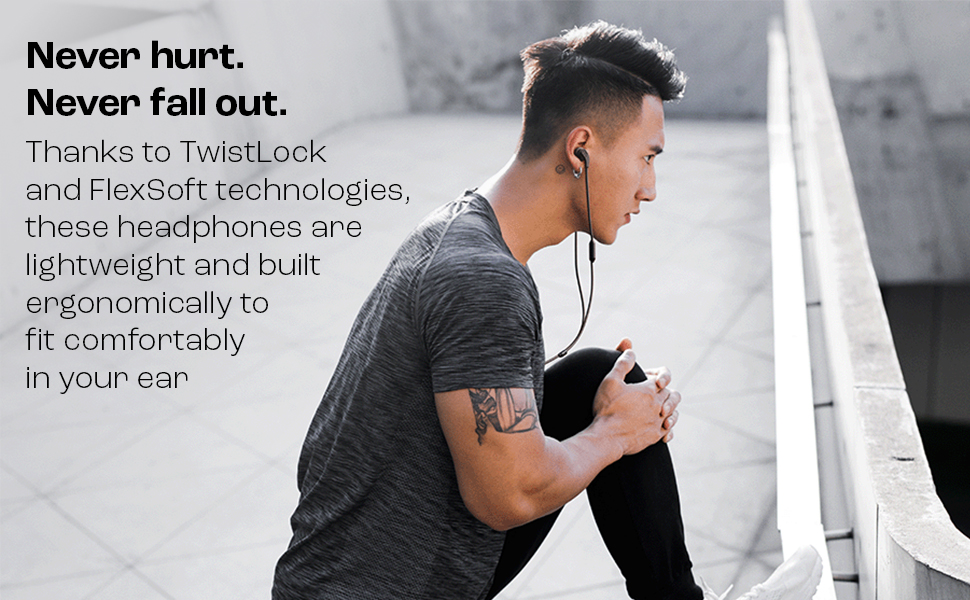
Image: A man stretching, illustrating the secure and comfortable fit provided by TwistLock and FlexSoft technologies during physical activity.
3. Connecting to Your Device
Plug the 3.5mm audio jack of your JBL Endurance Run 2 earphones into the headphone port of your smartphone, tablet, laptop, or any compatible audio device.
Operating Your Earphones
1. In-line Remote Control
The in-line remote allows for convenient control of your audio and calls:
- Single Press: Play/Pause audio, Answer/End calls.
- Long Press: Activate your device's voice assistant (Google Now or Siri).
2. Magnetic Earbuds for Cable Management
When not in use, the earbuds can be magnetically attached to each other. This feature helps prevent tangling and makes storage easier.
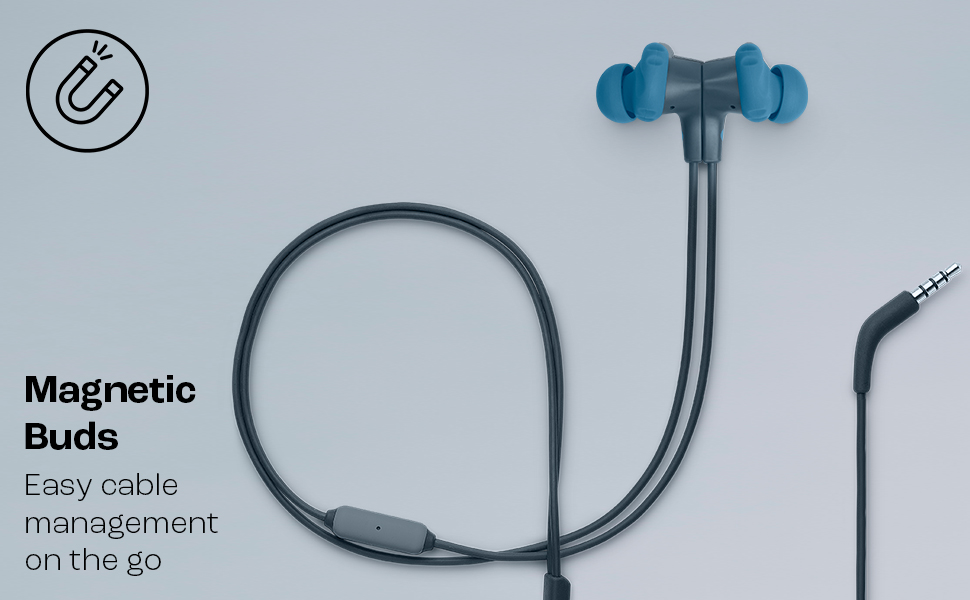
Image: The JBL Endurance Run 2 earphones with their magnetic earbuds connected, demonstrating the tangle-free storage feature.
3. Sweatproof Design (IPX5)
The IPX5 rating ensures your earphones are protected against sweat and splashes of water. This makes them ideal for workouts and outdoor activities in various weather conditions.
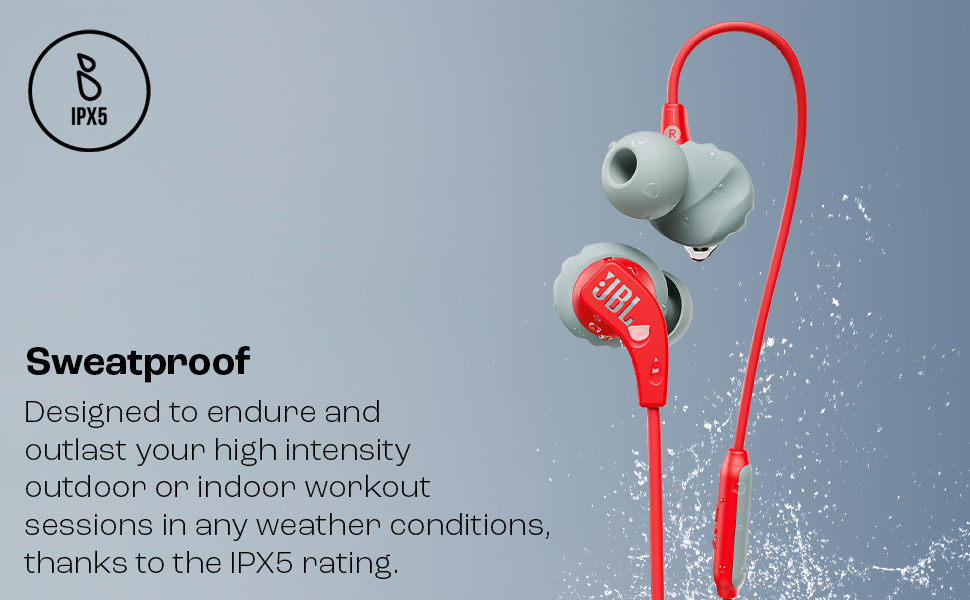
Image: Red JBL Endurance Run 2 earphones shown with water droplets, illustrating their IPX5 sweatproof and water-resistant capabilities.
4. JBL Pure Bass Sound
Experience powerful and clear audio with the signature JBL Pure Bass Sound, designed to enhance your listening experience during any activity.
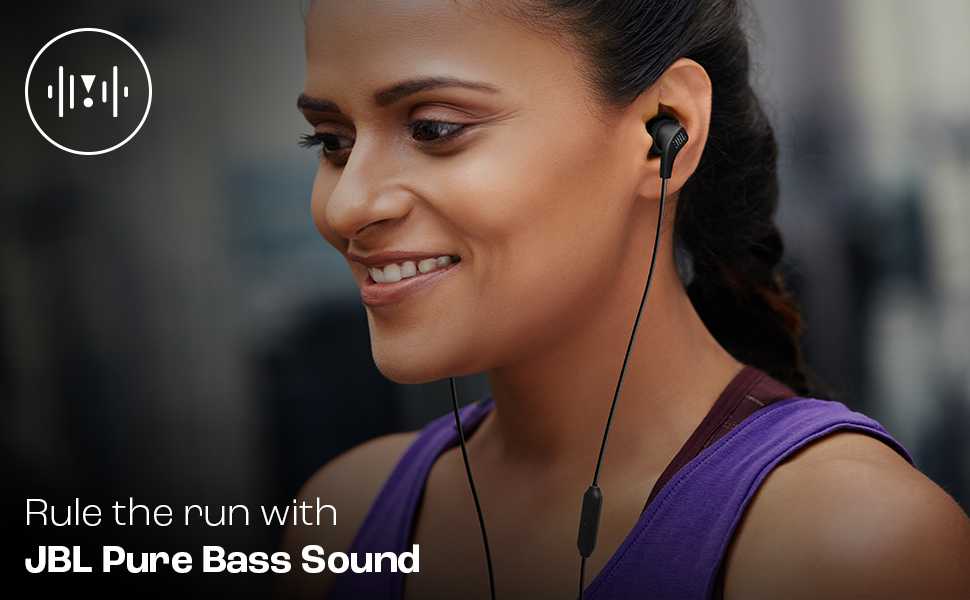
Image: A woman running outdoors while wearing JBL Endurance Run 2 earphones, emphasizing the enjoyment of music during exercise with JBL Pure Bass Sound.
Maintenance and Care
1. Cleaning
Regularly clean your earphones, especially after workouts. Use a soft, damp cloth to wipe down the earbuds and cable. Ensure the ear tips are free from earwax and debris for optimal sound and hygiene. Do not use harsh chemicals or abrasive materials.
2. Storage
When not in use, utilize the magnetic earbuds to keep the cable tidy and prevent tangling. Store your earphones in a clean, dry place away from extreme temperatures and direct sunlight.
3. General Care
Avoid pulling the cable forcefully when disconnecting from your device. Always grasp the 3.5mm jack. Do not expose the earphones to excessive moisture beyond their IPX5 rating, and avoid dropping them.
Troubleshooting
No Sound or Intermittent Audio
- Ensure the 3.5mm jack is fully inserted into your device's audio port.
- Check your device's volume settings.
- Test the earphones with another audio source to rule out device issues.
- Inspect the cable for any visible damage or kinks.
Poor Fit or Earphones Falling Out
- Experiment with different sizes of ear tips and enhancers to find the most secure and comfortable fit.
- Try wearing the earphones using the behind-the-ear (FlipHook) configuration for enhanced stability during activity.
- Ensure the ear tips are clean and free from any residue that might affect grip.
Microphone Not Working
- Ensure the 3.5mm jack is fully inserted into your device.
- Check your device's microphone settings and permissions for the application you are using.
- Ensure the microphone on the in-line remote is not obstructed.
Specifications
| Brand | JBL |
| Model Name | ENDURANCE RUN-2 |
| Model Number | JBLENDURRUN2BLK |
| Colour | Black |
| Ear Placement | In Ear |
| Form Factor | In Ear |
| Impedance | 16 Ohms |
| Frequency Range | 20 - 20000 Hz |
| Sensitivity | 99 dB |
| Audio Driver Size | 8.2 Millimetres |
| Headphone Jack | 3.5 mm Jack |
| Water Resistance Level | IPX5 (Water Resistant) |
| Item Weight | 60 Grams |
| Country of Origin | China |
Warranty and Support
Warranty Information
The JBL Endurance Run 2 earphones come with a 1-year manufacturer's warranty from the date of purchase. Please retain your proof of purchase for warranty claims. The warranty covers manufacturing defects but typically excludes damage caused by misuse, accidents, or unauthorized modifications.
Manufacturer Contact Information
For support, service, or warranty inquiries, please contact Harman International:
- Manufacturer: Harman International Industries, Inc, 8500, Balboa Blvd, Northridge, CA 91329, USA
- Importer (India): Harman International (India) Pvt Ltd, Salarpuria Sattva Knowledge Court, Office-1, Wing ‘A’ & ‘B’ 6th floor, Plot No. 9, Phase I , Doddenakkundi Industrial Area, Bearing Khata bearing Sl. No. 299 old No.62, situated at Survey No. 77, Doddenakkundi Village, K.R. Puram Hobli, Bangalore East Taluk, Bangalore -560048, Karnataka.
For the most current support information, please visit the official JBL website or contact their customer service directly.


