
1. Introduction
Welcome to the user manual for your DYNASONIC DK-201 Portable Bluetooth Karaoke Machine. This device combines a powerful speaker with vibrant LED lights and dual microphones, offering an engaging entertainment experience. This guide provides essential information for setting up, operating, and maintaining your karaoke machine to ensure optimal performance and enjoyment.

Image 1.1: The DYNASONIC DK-201 Portable Bluetooth Karaoke Machine, showcasing its main unit with a central speaker and two wired microphones.
2. Product Features
The DYNASONIC DK-201 is designed for versatility and user enjoyment, incorporating several key features:
- Portable Design: Lightweight and compact for easy transport.
- Dual Microphones: Includes two wired microphones for duets and interactive singing.
- Dynamic LED Lights: Integrated LED lights that synchronize with the music rhythm.
- Multiple Connectivity Options: Bluetooth, USB, Micro SD card, and AUX IN (3.5mm jack).
- Karaoke Mode with ECO: Adjustable echo effect for vocal enhancement.
- TWS Technology: Allows synchronization of two DK-201 speakers for stereo sound (second speaker sold separately).
- Built-in FM Radio: For listening to your favorite radio stations.
- Rechargeable Battery: Internal lithium-ion battery for extended use.

Image 2.1: The DK-201's compact size and powerful audio capabilities, featuring 3D surround sound, no sound distortion, and high-bass experience.

Image 2.2: Dimensions of the portable and lightweight DK-201 speaker, measuring approximately 10.6 inches in height, 8.3 inches in width, and 4.7 inches in depth.
3. Package Contents
Please check the box for the following items:
- DYNASONIC DK-201 Portable Bluetooth Karaoke Machine (1 unit)
- Wired Microphones (2 units)
- Charging Cable (1 unit)
- AUX IN Cable (1 unit)
- User Manual (this document)
4. Setup
4.1. Charging the Device
Before first use, fully charge the internal lithium-ion battery. Connect the provided charging cable to the charging port on the speaker and to a compatible USB power adapter (not included). The charging indicator will show the charging status.
4.2. Powering On/Off
Locate the power button on the speaker. Press and hold the button for a few seconds to turn the device ON or OFF. A sound prompt or LED indicator will confirm the status.
5. Operating Instructions
5.1. Bluetooth Connection
- Turn on the DK-201 speaker. It will automatically enter Bluetooth pairing mode, indicated by a flashing LED.
- On your smartphone, tablet, or other Bluetooth-enabled device, go to the Bluetooth settings.
- Search for available devices and select "DYNASONIC DK-201" (or similar name).
- Once connected, a confirmation sound will play, and the LED indicator will stop flashing. You can now stream audio wirelessly.
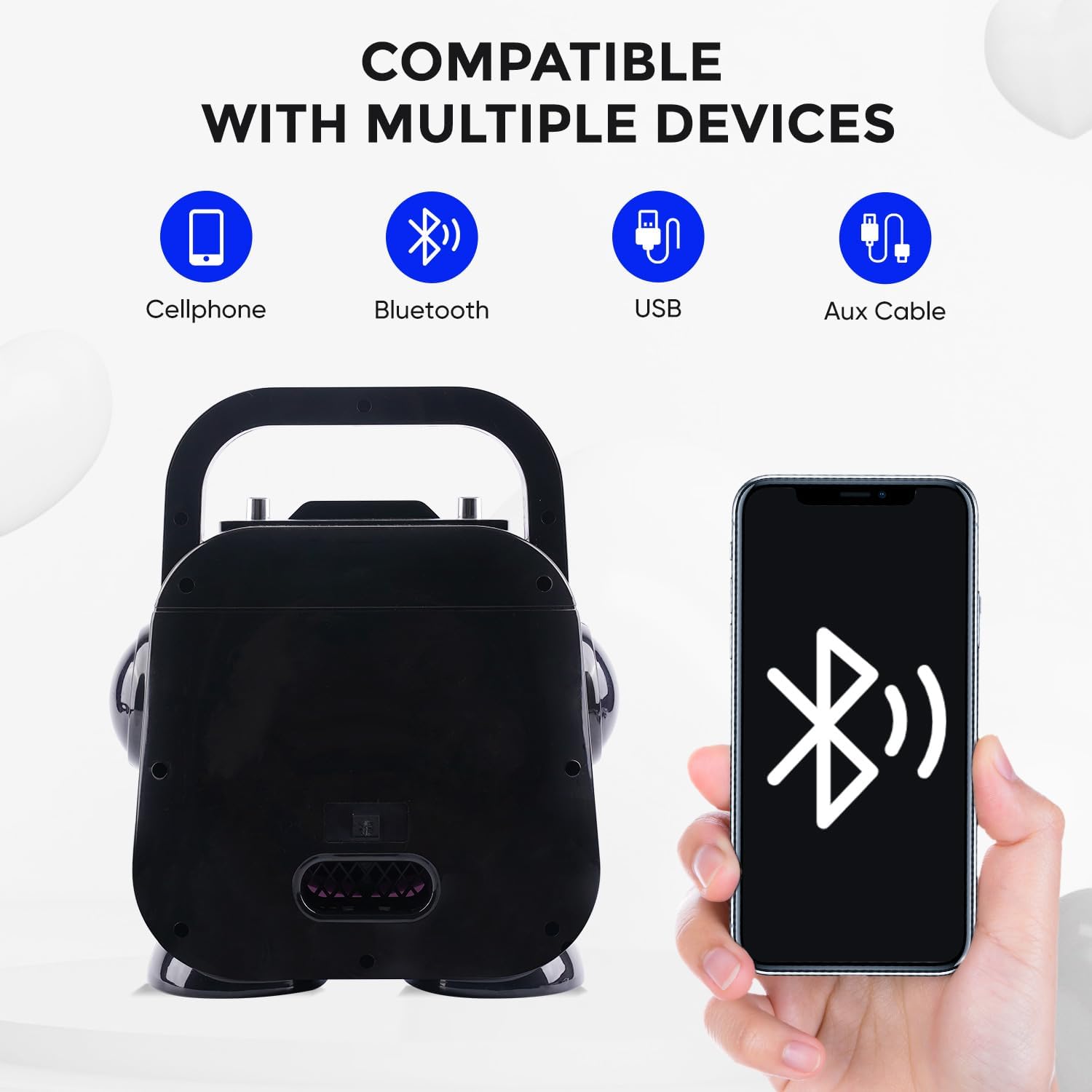
Image 5.1: The DK-201 offers multiple connectivity options, including Bluetooth for wireless streaming, USB for flash drives, and an AUX cable for wired connections.
5.2. Using the Microphones
Connect the two wired microphones to the designated microphone input jacks on the speaker. Ensure they are securely plugged in. Use the controls on the speaker to adjust microphone volume and apply the ECO (echo) effect for a karaoke experience.

Image 5.2: Overview of the multi-function speaker controls, including adjustments for music volume, the ability to remove or restore music vocals, Bluetooth connectivity, and its rechargeable nature.
5.3. Media Playback (USB, Micro SD, AUX IN)
- USB/Micro SD: Insert a USB flash drive or Micro SD card into the respective slot. The speaker will automatically detect and play audio files. Use the speaker controls to navigate tracks.
- AUX IN: Connect an external audio device (e.g., MP3 player) using the provided 3.5mm AUX IN cable. The speaker will switch to AUX mode automatically.
5.4. FM Radio Mode
Press the Mode button on the speaker to switch to FM Radio mode. Use the navigation buttons to scan for and select radio stations.
5.5. TWS (True Wireless Stereo) Function
If you have two DYNASONIC DK-201 speakers, you can pair them for a stereo sound experience:
- Ensure both speakers are powered on and not connected to any Bluetooth device.
- On one speaker (this will be the primary), press and hold the TWS button (or a designated pairing button) until you hear a prompt.
- The primary speaker will search for the secondary speaker. Once connected, you will hear a confirmation sound.
- Now, connect your Bluetooth device to the primary speaker. Audio will play in stereo through both units.
6. Maintenance
6.1. Cleaning
Wipe the speaker and microphones with a soft, dry cloth. Do not use abrasive cleaners, solvents, or harsh chemicals, as these may damage the surface or internal components. Avoid exposing the device to excessive dust or moisture.
6.2. Battery Care
To prolong battery life, avoid fully discharging the battery frequently. Recharge the device regularly, especially if it will not be used for an extended period. Store the device in a cool, dry place.
7. Troubleshooting
| Problem | Possible Cause | Solution |
|---|---|---|
| Device does not power on. | Low battery; power button not pressed correctly. | Charge the device fully. Press and hold the power button firmly. |
| No sound from speaker. | Volume too low; incorrect input mode; device not connected. | Increase volume on both speaker and connected device. Ensure correct input mode (Bluetooth, AUX, USB). Reconnect Bluetooth device. |
| Microphone not working. | Microphone not plugged in; microphone switch off; microphone volume low. | Ensure microphones are securely plugged in. Turn on the microphone switch. Increase microphone volume on the speaker. |
| Bluetooth pairing failed. | Device too far; Bluetooth not enabled; interference. | Ensure devices are within range. Enable Bluetooth on your device. Turn off and on both devices. Clear previous pairings. |
| LED lights not working. | LED function disabled; malfunction. | Check if there's a dedicated button to activate/deactivate LED lights. If not, contact support. |
8. Specifications
| Feature | Detail |
|---|---|
| Brand | DYNASONIC |
| Model Number | DK-201 |
| Connectivity Technology | Bluetooth, USB |
| Special Features | Integrated Microphone, USB Port, LED Lights, TWS Function, FM Radio |
| Power Source | Wireless (Rechargeable Lithium-ion Battery) |
| Compatible Devices | Smartphones, Tablets, Laptops, PCs, Home Cinema Systems, Amplifiers, Headphones, TVs |
| Included Components | 1 Karaoke Speaker, 2 Wired Microphones |
| Total USB Ports | 1 |
| Number of Speakers | 1 (can be paired with another for stereo) |
| Media Type Support | USB, Micro SD, Bluetooth |
| Battery Composition | Lithium-ion |
9. Warranty and Support
DYNASONIC is committed to providing excellent customer service. For any technical assistance, warranty inquiries, or support needs regarding your DK-201 Karaoke Machine, please contact DYNASONIC customer support. We aim to respond to all inquiries within 24 hours.
Please refer to your purchase documentation or the official DYNASONIC website for specific warranty terms and contact information.