
1. Setup
1.1 Unboxing and Initial Inspection
Upon opening the package, ensure all components are present:
- 1x EIGIIS Military Smart Watch for Men
- 1x Charging Cable
- 1x User Manual (this document)
1.2 Charging the Device
Before first use, fully charge your EIGIIS Smart Watch. Connect the provided charging cable to the watch's charging port and a USB power source. The watch features a 350 mAh battery and typically takes approximately 2 hours to fully charge.
1.3 App Installation (DaFit App)
To unlock the full functionality of your smartwatch, download and install the 'DaFit' application on your smartphone. The app is compatible with Android 4.4 and above, and iOS 9.0 and above.
1.4 Device Pairing
To pair your watch with your smartphone:
- Ensure Bluetooth is enabled on your smartphone.
- Open the DaFit app and follow the on-screen instructions to add a new device.
- Select 'K55' from the list of available devices.
- Confirm the pairing request on both your watch and smartphone.
- For call functionality, manually connect to 'K55' in your phone's Bluetooth settings.
For a visual guide on enabling message notifications and pairing, please refer to the video below:
Video: Instructions on how to enable message notifications and pair the K55 smartwatch.
2. Operating Instructions
2.1 Basic Navigation
The EIGIIS K55 features a 1.85'' HD full touch screen for intuitive navigation. Swipe across the screen to access different functions and menus. The physical buttons on the side (OPEN, DOWN) provide additional control.
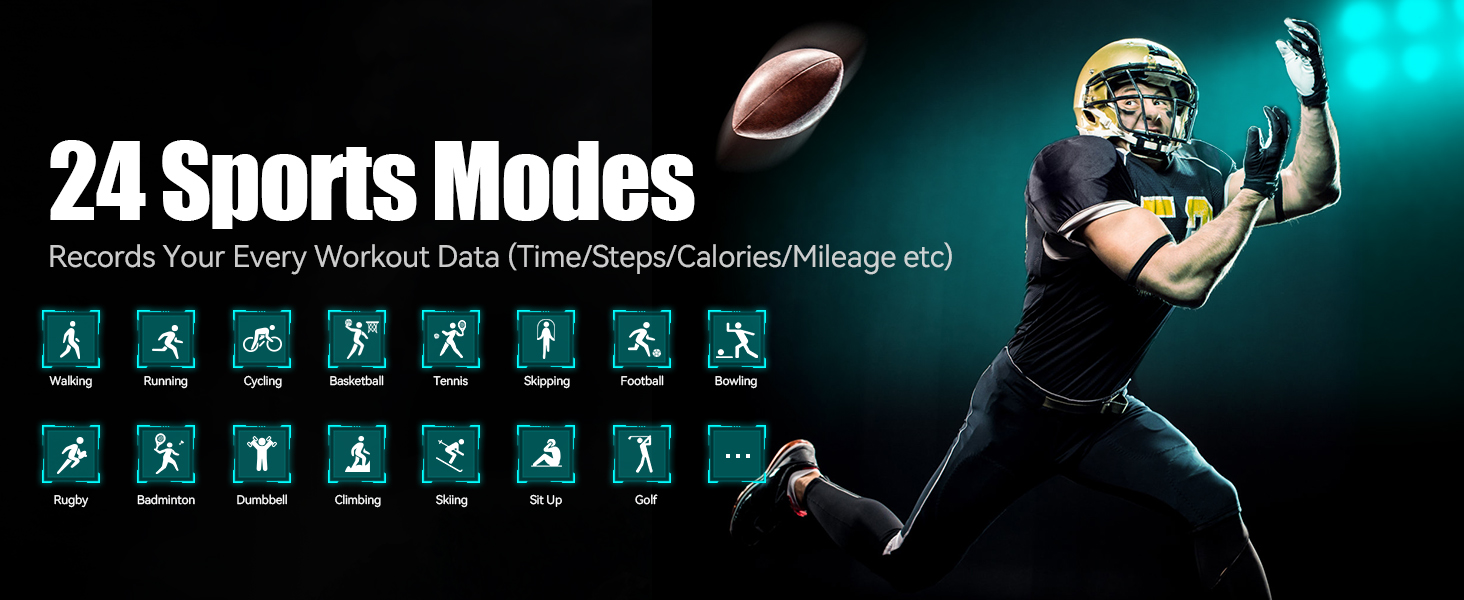
Image: The 1.85-inch HD full touch screen of the EIGIIS K55 smartwatch, highlighting its clarity and textured display.
2.2 Call Functionality
The smartwatch supports making and answering calls directly from your wrist when connected via Bluetooth. Ensure the audio Bluetooth connection is active for this feature. You can also play music through the watch.

Image: The EIGIIS K55 smartwatch displaying call interface options, including answer, call records, dial, and contact access.
2.3 Notifications
Receive calls, messages, and SNS notifications (Twitter, Instagram, Facebook, Skype, WhatsApp, etc.) directly on your wrist. The watch will vibrate to alert you to incoming messages.
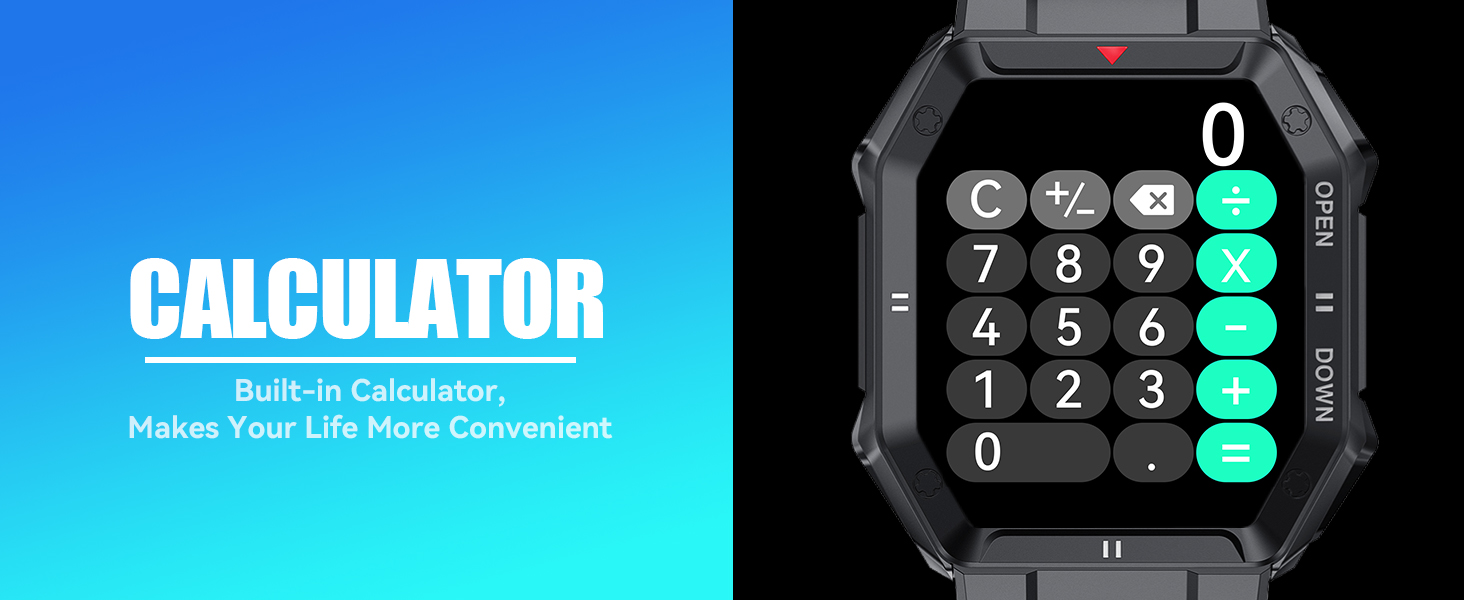
Image: A smartphone displaying incoming messages alongside the EIGIIS K55 smartwatch showing a message notification, illustrating the notification feature.
2.4 Sports Modes
The watch includes 24 built-in sports modes to automatically detect and record your workout data. You can review daily, weekly, and monthly reports in the DaFit App. Available modes include Walking, Running, Cycling, Skipping, Badminton, Basketball, Football, Climbing, Tennis, Rugby, Golf, Yoga, and more.
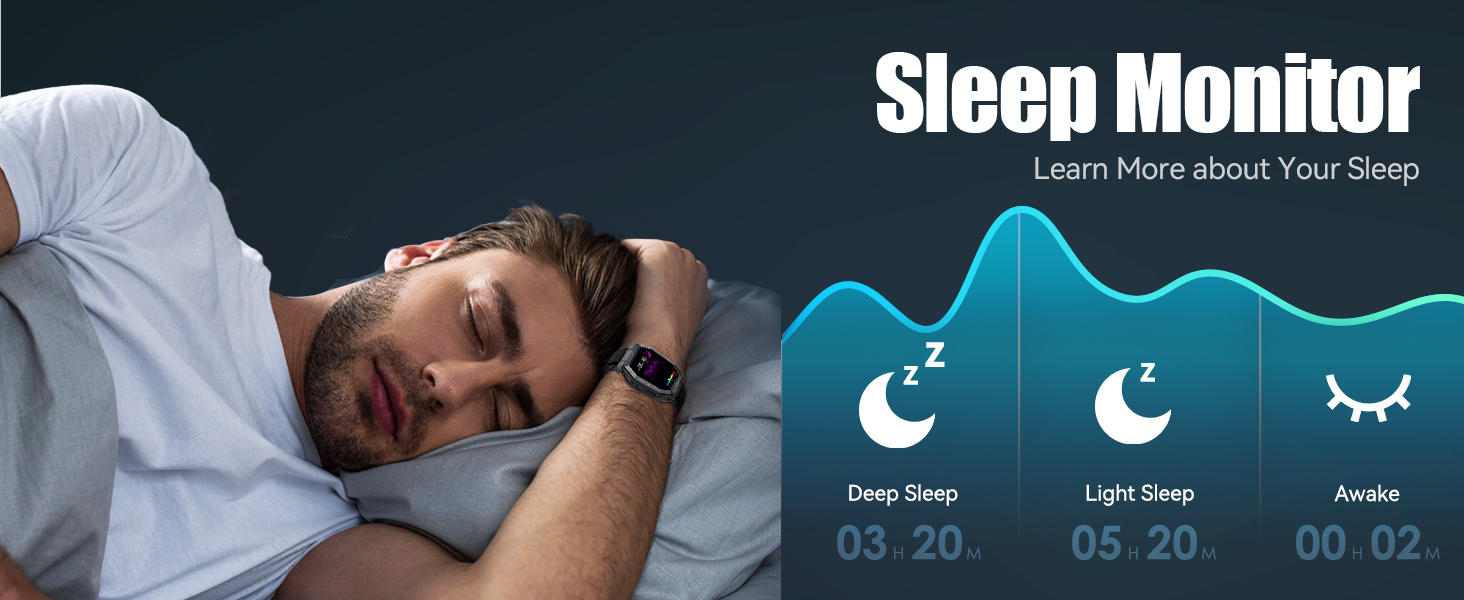
Image: A visual representation of the 24 sports modes available on the EIGIIS K55 smartwatch, with icons for various activities like walking, running, and cycling.
2.5 Health Monitoring
Equipped with an upgraded sensor, the EIGIIS K55 supports 24-hour monitoring of heart rate, blood pressure, blood oxygen, and sleep patterns. This data can help you adjust your habits for better health. Note: This device is not a professional medical instrument and the data provided is for reference only.

Image: The EIGIIS K55 smartwatch displaying heart rate, blood pressure, and blood oxygen monitoring interfaces, indicating its health tracking capabilities.

Image: A graphic illustrating the sleep monitoring feature of the EIGIIS K55 smartwatch, showing deep sleep, light sleep, and awake times.
2.6 Additional Functions
The EIGIIS K55 includes several practical features:
- Calculator: Perform basic calculations directly on your watch.
- Voice Assistant: Access your phone's voice assistant.
- Game: Enjoy pre-loaded games.
- Drain Mode: Uses low-frequency vibrations to help clean the speaker.
- Weather: Get real-time weather updates.
- Alarm Clock: Set alarms for reminders.
- Remote Camera: Control your phone's camera remotely.
- Sedentary Reminder: Get alerts to move after periods of inactivity.
- Stopwatch: For timing activities.
- Find My Phone: Locate your paired phone.
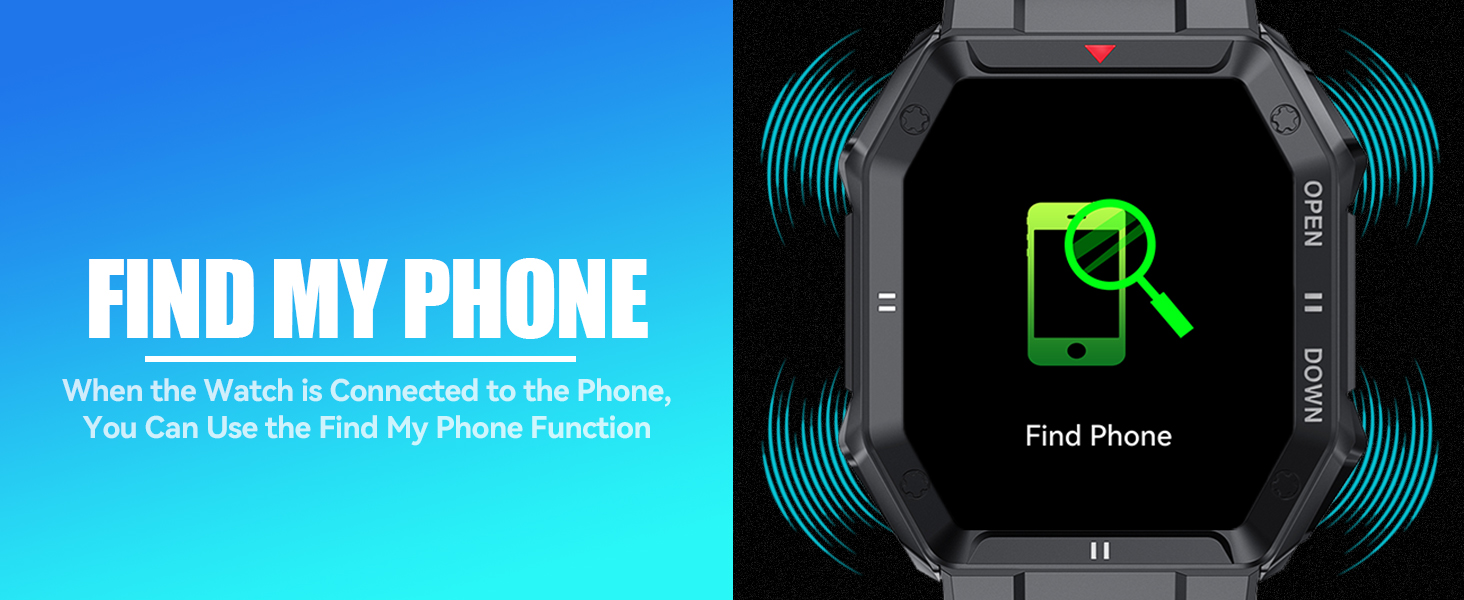
Image: The EIGIIS K55 smartwatch displaying its built-in calculator interface, showing numbers and basic arithmetic operations.
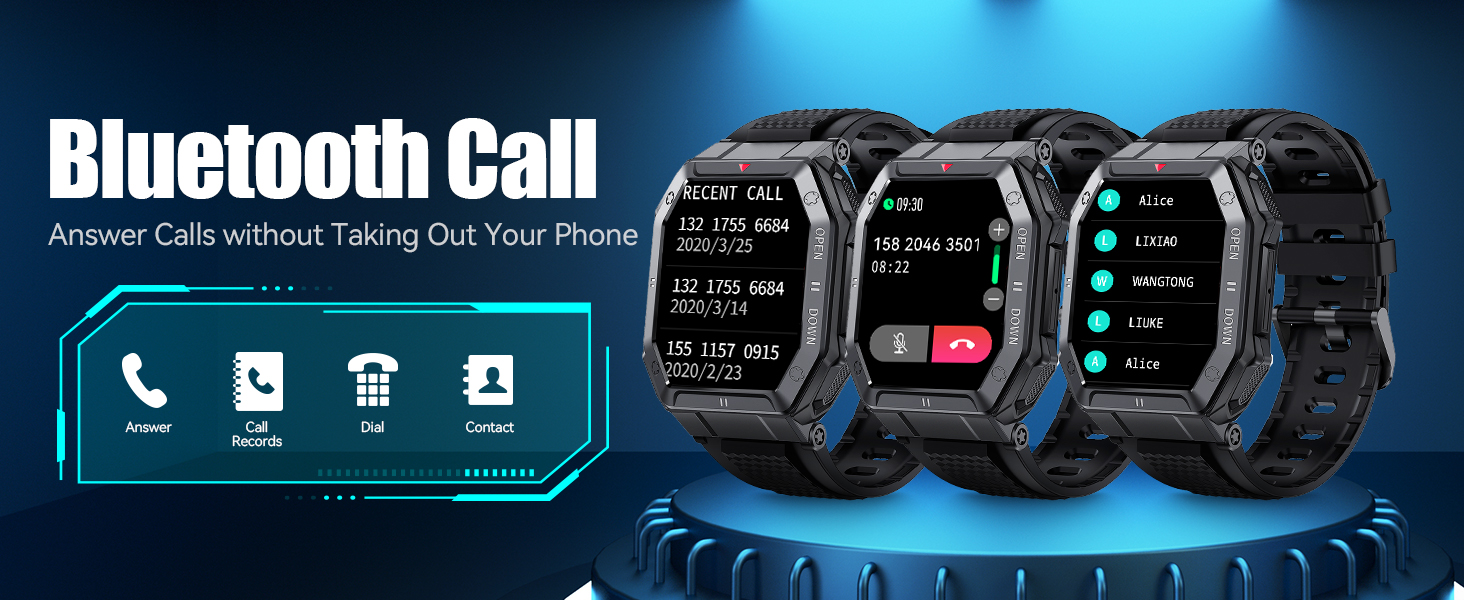
Image: The EIGIIS K55 smartwatch in 'Draining Mode', indicating low-frequency vibrations to clear the speaker.
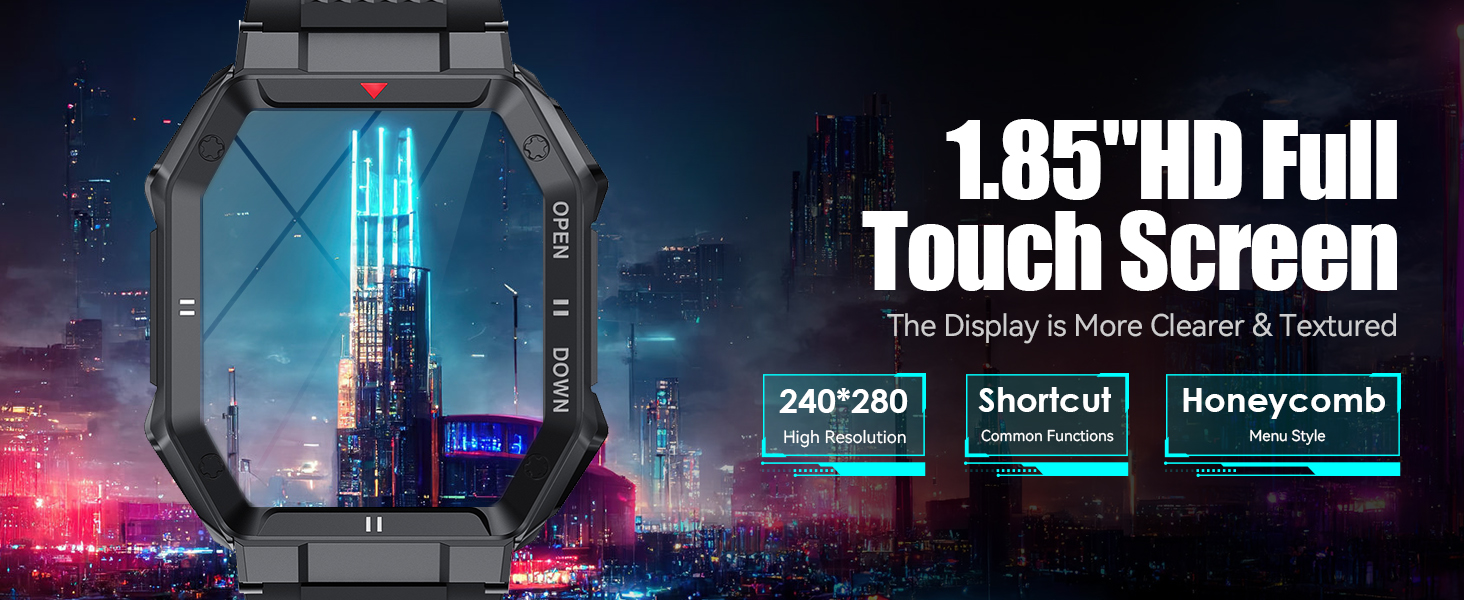
Image: The EIGIIS K55 smartwatch displaying the 'Find Phone' function, with visual cues of sound waves emanating from the watch.
2.7 Watch Faces
Customize your watch face from over 100 available dials within the DaFit App. You can also upload your own images to create personalized watch faces.
3. Maintenance
3.1 Water Resistance
The EIGIIS K55 is IP67 water resistant, meaning it can withstand splashes, hand washing, and jogging in the rain. It is not suitable for swimming, diving, showering, or sauna use. Avoid exposing the watch to hot water or steam.
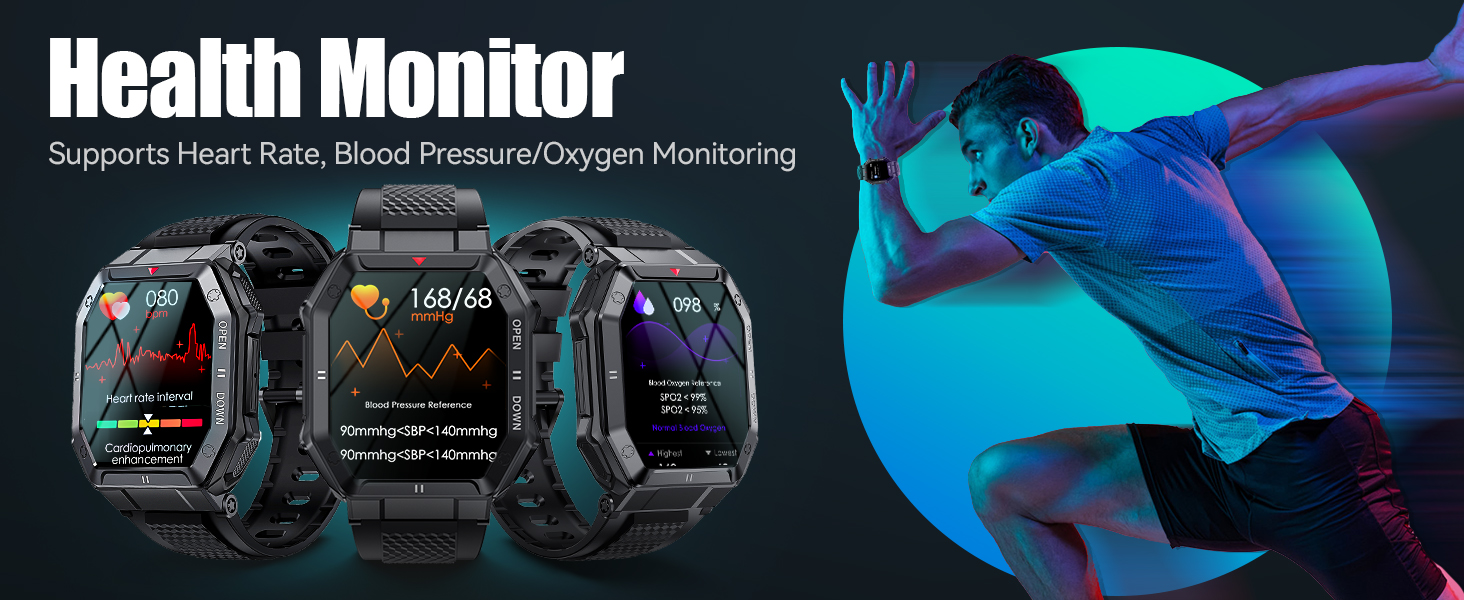
Image: Illustrations depicting the military-grade durability of the EIGIIS K55 smartwatch, including crash resistance, sweatproof design, dustproof capabilities, anti-fluid corrosion, and performance in harsh temperatures.
3.2 Cleaning
Wipe the watch and strap regularly with a soft, dry cloth. If necessary, use a slightly damp cloth and then dry thoroughly. Avoid harsh chemicals or abrasive materials.
3.3 Battery Care
To prolong battery life, avoid extreme temperatures and do not allow the battery to fully drain frequently. The watch can be used for approximately 3-5 days on a single charge and has a standby time of up to 20 days.
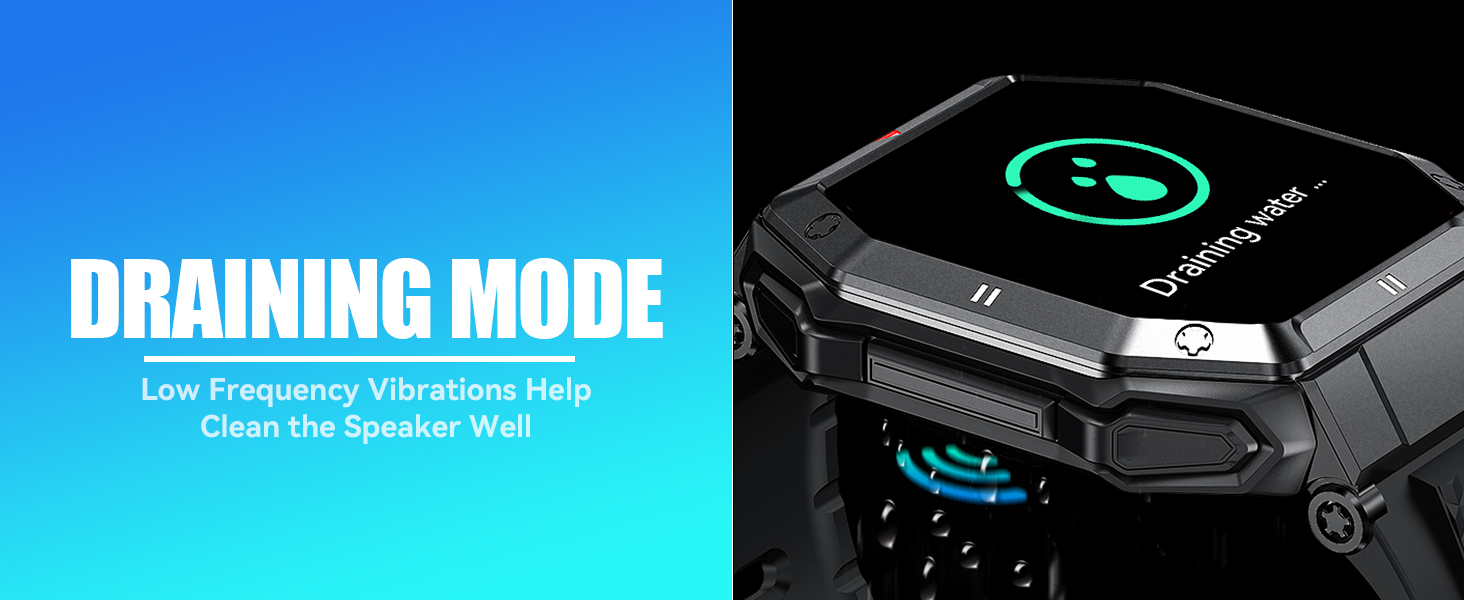
Image: A graphic highlighting the 350 mAh battery of the EIGIIS K55 smartwatch, indicating its long-lasting power for 3-5 days of use and 20 days of standby.
4. Troubleshooting
If you encounter issues with your EIGIIS Smart Watch, try the following steps:
- Connectivity Issues: Ensure Bluetooth is enabled on both devices and they are within range. Try unpairing and re-pairing the watch through the DaFit app and your phone's Bluetooth settings.
- Notifications Not Appearing: Verify that notifications are enabled in the DaFit app for specific applications and also in your phone's system settings for the DaFit app and messages. Ensure 'Show Previews' is set to 'Always' or 'When Unlocked' in your phone's notification settings for messages.
- Watch Unresponsive: Try restarting the watch. If unresponsive, perform a factory reset via the watch's settings menu (Settings > Reset).
- Inaccurate Data: Ensure the watch is worn snugly on your wrist. For health monitoring, remember the data is for reference and not medical diagnosis.
5. Specifications
| Feature | Specification |
|---|---|
| Product Dimensions | 10.04 x 0.47 x 1.57 inches |
| Item Weight | 5.3 ounces |
| Model Number | K55 |
| Batteries | 1 C battery required (included) |
| Operating System Compatibility | Android 4.4 and above; iOS 9.0 and above; Bluetooth 5.0 |
| Wireless Communication Technologies | Bluetooth |
| GPS | No GPS |
| Special Features | Heart Rate Monitor, Phone Call, Sleep Monitor, Notifications, Music Player, Sedentary Reminder, Daily Workout Memory, Activity Tracker, Blood Pressure Monitor, Alarm Clock, Weather Forecast, Camera, Multisport Tracker, Text Messaging |
| Human Interface Input | Touchscreen |
| Scanner Resolution | 240 x 280 |
| Color | Black |
| Battery Power Rating | 350 Milliamp Hours |
| Screen Size | 1.85 Inches |
6. Warranty and Support
EIGIIS provides a 12-month money-back guarantee or free replacement for this product. If you have any questions or require assistance, please contact our professional service team. You can typically find contact information by clicking on 'Pakrys' next to the shopping cart on the product's purchase page. Our team aims to respond and provide a solution within 24 hours during working days.


