
1. Introduction
This manual provides instructions for the safe and effective operation of your TOMZON A32 Flying Orb Ball. Please read this manual thoroughly before use and retain it for future reference.
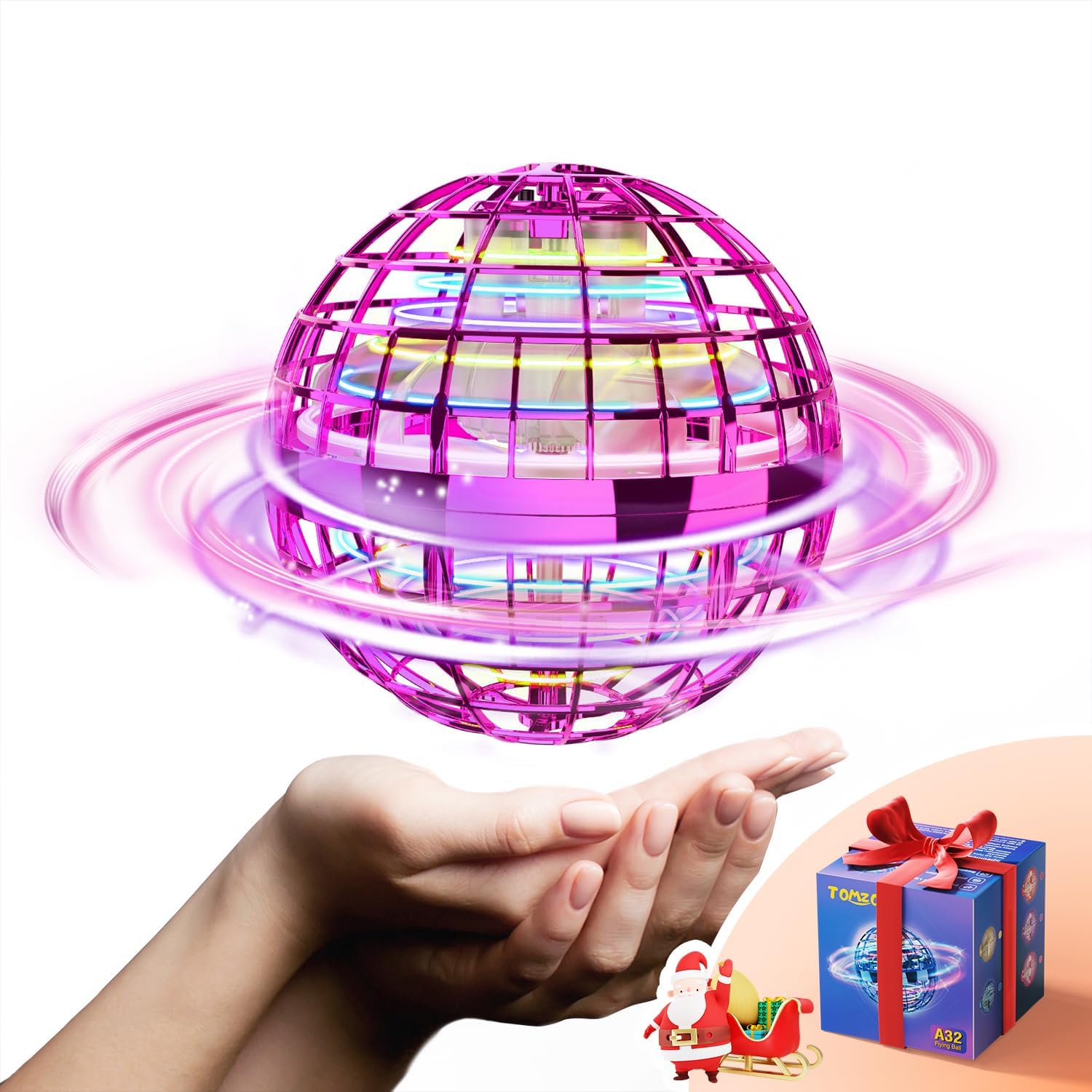
Image 1: The TOMZON A32 Flying Orb Ball, a spherical flying toy with internal propellers and LED lights, shown resting in a hand with a small gift box nearby.
2. Safety Information
To ensure safe operation and prevent damage, observe the following precautions:
- Recommended age for use is 14 years and up.
- Keep fingers and other objects away from the internal blades to prevent injury. The protective cage is designed for safety.
- Do not operate near water, heat sources, or in adverse weather conditions.
- The device features an automatic shutdown mechanism upon impact with a surface or wall.
- Use in open spaces, indoors or outdoors, free from obstacles.

Image 2: A child holding the TOMZON A32 Flying Orb Ball, highlighting its safe and durable design with a protective outer cage.
3. Package Contents
Verify that all items are present in your package:
- TOMZON A32 Flying Orb Ball
- USB Charging Cable
- Instruction Manual (this document)
- Optional decorative stickers (for customization)
4. Setup
4.1 Charging the Device
The TOMZON A32 Flying Orb Ball is powered by a Lithium Polymer battery (included). Before first use, fully charge the device.
- Locate the charging port on the device.
- Connect the provided USB charging cable to the orb and to a compatible USB power source (e.g., computer, wall adapter).
- The charging indicator light will illuminate during charging and turn off when fully charged.
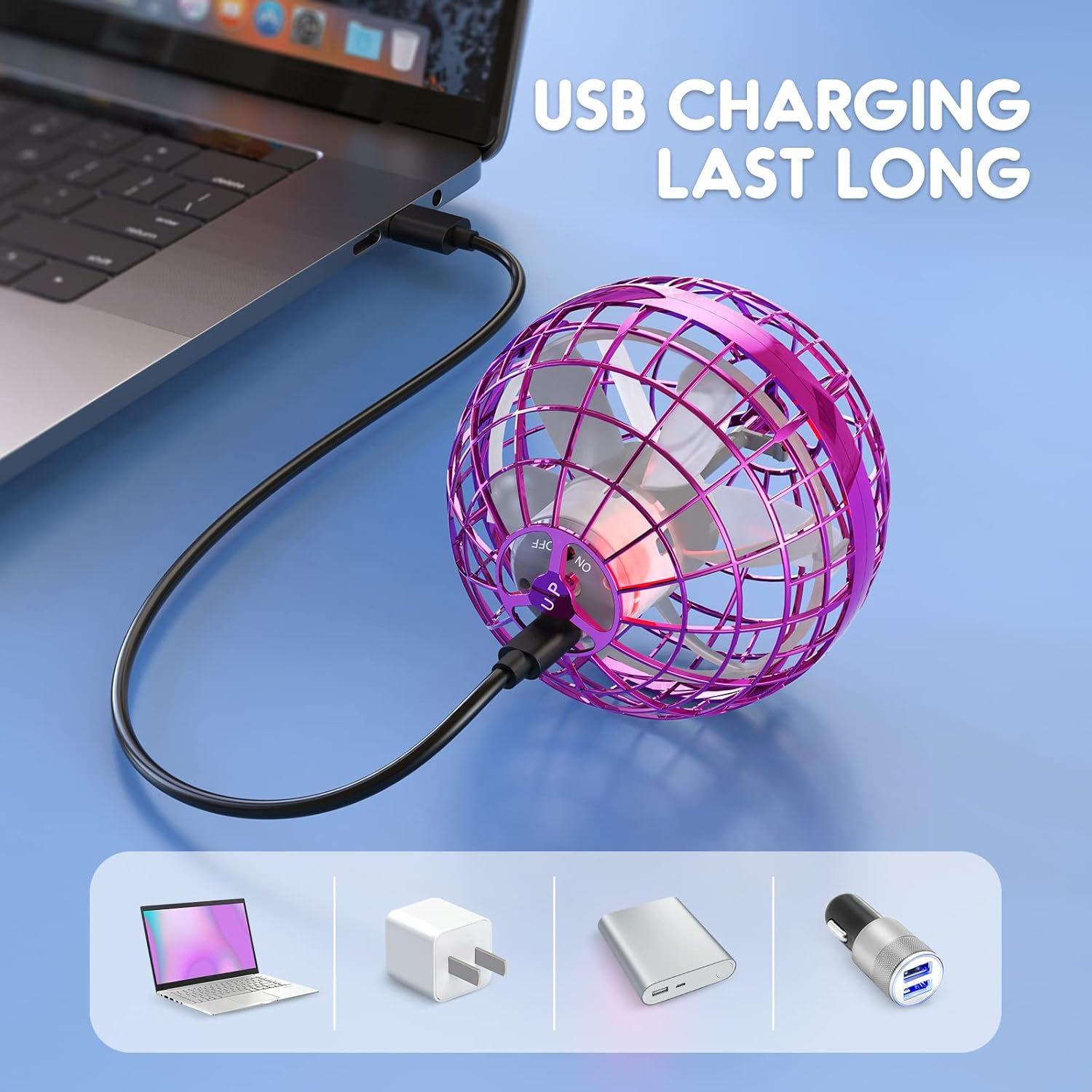
Image 3: The orb connected via USB cable to a laptop, illustrating the charging process.
4.2 Powering On/Off
To power on the device, press the small black button located on the top of the orb. The RGB LED lights will illuminate. To power off, press the button again.
Important:
- Ensure the "UP" marking on the orb is facing upwards for correct flight orientation.
- To activate the propellers, gently shake the orb after powering it on. Shake it again to stop the propellers.
Video 1: A tutorial demonstrating how to power on, activate, and control the TOMZON A32 Flying Orb Ball, including various flight modes.
5. Operating Instructions
The TOMZON A32 offers various flight modes based on how it is launched and angled.
5.1 Boomerang Flight
To achieve a boomerang effect, hold the orb with the "UP" side facing upwards and tilt it approximately 30 degrees upwards. Launch it gently, and it should return to you.
5.2 Straight Flight
For a straight flight path, hold the orb with the "UP" side facing upwards and tilt it approximately 30 degrees downwards. Launch it gently in the desired direction.
5.3 Hover Mode
When held flat with the "UP" side facing directly upwards, the orb will hover in place or gently float when released.
5.4 Spinner Mode
The orb can be placed on a flat surface with the "UP" side facing downwards to spin like a top, creating a colorful light display.

Image 4: Visual guide illustrating how to achieve boomerang, straight, and spinner flight modes by adjusting the launch angle of the orb.
Video 2: A demonstration of the TOMZON A32 Flying Orb Ball in action, showcasing its various flight capabilities and interactive play.
6. Maintenance
- Keep the device clean and free from dust and debris.
- Store in a cool, dry place when not in use.
- Avoid exposing the device to extreme temperatures.
7. Troubleshooting
| Problem | Possible Cause | Solution |
|---|---|---|
| Device does not turn on. | Low battery. | Charge the device fully. |
| Propellers do not spin after turning on. | Device is locked. | Gently shake the orb to unlock and activate propellers. |
| Erratic flight or unexpected shutdown. | Impact with an object or surface. | This is a safety feature. Pick up the orb, power cycle if necessary, and restart. |
| Short flight time. | Low battery or aging battery. | Ensure the device is fully charged before use. Battery life may decrease over time. |
8. Specifications
- Model: A32
- Brand: TOMZON
- Product Dimensions: 3.78 x 3.74 x 3.7 inches
- Item Weight: 4.6 ounces
- Battery: 1 Lithium Polymer battery (included)
- Recommended Age: 14 years and up
9. Warranty and Support
For any questions or concerns regarding your TOMZON A32 Flying Orb Ball, please contact TOMZON customer service. Contact information can typically be found on the product packaging or the official TOMZON website.