
Introduction
This manual provides detailed instructions for the assembly, operation, and maintenance of your SHW Mission 48x48 Inch L-Shape Home Office Computer Desk. Please read all instructions carefully before beginning assembly and retain this manual for future reference.
Safety Information
- Always assemble the desk according to the provided instructions.
- Ensure the desk is properly anchored to the wall or floor to prevent tipping, especially when using heavy equipment.
- Do not place heavy objects on the desk that could cause it to tip over.
- Keep the work area clear of obstacles to prevent accidents.
- Recommended number of people for assembly: 2.
Parts List
All necessary parts and hardware are clearly labeled and included in the packaging. Please verify that all components are present and undamaged before starting assembly. Refer to the included assembly instructions for a complete list of parts and diagrams.
Assembly Instructions
The SHW Mission L-Shape Desk is designed for straightforward assembly. Follow the step-by-step instructions provided in your package. While minimal tools are required, it is recommended to have two people for easier setup.

Figure 1: Fully assembled SHW Mission L-Shape Home Office Computer Desk.
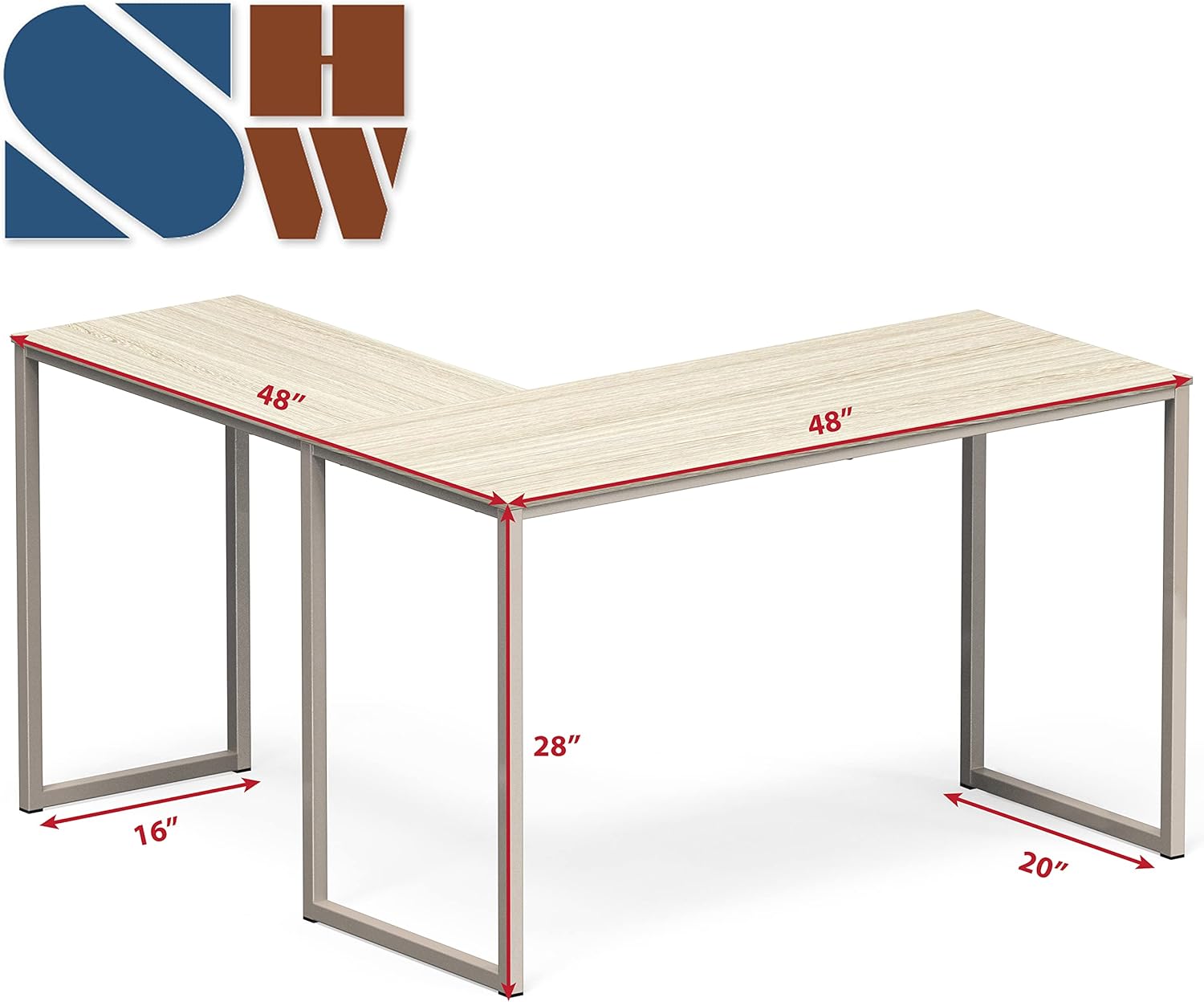
Figure 2: Key dimensions of the L-shaped desk, illustrating its compact design.

Figure 3: Illustration of the sturdy steel frame connection points for easy assembly.
The desk features a reversible desktop design, allowing you to configure the L-shape to either the left or right side to best suit your space and needs.

Figure 4: Reversible desktop design for flexible setup.
Assembly Video Guide
Video 1: A brief 5-second overview demonstrating the setup process for the L-shaped desk.
Operating Instructions
The SHW Mission L-Shape Desk provides a wide surface area suitable for various tasks. Its L-shaped design maximizes corner space, making it ideal for home offices, studying, or creative projects. The desk can comfortably accommodate dual monitors, laptops, and other accessories, enhancing productivity.

Figure 5: The spacious desktop supports multiple monitors and work essentials.
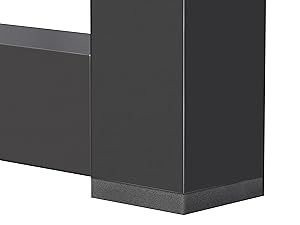
Figure 6: Anti-skid pads on the desk legs help ensure stability and protect floors.
Maintenance
To maintain the quality and appearance of your desk, follow these care instructions:
- Dust regularly with a dry cloth.
- Clean spills immediately with a damp cloth.
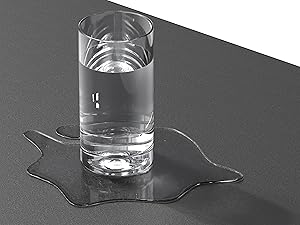
Figure 7: The desk surface is designed to be waterproof for easy cleaning of spills.
Troubleshooting
- Wobbly Desk: Ensure all screws and fasteners are securely tightened. Check that the desk is on a level surface.
- Missing Parts: If any parts are missing or damaged upon arrival, please contact customer support immediately.
- Assembly Difficulty: Review the step-by-step instructions and diagrams. If issues persist, consider seeking assistance from a second person.
Specifications
| Brand | SHW |
| Model Number | OD-12L-M |
| Shape | L-Shape |
| Product Dimensions | 48"D x 48"W x 28"H |
| Color | Maple |
| Top Material Type | Engineered Wood |
| Base Material | Alloy Steel |
| Item Weight | 31.75 Pounds |
| Required Assembly | Yes |
| Recommended Uses | Working |
Warranty and Support
This SHW Mission L-Shape Home Office Computer Desk is covered by a 5-Year Limited Warranty. For warranty claims, technical support, or any questions regarding your product, please refer to the contact information provided in your product packaging or visit the official SHW website.