
zeBrush Galaxy Buds 2 Pro
Contents
User Manual: zeBrush Galaxy Buds 2 Pro Wireless Earphones
Model: Galaxy Buds 2 Pro
Brand: zeBrush
Introduction
The zeBrush Galaxy Buds 2 Pro are advanced wireless earphones designed to deliver a premium audio experience. Featuring 24-bit Hi-Fi sound and robust Active Noise Cancellation, these earbuds provide clear, immersive sound for all your listening needs. Their ergonomic design ensures a comfortable and secure fit, making them ideal for extended use.

Image: The Galaxy Buds 2 Pro are designed for comfortable wear during various activities.
What's in the Box
Upon unboxing your zeBrush Galaxy Buds 2 Pro, verify that all the following components are included:
- Earbuds (1 set)
- Wireless Charging Case
- Eartips (various sizes for optimal fit)
- Charging Cable
- User Manual (this document)
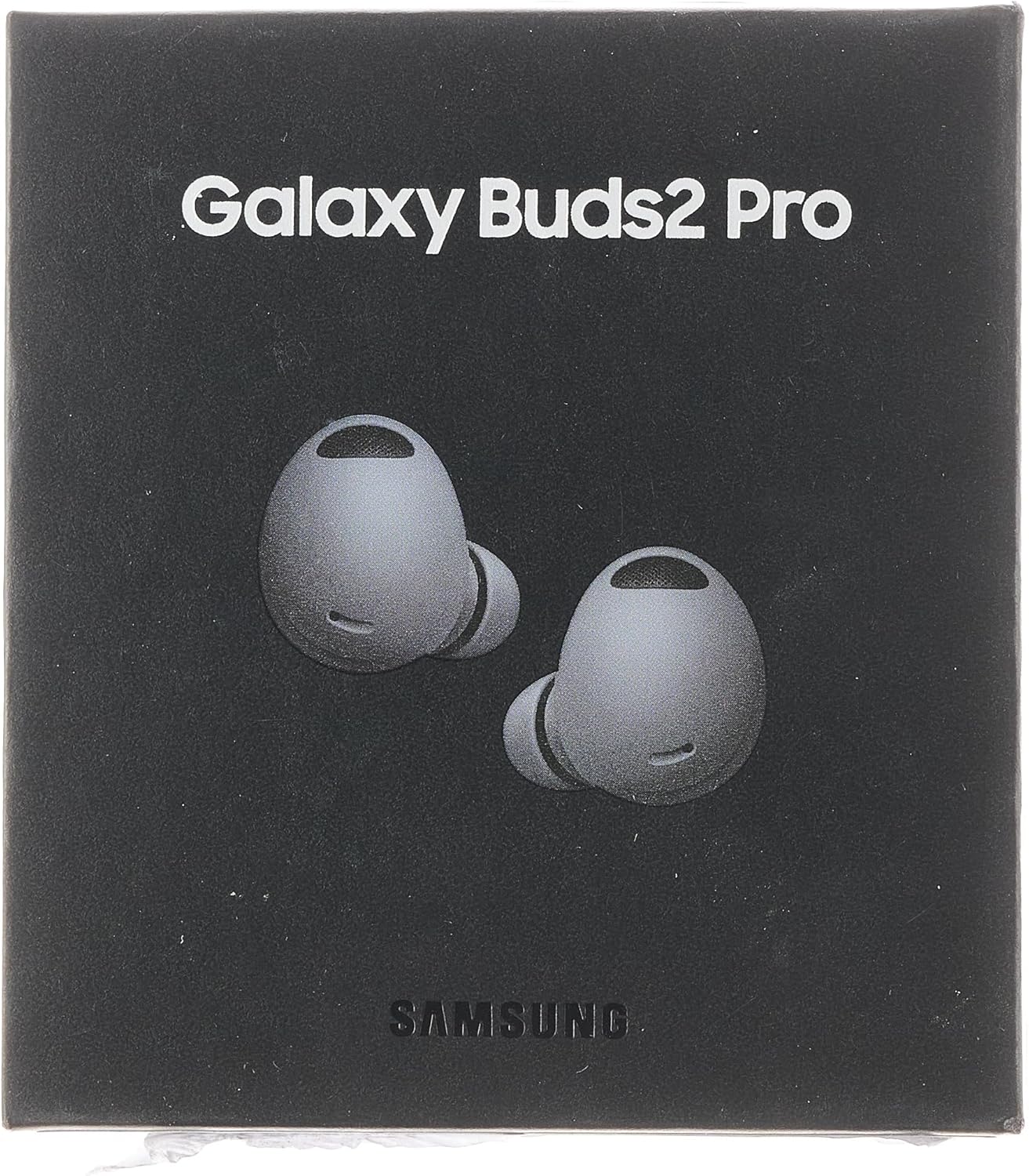
Image: The retail packaging for the Galaxy Buds 2 Pro, indicating the product inside.
Product Overview
The Galaxy Buds 2 Pro are meticulously designed for both performance and comfort. Each earbud is lightweight and features an ergonomic shape to fit securely in your ear.

Image: The Galaxy Buds 2 Pro earbuds nestled within their open wireless charging case.

Image: A detailed view of the left and right Galaxy Buds 2 Pro earbuds.
The charging case not only protects your earbuds but also provides convenient wireless charging, ensuring they are always ready for use.
Setup
Initial Charging
Before first use, fully charge your Galaxy Buds 2 Pro. Place both earbuds into the wireless charging case and connect the case to a power source using the provided charging cable. The indicator light on the case will show the charging status.
Pairing with Your Device
- Ensure your device's Bluetooth is turned on.
- Open the charging case with the earbuds inside. The earbuds will automatically enter pairing mode.
- On your device, search for available Bluetooth devices and select "Galaxy Buds 2 Pro" from the list.
- Follow any on-screen prompts to complete the pairing process.
For optimal performance, ensure your device is running Android 8.0 or higher with more than 1.5GB of RAM. Some features may vary depending on your device and region.
Operating Instructions
Touch Controls
The Galaxy Buds 2 Pro feature intuitive touch controls on each earbud. You can customize these controls via the companion app on your smartphone.
- Single Tap: Play/Pause music, Answer/End call.
- Double Tap: Play next song, Answer/End second call, Switch between calls.
- Triple Tap: Play previous song.
- Touch and Hold: Activate Active Noise Cancellation (ANC) or Ambient Sound mode, Decline call. (Customizable)
Active Noise Cancellation (ANC)
The ANC feature utilizes three high signal-to-noise ratio (SNR) microphones to effectively block out external noise, allowing you to focus on your audio. Activate or deactivate ANC using the touch and hold gesture or through the companion app.

Image: Active Noise Cancellation helps put your playlist in focus by reducing ambient sounds.
Audio 360 Surround Sound
Experience immersive audio with Audio 360, which surrounds you like you're at the center of the action. This feature enhances your listening experience by providing a dynamic and realistic soundstage.

Image: The ultimate 24-bit Hi-Fi sound is now wirelessly available with the Galaxy Buds 2 Pro.
Official Product Video
Video: An official overview of the Samsung Galaxy Buds 2 Pro, highlighting key features and design.
Maintenance
Cleaning Your Earbuds
Regular cleaning helps maintain sound quality and hygiene. Gently wipe the earbuds and charging case with a soft, dry, lint-free cloth. For the eartips, remove them from the earbuds and clean with a mild soap solution if necessary, then rinse and dry thoroughly before reattaching.
Storage
When not in use, always store your Galaxy Buds 2 Pro in their charging case to protect them from dust, damage, and to keep them charged.
Water Resistance
The earbuds are water resistant. However, they are not waterproof. Avoid submerging them in water or exposing them to high-pressure water streams. Dry them thoroughly if they get wet before placing them back in the charging case.
Troubleshooting
| Problem | Possible Cause | Solution |
|---|---|---|
| Earbuds not pairing | Bluetooth off, earbuds not in pairing mode, low battery. | Ensure Bluetooth is on, open case to activate pairing, charge earbuds. |
| No sound or low volume | Volume too low, earbud fit, debris in speaker mesh. | Adjust volume, ensure proper fit, clean speaker mesh. |
| ANC not effective | Improper fit, ANC not activated. | Adjust earbud position, activate ANC via touch control or app. |
| Earbuds falling out | Incorrect eartip size. | Try different eartip sizes for a more secure fit. |
Specifications
| Feature | Detail |
|---|---|
| Model Name | Galaxy Buds 2 Pro |
| Brand | zeBrush |
| Connectivity Technology | Wireless (Bluetooth 5.2) |
| Noise Control | Active Noise Cancellation |
| Audio Quality | 24-bit Hi-Fi sound |
| Battery Life | Up to 5 Hours (earbuds) |
| Control Type | Touch Control |
| Water Resistance Level | Water Resistant |
| Item Weight | 0.071 ounces (approx. 2 grams) |
| Product Dimensions | 3.15 x 1.18 x 3.94 inches |
| Included Components | Cable, Earbuds 1 set, Eartip, User Manual, Wireless Charging Case |
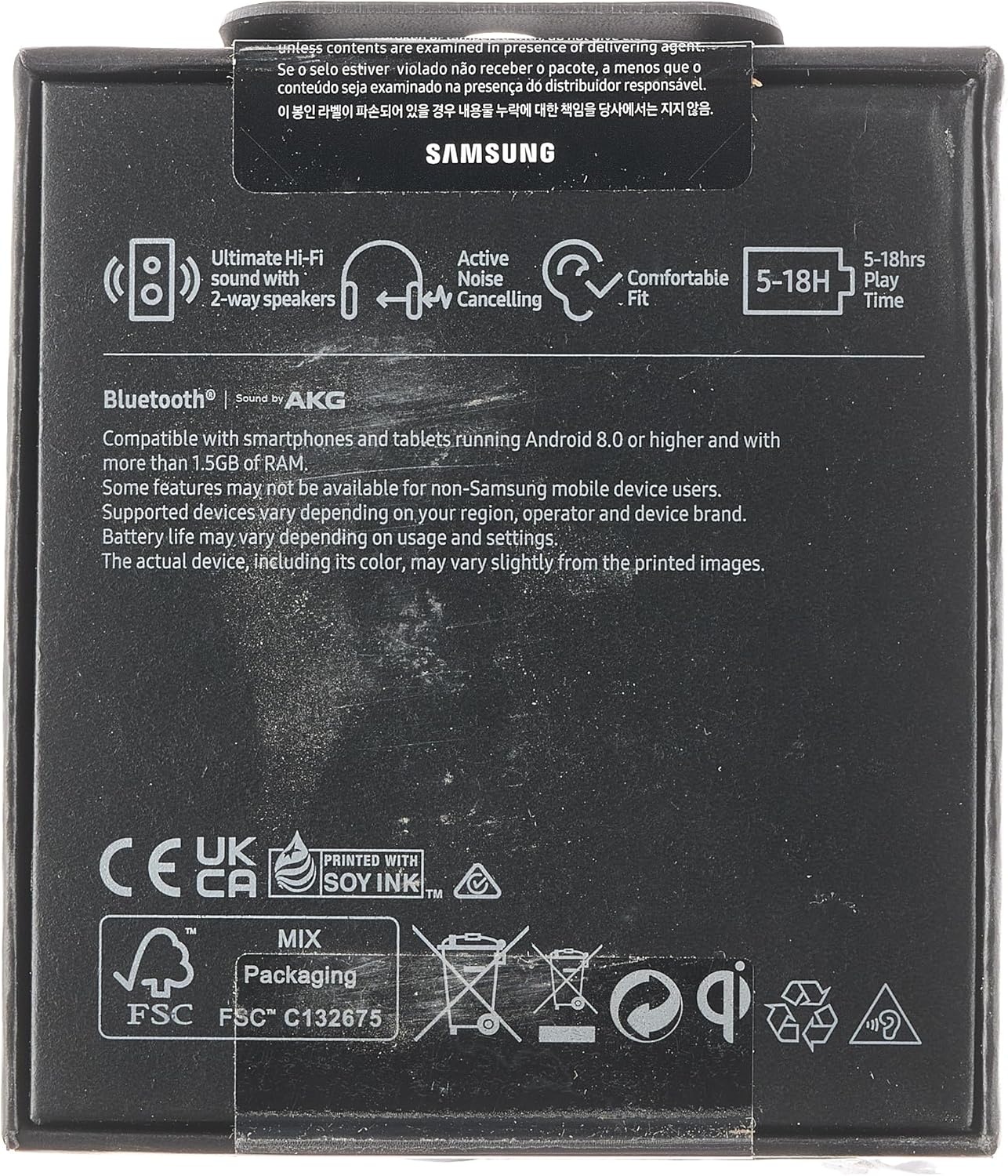
Image: Rear view of the product packaging, detailing key features and compatibility information.
Warranty and Support
For warranty information and technical support, please refer to the official zeBrush website or contact their customer service. Keep your proof of purchase for warranty claims.
For additional information and resources, you may visit the product's detail page on Amazon.com.
Ask a question about this manual
Ask about setup, troubleshooting, compatibility, parts, safety, or missing instructions. Manuals+ will review the question and use this page’s manual context to help answer it.