1. Important Safety Information
WARNING: Read and understand all instructions before using this product. Failure to follow all instructions listed below may result in electric shock, fire, and/or serious personal injury.
- Always wear eye protection and sturdy shoes.
- Be aware of flying debris.
- Keep bystanders and pets at a safe distance.
- Do not operate on wet or slippery surfaces.
- Always unplug the tool before performing any maintenance or cleaning.
- Ensure the battery is fully charged before use.
- Do not modify the product or use attachments not recommended by the manufacturer.
2. Product Overview
The Greenworks 80V 13-inch String Trimmer is designed for efficient lawn care, offering powerful performance without the need for gasoline. This model includes a 2.0Ah battery and charger.
Key Features:
- 80V Lithium-Ion Battery System: Provides power comparable to gas-powered tools with up to 66 minutes of run-time on a fully charged 2.0Ah battery (actual run-time varies based on grass condition and operator technique).
- 13-inch Cutting Path: Ideal for trimming grass and weeds in various areas.
- .080" Dual Line Bump Feed Head: Allows for quick and easy line advancement by tapping the trimmer head on the ground.
- TORQDRIVE Motor: Delivers 30% more torque to power through tough grass and weeds.
- 2-Speed Selector: Choose between higher power for dense areas or extended run-time for lighter tasks.
- Variable Speed Trigger: Provides precise control over cutting speed, useful for maneuvering around delicate plants and shrubs.

Figure 2.1: Greenworks 80V 13-inch String Trimmer with included 2.0Ah battery and charger.
3. Setup and Assembly
Before first use, ensure all components are present and undamaged. Assembly is required.
- Attach the Guard:
Align the trimmer guard with the mounting points on the trimmer head. Secure it using the provided screws and a Phillips screwdriver. Ensure it is firmly attached to protect against debris.

Figure 3.1: Illustration of attaching the protective guard to the trimmer head.
- Install the Auxiliary Handle:
Slide the auxiliary handle onto the shaft. Adjust its position for comfortable operation and tighten the clamp securely. This handle provides better control and balance during use.
- Charge the Battery:
Insert the 80V 2.0Ah battery into the charger. Plug the charger into a standard electrical outlet. The indicator lights on the battery and/or charger will show the charging status. A full charge typically takes approximately 1.5 hours. Do not use the trimmer until the battery is fully charged.

Figure 3.2: The 80V battery being charged in its dedicated charger.
- Insert the Battery:
Once charged, slide the battery into the battery compartment on the trimmer until it clicks into place. Ensure it is securely seated.
4. Operating Instructions
Follow these steps for safe and effective operation of your string trimmer.
- Starting the Trimmer:
Press and hold the safety lock-out lever (usually located on the handle). While holding the safety lever, squeeze the variable speed trigger to start the trimmer. Release the safety lever once the trimmer is running.

Figure 4.1: Proper hand placement for engaging the safety lock-out lever and variable speed trigger.
- Adjusting Speed:
Use the 2-speed selector switch to choose between high power (for thick weeds) or lower speed (for extended run-time and lighter trimming). The variable speed trigger allows for fine-tuning the cutting speed.
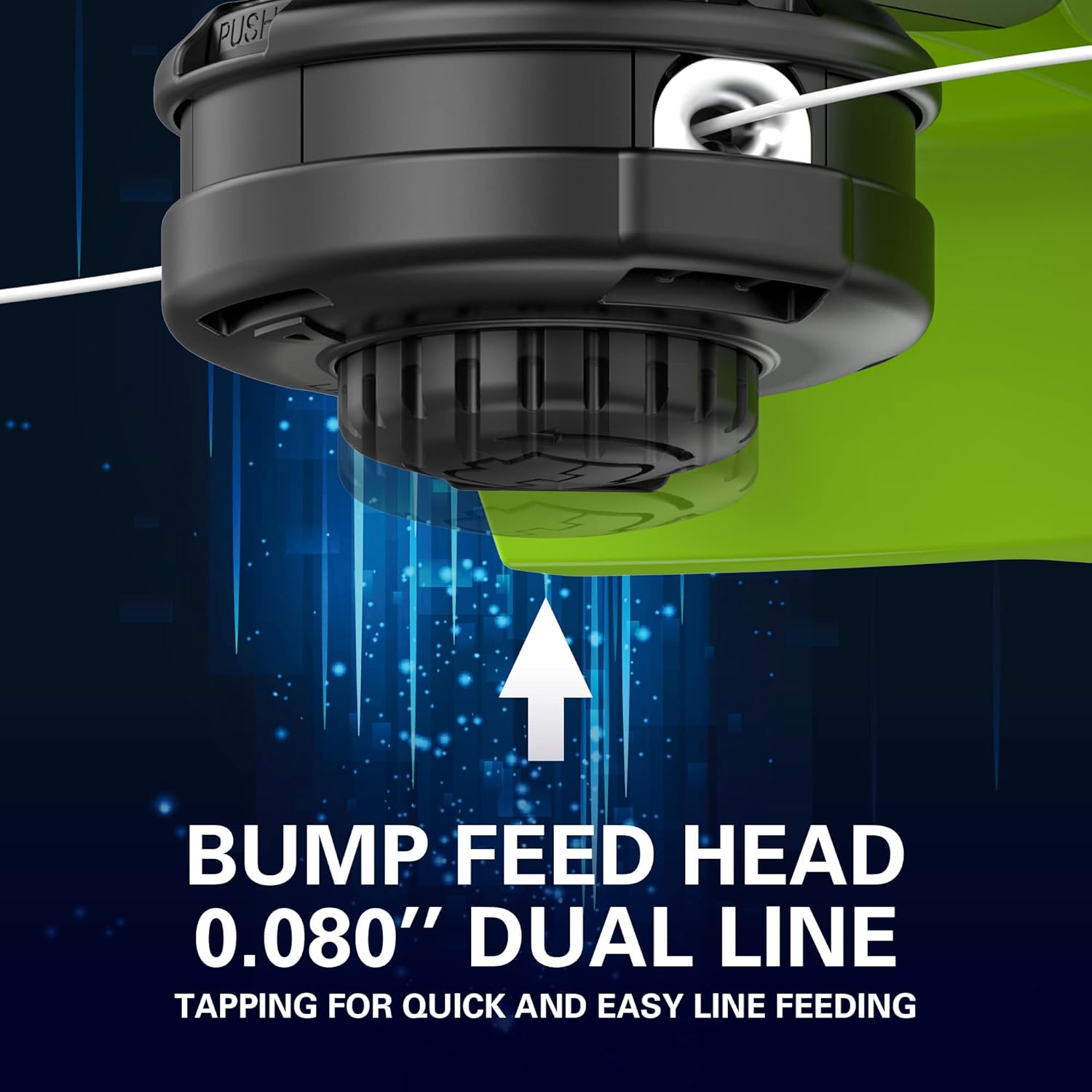
Figure 4.2: Close-up of the variable speed trigger and speed selector for precise control.
- Trimming Technique:
Hold the trimmer firmly with both hands. Use a sweeping motion, moving the trimmer from side to side. Keep the cutting head slightly above the ground. Avoid hitting hard objects like rocks, fences, or concrete to prevent damage to the line and trimmer.
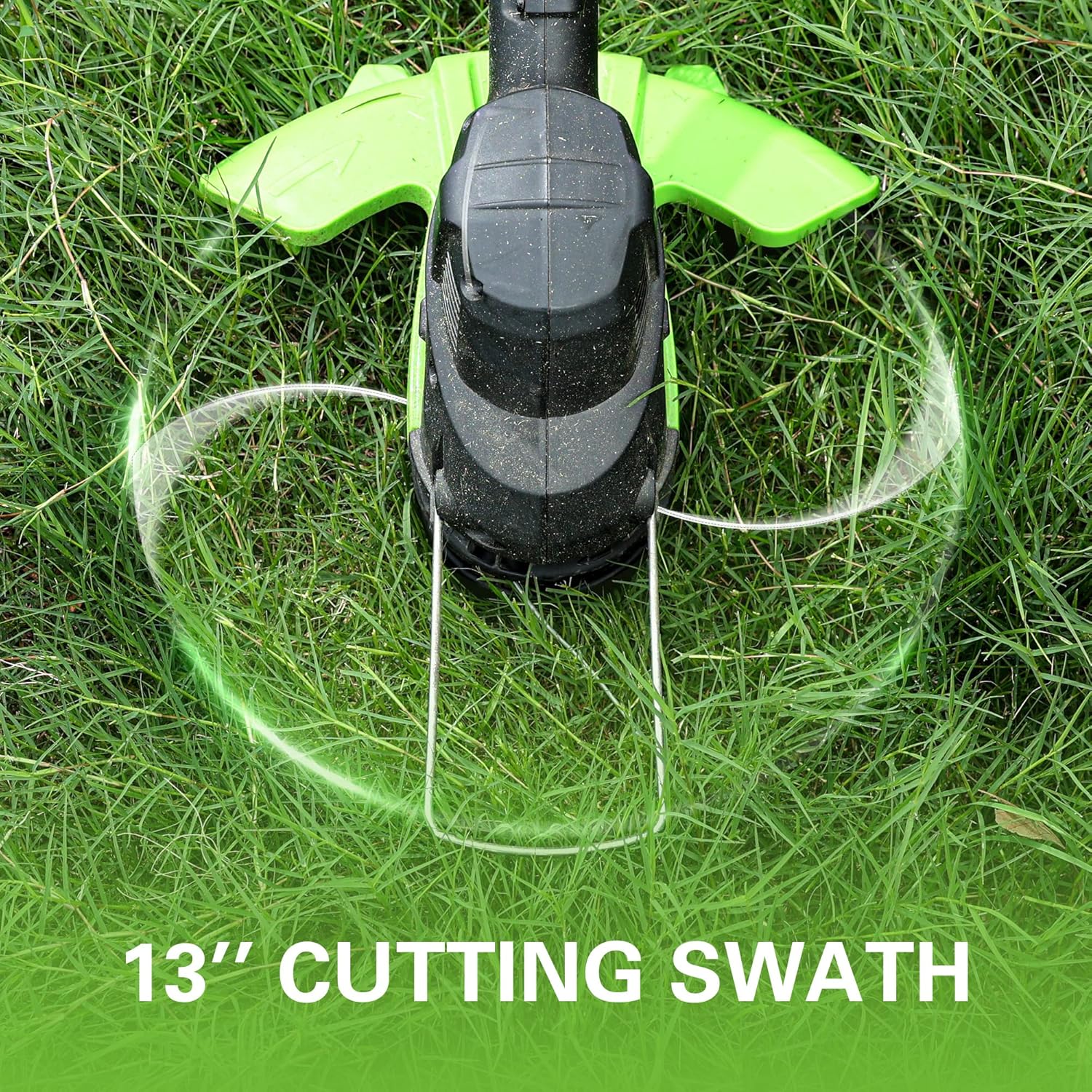
Figure 4.3: Demonstrating the proper technique for trimming grass with the Greenworks 80V trimmer.
- Advancing the Cutting Line (Bump Feed):
To advance the cutting line, lightly tap the trimmer head on a firm, flat surface while the trimmer is running at full speed. The bump feed mechanism will release more line, and the line cutter on the guard will trim it to the correct length.
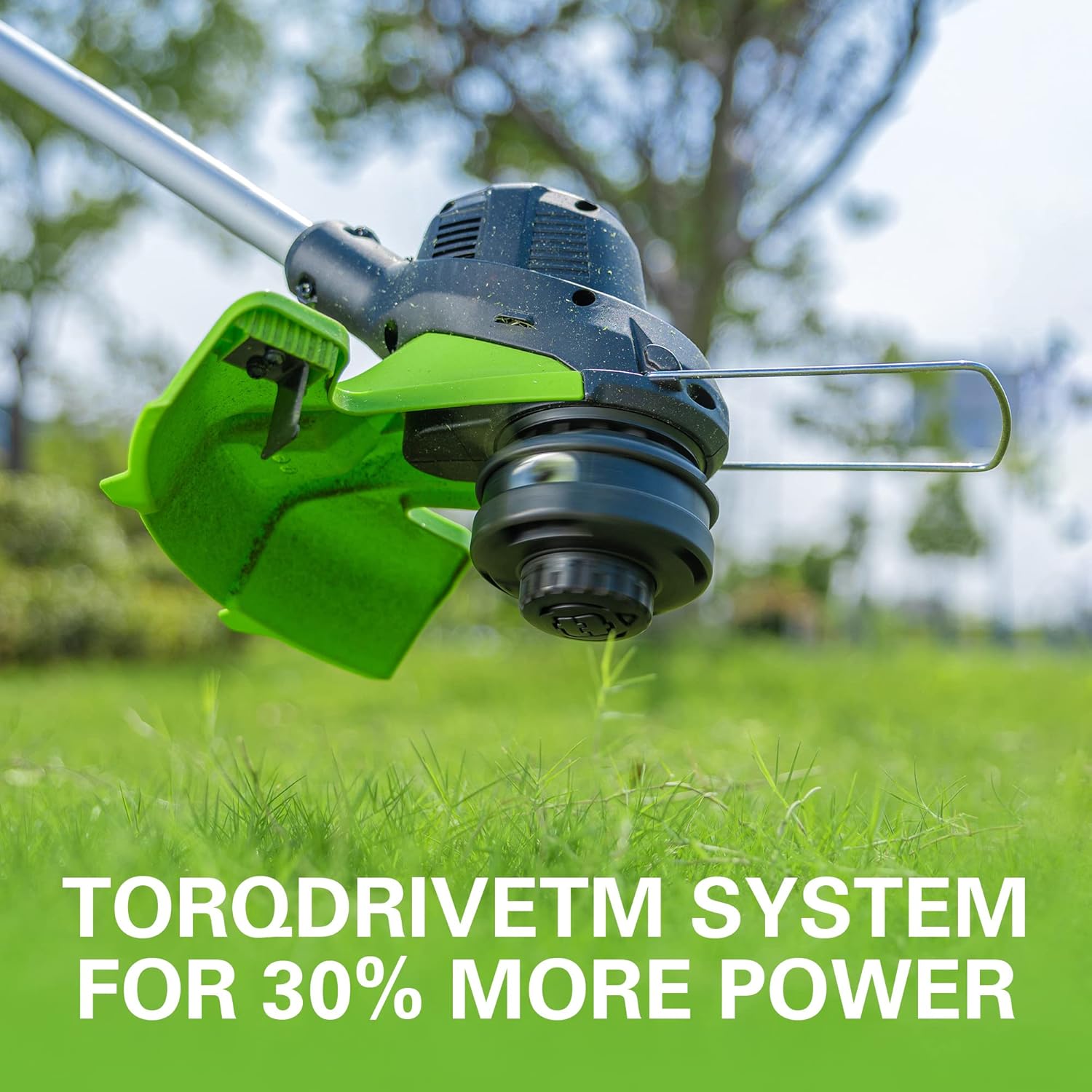
Figure 4.4: The .080" dual line bump feed head, designed for easy line advancement.
- Stopping the Trimmer:
Release the variable speed trigger to stop the trimmer. Always remove the battery when not in use or before performing any adjustments or maintenance.
Official Product Videos:
Greenworks String Trimmer Performance
This video demonstrates the Greenworks 80V string trimmer in action, showcasing its ability to clear overgrown areas effectively. It highlights the power and efficiency of the tool for various trimming tasks.
Greenworks 80V Family Of Tools
This video provides an overview of the Greenworks 80V tool family, illustrating how the interchangeable battery system powers various lawn and garden equipment, including string trimmers, blowers, and mowers.
Greenworks 80V Tools: Extreme Yard Control
This video highlights the control and precision offered by Greenworks 80V tools for comprehensive yard maintenance, demonstrating their use in various demanding outdoor tasks.
5. Maintenance
Regular maintenance ensures optimal performance and extends the life of your trimmer. Always remove the battery before performing any maintenance.
- Cleaning:
After each use, clean the trimmer head and guard to remove grass clippings, dirt, and debris. Use a damp cloth and mild soap. Do not use harsh chemicals or abrasive cleaners. Ensure ventilation openings are clear.
- Replacing the Cutting Line:
When the cutting line becomes too short or breaks, it needs to be replaced. Refer to the specific instructions for your bump feed head for detailed steps on how to reload the line. Use only the recommended line diameter (.080").

Figure 5.1: Illustration of the rapid re-load head mechanism for quick line replacement.
- Battery Care:
Store the battery in a cool, dry place away from direct sunlight and extreme temperatures. For long-term storage, charge the battery to approximately 50% capacity. Do not store the battery fully discharged or fully charged for extended periods.
6. Troubleshooting
If you encounter issues with your trimmer, refer to the following common problems and solutions:
| Problem | Possible Cause | Solution |
|---|---|---|
| Trimmer does not start. | Battery not inserted correctly or discharged. Safety lock-out not engaged. | Ensure battery is fully charged and securely inserted. Press safety lock-out lever before squeezing trigger. |
| Cutting line does not advance. | Line is tangled, too short, or spool is empty. | Tap trimmer head firmly on ground while running. If issue persists, remove battery and inspect/replace line spool. |
| Reduced cutting performance. | Dull or worn cutting line. Trimmer head clogged with debris. | Advance new cutting line. Clean trimmer head and guard. |
| Trimmer stops during operation. | Battery overheated or discharged. Overload protection activated. | Allow battery to cool down or replace with a charged battery. Reduce load on the trimmer. |
7. Product Specifications
| Feature | Detail |
|---|---|
| Brand | Greenworks |
| Model Number | 2124002VT |
| Power Source | Battery Powered (80V Lithium-Ion) |
| Cutting Width | 13 Inches (Adjustable Swath 11" to 13") |
| Line Diameter | .080" Dual Line |
| Feed Type | Bump Feed Head |
| Motor Type | TORQDRIVE Motor |
| Item Weight | 15.42 pounds (with battery) |
| Product Dimensions | 68.5"L x 10.7"W |
| Battery Included | 1 Lithium Ion 2.0Ah battery (included) |
| Charger Included | Yes |
8. Warranty and Customer Support
Greenworks products are built to last and come with a manufacturer's warranty. For specific warranty details, registration, or to contact customer support, please refer to the official Greenworks website or the documentation included with your product.
You can also visit the Greenworks Store on Amazon for additional information and products.


