
Kooduu Synergy 65
Kooduu Synergy 65 - User Manual
Portable Bluetooth Speaker, Dimmable LED Lamp, and Ice Bucket
1. Introduction
Welcome to the Kooduu Synergy 65 user manual. The Synergy 65 is a versatile product designed to enhance your indoor and outdoor experiences. It combines a high-quality Bluetooth speaker, a dimmable LED lamp, and a functional ice bucket, all in one elegant design. This manual provides essential information for the safe and optimal use of your device.
2. Safety Information
- Read all instructions carefully before use.
- Keep the device away from extreme temperatures, direct sunlight, and moisture.
- Do not disassemble, repair, or modify the device yourself. Refer to qualified service personnel.
- Ensure the charging port is dry before connecting the charging cable.
- Use only the provided or recommended charging cable.
- Keep out of reach of children.
3. Package Contents
Please check that all items are present in your package:
- Kooduu Synergy 65 Unit
- USB Charging Cable
- User Manual
4. Product Overview
Familiarize yourself with the different parts of your Kooduu Synergy 65.
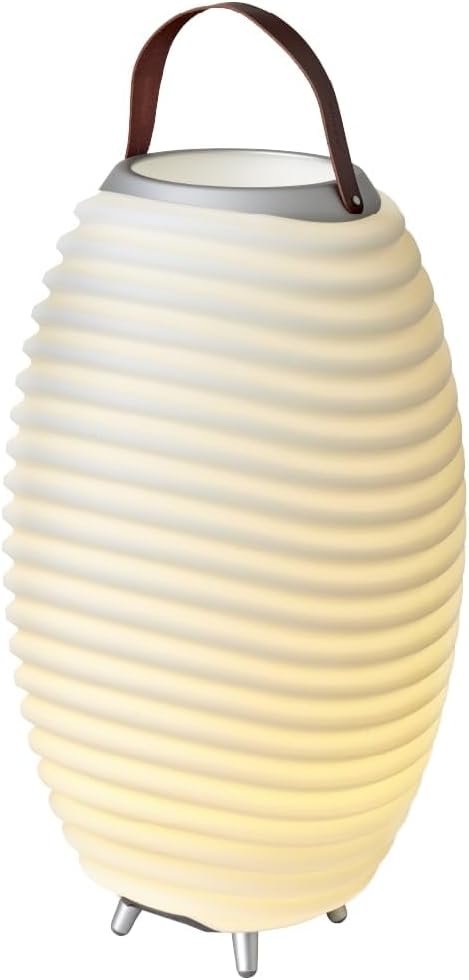
Figure 4.1: Front view of the Kooduu Synergy 65 with its LED light illuminated, showcasing its elegant design and integrated handle.

Figure 4.2: Bottom view of the Kooduu Synergy 65, highlighting the control buttons, charging port, and speaker grille.

Figure 4.3: Top view of the Kooduu Synergy 65, illustrating the wide opening for the ice bucket and the sturdy leather handle.
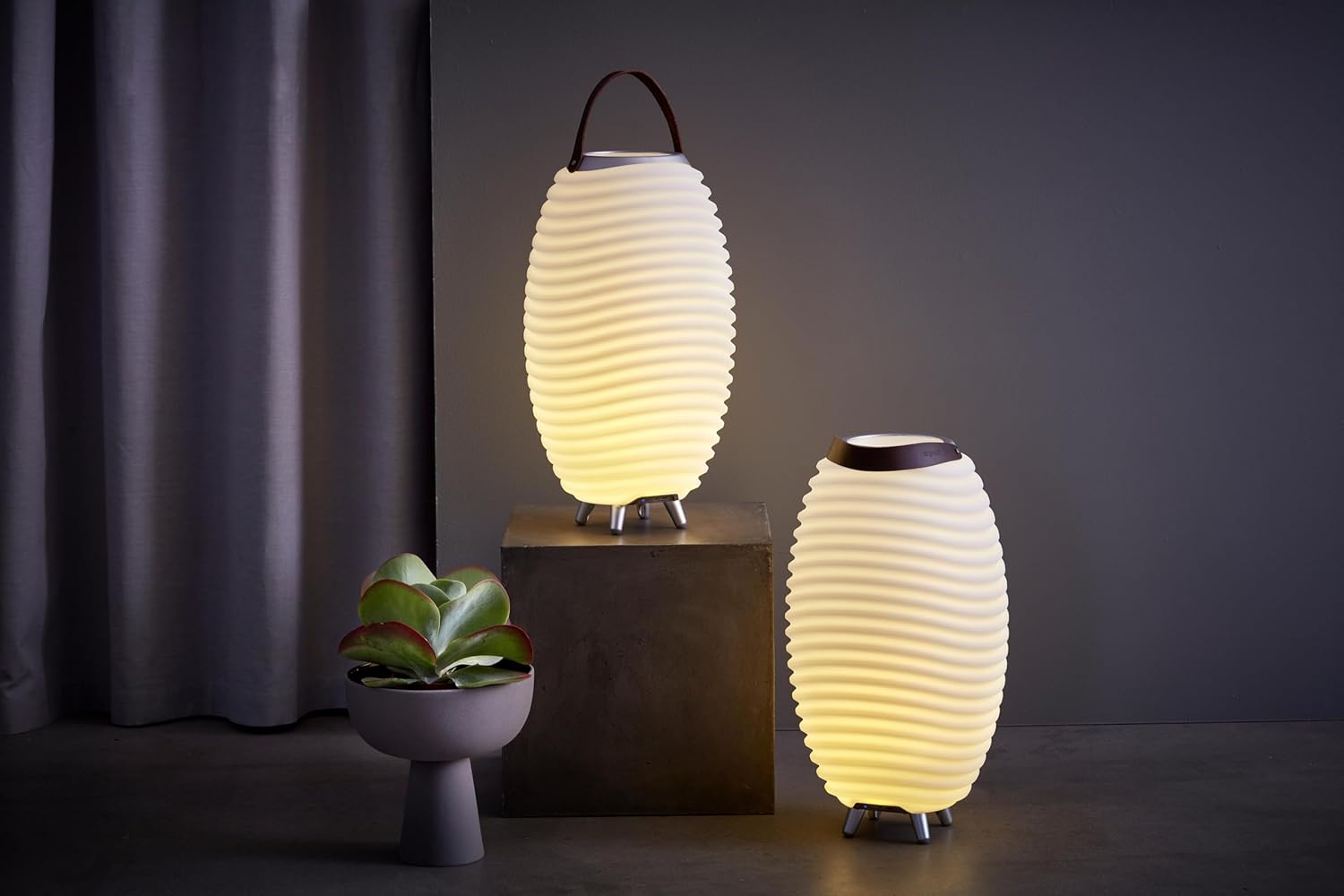
Figure 4.4: The Kooduu Synergy 65 and a smaller Synergy model illuminated in an indoor setting, demonstrating their use as ambient lighting.
5. Setup
5.1. Charging the Device
Before first use, fully charge your Synergy 65. The battery is integrated and rechargeable.
- Locate the charging port on the bottom of the device.
- Connect the provided USB charging cable to the port.
- Connect the other end of the USB cable to a suitable USB power adapter (not included) or a computer USB port.
- The charging indicator light will illuminate. A full charge takes approximately 3.5 hours.
- Once fully charged, the indicator light will change or turn off (refer to specific light behavior in product documentation if available). Disconnect the charging cable.
A fully charged battery provides up to 10 hours of playback time.
5.2. Power On/Off
- To power on, press and hold the power button located on the bottom of the unit until you hear an audible prompt or the LED light illuminates.
- To power off, press and hold the power button again until the device shuts down.
6. Operating Instructions
6.1. Bluetooth Speaker Function (Pairing)
The Synergy 65 features Bluetooth 5 for wireless audio streaming.
- Ensure the Synergy 65 is powered on. It will automatically enter Bluetooth pairing mode, indicated by a flashing LED light (if applicable).
- On your mobile device (smartphone, tablet, laptop), enable Bluetooth and search for available devices.
- Select "Kooduu Synergy 65" from the list of found devices.
- Once paired, you will hear a confirmation sound, and the LED light will stop flashing.
- You can now play audio from your device through the Synergy 65 speaker.
The speaker has a maximum output power of 10 Watts.
6.2. LED Lamp Operation
The integrated LED lamp provides ambient lighting with dimmable functionality.
- The light and sound functions operate independently.
- To turn the light on or off, press the dedicated light button (refer to product diagram for exact location).
- To adjust the brightness (dimmable feature), press and hold the light button, or repeatedly press it to cycle through brightness levels.
6.3. True Wireless Stereo (TWS) Pairing
You can connect two Kooduu Synergy units (of the same model) for a stereo sound experience.
- Ensure both Synergy units are powered on and not connected to any other Bluetooth device.
- On one unit (this will be the primary unit), press and hold the TWS pairing button (refer to product diagram).
- The primary unit will search for the secondary unit.
- Once connected, both units will play audio in stereo.
- Connect your mobile device to the primary Synergy unit via Bluetooth as described in section 6.1.
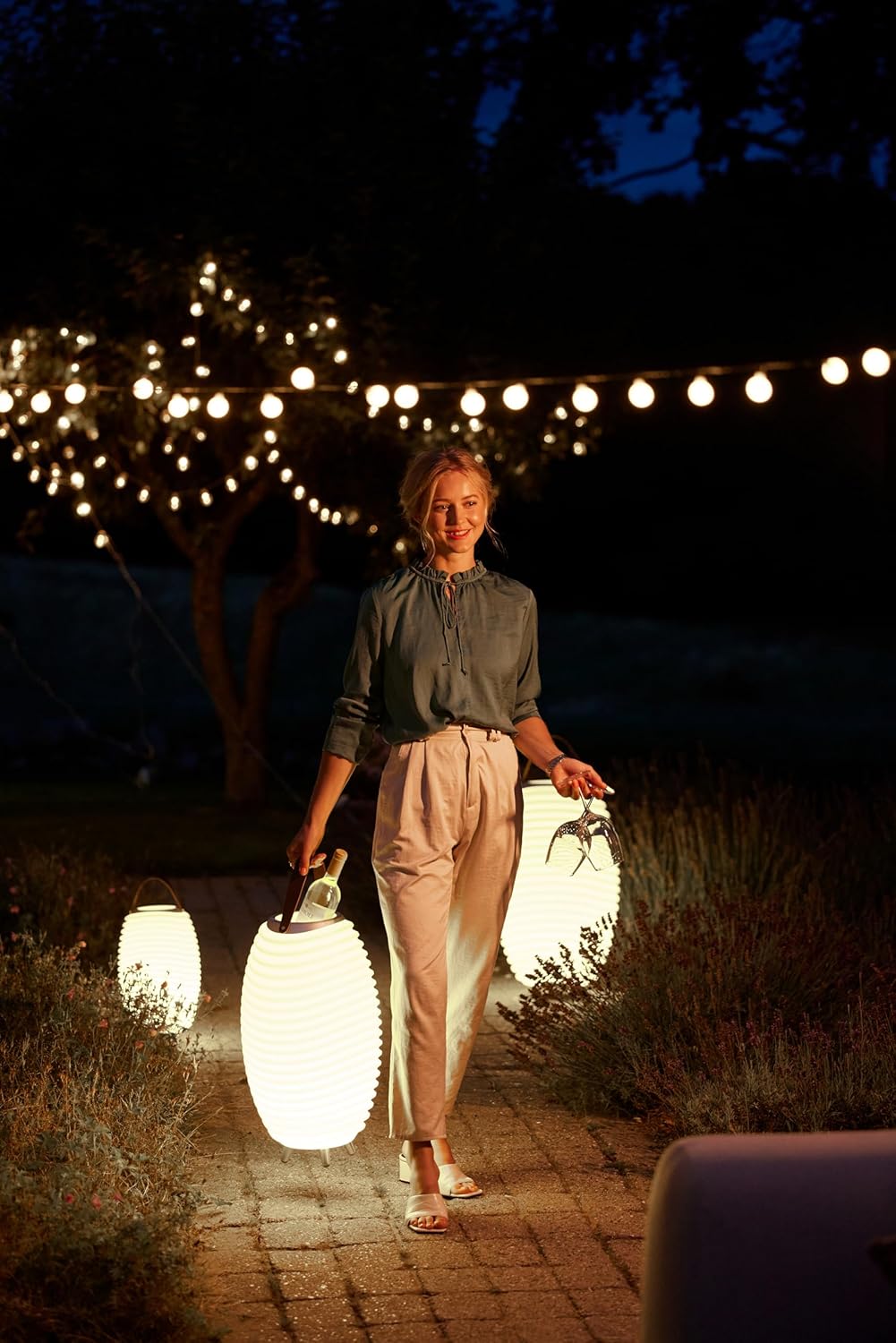
Figure 6.1: A person carrying two Kooduu Synergy units, demonstrating their portability and the potential for stereo pairing in an outdoor evening setting.
6.4. Ice Bucket Usage
The top section of the Synergy 65 functions as an ice bucket, suitable for chilling beverages.
- Carefully place ice and beverages into the top compartment.
- Ensure the contents do not exceed the maximum fill line (if indicated) to prevent spillage.
- After use, empty any melted ice and clean the compartment thoroughly.
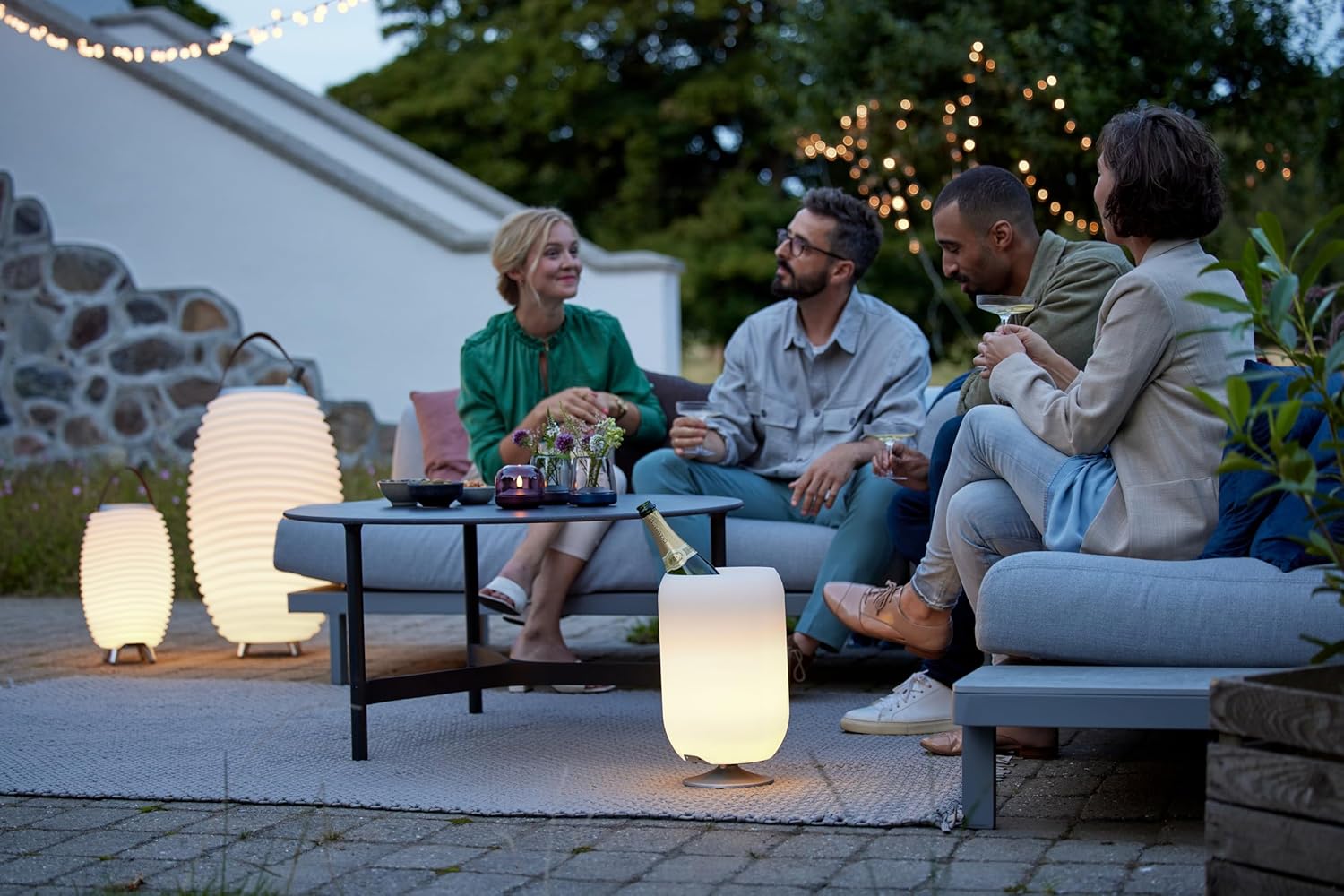
Figure 6.2: The Kooduu Synergy 65 being used as an ice bucket during an outdoor gathering, showcasing its practical application for chilling drinks.
7. Maintenance
7.1. Cleaning
- Before cleaning, ensure the device is powered off and disconnected from any power source.
- Wipe the exterior with a soft, damp cloth. Do not use abrasive cleaners or solvents.
- For the ice bucket compartment, rinse with water and mild soap. Ensure it is completely dry before storing or reusing.
- Do not submerge the entire unit in water. While the product is waterproof, the electrical components should not be immersed.
7.2. Storage
- Store the Synergy 65 in a cool, dry place away from direct sunlight and extreme temperatures.
- If storing for an extended period, charge the battery periodically (e.g., every 3-6 months) to maintain battery health.
8. Troubleshooting
If you encounter issues with your Kooduu Synergy 65, please refer to the following common solutions:
| Problem | Possible Cause | Solution |
|---|---|---|
| Device does not power on. | Low battery. | Charge the device fully. |
| No Bluetooth connection. | Device not in pairing mode; already connected to another device; mobile device Bluetooth off. | Ensure Synergy 65 is in pairing mode. Disconnect from other devices. Turn on Bluetooth on your mobile device. |
| No sound. | Volume too low; device not paired; audio source paused. | Increase volume on both Synergy 65 and your mobile device. Ensure successful Bluetooth pairing. Check audio playback on your source device. |
| LED lamp not working. | Lamp function off; low battery. | Press the light button to turn on. Charge the device. |
If the problem persists, please contact Kooduu customer support.
9. Specifications
| Feature | Specification |
|---|---|
| Model Name | Synergy 65 |
| Manufacturer Model Number | KS0065WS |
| Dimensions (L x W x H) | 41 x 41 x 71.5 cm |
| Weight | 4.25 kg |
| Material | Aluminum, Leather, PE Plastic & Silicon rubber |
| Bluetooth Version | 5 |
| Speaker Output Power | 10 Watts |
| Battery Capacity | 2600 mAh |
| Battery Life (Playback) | Up to 10 hours |
| Charging Time | Approx. 3.5 hours |
| LED Power | 0.5W |
| Waterproof | Yes |
| Special Features | Dimmable LED, Portable, True Wireless Stereo (TWS) pairing |
10. Warranty and Support
Kooduu products are manufactured with high-quality materials and craftsmanship. For information regarding warranty coverage and customer support, please refer to the warranty card included with your product or visit the official Kooduu website.
For technical assistance or inquiries, please contact Kooduu customer service through their official channels.
Related documentsSynergy 65


Ask a question about this manual
Ask about setup, troubleshooting, compatibility, parts, safety, or missing instructions. Manuals+ will review the question and use this page’s manual context to help answer it.