
Briloner 2992-015
BRILONER IP44 LED Wall Light Instruction Manual
Model: 2992-015
Introduction
Thank you for choosing the BRILONER IP44 LED Wall Light. This manual provides essential information for the safe and efficient installation, operation, and maintenance of your new lighting fixture. Please read these instructions carefully before beginning installation and retain them for future reference.

Image: The BRILONER IP44 LED Wall Light, featuring a sleek black finish and an adjustable spot for directed illumination.
Safety Information
- Installation must be performed by a qualified electrician in accordance with all local and national wiring regulations.
- Ensure the power supply is disconnected at the main circuit breaker before installation, maintenance, or bulb replacement.
- This product is rated IP44, making it suitable for use in bathrooms (Zone 2 and outside zones) and other damp locations. Do not install in areas where direct water jets are present (e.g., inside a shower cubicle).
- Do not touch the bulb immediately after use, as it may be hot.
- Use only GU10 LED bulbs with the specified wattage (4.8W) or equivalent.
- Do not modify the fixture in any way.
Package Contents
Verify that all components are present before beginning installation:
- 1 x BRILONER IP44 LED Wall Light fixture
- 1 x GU10 LED Bulb (4.8W, 3000K, 400lm)
- Mounting material (screws, wall plugs)
- Instruction Manual (this document)
Product Features

Image: Key features of the light, including warm white 3000K illumination, adjustable design, and IP44 water protection rating.
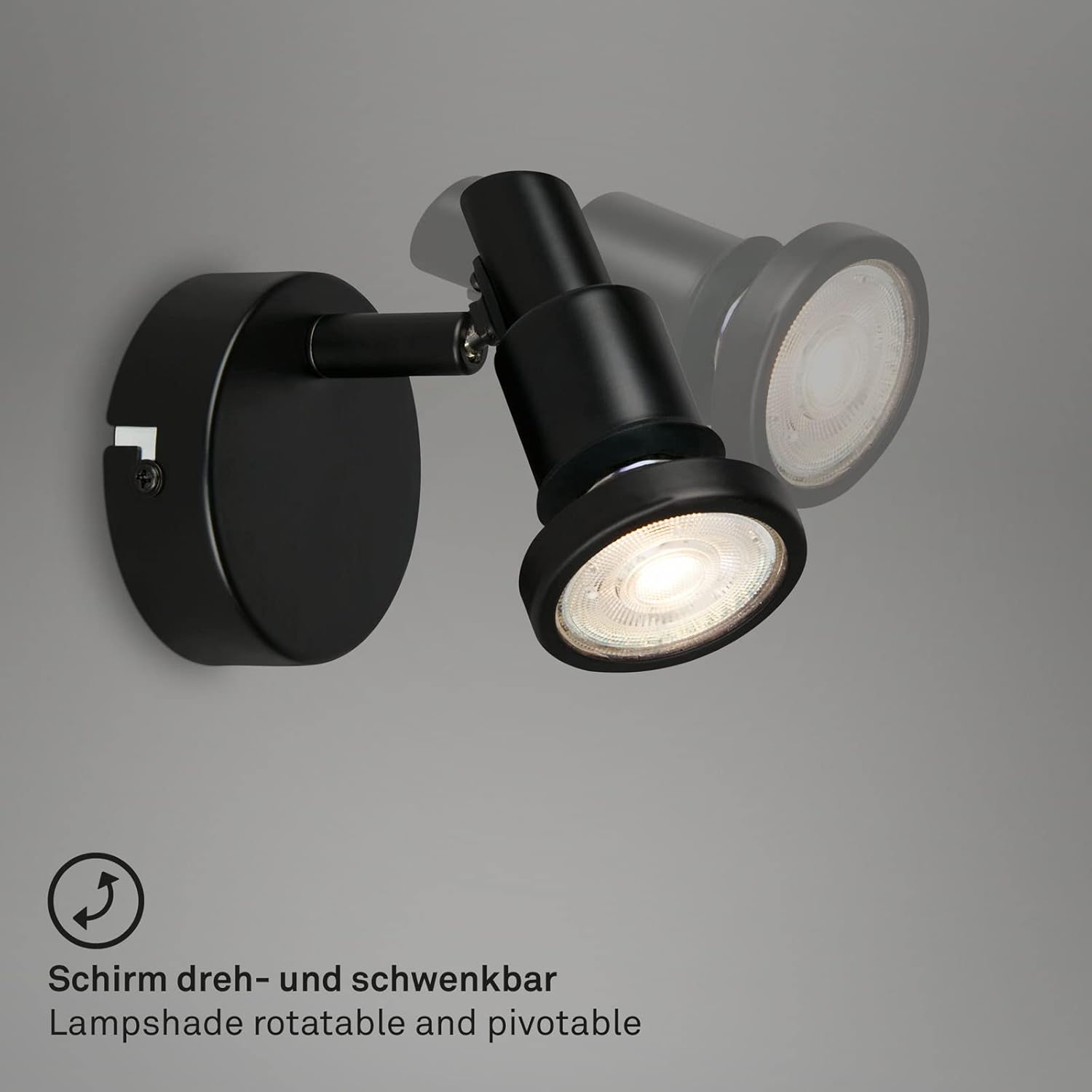
Image: Demonstrates the rotatable and pivotable functionality of the lampshade, allowing for flexible light direction.
- IP44 Rating: Suitable for damp environments like bathrooms and guest toilets.
- Adjustable Spot: The light spot can be rotated and pivoted to direct illumination as needed.
- Warm White Light: Provides a comfortable 3000 Kelvin color temperature.
- Energy Efficient: Utilizes a 4.8W GU10 LED bulb with 400 lumens output.
- Versatile Use: Ideal for bathrooms, hallways, or as a bedside/reading lamp.
Setup and Installation
Important: Before starting installation, ensure the main power supply is switched off at the circuit breaker to prevent electric shock.
- Prepare the Installation Area: Choose a suitable location on the wall, ensuring it is within reach of existing electrical wiring. Mark the drilling points for the mounting bracket.
- Drill Holes: Use an appropriate drill bit for your wall type and drill holes at the marked positions. Insert the provided wall plugs.
- Attach Mounting Bracket: Secure the mounting bracket to the wall using the provided screws.
- Wire Connection: Connect the household electrical wires to the terminal block on the light fixture. Ensure correct polarity (Live to Live, Neutral to Neutral, Earth to Earth). If unsure, consult a qualified electrician.
- Mount the Fixture: Carefully attach the light fixture to the mounting bracket, ensuring it is securely fastened.
- Insert Bulb: Gently insert the GU10 LED bulb into the lamp holder by pushing and twisting clockwise until it locks into place.
- Restore Power: Once installation is complete and all connections are secure, restore power at the main circuit breaker.
- Test Functionality: Turn on the light switch to ensure the fixture is working correctly.
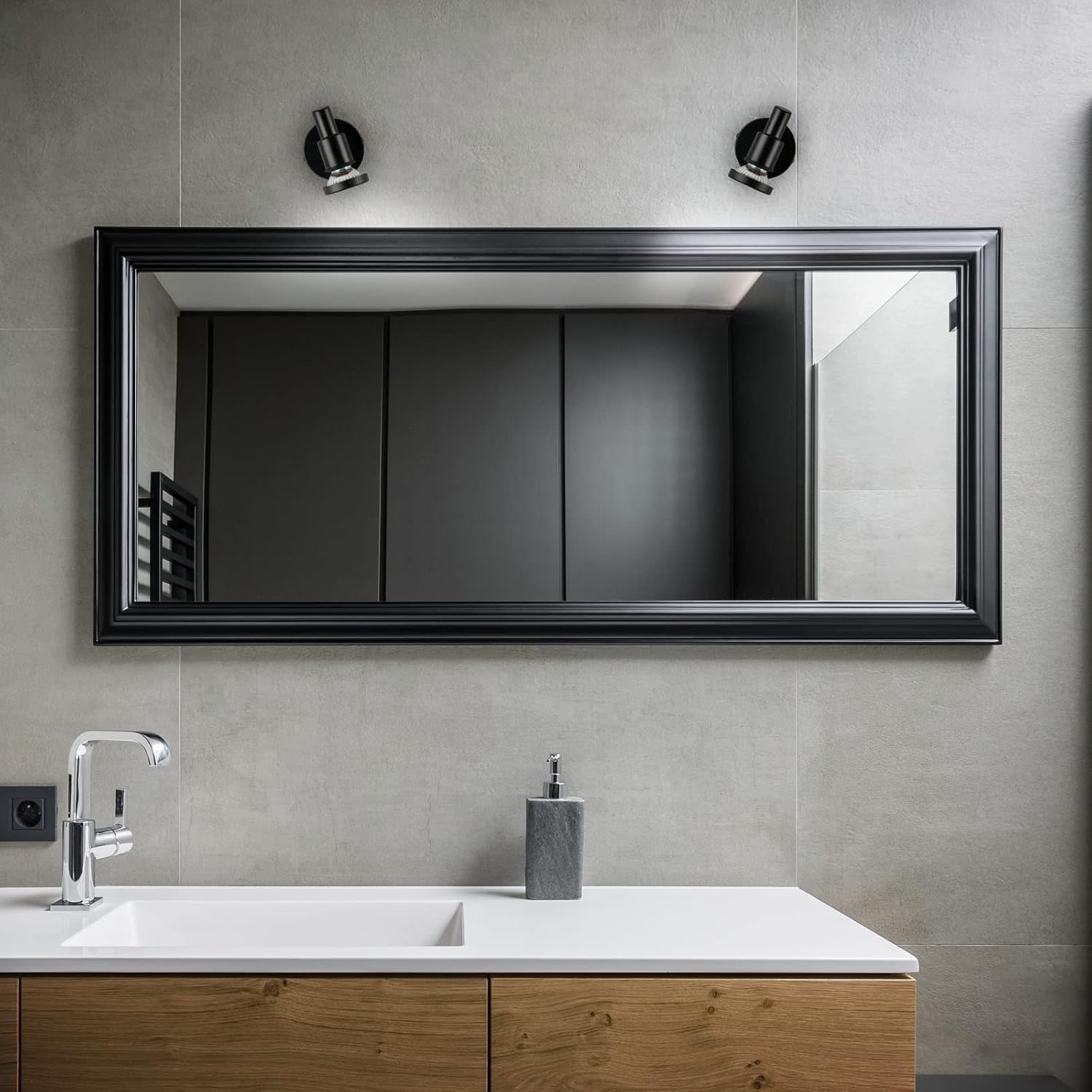
Image: Example of the BRILONER wall light installed in a bathroom setting, demonstrating its aesthetic integration.
Operating Instructions
The BRILONER IP44 LED Wall Light is designed for simple operation.
- Turning On/Off: Operate the light using the standard wall switch connected to the fixture's circuit.
- Adjusting the Light Direction: The spot head of the fixture is rotatable and pivotable. Gently adjust the head to direct the light beam to your desired area. Avoid excessive force when adjusting.
Maintenance
Regular maintenance ensures the longevity and optimal performance of your BRILONER wall light.
- Cleaning: Disconnect power before cleaning. Wipe the fixture with a soft, dry cloth. For stubborn marks, a slightly damp cloth can be used, but ensure no water enters the electrical components. Do not use abrasive cleaners or solvents.
- Bulb Replacement:
- Ensure power is disconnected at the main circuit breaker.
- Allow the bulb to cool down if it has been recently in use.
- Gently push the GU10 bulb into its socket and twist counter-clockwise to remove it.
- Insert the new GU10 LED bulb by pushing it into the socket and twisting clockwise until it locks into place.
- Restore power and test the new bulb.
Troubleshooting
| Problem | Possible Cause | Solution |
|---|---|---|
| Light does not turn on. | No power supply. Faulty bulb. Loose wiring connection. | Check circuit breaker. Replace bulb. Check wiring (ensure power is off). |
| Light flickers. | Loose bulb. Incompatible dimmer switch (if applicable). Faulty bulb. | Ensure bulb is securely seated. This fixture is not specified as dimmable; ensure no dimmer is used. Replace bulb. |
| Light is dim. | Incorrect bulb wattage. Aging bulb. | Ensure correct 4.8W GU10 LED bulb is used. Replace bulb. |
If the problem persists after attempting these solutions, please contact a qualified electrician or BRILONER customer support.
Specifications

Image: Technical drawing showing the dimensions of the wall light: 80mm diameter and 106mm height.
| Feature | Detail |
|---|---|
| Brand | Briloner |
| Model Number | 2992-015 |
| Dimensions (D x H) | 80 mm x 106 mm |
| Weight | 229 grams |
| Material | Metal |
| Color | Black (Matte finish) |
| IP Rating | IP44 |
| Voltage | 230 Volts (AC) |
| Bulb Type | GU10 LED |
| Power Consumption | 4.8 Watts |
| Luminous Flux | 400 lumens |
| Color Temperature | 3000 Kelvin (Warm White) |
| Average Lifespan | 30,000 Hours |
| Energy Efficiency Class | F |
| EPREL Registration No. | 840337 |
| Origin | China |

Image: The energy label for the BRILONER light, indicating an energy efficiency class of F.
Warranty and Support
BRILONER products are manufactured to high quality standards. For warranty information or technical support, please refer to your purchase documentation or contact your retailer. Please have your model number (2992-015) and proof of purchase ready when contacting support.
For further information, you may visit the manufacturer's website or consult the EPREL database using the registration number provided in the specifications section.
Ask a question about this manual
Ask about setup, troubleshooting, compatibility, parts, safety, or missing instructions. Manuals+ will review the question and use this page’s manual context to help answer it.