
Introduction
Thank you for choosing the One Fire Sound Machine Baby Night Light. This versatile device combines a smart night light, a sound machine with 14 natural sounds, a Bluetooth speaker, and an alarm clock, all controllable via touch or a dedicated mobile application. Designed to create a soothing environment for babies and children, it also offers features beneficial for adults, such as customizable RGB lighting and a wake-up alarm with sunrise simulation.

The One Fire Sound Machine Baby Night Light, featuring app control and charging capabilities, designed to create a peaceful environment.
What's in the Box
Upon unboxing your One Fire Sound Machine Baby Night Light, please ensure all components are present:
- One Fire Sound Machine Baby Night Light Unit
- USB Charging Cable
- User Manual
- Remote Control (Note: Primary control is via touch or app, but a remote may be included for convenience.)
- Built-in Lithium Ion Battery (pre-installed)
Setup
1. Charging the Device
Before first use, fully charge the One Fire Sound Machine. Connect the provided USB charging cable to the charging port on the device and plug the other end into a compatible USB power adapter (not included). The built-in 3000mAh battery provides extended use, up to 200 hours in dimmest mode or 10 hours in brightest mode on a single charge.
2. Downloading the Mobile Application
For full control and customization features, download the dedicated mobile application. Search for "One Fire" or refer to the QR code in the included user manual to find the app on your device's app store (iOS/Android).
3. Bluetooth Pairing
- Ensure Bluetooth is enabled on your smartphone or tablet.
- Power on the One Fire Sound Machine.
- Open the One Fire mobile application. The app will guide you through the pairing process.
- Alternatively, you can pair directly from your device's Bluetooth settings by selecting "One Fire" from the list of available devices.
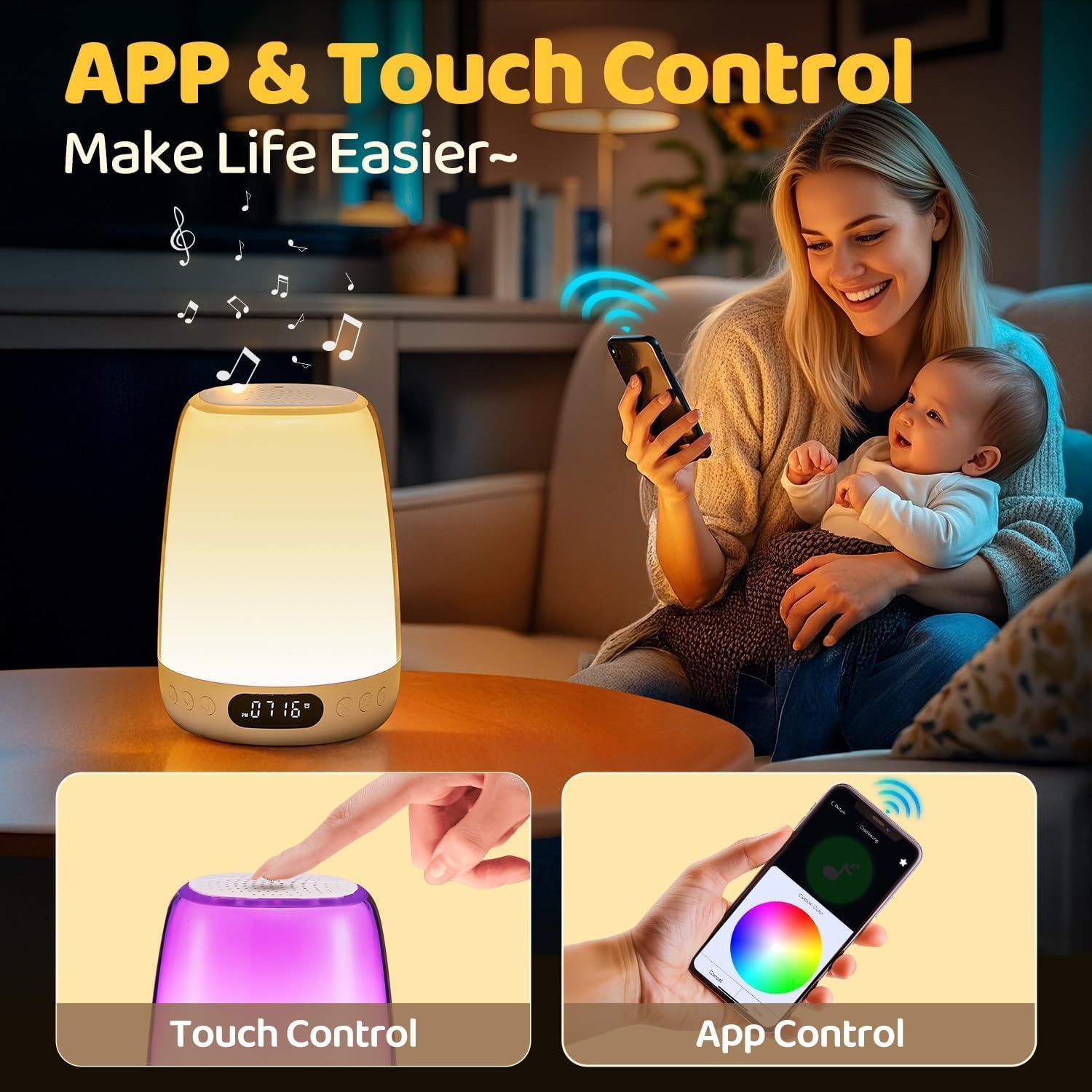
The One Fire Sound Machine can be controlled via intuitive touch gestures on the device or through the comprehensive mobile application.
Operating Instructions
Touch Control
The top surface of the night light is touch-sensitive, allowing for quick adjustments:
- Tap: Tap the top to cycle through different light colors and sound modes.
- Press and Hold: Press and hold the top to adjust brightness or turn the light on/off.
Mobile Application Control
The mobile app provides extensive control and customization options:
- Light Customization: Choose from 48 RGB colors and 10 brightness levels. Create custom lighting effects.
- Sound Selection: Select from 14 built-in white noises and lullabies, including Cradlesong, Music Box Sounds, Little Star, White Noise, Pink Noise, Brown Noise, Fan, Shush, Heart Beat, Drizzling, Chirp, Night Sounds, Twitter, and Streams.
- Bluetooth Speaker: Play your favorite music or audio content via the high-quality Bluetooth speaker.
- Alarm Clock: Set multiple alarms with customizable light and sound combinations. Utilize the sunrise simulation feature for a gentle wake-up.
- Auto Timer: Set a timer for 30, 60, or 90 minutes for the light and/or sound to automatically turn off, ideal for sleep routines.

Explore endless lighting possibilities and customize colors using the mobile application.
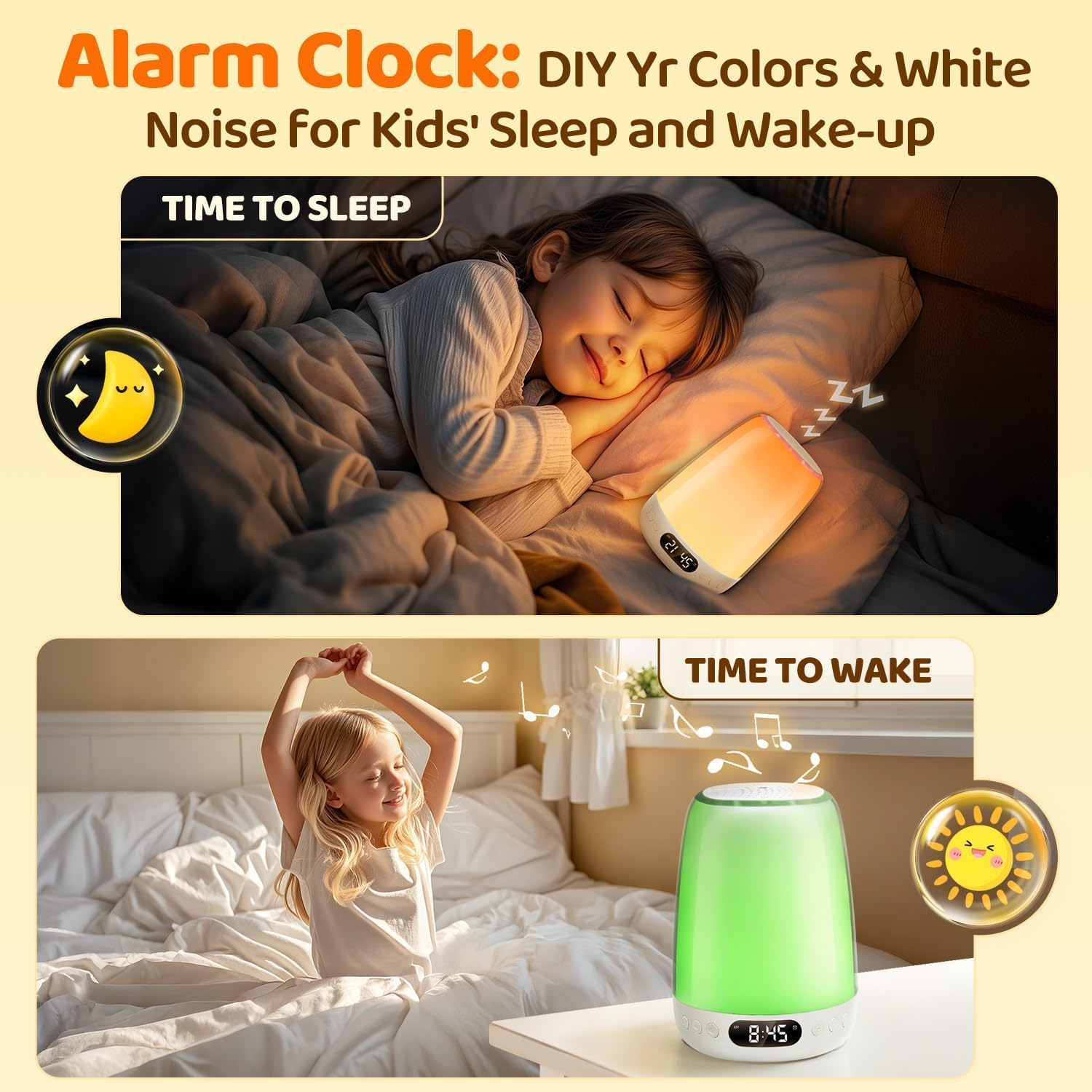
Utilize the alarm clock feature to customize sleep and wake-up routines with personalized colors and white noise.

The device features 14 built-in soothing sounds and functions as a Bluetooth speaker for playing music.
Maintenance
- Cleaning: Wipe the device with a soft, dry cloth. Do not use abrasive cleaners or immerse the device in water.
- Battery Care: To prolong battery life, avoid fully discharging the battery frequently. Charge the device regularly, especially if it will be stored for an extended period.
- Storage: Store the device in a cool, dry place away from direct sunlight and extreme temperatures.
Troubleshooting
| Problem | Possible Cause | Solution |
|---|---|---|
| Device does not turn on. | Low battery or no power. | Ensure the device is fully charged using the provided USB cable. |
| Bluetooth connection issues. | Device not in pairing mode, out of range, or interference. |
|
| Light or sound changes unexpectedly. | Accidental touch, app settings conflict, or minor software glitch. |
|
| Sound quality is poor or distorted. | Volume too high, poor Bluetooth connection, or audio source issue. |
|
Specifications
- Model: YYBSDSPUS
- Dimensions: 4"D x 4"W x 5.5"H
- Weight: 1.44 pounds
- Power Source: Battery Powered (Built-in 3000mAh Lithium Ion Battery)
- Light Source Type: LED
- Material: Plastic
- Control Method: App, Touch
- Connectivity Technology: Bluetooth
- Light Features: 48 RGB Colors, 10 Brightness Levels, Dimmable, Sunrise Simulation
- Sound Features: 14 Built-in White Noises & Lullabies, Bluetooth Speaker
- Timer Options: 30/60/90 minutes Auto Timer
- Special Features: Kids Alarm Clock, Customized Settings, Cordless, Portable
Warranty and Support
The One Fire Sound Machine Baby Night Light comes with a 3-year guarantee. If you encounter any issues or have questions regarding your product, please do not hesitate to contact One Fire customer support. We are committed to providing excellent service and ensuring your satisfaction.
For support, please refer to the contact information provided on the product packaging or the official One Fire website.


