
Introduction
This manual provides comprehensive instructions for the installation and use of your HumanCentric VESA Mount Adapter, model 101-1066. This adapter allows you to attach specific non-VESA compatible Acer and Viewsonic monitors to standard VESA mounting systems, such as monitor arms, desk mounts, and wall mounts.

Image: HumanCentric VESA Mount Adapter 101-1066, a black metal bracket designed to convert non-VESA monitors to VESA compatibility.
Compatibility
This VESA mount adapter is specifically designed for the following monitor models. Compatibility is limited to these models; it will not fit other monitors.
- Acer R242Y Ayi
- Acer R270 SMIPX
- Acer SA241Y bi
- Acer SA271 bi
- Acer SB241Y Abi
- Acer SB271 bi
- Acer RL272
- Acer RL242YE
- Viewsonic VX2776-smhd-2
- Viewsonic VX2476-smhd-2
Always verify your monitor's model number before proceeding with installation.

Image: A graphic indicating the specific Acer and Viewsonic monitor models compatible with this VESA adapter.
Package Contents
The HumanCentric VESA Mount Adapter package typically includes:
- HumanCentric VESA Mount Adapter (Model 101-1066)
- Required mounting hardware (screws, nuts, washers)
- Stabilizer (if applicable for your model)
Installation Guide
Follow these steps to install your VESA mount adapter. A screwdriver is the only tool required.
- Step 1: Prepare Your Monitor
Carefully remove the original stand from your monitor. Refer to your monitor's user manual for specific instructions on stand removal. Ensure the monitor is placed on a soft, clean surface to prevent scratches. - Step 2: Attach the Adapter
Align the HumanCentric VESA adapter with the monitor's stand attachment point. The adapter is designed to click into place where the original base was attached. Secure the adapter to the monitor using the provided hardware. Ensure all screws are tightened firmly but do not overtighten. - Step 3: Mount to VESA Arm/Stand
Once the adapter is securely attached to your monitor, align the VESA mounting holes (75x75mm or 100x100mm) on the adapter with your VESA compatible arm or stand. Use the screws provided with your VESA arm/stand to attach the monitor assembly. Ensure all connections are secure before releasing the monitor.

Image: An illustration demonstrating the simple process of attaching the VESA adapter to the monitor and then to a VESA mount.

Image: The VESA adapter showing compatible VESA hole patterns of 75x75mm and 100x100mm.
Usage
After successful installation, your monitor is now ready for use with any standard VESA mounting system. Adjust your monitor's position as needed for optimal viewing comfort and ergonomic benefits. Ensure that the VESA arm or stand is rated to support the weight of your monitor.
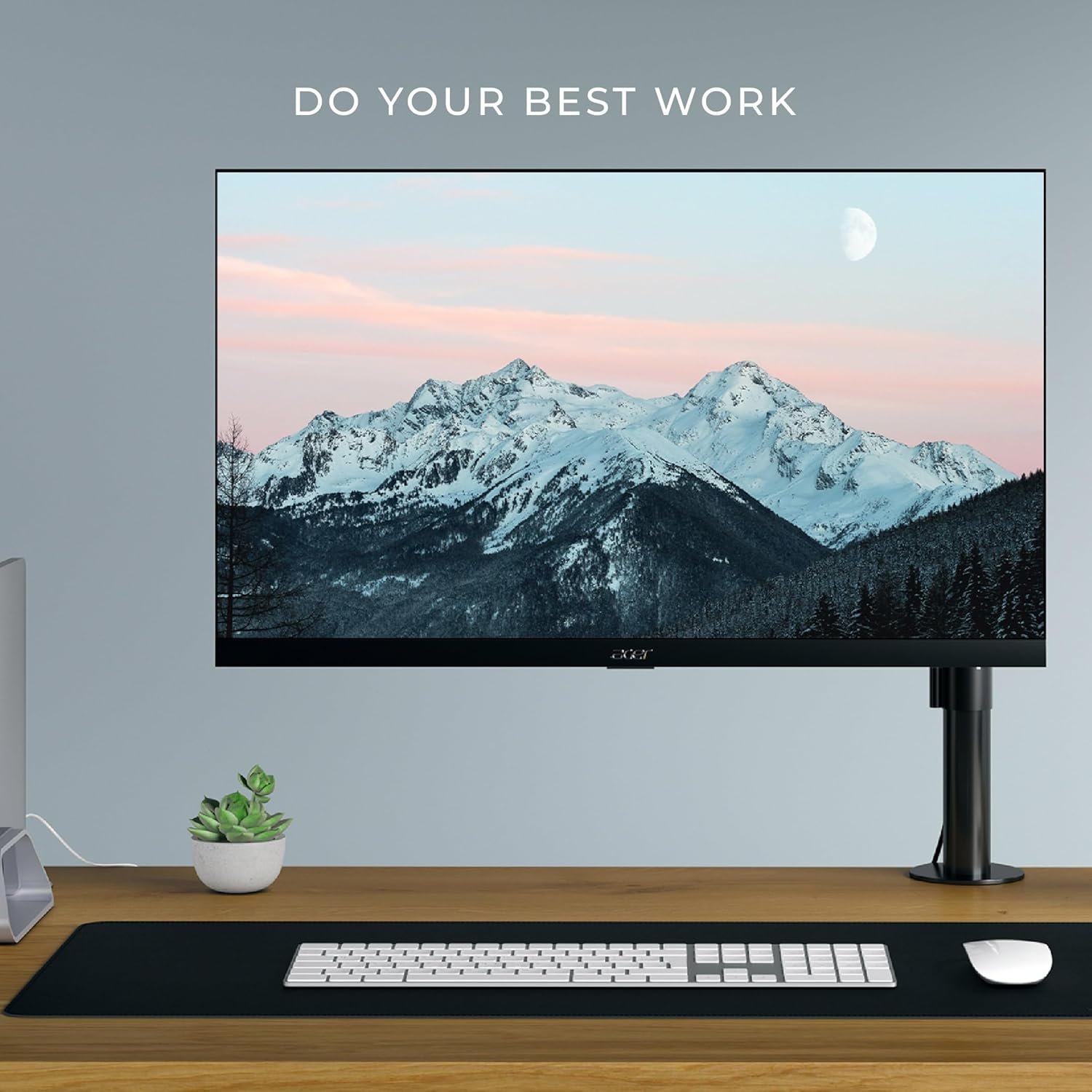
Image: A monitor mounted on a VESA arm, demonstrating an optimized workspace setup.
Care and Maintenance
The HumanCentric VESA Mount Adapter is constructed from durable materials designed for long-term use. To maintain its condition:
- Periodically check all screws and connections to ensure they remain tight.
- Clean the adapter with a soft, dry cloth. Avoid abrasive cleaners or solvents.
- Do not attempt to modify the adapter, as this may compromise its structural integrity and void any warranty.
Troubleshooting
If you encounter issues during installation or use, consider the following:
- Adapter does not fit: Double-check your monitor's model number against the compatibility list in this manual. This adapter is designed for specific models only.
- Monitor feels unstable: Ensure all screws securing the adapter to the monitor and the monitor to the VESA arm are fully tightened. Verify that your VESA arm or stand is rated for the weight of your monitor.
- Missing parts: Review the package contents list. If any parts are missing, contact HumanCentric customer support.
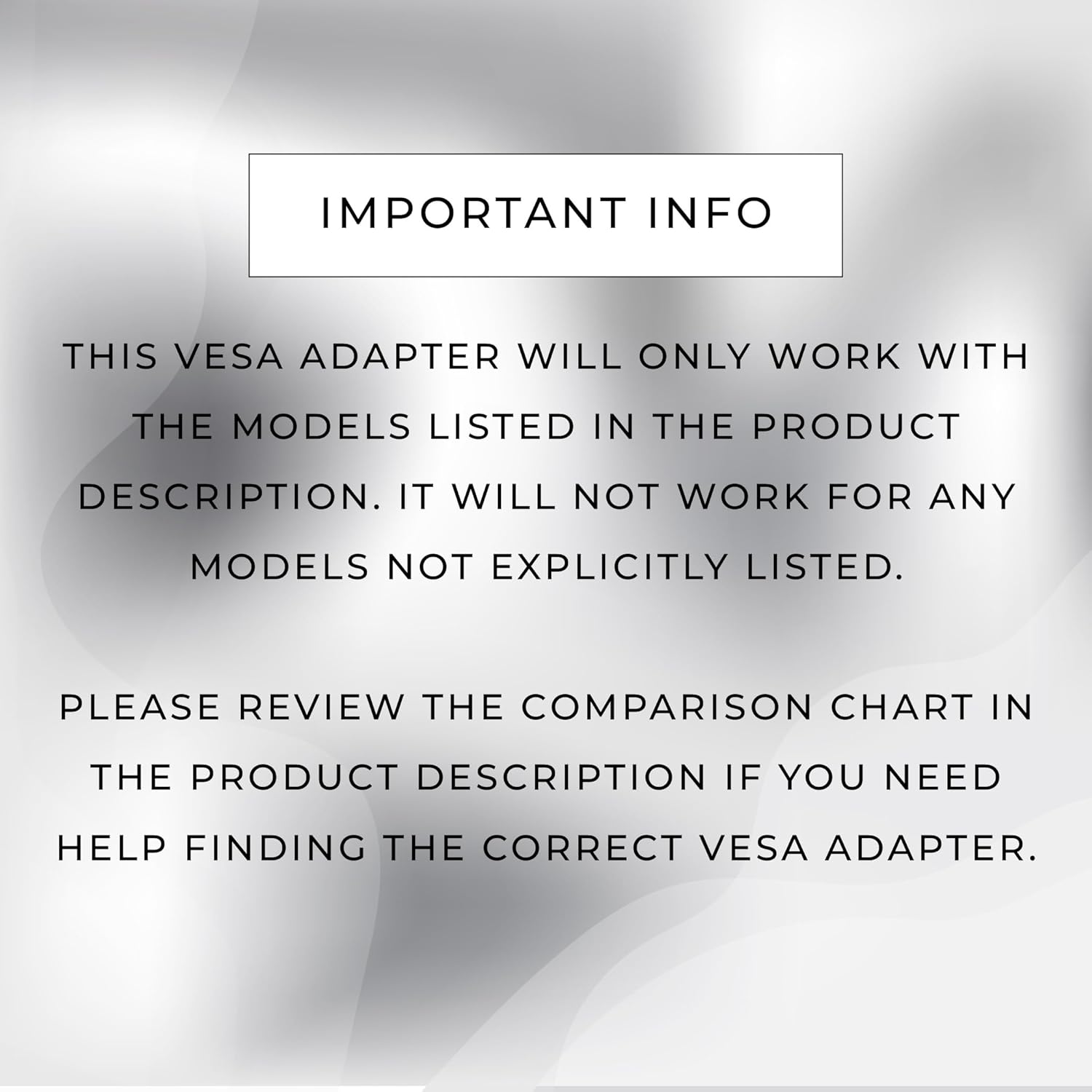
Image: A warning graphic emphasizing the importance of checking monitor model compatibility.
Product Specifications
| Model Number | 101-1066 |
| Brand | HumanCentric |
| Compatible VESA Patterns | 75mm x 75mm, 100mm x 100mm |
| Material | Steel (as inferred from reviews) |
| Color | Black |
| Item Weight | 11.6 ounces (0.33 Kilograms) |
| Package Dimensions | 7.32 x 5.35 x 3.43 inches |
| UPC | 810009091684 |

Image: A view of the VESA adapter from the bottom, highlighting its structural design.
Warranty and Support
HumanCentric stands behind the quality of its products. If you encounter any issues with your VESA mount adapter, please contact HumanCentric customer support directly. Our bracket is designed to fit your compatible monitor. For assistance, refer to the contact information provided with your purchase or visit the official HumanCentric website.