
1. Introduction
The Haofy Wall Mounted Temperature Humidity Sensor is a robust and accurate device designed for environmental monitoring. It features a 4-20mA analog output, making it compatible with various industrial control systems such as digital displays, PLCs, inverters, and industrial control hosts. Its durable ABS construction and IP65 dust-resistant rating ensure reliable performance in diverse conditions, including gardens and other outdoor or industrial settings.
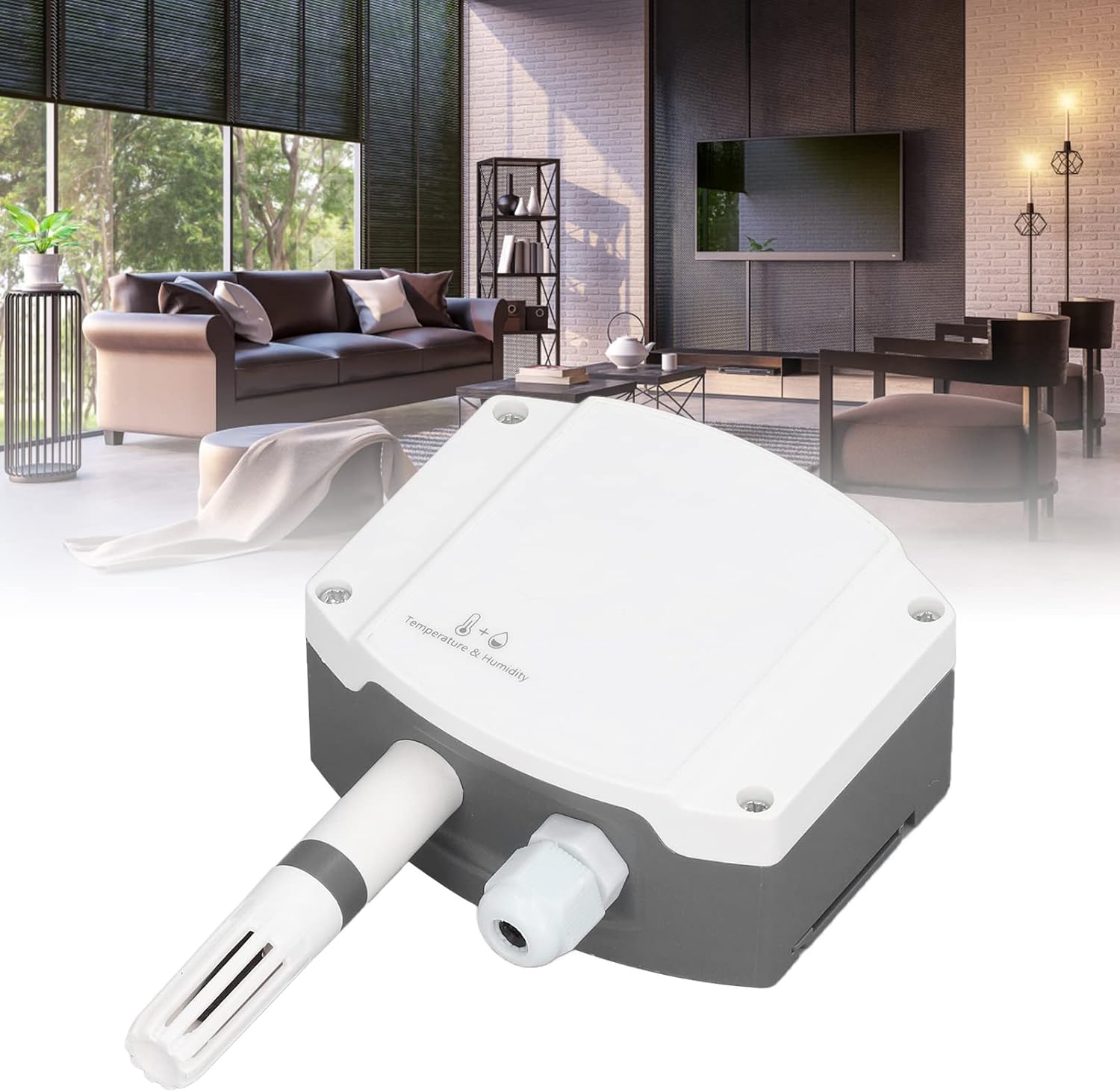
Image: The Haofy Temperature Humidity Sensor shown in a typical indoor environment, highlighting its compact design.
Key Features:
- Sturdy Material: Constructed from durable ABS material, ensuring wear resistance and longevity.
- Wide Voltage Input: Operates with a 10-30V DC power supply for reliable performance.
- IP65 Dust Resistant: Industrial-grade housing provides protection against dust, rain, and snow.
- High Accuracy: Utilizes industrial-grade microprocessor chips and high-accuracy sensors for precise measurements.
- 4-20mA Analog Output: Standard industrial interface for seamless integration with control systems.
2. Setup and Installation
The Haofy Temperature Humidity Transmitter offers two primary installation methods: wall-mounted and slide rail installation. Ensure the power supply is disconnected before proceeding with any installation steps.
2.1 Wall Mounted Installation
- Remove Mounting Plate: Locate the slide rail mounting plate on the back of the transmitter and remove it.
- Mark and Drill Holes: Using the mounting plate as a template, mark two points on the wall with a spacing of approximately 70mm (2.76 inches). Drill two holes with a diameter of 5mm (0.20 inches) and a depth of at least 30mm (1.18 inches).
- Insert Expansion Plugs: Insert the provided expansion plugs into the drilled holes.
- Secure Mounting Plate: Align the slide rail mounting plate with the expansion plugs and fix it to the wall using the self-tapping screws.
- Attach Transmitter: Slide the transmitter onto the secured mounting plate until it clicks into place.

Image: Step-by-step diagram illustrating the wall-mounted installation process, including drilling, inserting expansion tubes, and securing the slide rail.

Image: The Haofy sensor displayed with the two screws and two expansion tubes required for wall mounting.
2.2 Slide Rail Installation
- Remove Mounting Plate: If attached, remove the slide rail mounting plate from the back of the transmitter.
- Mount to Rail: Directly slide the transmitter onto a standard 35mm DIN rail until it is securely fastened.

Image: Rear view of the Haofy sensor, illustrating the integrated slide rail mounting clip for DIN rail installation.
2.3 Wiring
The device requires a wide voltage 10-30V DC power input. It is equipped with two independent analog outputs (4-20mA) as standard. Connect the power supply and output interface wiring according to your system's requirements and local electrical codes. Consult a qualified electrician if you are unsure about wiring procedures.
- Power Supply: 10-30V DC input.
- Output Interface: 2 independent 4-20mA analog outputs.
3. Operating Instructions
Once properly installed and powered, the Haofy Temperature Humidity Sensor will begin to measure ambient temperature and humidity. The sensor outputs these measurements as a 4-20mA analog signal.
Connecting to Control Systems:
The 4-20mA analog output can be directly connected to various industrial control equipment for data acquisition and monitoring. This includes:
- On-site digital displays for immediate readings.
- Programmable Logic Controllers (PLCs) for automated control and data logging.
- Inverters for motor speed control based on environmental conditions.
- Industrial control hosts for centralized monitoring and management.
Refer to the documentation of your specific control system for details on configuring the 4-20mA input to interpret the temperature and humidity values correctly.
4. Maintenance
To ensure the longevity and accurate performance of your Haofy Temperature Humidity Sensor, follow these general maintenance guidelines:
- Regular Cleaning: Periodically clean the exterior of the sensor with a soft, dry cloth. Avoid using abrasive cleaners or solvents that could damage the housing or sensor elements.
- Sensor Element Care: Do not touch the sensor element directly. Ensure the ventilation slots are free from dust, debris, or obstructions to allow for accurate air circulation.
- Environmental Protection: While the device is IP65 rated, avoid prolonged exposure to extreme conditions beyond its specified operating range.
- Wiring Inspection: Periodically check all wiring connections for tightness and signs of wear or corrosion. Ensure all connections are secure.
- Calibration: If you suspect inaccurate readings, consult a professional for calibration services. The device is designed for high accuracy, but environmental factors or prolonged use may necessitate recalibration.
5. Troubleshooting
If you encounter issues with your Haofy Temperature Humidity Sensor, consider the following troubleshooting steps:
- No Power/No Output:
- Verify that the power supply (10-30V DC) is correctly connected and providing the specified voltage.
- Check all wiring connections for proper contact and ensure no wires are loose or damaged.
- Confirm that the power source is active.
- Inaccurate Readings:
- Ensure the sensor is not exposed to direct sunlight, heat sources, or strong air currents that could affect local readings.
- Check for any obstructions around the sensor element that might impede air flow.
- Clean the sensor housing and ensure the ventilation slots are clear.
- If discrepancies persist, professional calibration may be required.
- Output Signal Issues (4-20mA):
- Verify the receiving device (PLC, digital display) is correctly configured to read a 4-20mA input.
- Check the wiring between the sensor and the receiving device for continuity and proper polarity.
- Ensure the receiving device's input impedance is compatible with a 4-20mA current loop.
If these steps do not resolve the issue, please contact customer support for further assistance.
6. Specifications
Detailed technical specifications for the Haofy Wall Mounted Temperature Humidity Sensor:
| Parameter | Value |
|---|---|
| Model | B0B7KKF8T |
| Material | ABS |
| Product Size | Approx. 147 x 88 x 41 mm (5.8 x 3.5 x 1.6 inches) |
| Anti Dust Grade | IP65 |
| Power Supply Wiring | Wide voltage 10~30V DC input |
| Output Interface Wiring | 2 independent analog outputs (4~20mA) |
| Item Weight | Approx. 157g (5.5oz) |

Image: Dimensional drawing of the Haofy sensor, indicating its length (147mm / 5.80in), width (88mm / 3.46in), and depth (41mm / 1.61in).
7. Customer Support
For any questions, concerns, or technical assistance regarding your Haofy Temperature Humidity Sensor, please contact our customer service team. We are committed to providing sincere service and will endeavor to provide a satisfactory answer within 24 hours.
Please refer to the product packaging or the official Haofy website for the most current contact information.