
Introduction
This manual provides detailed instructions for the proper use and maintenance of your Lamicall Magnetic Phone Ring Holder, Model RS06-JP-W. Please read this manual thoroughly before use to ensure optimal performance and longevity of the product.
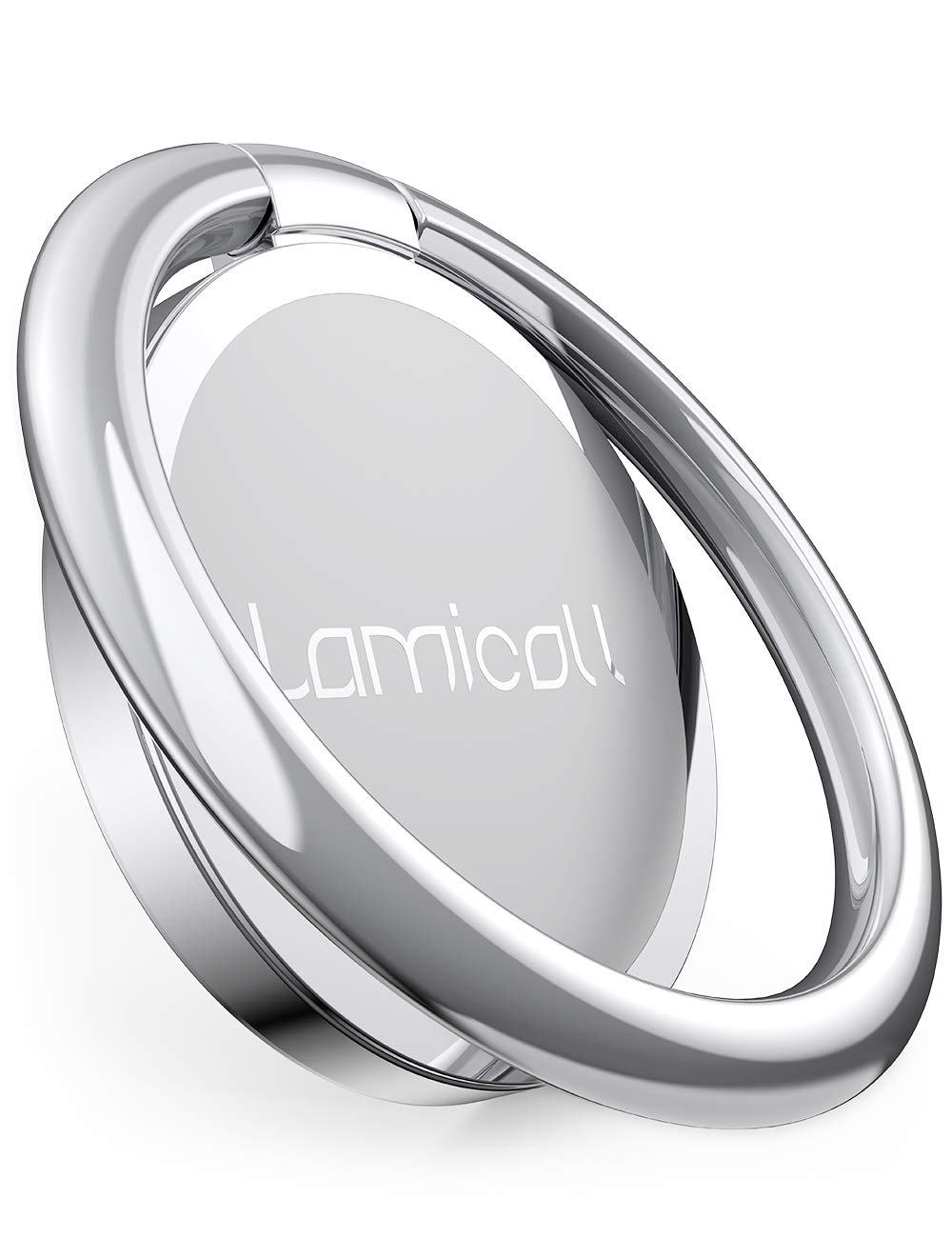
Figure 1: Lamicall Magnetic Phone Ring Holder (Model RS06-JP-W)
Product Features
- Strong Magnetic Adhesion: Designed to securely attach to MagSafe-compatible devices and cases, capable of holding up to approximately 1000g.
- Universal Compatibility (with included metal ring): Can be used with Android smartphones (e.g., Samsung Galaxy, LG, Sony Xperia, Huawei, Xiaomi) and non-MagSafe cases by attaching the provided adhesive metal ring.
- 360-Degree Rotation: Features a rotatable inner link for smooth 360-degree adjustment, allowing for flexible phone orientation.
- 90-Degree Flip Function: The ring can flip 90 degrees, enhancing usability as a kickstand and for comfortable one-handed operation.
- Drop Prevention: Provides a secure grip by allowing a finger to pass through the ring, reducing the risk of accidental drops.
- Camera Lens Protection: With a thickness of 4.5mm, the ring elevates the phone's camera lens from flat surfaces, preventing scratches.
- Residue-Free Removal: The magnetic attachment allows for easy removal without leaving adhesive residue on your device or case.
Setup Instructions
For MagSafe Compatible Devices/Cases:
- Ensure your device or case is clean and free of dust.
- Align the Lamicall Magnetic Phone Ring Holder with the MagSafe area on the back of your device or case.
- The ring holder will magnetically snap into place. Adjust its position as needed for comfortable use.
For Non-MagSafe Devices/Cases (using included metal ring):
- Clean the back surface of your smartphone or case thoroughly. Ensure it is dry and free of any oils or dust.
- Peel off the protective film from one side of the included adhesive metal ring.
- Carefully center and press the metal ring onto the desired position on the back of your phone or case. Apply firm pressure for 30 seconds to ensure strong adhesion.
- Wait for at least 24 hours before attaching the magnetic phone ring holder to the newly applied metal ring to allow the adhesive to fully cure.
- Once the metal ring is securely attached, you can then magnetically attach the Lamicall Phone Ring Holder to it.
Note: The metal ring is designed for strong, permanent adhesion. Choose its placement carefully. The magnetic ring can be removed for wireless charging without removing the metal ring.
Operating Instructions
Using as a Phone Grip:
- Flip out the ring from its flat position.
- Insert your finger through the ring for a secure and comfortable grip. This helps prevent accidental drops and allows for easier one-handed operation across the screen.
Using as a Kickstand:
- Flip out the ring and rotate it to your desired angle.
- Place your phone on a flat surface, using the ring as a stand for hands-free viewing in both portrait and landscape orientations.
- The 360-degree rotation and 90-degree flip allow for versatile viewing angles.
Removal for Wireless Charging:
- Gently pull the magnetic phone ring holder away from your device or the attached metal ring.
- Place your device on a wireless charger.
- Reattach the ring holder after charging if desired.
Maintenance
- Keep the magnetic surfaces clean and free of debris to ensure optimal adhesion.
- Wipe the ring holder with a soft, dry cloth to remove dust or smudges.
- Avoid exposing the product to extreme temperatures or harsh chemicals.
- Do not attempt to disassemble the product, as this may damage it and void any warranty.
Troubleshooting
| Problem | Possible Cause | Solution |
|---|---|---|
| Ring holder does not attach securely. |
|
|
| Ring feels loose when held. | Designed for smooth rotation. | This is a normal characteristic due to the 360-degree rotation feature. It does not affect its functionality as a stand or grip. |
| Phone overheats during wireless charging with metal ring. | The metal ring itself does not cause overheating. | Ensure the magnetic ring holder is removed before wireless charging. If overheating persists, consult your phone's manufacturer. |
Specifications
| Feature | Detail |
|---|---|
| Model Number | RS06-JP-W |
| Product Weight | 60 g |
| Package Dimensions | 16.9 x 9.2 x 1.1 cm |
| Special Features | Desktop Stand Functionality |
| Color | White (WW) |
| Attachment Type | Ring Adhesive, Magnetic |
Warranty and Support
Lamicall products are designed for durability and performance. For warranty information, please refer to the product packaging or visit the official Lamicall website. If you encounter any issues or require technical assistance, please contact Lamicall customer support through their official channels.
Important Note on Packaging: Regardless of the product color, the packaging image will display the white product. Please be aware of this.