
Dioche Dioche2d9qro6pey488-13
Dioche Smart Garage Door Opener Remote User Manual
Model: Dioche2d9qro6pey488-13
1. Introduction
The Dioche Smart Garage Door Opener Remote provides intelligent control over your garage door, integrating seamlessly with your smart home ecosystem. This device allows for remote operation, voice control, scheduling, and real-time status monitoring through the Tuya Smart Life APP. It enhances convenience and security by providing alerts and control from anywhere.

Image: Dioche Smart Garage Door Controller, magnetic sensor, and smartphone app interface.

Image: Overview of the Intelligent WIFI Garage Door Controller highlighting voice, time, one-click, and remote control features.
2. Package Contents
Before beginning installation, please verify that all components are present:
- 1 x Smart WIFI Garage Opener Controller
- 6 x Screws
- 4 x Wall Nails
- 4 x Nuts
- 1 x Door Sensor (magnetic contact)
- 4 x Lashing Ropes (cable ties)
- 1 x Double-Sided Adhesive Sticker
- 1 x User Manual
- 1 x Compatibility Table Manual
- 4 x Fixed Sticker Accessories
- 1 x Fixed Plate (L-bracket)
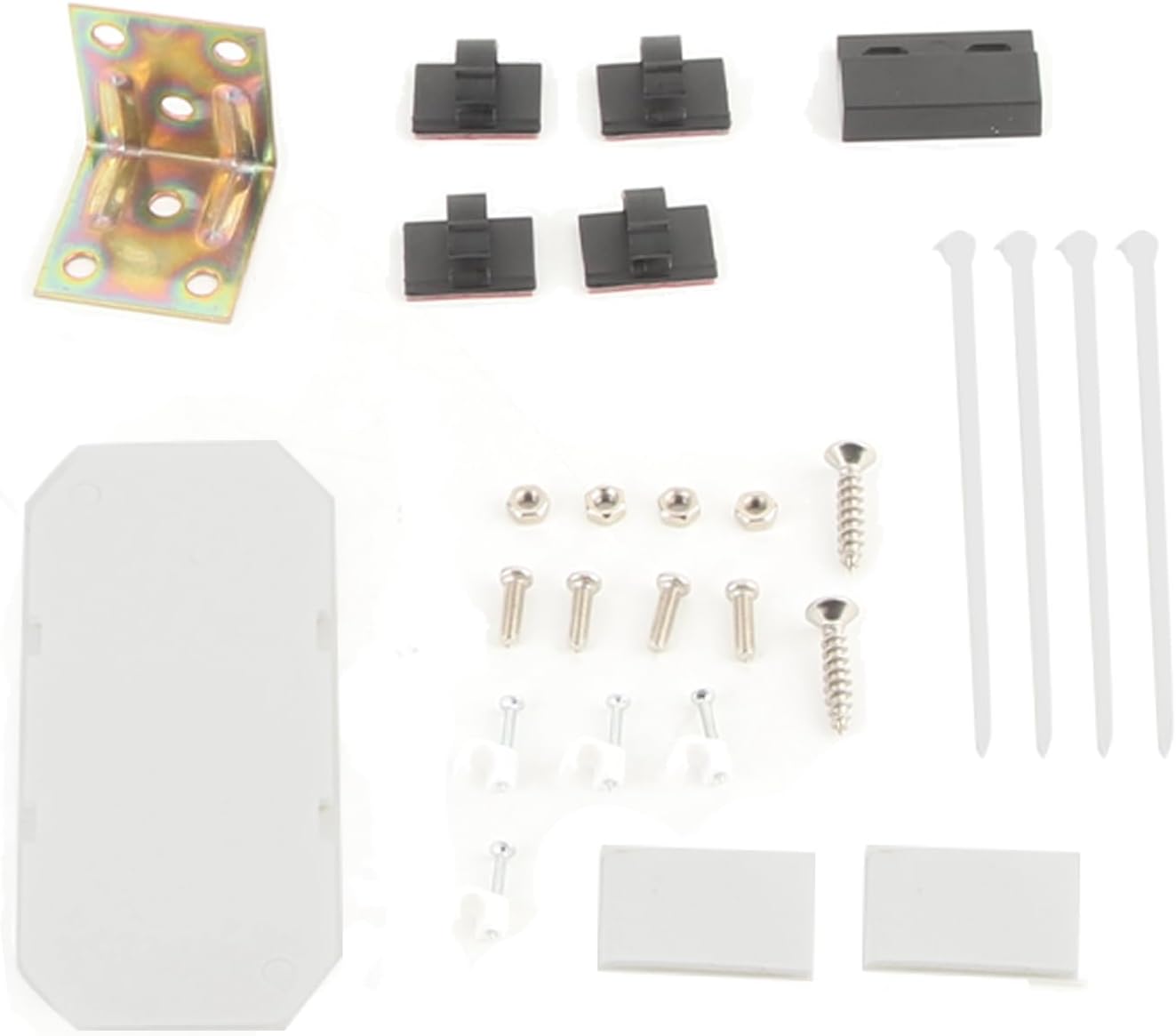
Image: All components included in the Dioche Smart Garage Door Opener package.
3. Setup and Installation
Follow these steps to set up and install your Smart Garage Door Opener:
3.1 App Download and Registration
- Scan the QR code provided in the included manual to download the Tuya APP or Smart Life APP.
- Register an account within the application.
3.2 Device Connection and Binding
- Ensure your mobile phone is connected to a 2.4GHz Wi-Fi network (5GHz networks are not supported).
- Power on the Smart Garage Opener controller.
- Open the Tuya or Smart Life APP and follow the in-app instructions to bind the controller to your account.
- Once successfully bound, you can use the remote control functions.
3.3 Physical Installation
The installation involves mounting the controller and the door sensor. Refer to the diagrams below for guidance.

Image: Wiring diagram showing connection of the controller to the garage door motor and power source.

Image: Diagram illustrating the installation of the door sensor on the garage door and wall.

Image: Close-up view of the sensor mounting, showing the recommended 3-15mm gap between the magnet and sensor.
4. Operating Instructions
The Dioche Smart Garage Door Opener offers multiple ways to control and monitor your garage door.
4.1 Remote Control via APP
Use the Tuya or Smart Life APP to open and close your garage door from anywhere. The app will display the current status of the garage door (open or closed).
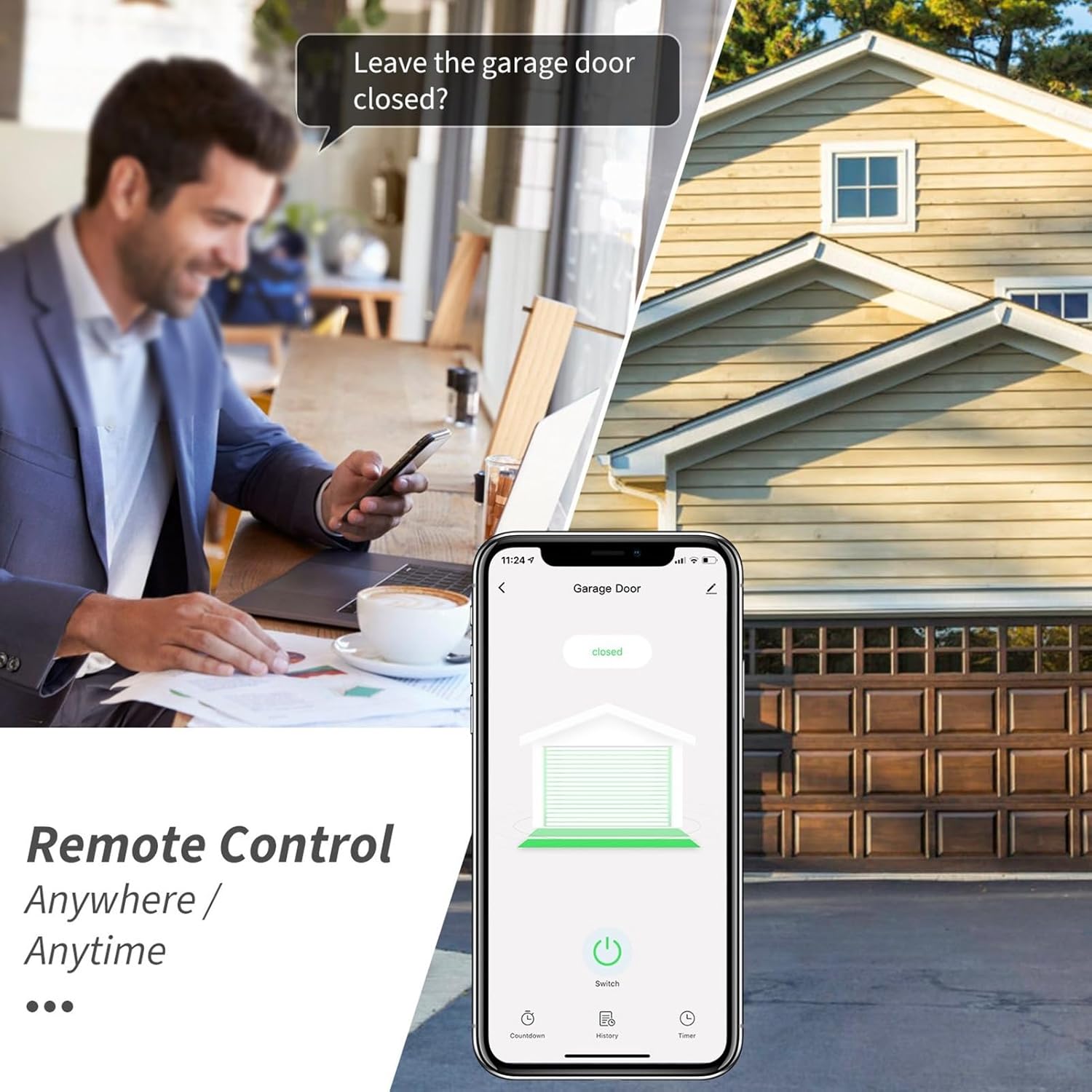
Image: A person remotely controlling their garage door using the smartphone application.

Image: The smartphone app displaying the real-time status of the garage door, indicating if it's open or closed.
4.2 Voice Control
Integrate with voice assistants like Amazon Alexa or Google Assistant for hands-free control. Simply use voice commands to open or close your garage door.

Image: People interacting with smart speakers (Alexa and Google Home) to control the garage door via voice commands.

Image: Illustration of voice control functionality, showing smart speakers and the associated app interface.
4.3 Scheduling and Countdown Functions
- Schedules: Set specific times for your garage door to automatically open or close.
- Countdown: Utilize the countdown feature for temporary access, such as allowing a courier to place a package inside, with the door automatically closing after a set period.
4.4 Automatic Detection and Notifications
- The system automatically detects the garage door's status, ensuring it operates according to your settings.
- Receive timely notifications via the APP for garage door open, close, and overtime warnings.
- Access a history of garage door open/close records within the APP.
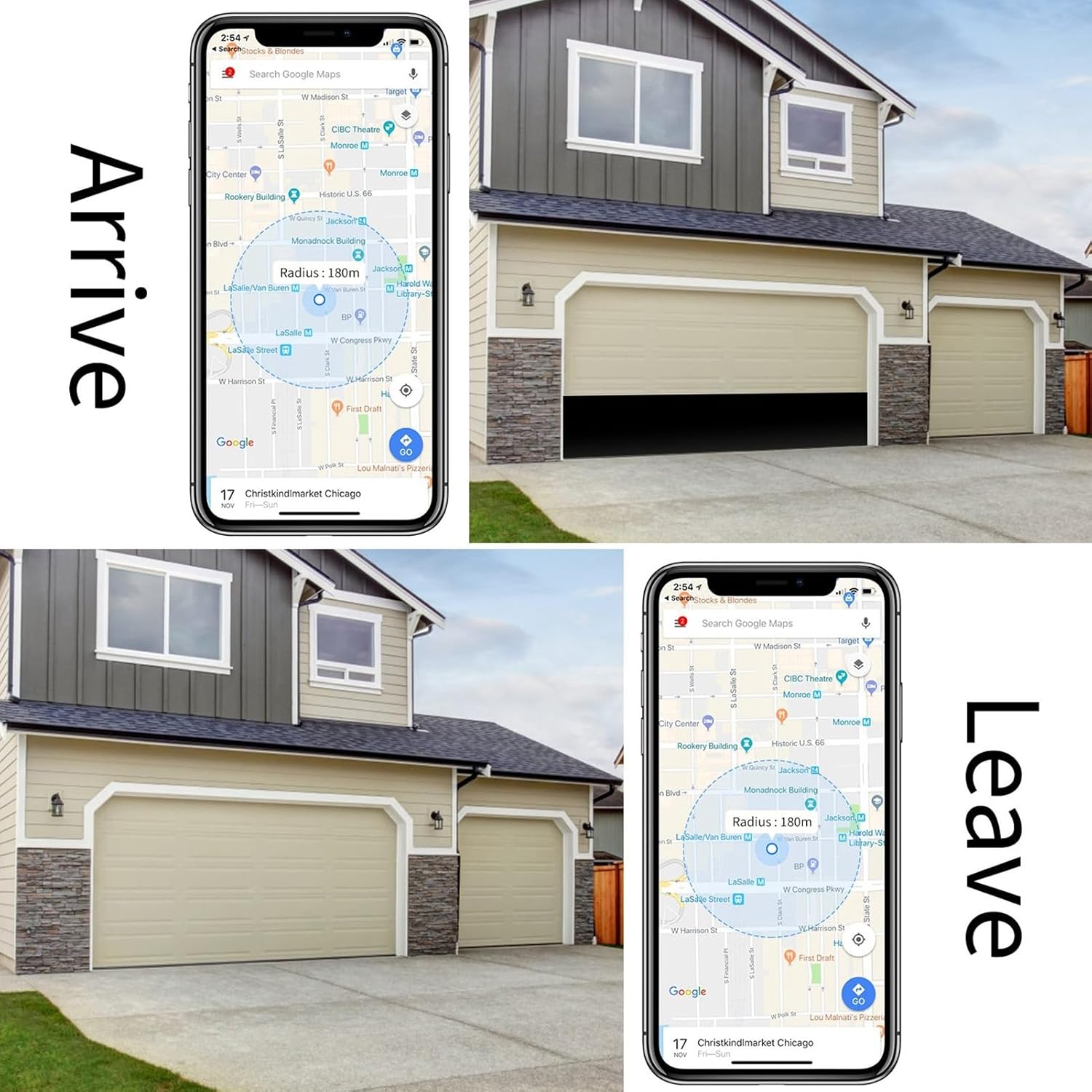
Image: A notification indicating a garage door has been opened, emphasizing real-time security and alarm system integration.
4.5 Geofencing (Arrive/Leave)
Some smart home apps allow for geofencing, enabling the garage door to open or close automatically as you arrive or leave a defined area.
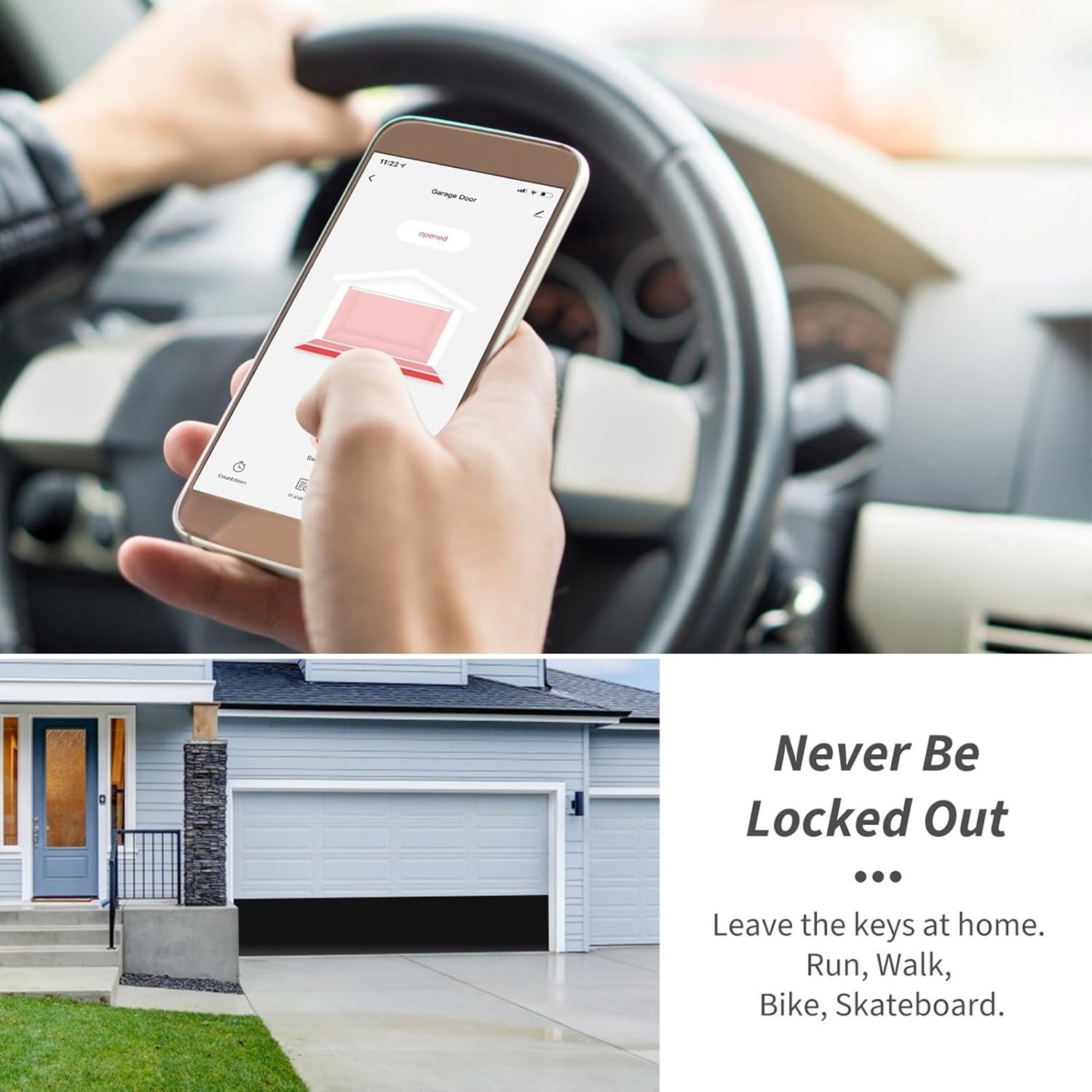
Image: Smartphone screen showing a map with a defined radius, illustrating how the garage door can be controlled based on location (Arrive/Leave).
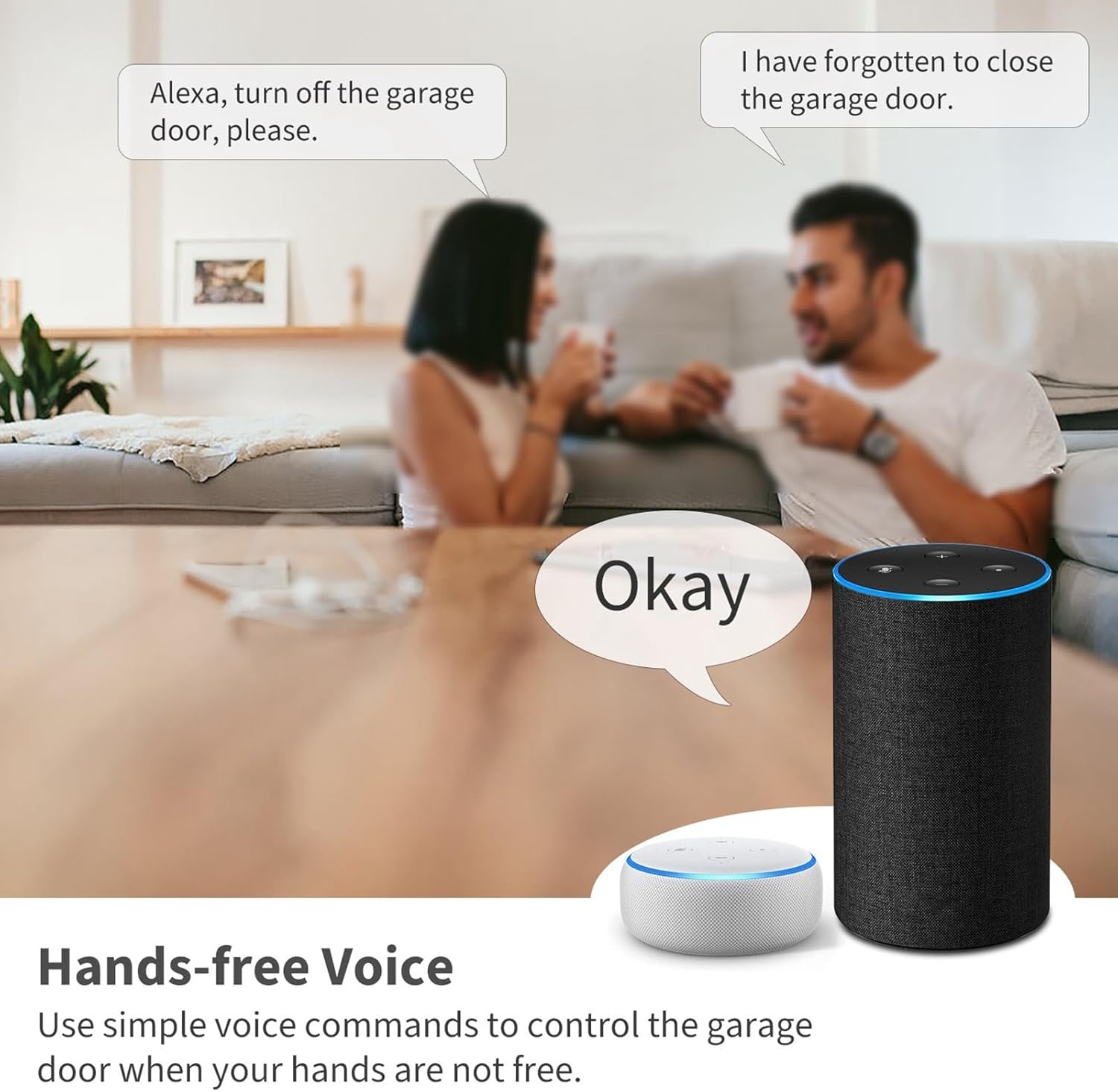
Image: A person in a car using their phone to open the garage door, highlighting the convenience of never being locked out.
5. Maintenance
To ensure the longevity and optimal performance of your Dioche Smart Garage Door Opener, follow these maintenance guidelines:
- Keep Clean: Periodically wipe the controller and sensor with a dry, soft cloth to remove dust and debris.
- Avoid Humidity: The device must be kept away from high humidity environments to prevent damage. Ensure it is installed in a dry location.
- Check Connections: Occasionally inspect all wired connections to ensure they are secure and free from corrosion.
- Sensor Alignment: Verify that the magnetic sensor components remain properly aligned (within 3-15mm) for accurate door status detection.
6. Troubleshooting
If you encounter issues with your Dioche Smart Garage Door Opener, refer to the following common problems and solutions:
| Problem | Possible Cause | Solution |
|---|---|---|
| Device frequently goes offline or won't connect. | Unstable Wi-Fi connection; incorrect Wi-Fi band; device power issue. | Ensure your Wi-Fi is 2.4GHz and stable. Check router distance. Power cycle the device and your router. Re-bind the device in the app if necessary. |
| Garage door status is incorrect in the app. | Door sensor misalignment or damage. | Check the alignment of the magnetic sensor components; ensure the gap is within 3-15mm. Inspect sensor wires for damage. |
| Voice control not working (e.g., with Google Home). | Incorrect integration setup; app compatibility issues. | Verify the integration steps in the Tuya/Smart Life app for your voice assistant. Ensure the voice assistant app is updated. Some integrations may have specific limitations (e.g., showing as a dimmer instead of a switch). |
| Device stopped functioning after some time. | Power failure; internal component failure; exposure to adverse conditions (e.g., humidity). | Check power supply. Ensure the device has not been exposed to humidity or extreme temperatures. If issues persist, contact customer support. |
| App requires a PIN code for every operation. | Security setting enabled in the app. | Check the security settings within the Tuya/Smart Life app for the garage door opener. There may be an option to disable or modify the PIN requirement, if desired. |
7. Specifications
| Specification | Detail |
|---|---|
| Manufacturer | Dioche |
| Part Number | Dioche2d9qro6pey488-13 |
| Item Weight | 8.8 ounces |
| Package Dimensions | 6.14 x 4.37 x 2.05 inches |
| Color | #3 |
| Finish | Finish |
| Material | ABS |
| Voltage | 1 Volts (Controller Input: 100-240V) |
| Item Package Quantity | 1 |
| Wireless Standard | IEEE802.11b/g/n |
| Wireless Type | 2.4GHz only (5G not supported) |
| Use APP | For TUYA APP or for Smart Life APP |
| Batteries Required? | No |
| First Available Date | July 26, 2022 |
8. Warranty and Support
For information regarding product warranty, please refer to the documentation included with your purchase or contact the seller directly. If you require technical support or have questions not covered in this manual, please reach out to Dioche customer service or visit the official Dioche store for assistance.
Dioche Store: https://www.amazon.com/stores/Dioche/page/25996697-9F7A-4E5B-9810-3A15D64146B4
Related Documents - Dioche2d9qro6pey488-13
 |
Smart Wi-Fi Garage Door Opener TY-DOOR-S01: Installation and Usage Guide Comprehensive guide for installing and using the TY-DOOR-S01 Smart Wi-Fi Garage Door Opener with Tuya Smart Life app, compatible with Alexa and Google Assistant. |
 |
SmartView Garage Door Camera Start Guide - Setup, Features, and Voice Control Comprehensive start guide for the SmartView Garage Door Camera (Model DMZ501, 2BS65-DMZ501) by Shenzhen Zhongtian Door Co., Ltd. Learn how to set up, connect, use the main screen, configure settings, troubleshoot issues, and integrate with Google Assistant and Amazon Alexa. |
 |
AGSHome AGS001 Smart Garage Door Opener Installation Guide Comprehensive installation guide for the AGSHome AGS001 Smart Garage Door Opener, including compatibility checks, step-by-step instructions, and safety warnings. Control your garage door remotely via the Tuya Smart or Smart Life app. |
 |
Lomota Smart Garage Door Opener User Manual and Installation Guide Comprehensive user manual for the Lomota Smart WiFi Garage Door Opener (MSG100). Provides detailed installation instructions, setup guide, operation details, voice control integration with Amazon Alexa and Google Assistant, troubleshooting tips, warranty information, and compliance statements. |
 |
Tuya WiFi Smart Garage Door Opener User Manual Instructions and setup guide for the Tuya WiFi Smart Garage Door Opener, including compatibility checks, installation steps, and integration with voice assistants like Alexa and Google Assistant. |
 |
Meross MSG100 Smart Wi-Fi Garage Door Opener User Manual and Installation Guide Comprehensive user manual and installation guide for the Meross MSG100 Smart Wi-Fi Garage Door Opener. Details package contents, installation steps, and voice control integration with Amazon Alexa and Google Assistant. |
Ask a question about this manual
Ask about setup, troubleshooting, compatibility, parts, safety, or missing instructions. Manuals+ will review the question and use this page’s manual context to help answer it.