
Introduction
This manual contains important information regarding the operation, features, maintenance, and safety of your 2022 Chevrolet Spark. Please read it thoroughly to ensure proper use and to maximize your driving experience. Keep this manual in your vehicle for quick reference.
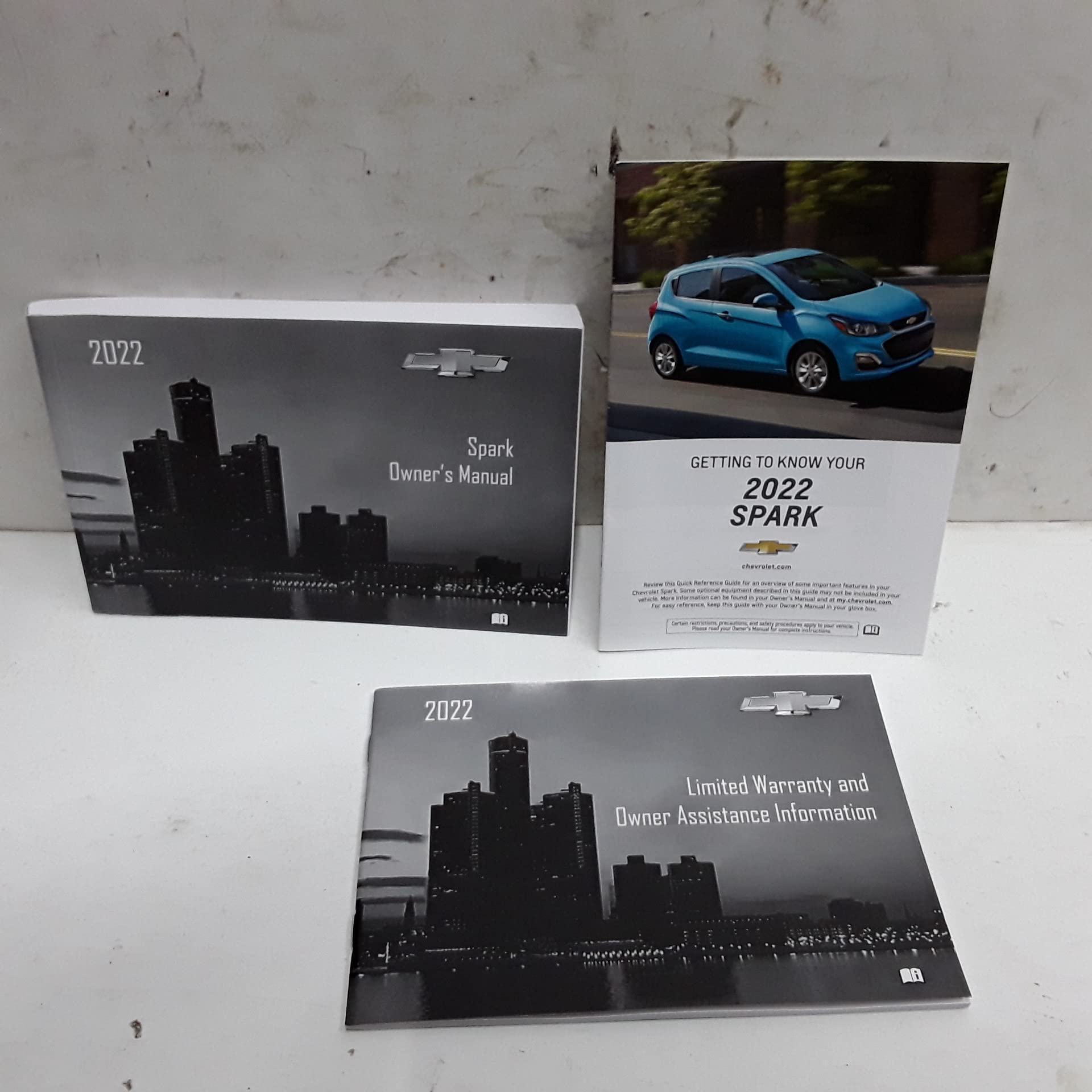
This image displays the front cover of the 2022 Chevrolet Spark Owners Manual, featuring the vehicle's branding and model year.
Initial Setup and Controls
Before driving your new Chevrolet Spark, familiarize yourself with its basic controls and settings.
Key Components Overview
- Ignition System: Insert the key into the ignition switch located on the steering column. Turn to the 'ON' position to power electrical systems, and 'START' to engage the engine.
- Steering Wheel Controls: Buttons on the steering wheel allow control of audio, cruise control, and phone functions without removing your hands from the wheel.
- Instrument Panel: Displays critical information such as speed, fuel level, engine temperature, and warning indicators.
- Infotainment System: The central touchscreen provides access to radio, media, navigation (if equipped), and smartphone integration.
Adjusting Seating and Mirrors
- Adjust the seat position using the lever located under the front of the seat.
- Adjust the seatback angle using the recliner lever on the side of the seat.
- Adjust the steering wheel tilt using the lever on the steering column.
- Use the power mirror controls on the driver's door to adjust the side mirrors for optimal rear visibility.
- Adjust the rearview mirror manually to center your view of the rear window.
Operating Your Vehicle
Understanding the proper operation of your Spark ensures a safe and efficient driving experience.
Starting and Driving
- Starting the Engine: Ensure the vehicle is in Park (P) or Neutral (N). Press the brake pedal, then turn the ignition key to 'START' and release once the engine begins to run.
- Automatic Transmission: Shift between Park (P), Reverse (R), Neutral (N), and Drive (D) using the gear selector. Always apply the brake pedal when shifting from Park.
- Parking Brake: Engage the parking brake by pulling the lever up firmly. To release, pull up slightly, press the button, and lower the lever.
Infotainment System Basics
Your Spark's infotainment system offers various features for entertainment and connectivity.
- Radio: Select 'Audio' on the touchscreen to access AM/FM radio. Use the tuning controls to find stations.
- Bluetooth Pairing: Go to 'Settings' > 'Bluetooth' on the touchscreen. Enable Bluetooth on your mobile device and select your vehicle from the list to pair.
- USB Connectivity: Connect a USB device to the USB port to play media or charge compatible devices.
Maintenance and Care
Regular maintenance is crucial for the longevity and performance of your 2022 Chevrolet Spark.
Scheduled Maintenance
Refer to the maintenance schedule in this manual for recommended service intervals. Key items include:
- Oil and Filter Change: Typically every 7,500 miles or 12 months, whichever comes first.
- Tire Rotation: Recommended every 7,500 miles to ensure even wear.
- Brake Inspection: Check brake pads, rotors, and fluid levels at every service.
- Fluid Checks: Regularly inspect engine oil, coolant, brake fluid, and windshield washer fluid levels.
Tire Care
Proper tire inflation and condition are vital for safety and fuel efficiency.
- Tire Pressure: Check tire pressure monthly using a reliable gauge. Refer to the tire placard on the driver's door jamb for recommended pressures.
- Tread Depth: Inspect tire tread for wear indicators. Replace tires when tread depth is low.
Troubleshooting Common Issues
This section provides solutions for minor issues you might encounter.
Engine Will Not Start
- Battery: Check battery terminals for corrosion and ensure they are tight. If the battery is dead, jump-start the vehicle according to the instructions in this manual.
- Fuel: Ensure there is sufficient fuel in the tank.
- Ignition: Confirm the key is fully inserted and turned correctly.
Warning Lights Illuminated
- Check Engine Light: This indicates an issue with the engine or emissions system. It may be a minor issue or require immediate attention. Consult a qualified service technician.
- Oil Pressure Light: If this light illuminates, pull over safely and turn off the engine immediately. Check the oil level and contact service if the level is correct.
- Brake System Warning Light: This could indicate low brake fluid or a problem with the brake system. Have the vehicle inspected by a technician immediately.
Specifications
Key technical specifications for the 2022 Chevrolet Spark.
| Category | Specification |
|---|---|
| Engine Type | 1.4L DOHC 4-cylinder |
| Transmission | 5-speed manual or Continuously Variable Transmission (CVT) |
| Fuel Tank Capacity | 9.0 gallons (approx.) |
| Seating Capacity | 4 passengers |
| Overall Length | 143.1 inches (approx.) |
| Overall Width | 62.8 inches (approx.) |
| Overall Height | 58.4 inches (approx.) |
| Curb Weight | 2,246 lbs (approx.) |
Warranty Information
Your 2022 Chevrolet Spark is covered by a comprehensive warranty. Details regarding coverage periods, terms, and conditions are provided in a separate warranty booklet included with your vehicle. Please refer to that document for complete information.
Typically, this includes:
- Bumper-to-Bumper Limited Warranty: Covers most vehicle components for a specified period or mileage.
- Powertrain Limited Warranty: Covers engine, transmission, and drive systems for a longer period or mileage.
- Roadside Assistance: Provides support for emergencies such as flat tires, lockouts, or fuel delivery.
Note: Warranty coverage may vary based on region and specific vehicle purchase terms.
Customer Support
For further assistance, questions, or to schedule service, please contact your authorized Chevrolet dealership or Chevrolet Customer Service.
- Authorized Chevrolet Dealership: Locate your nearest dealership for professional service and genuine parts.
- Chevrolet Customer Service: Refer to the contact information provided in your warranty booklet or visit the official Chevrolet website for support options.
When contacting support, please have your Vehicle Identification Number (VIN) and current mileage available.