
Introduction
This manual provides detailed instructions for the Mohard BC61 Bluetooth FM Transmitter. Please read this manual thoroughly before use to ensure proper operation and to maximize the device's features, including quick charging, hands-free calling, and Hi-Fi music streaming.
Important Safety Information
Warning:
- This device contains a lithium-ion battery. Do not expose to extreme temperatures.
- Use only with compatible vehicles and charging systems.
- Disconnect the device immediately in case of malfunction.
- Refer to this user manual for proper usage and disposal instructions.
Product Features
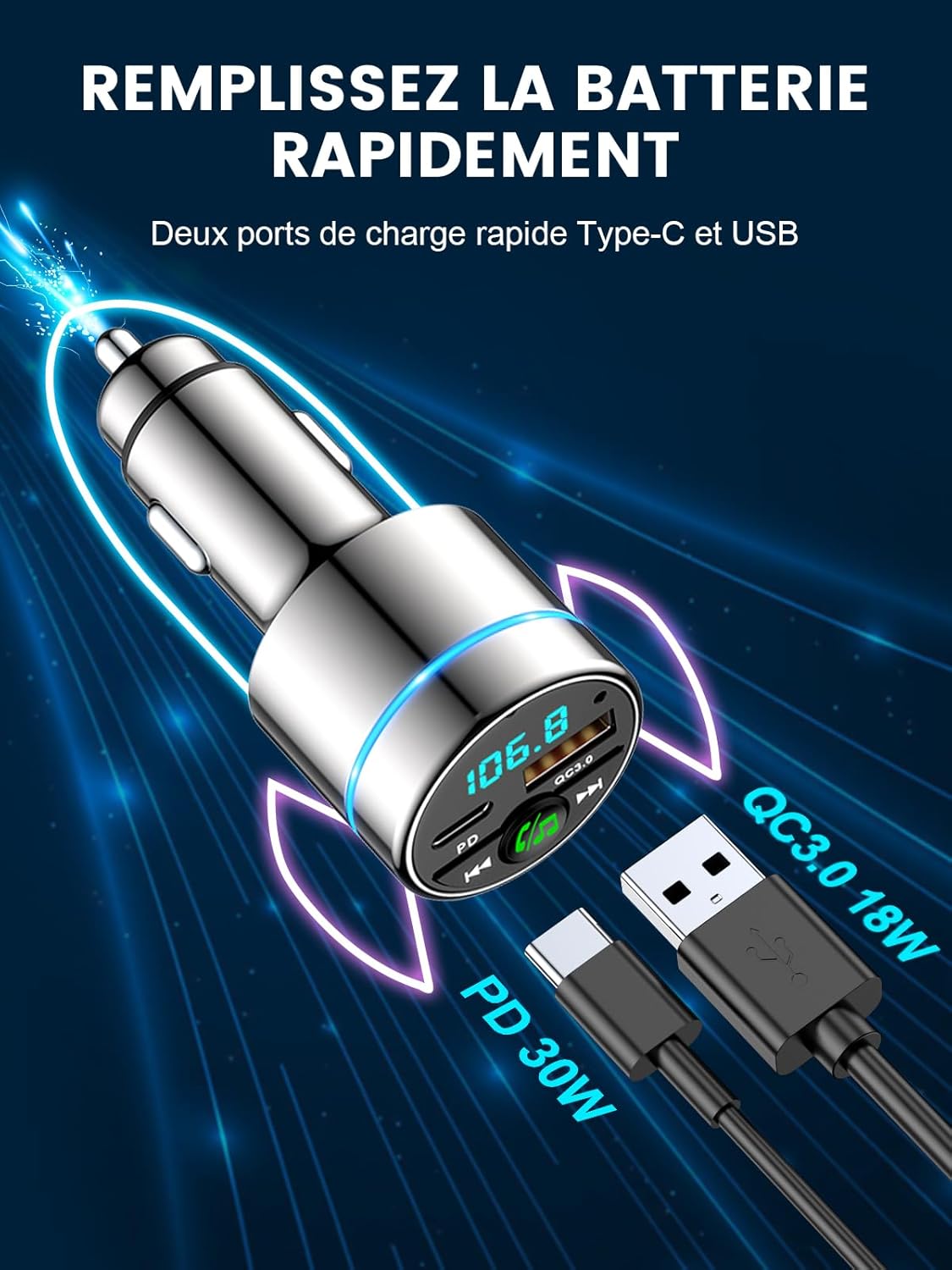
- Dual Fast Charging Ports: Equipped with 18W USB-A QC3.0 and 30W USB-C PD ports for simultaneous fast charging of multiple devices. Intelligent circuits protect against overcurrent, short-circuit, overheating, and overcharging.
- Bluetooth 5.3 & Hi-Fi Music: Advanced Bluetooth 5.3 ensures stable, fast pairing and transmission for seamless, lossless music streaming from any Bluetooth-enabled device.
- Compact Metal Casing: Features an attractive, elegant unibody design made entirely of highly durable zinc alloy for superior heat dissipation and long-lasting use, offering enhanced safety compared to plastic alternatives.
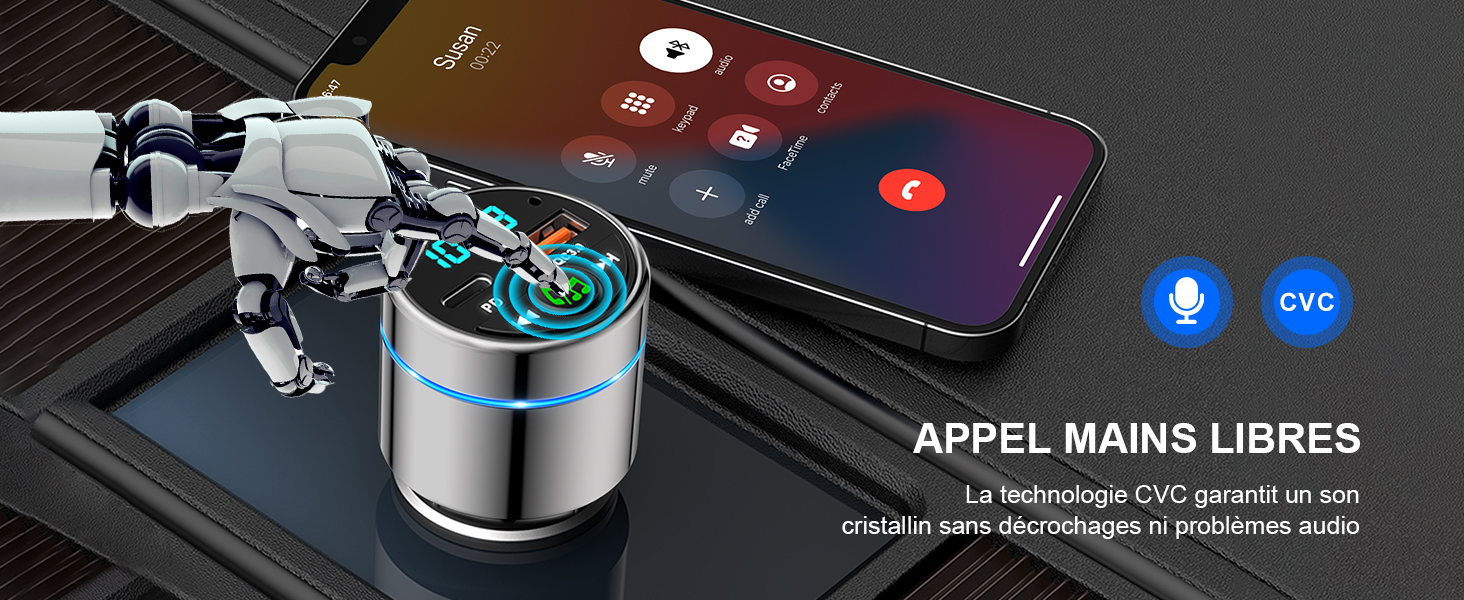
- High-Performance Hands-Free Calling: Integrated high-sensitivity microphone with CVC noise suppression technology ensures clear calls for both driver and caller. Answer and reject calls with a single button press.
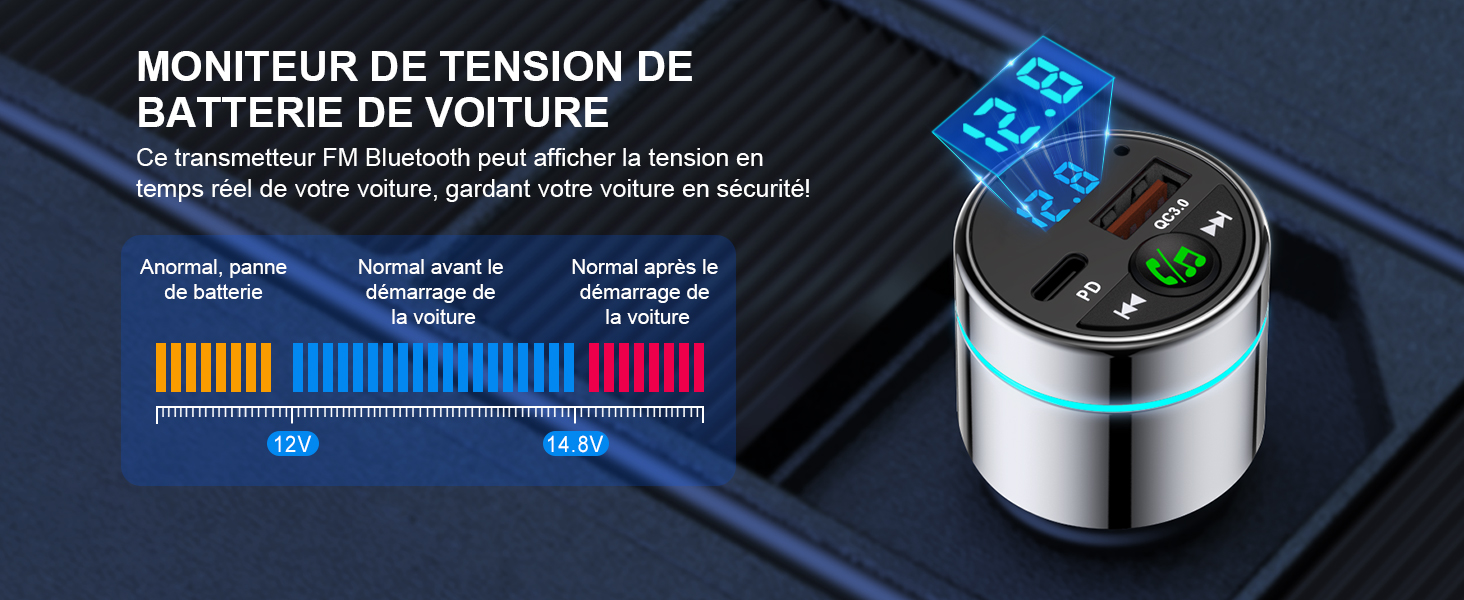
- Enhanced Driving Experience: Monitors car voltage and features a blue ambient light ring for easy location in the dark, adding a stylish touch. Transmits phone audio, including navigation and voice assistant, to your car's system.
Setup Guide
Follow these steps to set up your Mohard BC61 Bluetooth FM Transmitter:
- Insert into Car Lighter Socket: Plug the Mohard BC61 into your car's 12V/24V cigarette lighter socket. The device will power on automatically.
- Tune Car Radio: Set your car radio to an unused FM frequency (e.g., 87.5 MHz - 108.0 MHz). Choose a frequency with no strong broadcast signal to minimize interference.
- Set Transmitter Frequency: Long-press the MFB (Multi-Function Button) on the transmitter to enter FM mode. Rotate the MFB to match the transmitter's frequency to the one selected on your car radio.
- Pair Bluetooth: Enable Bluetooth on your smartphone. Search for "BC61" in the list of available devices and connect. Once paired, the device will confirm the connection.
Operating Instructions
Music Playback
- Once connected via Bluetooth, open your preferred music application on your smartphone.
- Music will stream wirelessly through the FM transmitter to your car's audio system.
- Use the "Previous Track" and "Next Track" buttons on the transmitter to control playback.
- Adjust volume via your smartphone or car radio.

Hands-Free Calling
- When a call comes in, press the MFB once to answer.
- To reject an incoming call, long-press the MFB.
- To end an ongoing call, press the MFB once.
- To redial the last number, double-press the MFB.

Charging Devices
- Connect your device's charging cable to either the USB-A QC3.0 port (18W) or the USB-C PD port (30W) on the transmitter.
- The device supports fast charging for compatible smartphones, tablets, and other USB-powered devices.
Car Voltage Monitoring
- The LED display on the transmitter shows your car's real-time voltage.
- Monitor the voltage to ensure your car battery is in good condition.
- Note: Refer to your car's manual for normal voltage ranges.
Maintenance
- Keep the device dry and clean. Avoid exposure to moisture or extreme temperatures.
- Do not attempt to disassemble or modify the device. This will void the warranty.
- Clean the surface with a soft, dry cloth. Do not use harsh chemicals or abrasive cleaners.
- Ensure the cigarette lighter socket is clean and free of debris for optimal connection.
Troubleshooting
| Problem | Solution |
|---|---|
| No power/Device not turning on. | Ensure the device is fully inserted into the car's cigarette lighter socket. Check if the car's socket is functioning (e.g., by testing with another device). |
| Poor audio quality/Static noise. |
|
| Bluetooth not connecting. |
|
| Slow charging or no charging. |
|
Specifications
| Feature | Detail |
|---|---|
| Brand | Mohard |
| Model Number | BC61 |
| Color | Silver |
| Connectivity Technology | USB, Bluetooth 5.3 |
| Power Source | Vehicle Powered (12V/24V cigarette lighter) |
| Material | Metal (Zinc Alloy) |
| Product Dimensions | 8.4L x 4.7W x 4.2H centimeters |
| Item Weight | 36 Grams |
| Special Features | Bluetooth Car Adapter, Fast Car Charger (PD 30W Type C + QC3.0), All Metal Construction, FM Transmitter Bluetooth 5.3 |
| Total USB Ports | 2 |
| Compatible Devices | Smartphones (e.g., iPhone, Samsung Galaxy), Tablets, and other Bluetooth-compatible devices. |
Warranty and Support
Manufacturer's Warranty: One year after-sales service is provided by Mohard.
For technical support, warranty claims, or further assistance, please contact Mohard customer service through the retailer where the product was purchased or visit the official Mohard website.


