
Introduction
This manual provides comprehensive instructions for the safe and efficient operation of your LEXiBOOK Soccer Ball Digital Alarm Clock, model RL800FO. Please read this manual thoroughly before using the device and retain it for future reference.
Safety Information
- Keep the device away from water and moisture.
- Do not expose to direct sunlight or extreme temperatures.
- Use only the specified battery type (3 x AA/LR6).
- Do not attempt to disassemble or repair the device yourself.
- This product is not a toy. Keep out of reach of very young children.
Package Contents
Ensure all items are present in the package:
- 1 x LEXiBOOK Soccer Ball Digital Alarm Clock (RL800FO)
- 1 x User Manual

Image: The LEXiBOOK Soccer Ball Digital Alarm Clock shown within its retail packaging, indicating the product and its box.
Product Overview
Familiarize yourself with the main components of your alarm clock:

Image: Front view of the LEXiBOOK Soccer Ball Digital Alarm Clock, displaying the digital time '7:30' and the soccer ball night light on top.
- Soccer Ball Night Light / Snooze Button
- LCD Digital Display
- Volume/Sound Button (typically on the side or back)
- Time/Alarm Adjustment Buttons (+/-)
- Function Buttons (e.g., Set, Mode, Alarm Set - typically on the back)
Setup
1. Battery Installation
The alarm clock requires 3 x AA/LR6 batteries (not included).
- Locate the battery compartment on the underside of the clock.
- Open the battery compartment cover.
- Insert 3 new AA/LR6 batteries, ensuring correct polarity (+/-).
- Close the battery compartment cover securely.

Image: Rear view of the alarm clock, highlighting the battery compartment and other controls on the back.
Operating Instructions
1. Setting the Time
- Press the "MODE" or "SET" button to enter time setting mode. The hour digits will flash.
- Use the "+" and "-" buttons to adjust the hours.
- Press "MODE" or "SET" again to switch to minutes adjustment. The minute digits will flash.
- Use the "+" and "-" buttons to adjust the minutes.
- Press "MODE" or "SET" to confirm and exit time setting mode.
2. Setting the Alarm
- Press the "ALARM" button (or cycle through modes until the alarm icon appears and flashes). The alarm hour digits will flash.
- Use the "+" and "-" buttons to set the desired alarm hour.
- Press "ALARM" again to switch to minutes adjustment. The alarm minute digits will flash.
- Use the "+" and "-" buttons to set the desired alarm minutes.
- Press "ALARM" to confirm the alarm time.
- To activate or deactivate the alarm, locate the alarm ON/OFF switch or button (often indicated by an alarm icon).
3. Snooze Function
When the alarm sounds, press the soccer ball on top of the clock to activate the snooze function. The alarm will temporarily stop and sound again after a few minutes.
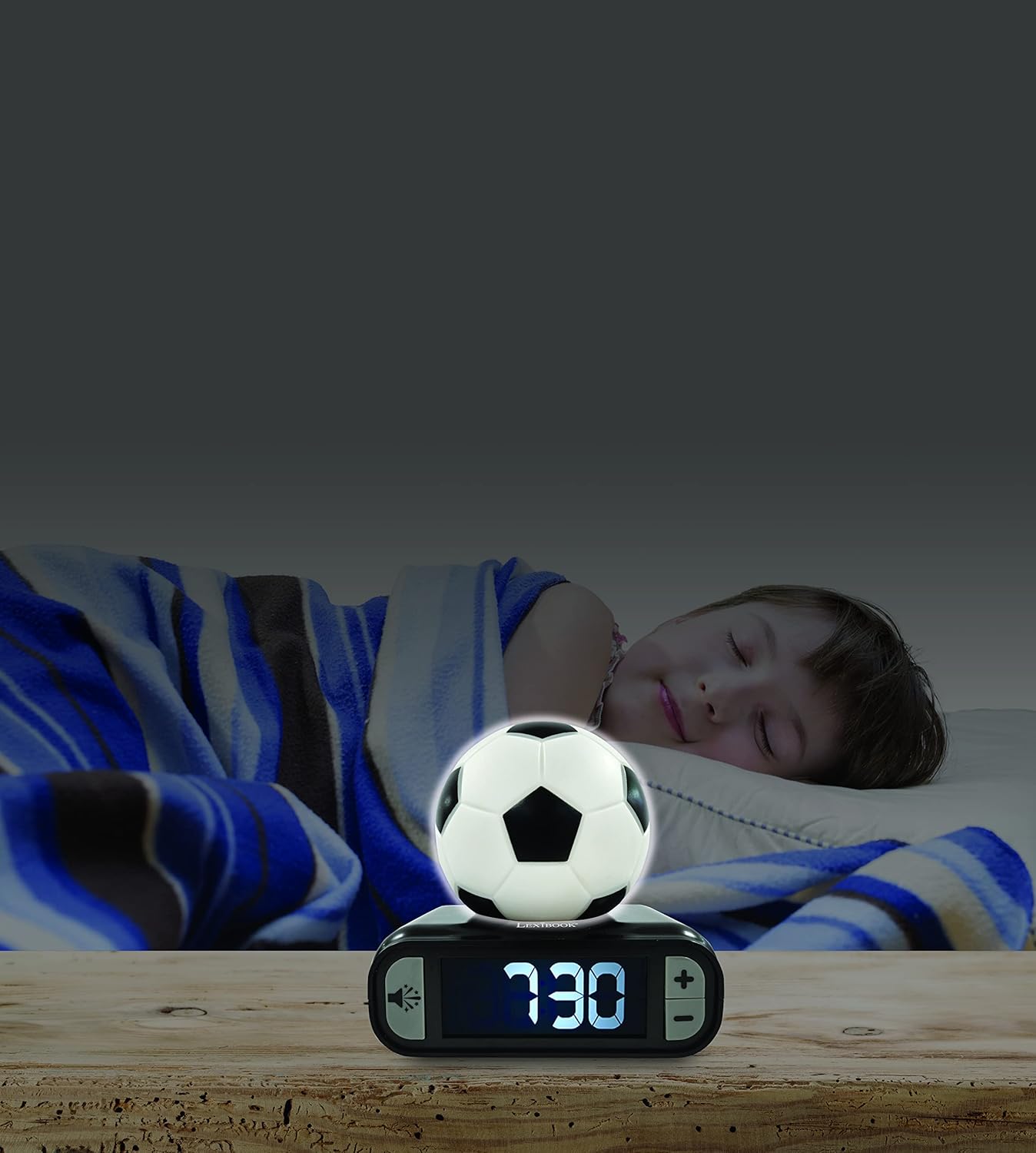
Image: A child sleeping peacefully with the LEXiBOOK Soccer Ball Digital Alarm Clock on a bedside table, illustrating its use in a bedroom setting.
4. Night Light Operation
Press the soccer ball on top of the clock to activate the night light. The soccer ball will illuminate for a few minutes before automatically turning off.

Image: The LEXiBOOK Soccer Ball Digital Alarm Clock with its soccer ball top glowing, demonstrating the night light feature.
5. Sound Effects and Volume Adjustment
The clock features soccer-inspired themes and sounds. Press the dedicated sound button (often indicated by a speaker icon) to cycle through available sounds. Use the volume control (if separate, or the +/- buttons in sound mode) to adjust the alarm volume.
Maintenance
Cleaning
Wipe the clock with a soft, dry cloth. Do not use abrasive cleaners or solvents.
Battery Replacement
Replace batteries when the display dims or functions become unreliable. Refer to the "Battery Installation" section for instructions.
Troubleshooting
| Problem | Possible Cause | Solution |
|---|---|---|
| Clock does not turn on. | Batteries are dead or incorrectly installed. | Check battery polarity or replace with new batteries. |
| Alarm does not sound. | Alarm is not set or is deactivated. Volume is too low. | Ensure alarm is set and activated. Increase alarm volume. |
| Night light does not illuminate. | Batteries are low. | Replace batteries. |
Specifications
- Brand: LEXiBOOK
- Model: RL800FO
- Display Type: Digital
- Power Source: Battery Powered (3 x AA/LR6, not included)
- Special Features: Adjustable Volume, Alarm, Snooze, Night Light
- Product Dimensions: 9.2"W x 18.5"H
- Room Type: Bedroom
- Indoor/Outdoor Usage: Indoor
Warranty and Support
For warranty information or technical support, please refer to the contact details provided on the product packaging or visit the official LEXiBOOK website. Keep your proof of purchase for warranty claims.
Disposal Information
Do not dispose of this product with household waste. Please recycle electronic devices at designated collection points to protect the environment. Contact your local authorities for information on recycling facilities.
Image: The back of the product packaging, displaying various recycling symbols and disposal instructions.