
1. Introduction
Thank you for choosing the Losfom Z01 Body Camera. This compact and versatile device is designed to capture high-quality video and audio in various scenarios, from outdoor activities to professional evidence collection. Featuring 1080P video recording, infrared night vision, and a durable aluminum alloy construction with an upgraded rotatable clip, the Z01 offers reliable performance and ease of use. Please read this manual thoroughly to understand the camera's functions and ensure proper operation and maintenance.

Image: The Losfom Z01 Body Camera, highlighting its compact design and front-facing lens. The image also shows a magnetic clip and a micro SD card, indicating key features and accessories.
2. Package Contents
Please check the package carefully to ensure all items are present and in good condition:
- Losfom Z01 Body Camera
- Long Clip
- Small Clip
- USB Cable
- Card Reader
- Strap
- User Manual

Image: An overview of the Losfom Z01 Body Camera's package contents, showing the camera, various clips, USB cable, card reader, strap, and the user manual.
3. Product Features
- Durable Construction: Made from high-quality aluminum alloy, ensuring durability and a smooth finish.
- Upgraded Rotatable Clip: Features a 360-degree rotatable clip for easy and secure attachment to pockets, bags, or backpacks.
- Long Battery Life: Equipped with a 2200mAh rechargeable lithium battery, providing 8-10 hours of recording time in 1080P (IR Off, Screen Off). Supports charging while recording.
- Ultra-Clear 1080P Video: Records crisp and clear 1080P video footage.
- Infrared Night Vision: High-intensity IR LEDs enable clear image capture from up to 5 meters (16 feet) in complete darkness.
- Wide Angle View: A 160° wide-angle lens captures a broad field of view, ideal for various scenarios.
- Ample Storage: Comes with 32GB built-in storage, expandable up to 128GB via a micro SD card.
- Loop Recording: Automatically overwrites the oldest recordings when storage is full, ensuring continuous recording.
- OLED Screen: Features a 1.3-inch OLED screen for easy operation and viewing.
- Versatile Applications: Suitable for pet recording, outdoor sports, cycling, meetings, lectures, hiking, and evidence collection.
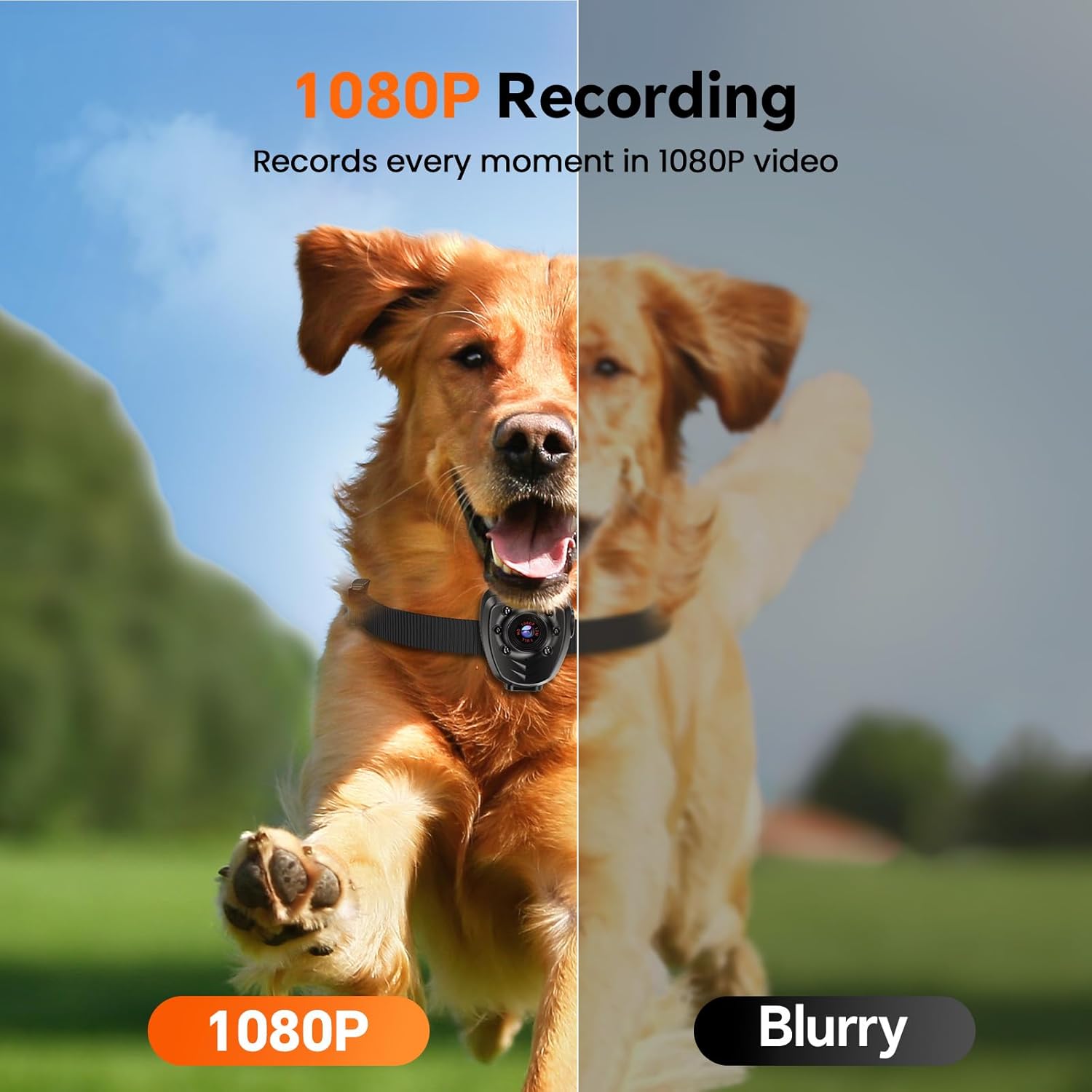
Image: A visual comparison illustrating the clarity of 1080P recording from the Z01 camera against a blurry image, emphasizing its high-definition video capability.
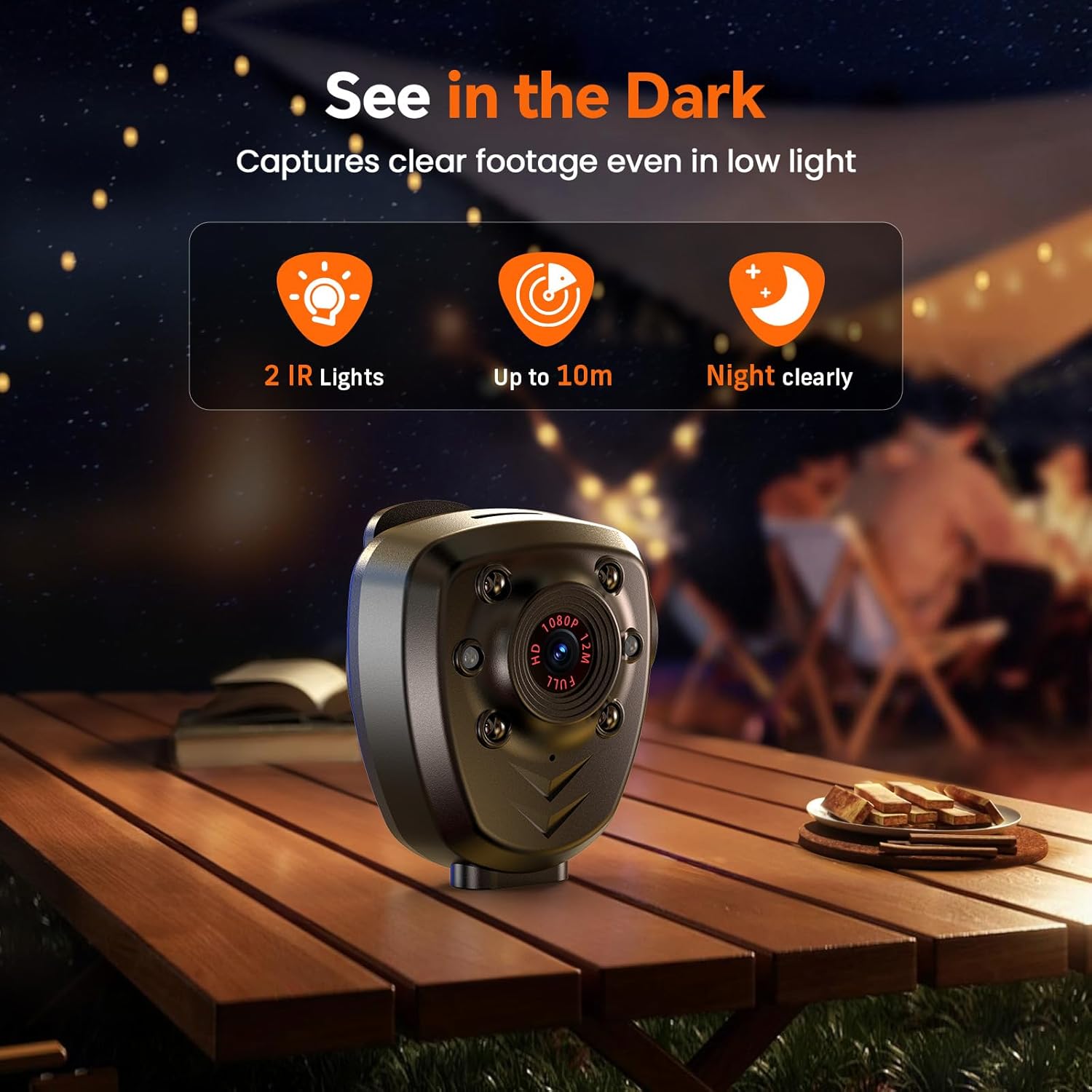
Image: The Z01 camera positioned in a low-light outdoor setting, demonstrating its infrared night vision capabilities with indicators for IR lights and effective range.

Image: Illustrates the extended battery life of the Z01 camera, showing its suitability for prolonged use during activities like hiking, with icons indicating usage and charging times.
4. Setup
4.1. Charging the Camera
Before first use, fully charge the camera. Connect the supplied USB cable to the camera's charging port and the other end to a USB power adapter (not included) or a computer USB port. The charging indicator light will show the charging status and turn off when fully charged.
Note: The camera supports recording while charging, allowing for extended use with a power bank.
4.2. Inserting the Micro SD Card
The Losfom Z01 comes with 32GB of internal storage. If you wish to expand storage, insert a micro SD card (up to 128GB, Class 10 or higher recommended) into the designated slot. Ensure the camera is powered off before inserting or removing the card.
4.3. Mounting Options
The Z01 camera offers versatile mounting options using the included clips and strap:
- Rotatable Clip: Attach the long or small clip to the back of the camera. This allows you to securely clip the camera onto clothing (e.g., shirt pocket), bags, or backpacks. The 360-degree rotation provides flexible positioning.
- Head Strap: Use the included strap to wear the camera on your head or helmet for hands-free recording, ideal for cycling or other outdoor activities.

Image: Demonstrates various mounting methods for the Z01 camera, including attachment to a helmet with a strap and clipping onto clothing, highlighting its adaptability.
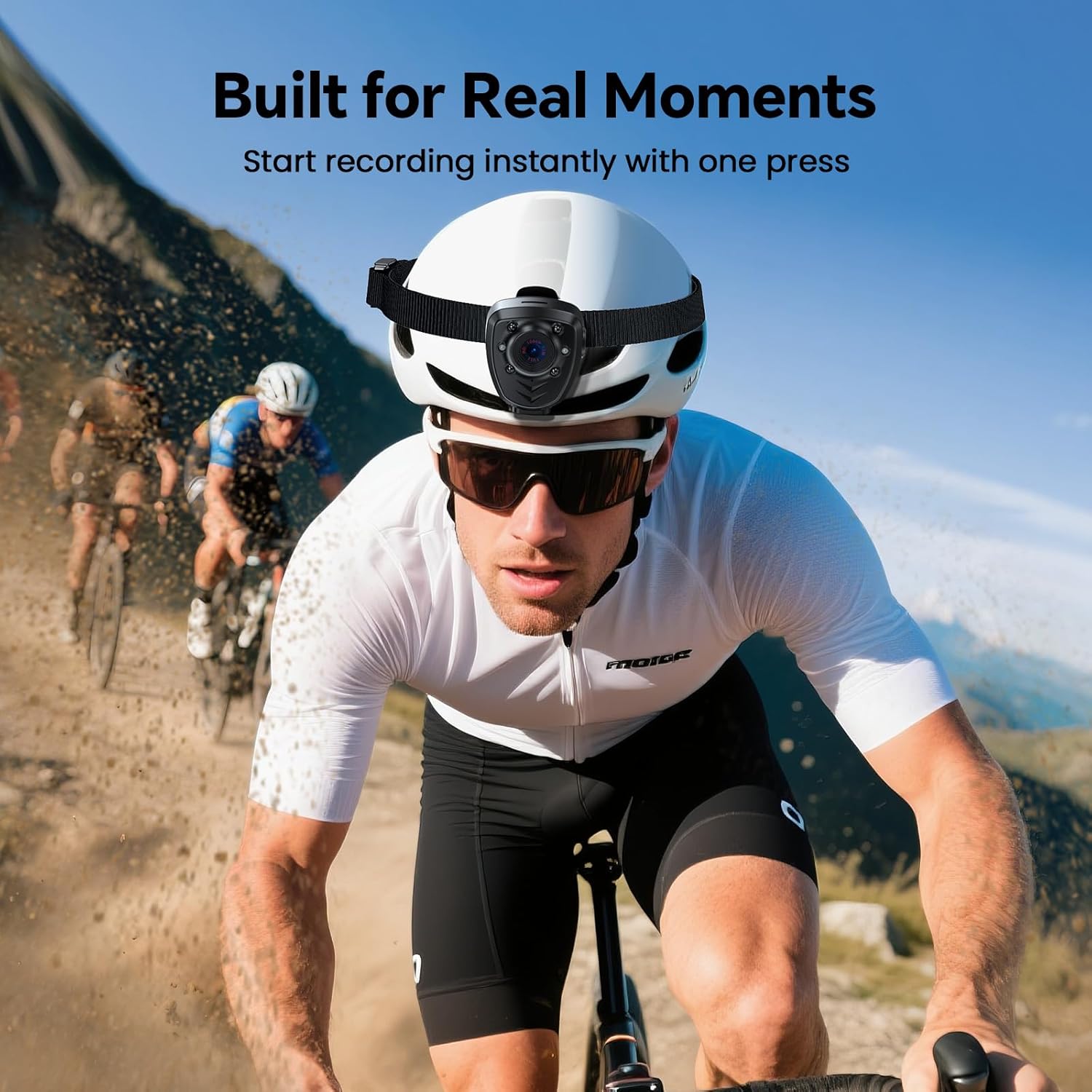
Image: A cyclist wearing the Z01 camera on their helmet, illustrating its use for capturing real-time moments during active pursuits.
5. Operating Instructions
5.1. Power On/Off
- Power On: Press and hold the Power/Record button for a few seconds until the indicator light turns on and the OLED screen displays the startup sequence.
- Power Off: Press and hold the Power/Record button again for a few seconds until the indicator light turns off.
5.2. Recording Video
Once the camera is powered on, it typically enters standby mode. To start recording:
- Start Recording: Briefly press the Power/Record button. The indicator light will change (e.g., blink) to indicate recording is in progress.
- Stop Recording: Briefly press the Power/Record button again. The indicator light will return to standby mode.

Image: Illustrates the simplicity of operating the Z01 camera with its single-button control, shown in a meeting setting.
5.3. Taking Photos
Specific instructions for photo mode may vary. Refer to the on-screen menu via the OLED display or consult the quick start guide for detailed steps on switching to photo mode and capturing images.
5.4. Night Vision Activation
The camera automatically activates its infrared night vision in low-light conditions. Ensure the IR LEDs are not obstructed for optimal performance.
5.5. Loop Recording
The Z01 supports loop recording. When the storage space is full, the camera will automatically delete the oldest files to make space for new recordings. This ensures continuous operation without manual intervention.
5.6. Connecting to a Computer
To access recorded files, connect the camera to your computer using the supplied USB cable. The camera will appear as a removable disk drive. You can then copy, move, or delete files as needed.
6. Maintenance
6.1. Cleaning
- Use a soft, dry cloth to clean the camera body.
- For the lens, use a specialized lens cleaning cloth and solution to avoid scratches.
- Do not use harsh chemicals or abrasive cleaners.
6.2. Storage
- Store the camera in a cool, dry place away from direct sunlight and extreme temperatures.
- If storing for an extended period, ensure the battery is partially charged (around 50%) to prolong its lifespan.
7. Troubleshooting
| Problem | Possible Cause | Solution |
|---|---|---|
| Camera does not power on. | Battery is depleted. | Charge the camera fully. |
| Cannot record video. | Storage full or no SD card inserted (if required). | Delete old files, format SD card, or insert a new SD card. Ensure SD card is Class 10 or higher. |
| Video quality is poor. | Lens is dirty; low light conditions; incorrect settings. | Clean the lens. Ensure sufficient lighting or activate night vision. Check camera settings. |
| Camera freezes or becomes unresponsive. | Software glitch. | Press and hold the power button for 10-15 seconds to force a restart. |
| Computer does not recognize camera. | Faulty USB cable or port; driver issue. | Try a different USB cable or port. Restart computer. |
8. Specifications
| Feature | Detail |
|---|---|
| Model Number | Z01 |
| Video Resolution | 1080P |
| Night Vision Range | Up to 5 meters (16 feet) |
| Battery Capacity | 2200mAh Lithium Ion |
| Recording Time | 8-10 hours (1080P, IR Off, Screen Off) |
| Internal Storage | 32GB |
| External Storage | Supports Micro SD card up to 128GB |
| Material | Aluminum Alloy, Plastic |
| Weight | Approx. 222 g |
| Dimensions (approx.) | 13.41 x 9.09 x 5.69 cm (Parcel Dimensions) |
| Connectivity | USB |
| Color | Black |
9. Warranty and Support
Losfom provides the following warranty and support for the Z01 Body Camera:
- One Month Replacement: If you encounter any issues within one month of purchase, a replacement will be provided.
- One Year Warranty: The product is covered by a one-year warranty from the date of purchase.
For any questions, technical support, or warranty claims, please contact Losfom customer service. You can typically find contact information on the product packaging or the official Losfom website. Please have your order ID ready when contacting support.
We are committed to providing excellent customer service and support for your Losfom Z01 Body Camera.
