
Introduction
This manual provides comprehensive instructions for the assembly, operation, and maintenance of your HOMCOM Industrial Buffet Cabinet Sideboard, Model 839-412BN. Please read this manual thoroughly before assembly and use to ensure safe and correct operation.
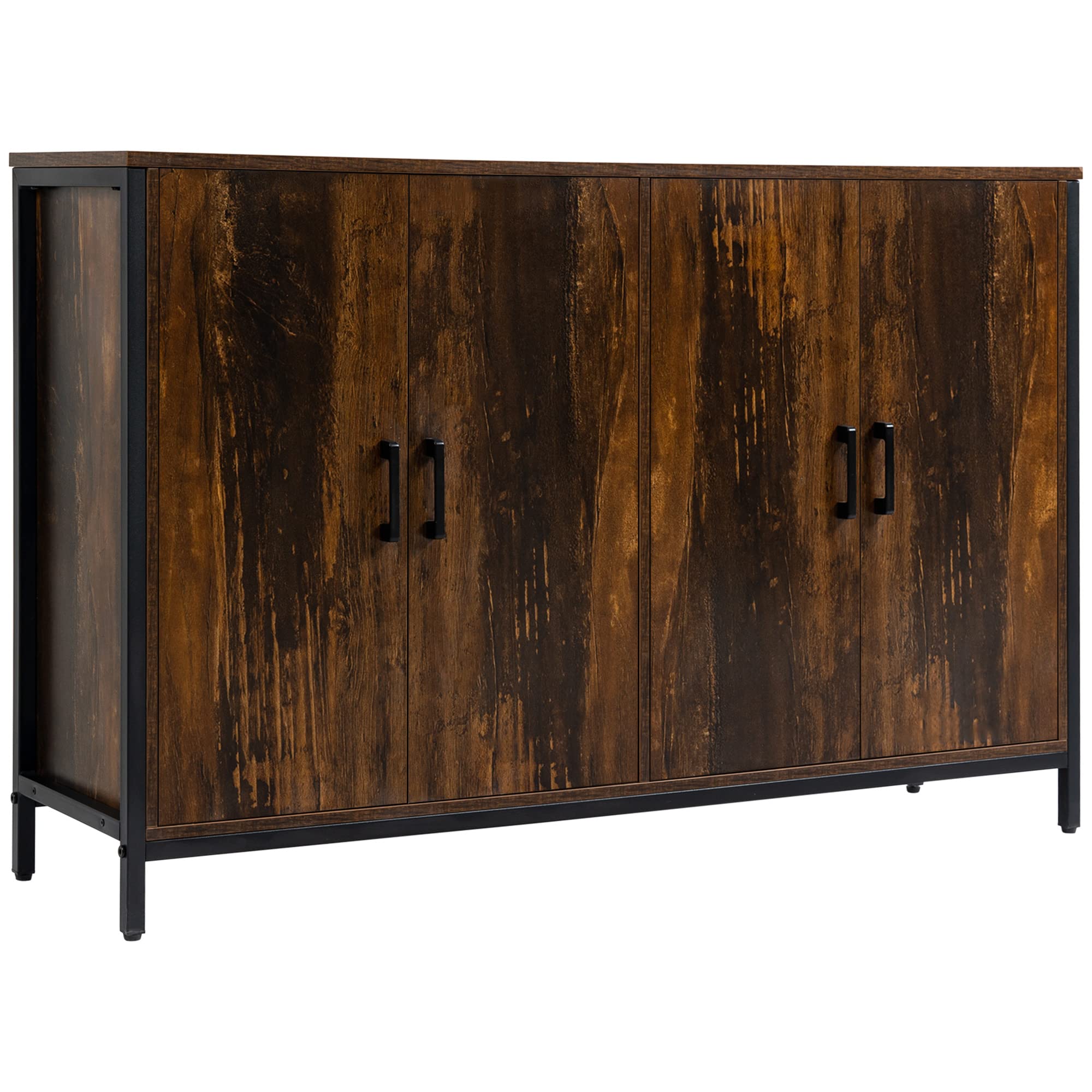
Image: Front view of the assembled HOMCOM Industrial Buffet Cabinet Sideboard in rustic brown finish.
Safety Information
Please observe the following safety precautions:
- Always secure the cabinet to the wall using the anti-tipping design to prevent tipping hazards.
- Do not overload the shelves beyond their specified weight capacity.
- Keep the cabinet away from heat sources.
- Never place heavy or sharp objects on the top of the cabinet without proper protection.

Image: Detail of the anti-tipping mechanism, showing how it secures the cabinet to the wall for stability.
Package Contents
Before beginning assembly, ensure all parts are present and undamaged. Refer to the parts list provided in your package. The product is shipped in one package.

Image: Illustration of the product packaging, indicating that the item is shipped in one box.
Assembly Instructions
Assembly is required for this cabinet. It is recommended to have two people for assembly. Follow the step-by-step pictorial instructions included in your package. Ensure all connections are secure before use.
- Unpack all components and verify against the parts list.
- Assemble the main frame structure according to the diagrams.
- Attach the side panels and back panel.
- Install the adjustable shelves at your desired height.
- Mount the doors and attach the handles.
- Secure the anti-tipping device to the wall as instructed in the safety section.
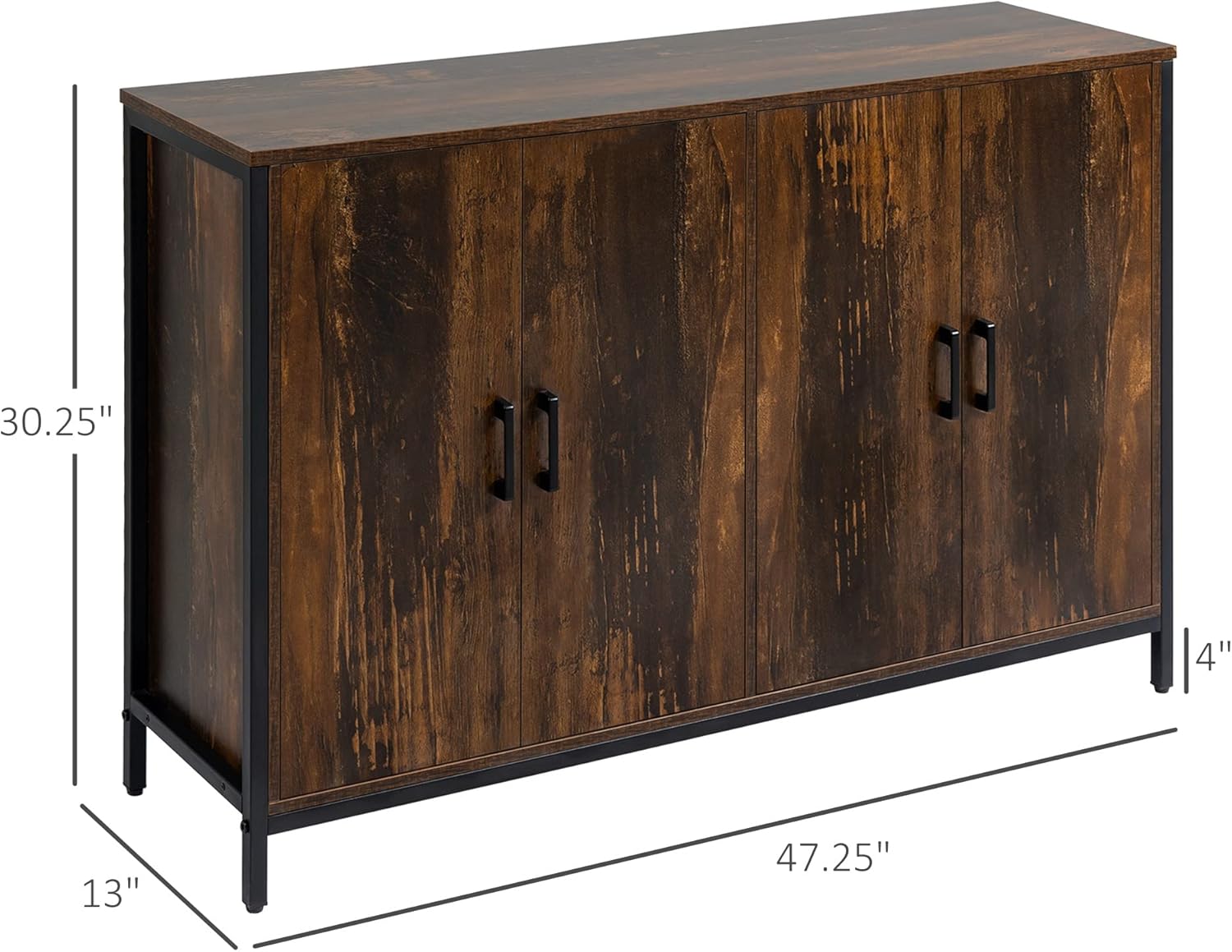
Image: Diagram showing the overall dimensions of the cabinet: 47.25" W x 13" D x 30.25" H.
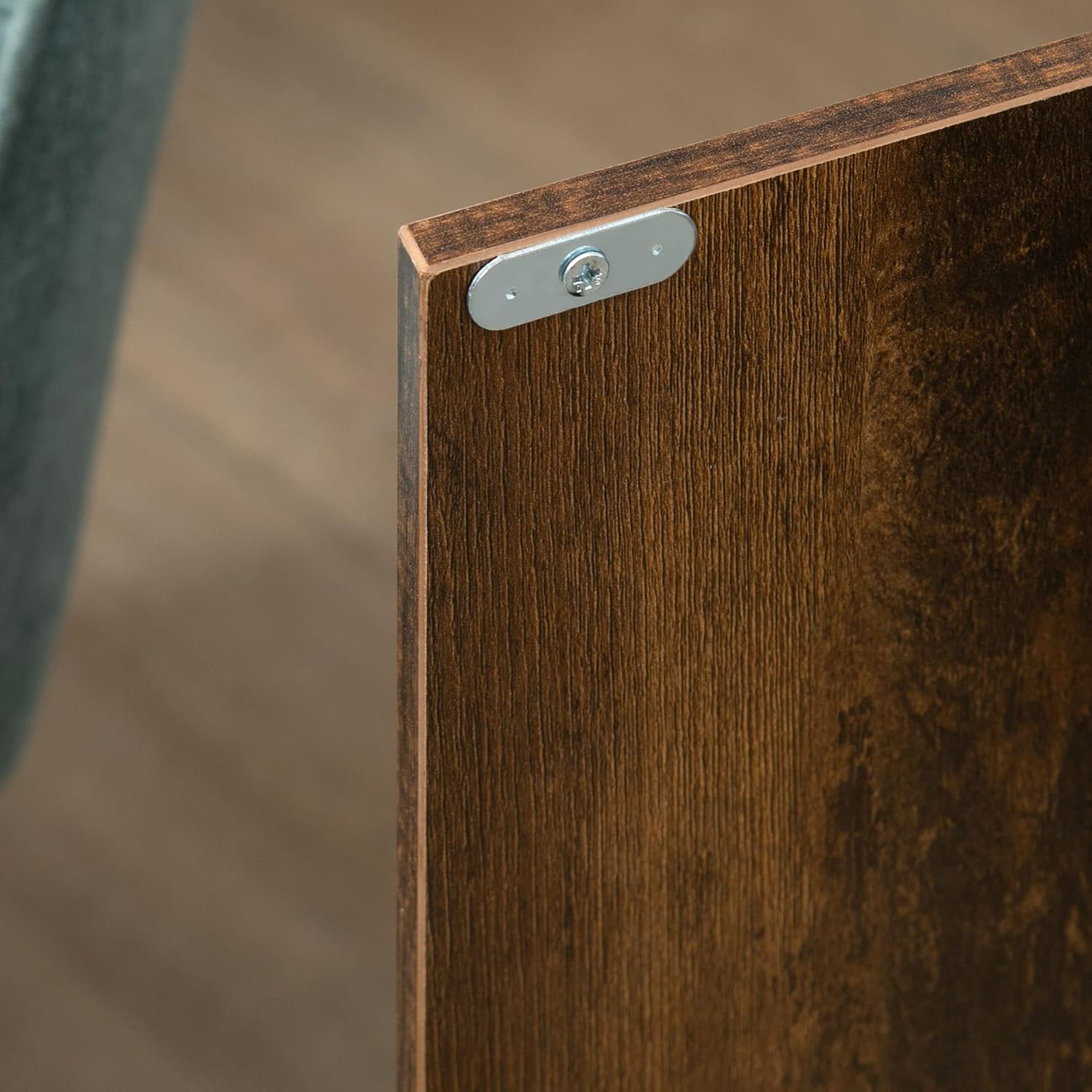
Image: Close-up view of a cabinet door hinge, illustrating the attachment point for the door.

Image: Close-up view of the black metal handles on the cabinet doors.
Operating Instructions
Using the Doors
The cabinet features two main doors, each appearing as two visual panels, that open to reveal internal storage compartments. Gently pull the handles to open and push to close. Ensure doors are fully closed to keep contents secure and dust-free.
Adjusting the Shelves
The internal shelves are adjustable, allowing you to customize storage space for items of various sizes. To adjust a shelf, carefully remove any items, lift the shelf, and reposition the shelf supports into the desired holes. Ensure the shelf is level and securely seated before placing items back.

Image: Interior view of the cabinet with both doors open, displaying the two internal storage compartments and adjustable shelves.
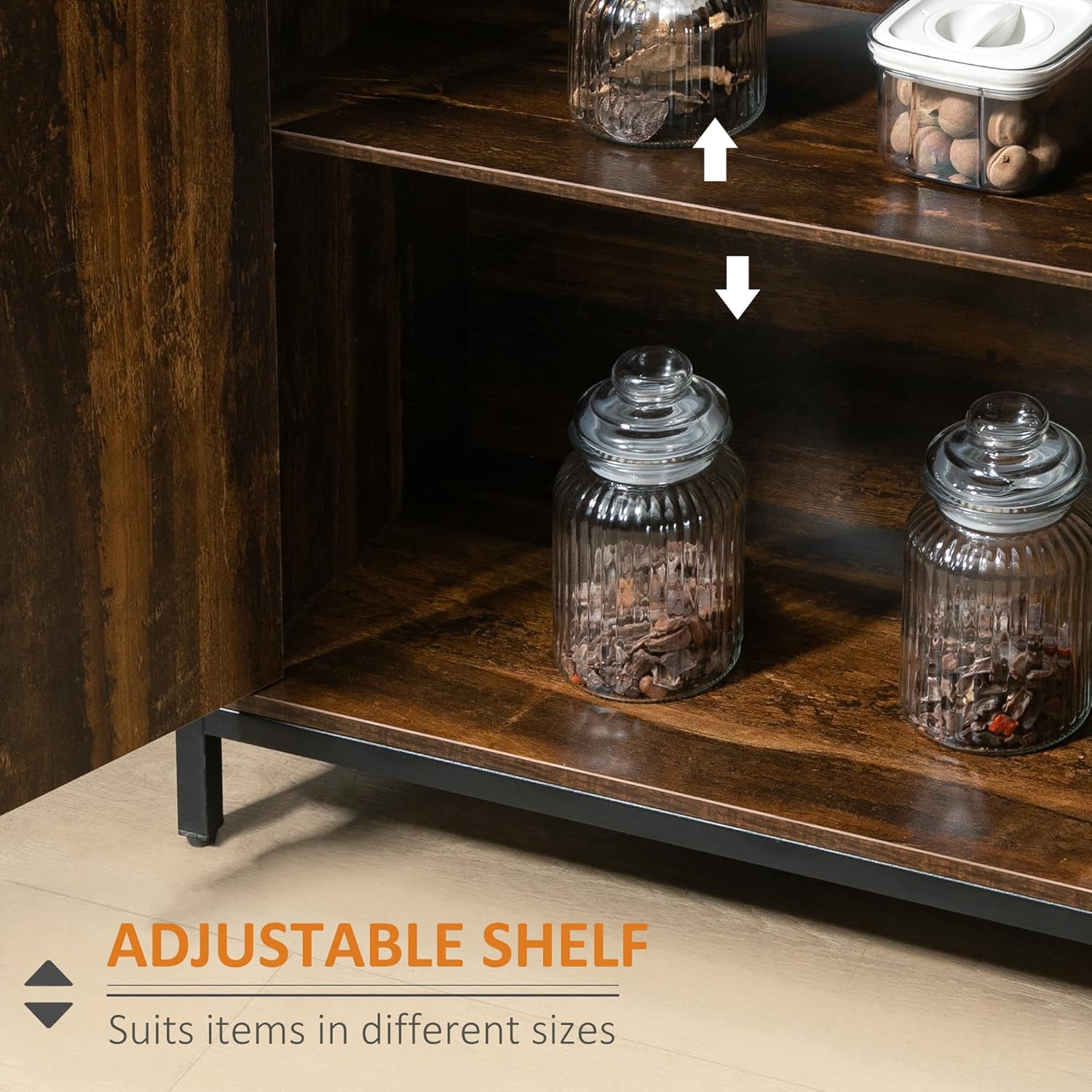
Image: Close-up showing the adjustable shelf feature, with arrows indicating upward and downward movement for customization.

Image: The cabinet with all four visual door panels open, revealing the full interior storage space and adjustable shelves.
Maintenance and Care
To maintain the appearance and longevity of your cabinet:
- Wipe with a damp cloth for routine cleaning.
- Avoid using harsh chemicals or abrasive cleaners, as these may damage the finish.
- Periodically check all screws and connections to ensure they remain tight.
Troubleshooting
If you encounter any issues with your cabinet, please refer to the following common solutions:
- Wobbly Cabinet: Ensure all screws are tightened. Verify the cabinet is placed on a level surface. Re-check the anti-tipping device installation.
- Doors Not Closing Properly: Check hinges for proper alignment and tightness. Ensure no items inside are obstructing the door closure.
- Damaged Parts: If any parts were damaged during shipping or assembly, contact customer support for replacements.
Specifications
| Brand | HOMCOM |
| Model Number | 839-412BN |
| Color | Rustic Brown |
| Material | Alloy Steel, Engineered Wood (MDF) |
| Overall Dimensions (L x W x H) | 47.25" x 13" x 30.25" |
| Weight Capacity (Whole) | 110 lbs. |
| Weight Capacity (Bottom Shelf) | 22 lbs. |
| Weight Capacity (Middle Shelf) | 11 lbs. |
| Number of Doors | 2 (main opening sections) |
| Number of Shelves | 2 (adjustable) |
| Assembly Required | Yes |
| Mounting Type | Floor Mount (with anti-tipping wall attachment) |
Note: The product features two main cabinet sections, each with two visual door panels, totaling four visual panels. The specification "Number of Doors: 2" refers to the two main opening sections.
Product Video
Watch the official product video for a visual overview of the HOMCOM Industrial Buffet Cabinet Sideboard.
Video: An official product video showcasing the features and design of the HOMCOM Industrial Buffet Cabinet Sideboard. This video provides a dynamic view of the cabinet's appearance and functionality.
Warranty and Support
For warranty information, product support, or to order replacement parts, please contact HOMCOM customer service. Refer to your purchase documentation for specific contact details or visit the official HOMCOM website.
Manufacturer: Aosom LLC