
1. Introduction
This manual provides detailed instructions for the safe and effective use of your MiLESEEY G2 and S2H Laser Tape Measures. These devices are designed for precise distance, area, and volume measurements, featuring advanced functions such as angle sensing and various calculation modes. Please read this manual thoroughly before operating the device.

Image: The MiLESEEY G2 (left) and S2H (right) Laser Tape Measures, showcasing their distinct designs and digital displays.
2. Safety Information
The MiLESEEY Laser Tape Measure is a Class 2 laser product. Observe the following safety precautions:
- Do not stare directly into the laser beam.
- Do not aim the laser beam at people or animals.
- Do not disassemble or modify the device.
- Keep the device out of reach of children.
- Use only specified batteries.
The laser output is 635nm, <1mW.
3. Product Overview
3.1 Key Features
- High Accuracy: Up to ±1.5mm.
- Fast Measurement: Reads in 0.3 seconds.
- Backlit LCD: For visibility in various lighting conditions.
- Multiple Measurement Modes: Single, Continuous (Min/Max), Area, Volume, Pythagorean (2 types), Angle (G2 only).
- Unit Switching: Meters (m), Inches (in), Feet (ft), Feet + Inches (ft+in).
- Reference Point Adjustment: Measure from the front or rear of the device.
- Add/Subtract Function: For complex calculations.
- Data Storage: Up to 50 records (G2), 30 records (S2H).
- Mute Mode: For silent operation.
- Auto Shut-down: After 180 seconds of inactivity to conserve power.
- Tilt Sensor (G2): Real-time angle display for horizontal alignment and indirect measurements.
- Durable Design: IP67 waterproof rating.

Image: An illustration highlighting the accuracy of the laser measure, indicating measurements are within ±1/16 inch.
3.2 Device Components (General)
- Laser Emitter/Receiver Lens
- LCD Display
- Measurement Button (MEAS)
- Function/Mode Button
- Unit/Reference Point Button
- Add/Subtract Buttons
- Power On/Off/Clear Button
- Battery Compartment
- Spirit Level (on S2H model)
- Tilt Sensor (G2 model)
4. Setup
4.1 Battery Installation
The device requires batteries for operation. Batteries are not included with the product. Open the battery compartment cover located on the rear of the device. Insert the batteries according to the polarity indicators (+/-) inside the compartment. Close the cover securely.
4.2 Power On/Off
- Power On: Press the Power button () once. The display will light up.
- Power Off: Press and hold the Power button for a few seconds. The device will also automatically shut down after 180 seconds of inactivity.
5. Operating Instructions
5.1 Basic Measurement
- Single Measurement: Press the MEAS button once to activate the laser. Press it again to take a measurement. The result will be displayed on the screen.
- Continuous Measurement (Tracking): Press and hold the MEAS button. The device will continuously measure and display the current distance, along with minimum and maximum values. Press MEAS again to stop.
5.2 Unit Switching
Long press the UNIT button to cycle through measurement units: meters (m), feet (ft), inches (in), and feet + inches (ft+in).

Image: A visual guide demonstrating how to change measurement units (m, ft, in, ft+in) by long-pressing the UNIT button.
5.3 Reference Point Adjustment
Press the UNIT button briefly to switch the measurement reference point between the front edge and the rear edge of the device. An icon on the display will indicate the active reference point.
Image: This diagram illustrates how to switch between front and back reference points for measurements using the UNIT button.
5.4 Measurement Modes
Press the Function/Mode button to cycle through the available measurement modes:
- Area Measurement: Measure two sides (length and width) to calculate the area.
- Volume Measurement: Measure three sides (length, width, and height) to calculate the volume.
- Pythagorean Measurement (Indirect): Use two or three measurements to calculate an unknown distance (e.g., height of a wall).
- Angle Measurement (G2 only): The G2 model features a built-in tilt sensor for real-time angle display, enabling auto-level and auto-height measurements.

Image: A grid of illustrations depicting different measurement functions including Area, Volume, Pythagorean (two types), Auto Level, and Auto Height.

Image: An overview of the MiLESEEY G2 Laser Measure, highlighting its 196ft range, ±1/16 inch accuracy, 50-value memory, removable back clip, and various measurement modes including Area, Volume, Pythagoras, and Auto Level/Height.

Image: An overview of the MiLESEEY S2H Laser Measure, highlighting its 328ft range, ±1/16 inch accuracy, 0.3s fast measuring, mute mode, Pythagoras measurement, volume and area calculation, 0.26lb weight, and IP54 dust and water resistance.
5.5 Add/Subtract Function
After taking a measurement, press the + button to add the next measurement or the - button to subtract the next measurement. The device will display the running total.
5.6 Mute Mode
The device features a mute mode for silent operation. Refer to the specific button layout on your model (G2 or S2H) to activate/deactivate this function. Typically, it's a dedicated button or a long press of a function button.
5.7 Data Storage
The G2 model can store up to 50 measurement records, while the S2H model stores up to 30 records. Use the dedicated memory button (if available) or cycle through modes to access stored data. Consult the on-screen icons for navigation.
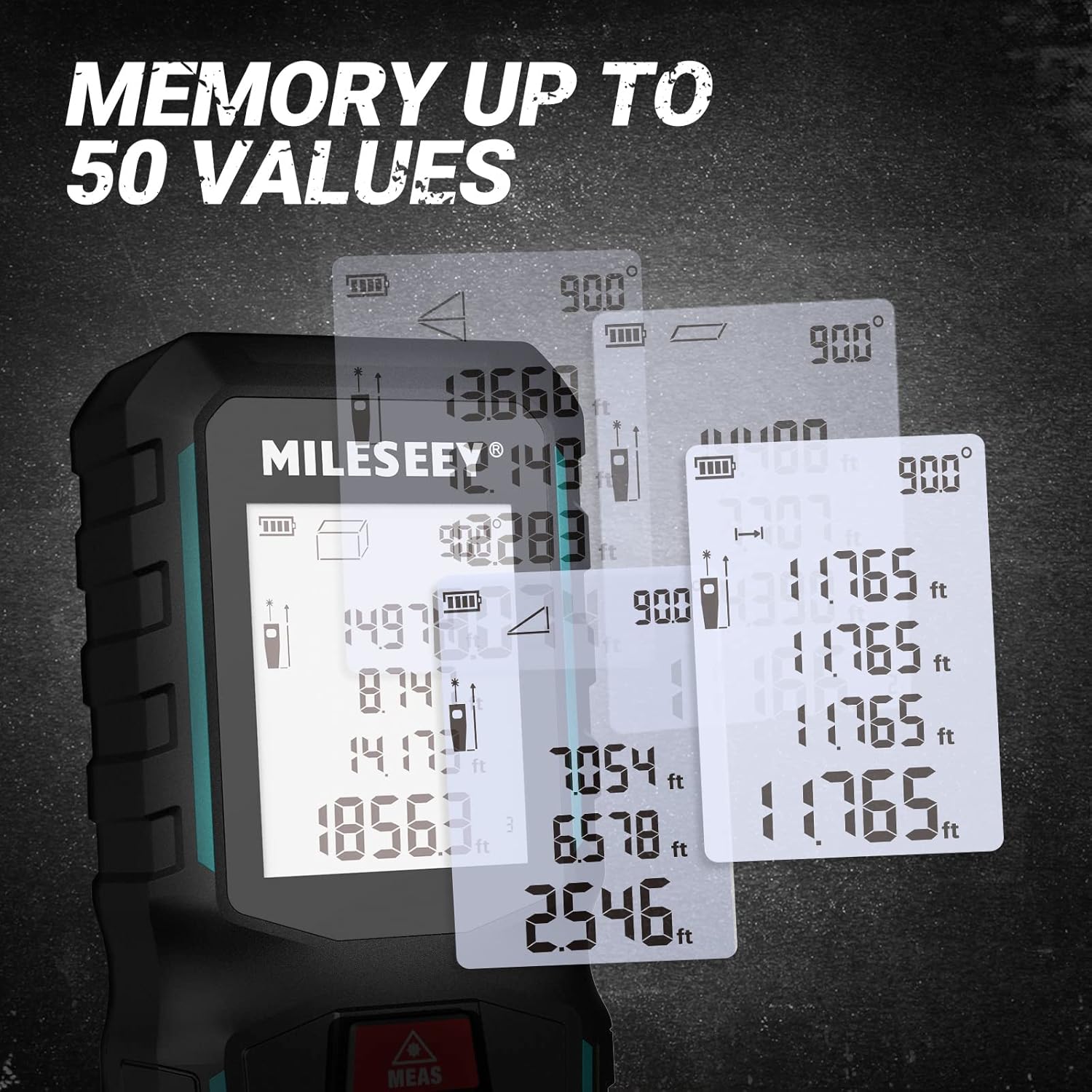
Image: An illustration demonstrating the device's capability to store multiple measurement values, showing several overlapping display screens with different recorded data.
6. Maintenance
- Cleaning: Use a soft, damp cloth to clean the device. Do not use abrasive cleaners or solvents.
- Lens Care: Gently clean the laser emitter and receiver lenses with a soft cloth, similar to cleaning eyeglasses.
- Storage: Store the device in a dry, cool place, away from direct sunlight and extreme temperatures. Remove batteries if storing for extended periods.
- Durability: The device is designed to be robust and durable with an IP67 rating, offering protection against dust and water ingress. However, avoid dropping or subjecting it to severe impacts.

Image: The MiLESEEY laser measure is depicted in a scenario suggesting its robust and durable construction, with debris around it.
7. Troubleshooting
| Problem | Possible Cause | Solution |
|---|---|---|
| Device does not power on | Low or dead batteries; Incorrect battery installation | Replace batteries; Check battery polarity |
| Inaccurate measurements | Obstruction in laser path; Unstable surface; Incorrect reference point | Ensure clear laser path; Measure on stable surface; Verify reference point setting |
| Laser beam not visible | Bright ambient light; Laser emitter dirty | Use in lower light conditions; Clean laser emitter lens |
| Display error message | Measurement out of range; Internal error | Ensure target is within specified range; Power cycle the device |
8. Specifications
| Feature | Specification |
|---|---|
| Brand | MiLESEEY |
| Model | G2, S2H |
| Measuring Range (G2) | Up to 196ft (60m) |
| Measuring Range (S2H) | Up to 328ft (100m) |
| Accuracy | ±1.5mm (±1/16 inch) |
| Measurement Speed | 0.3 seconds |
| Laser Class | Class 2, 635nm, <1mW |
| Units of Measurement | m, in, ft, ft+in |
| Data Storage (G2) | 50 records |
| Data Storage (S2H) | 30 records |
| Auto Shut-down | 180 seconds |
| Water Resistance Level | Waterproof (IP67) |
| Batteries Included | No |
| Special Features (G2) | Built-in Tilt Sensor, Real-time Angle Display |
9. Warranty and Support
Information regarding product warranty and customer support was not available in the provided data. Please refer to the product packaging or the official MiLESEEY website for warranty details and contact information for support.