
Introduction
This manual provides detailed instructions for the proper setup, operation, and maintenance of your GoolRC Microzone MC6C 2.4GHz 6-channel remote controller and MC6RE receiver. Please read this manual thoroughly before using the product to ensure safe and efficient operation. This radio system is designed for various remote-controlled models including airplanes, drones, multirotors, helicopters, cars, and boats.
Product Overview
The GoolRC Microzone MC6C is a 2.4GHz 6-channel remote controller (transmitter) designed for precise control of RC models. It operates on a 2.4G S-FHSS system, ensuring reliable communication. The accompanying MC6RE receiver is compact and compatible with the S-FHSS system.

Figure 1: Front view of the GoolRC Microzone MC6C 2.4GHz 6-channel remote controller. This image displays the main controls, including the dual joysticks, channel switches, power button, and display screen.

Figure 2: Diagram of the Microzone MC6RE 6-channel receiver. This illustration highlights the various ports, including the SBUS signal output, PWM signal outputs, and connections for positive and negative electrodes, along with the external antenna port.

Figure 3: Comparison of the MC6C transmitter with a smaller 6C-mini version, illustrating their relative sizes and dimensions. The MC6C is shown with approximate dimensions of 165mm height and 160mm width.
Setup
1. Transmitter Battery Installation
- Open the battery compartment cover on the back of the MC6C transmitter.
- Insert 4 AA batteries (not included) into the compartment, ensuring correct polarity (+/-).
- Close the battery compartment cover securely.
- The transmitter features a low-voltage warning. If the battery voltage drops below 8.4V, a warning will be indicated.
2. Receiver Connection
Connect the MC6RE receiver to your model's flight controller or servos according to your model's specific wiring diagram. The receiver operates on a power supply of 4.8-6V.
- PWM Signals: The MC6RE provides 6 PWM signal outputs for connecting servos or ESCs.
- SBUS Signal: A 1pcs SBUS signal output is available for compatible flight controllers.
3. Binding (Frequency Matching)
To establish communication between the transmitter and receiver, they must be bound:
- Ensure the MC6RE receiver is powered on.
- Press the "BIND" button on the MC6RE receiver.
- Turn on the power switch of the MC6C remote controller.
- The frequency matching process will initiate. Once successful, the receiver's indicator light will confirm the bind.
Operating Instructions
Basic Operation
- Power On/Off: Use the power switch on the transmitter to turn the unit on or off.
- Control Sticks: The MC6C operates in Mode 2, meaning the left stick controls throttle and rudder, while the right stick controls aileron and elevator.
- Trims: Use the digital trims located around the control sticks to fine-tune the neutral position of your model's control surfaces.
- Switches and Knobs: The transmitter features fully assignable control switches and knobs for various functions depending on your model's configuration.
Advanced Features
The MC6C system includes features designed to enhance control and safety:
- Channel Reverse: The transmitter allows for channel reversal (AIL, ELE, THR, RUD) to ensure correct control surface response.
- MIX Function: Utilize the MIX function for advanced mixing capabilities, such as elevon or V-tail mixing, if supported by your model.
- Loss of Control Protection: This system incorporates a loss of control protection feature. If the receiver loses signal from the transmitter, it will return to a pre-set runaway protection value to prevent damage to the model.

Figure 4: Illustration demonstrating the loss of control protection feature. When the receiver cannot receive the transmitter signal, it activates a pre-programmed failsafe to protect the model.
Simulation Training
The MC6C remote controller can be connected to a computer for simulation training, allowing users to practice flying or driving RC models in a virtual environment without risk of damage to physical models.

Figure 5: Image depicting a remote control connected for simulation training, with an RC airplane model in a field, suggesting the practical application of simulated practice.
Control Distance and Interference
The system offers an approximate control distance of 800 meters, providing ample range for most RC applications. The 2.4GHz S-FHSS system is designed to minimize interference, ensuring a stable connection.
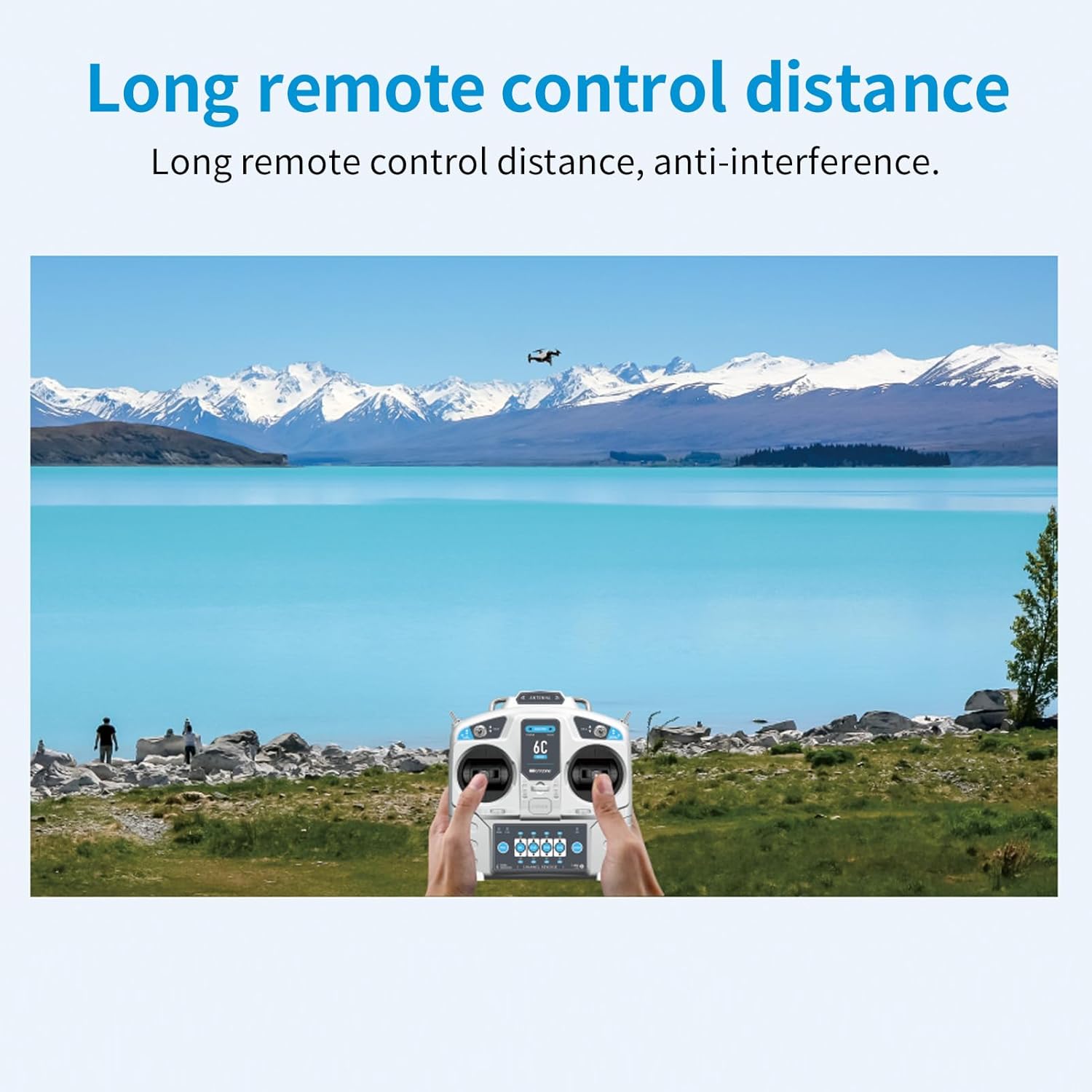
Figure 6: A user operating the remote controller with a drone flying in the distance over a scenic landscape, illustrating the long remote control distance capability.
Wide Application
The GoolRC Microzone MC6C and MC6RE radio system is suitable for a wide range of remote-controlled vehicles, including:
- RC Airplanes
- RC Drones / Multirotors
- RC Helicopters
- RC Cars
- RC Boats

Figure 7: An image showcasing the versatility of the MC6C radio system, depicting the transmitter and receiver alongside various RC models such as a car, boat, airplane, drone, and other multi-axle vehicles.
Maintenance
- Cleaning: Use a soft, dry cloth to clean the transmitter and receiver. Avoid using solvents or abrasive cleaners.
- Storage: Store the radio system in a cool, dry place away from direct sunlight and extreme temperatures. Remove batteries from the transmitter if storing for extended periods to prevent leakage.
- Battery Care: Always use fresh, good quality AA batteries for the transmitter. Dispose of old batteries responsibly.
- Antenna Care: Ensure the transmitter and receiver antennas are not bent or damaged. A damaged antenna can reduce range and signal reliability.
Troubleshooting
| Problem | Possible Cause | Solution |
|---|---|---|
| Transmitter does not power on. | Batteries are dead or incorrectly installed. | Replace batteries or check polarity. |
| No control response from model. | Receiver not bound to transmitter; receiver not powered; incorrect wiring. | Perform binding procedure; check receiver power supply; verify all wiring connections. |
| Short control range or intermittent signal. | Interference; damaged antenna; low transmitter battery. | Operate in an open area away from interference; check antennas for damage; replace transmitter batteries. |
| Control surfaces move in wrong direction. | Channel reverse setting is incorrect. | Adjust channel reverse settings on the transmitter for the affected channel. |
Specifications
Transmitter (MC6C)
- Model: MC6C
- System: 2.4G S-FHSS System
- Channel: 6 Channels
- Frequency: 2.400GHz to 2.483GHz
- Transmission Power: ≤100mW
- Working Current: ≤120mA
- Encoding: PCM1024
- Power Supply: 4 * AA Battery (not Included)
- Control Distance: About 800m
- Low-voltage Warning: YES
- Mode: Mode 2
Receiver (MC6RE)
- Model: MC6RE
- Channel: 6 Channels
- Power Supply: 4.8-6V
- Decoding Way: 1024 PPM/PCMS
- System: 2.4G S-FHSS System
- Size: 45 * 23 * 13mm (Antenna Excluded)
Package Information
- Package Size: 22 * 21.5 * 10cm
- Package Weight: 380g
- Packing List: 1 * MC6C Transmitter (MODE 2), 1 * MC6RE Receiver
Warranty and Support
For warranty information and technical support, please refer to the official GoolRC website or contact your retailer. Keep your purchase receipt as proof of purchase for any warranty claims.
Manufacturer: GoolRC
Recommended Age: 14 years and up


