
1. Introduction
Thank you for choosing the Kooduu Synergy 35. This versatile product combines a high-quality Bluetooth speaker, a dimmable LED lamp, and a functional ice bucket, making it an ideal companion for any setting, indoors or outdoors. This manual provides essential information for setting up, operating, and maintaining your Synergy 35 to ensure optimal performance and longevity.
2. Product Overview
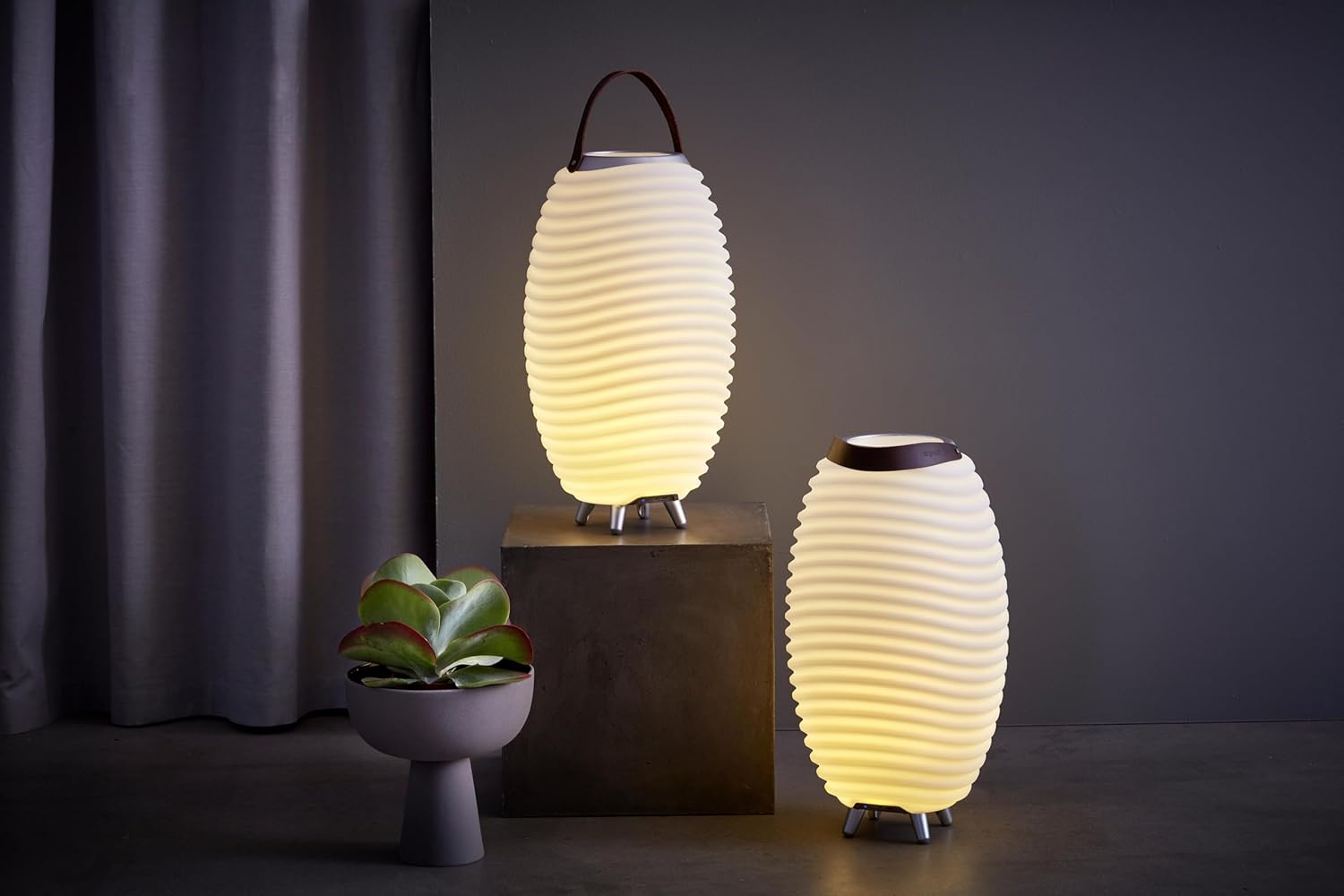
The Kooduu Synergy 35 is designed with a focus on functionality and aesthetic appeal, featuring a Danish design and premium materials. It offers a unique blend of ambient lighting, immersive sound, and practical utility.
Key Features:
- Integrated LED Lamp: Provides soft, dimmable ambient lighting.
- Bluetooth Speaker: Delivers clear audio with 10 Watts of power.
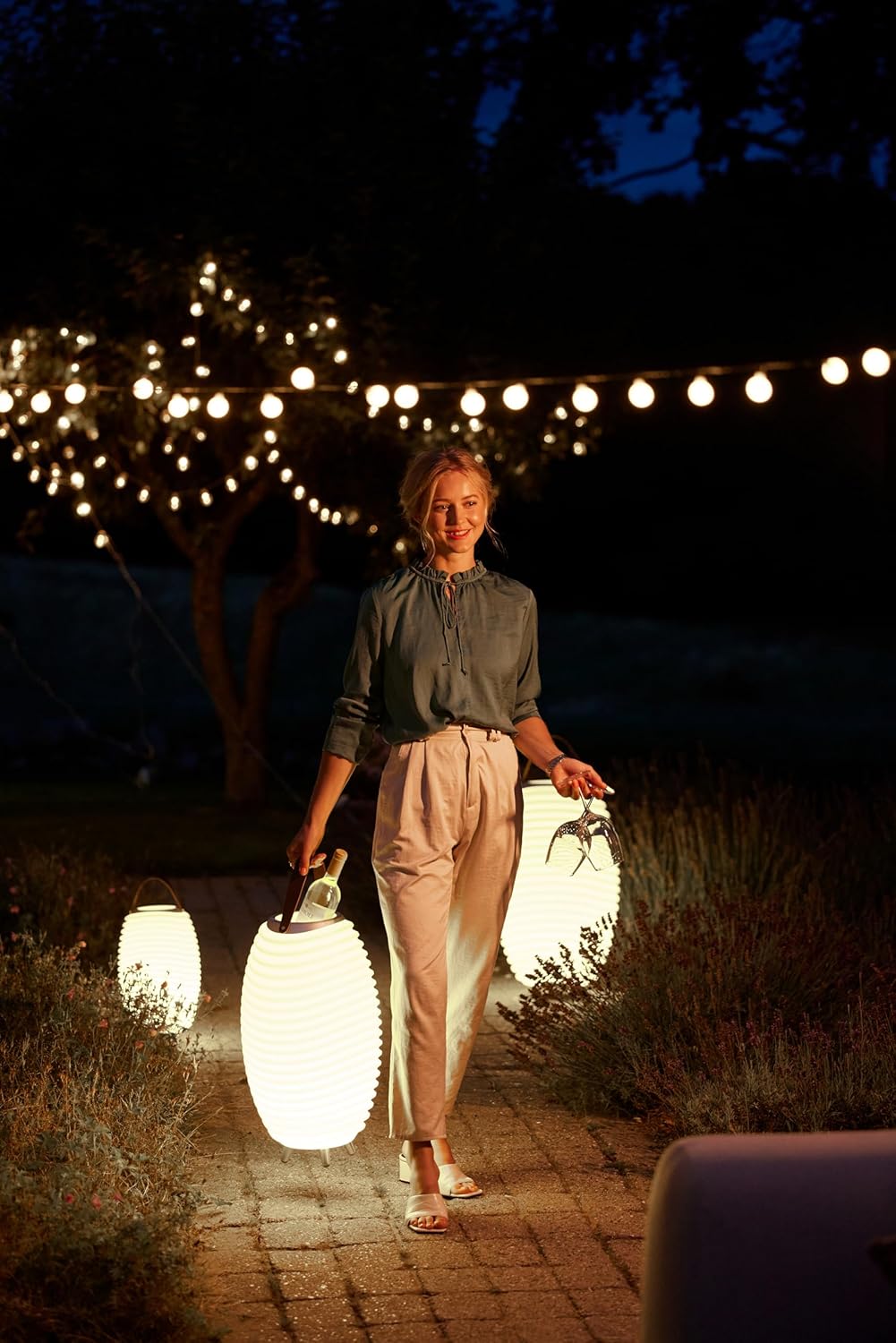
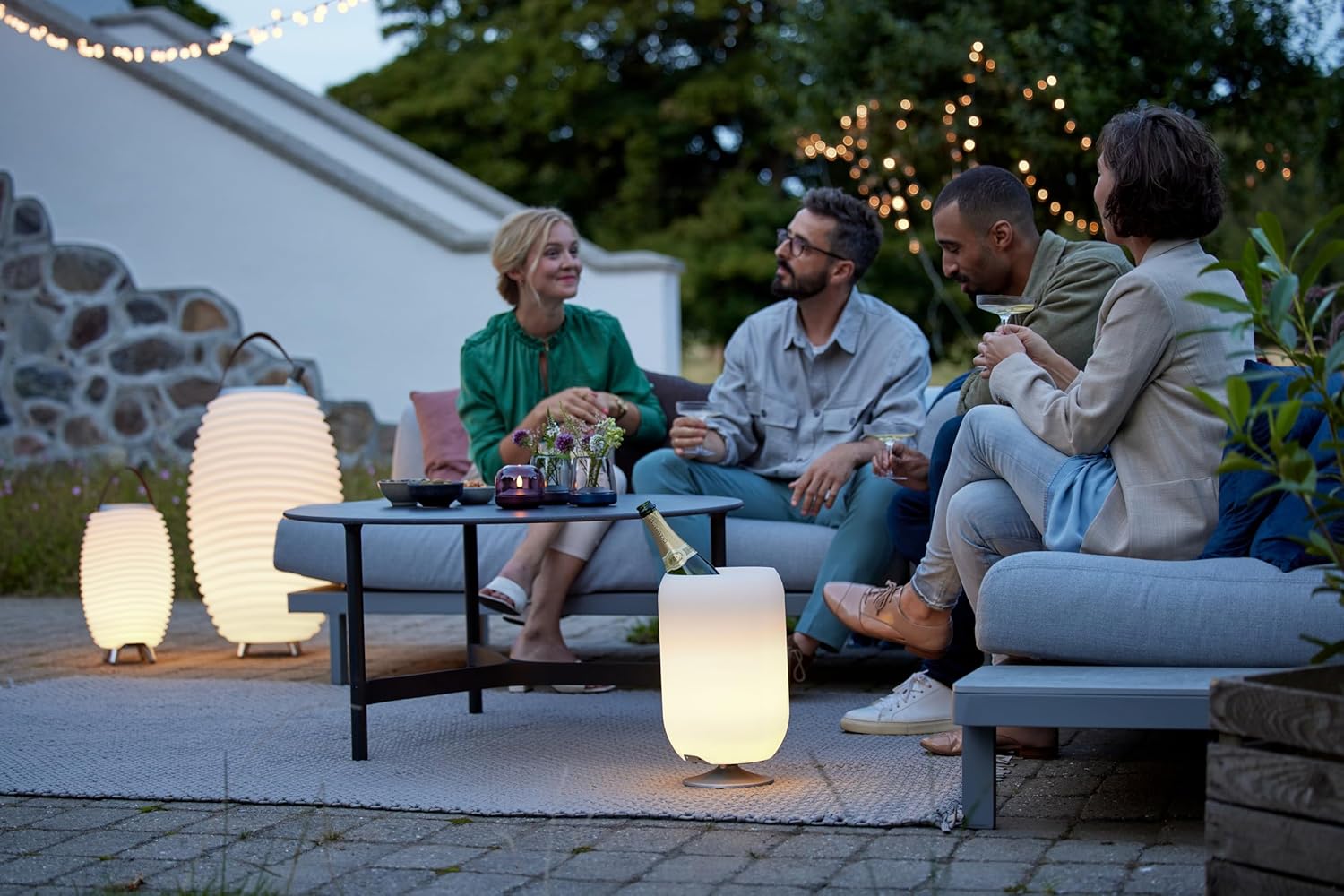
- Ice Bucket Functionality: Designed to hold one bottle of wine or champagne, keeping it chilled.
- True Wireless Stereo (TWS): Connect two Synergy units for an enhanced stereo sound experience.
- Portable Design: Equipped with a rechargeable battery for up to 10 hours of playback and a genuine leather handle for easy transport.
- Durable Materials: Constructed from brushed aluminum, white PE, and genuine leather, suitable for both indoor and outdoor environments.
- Waterproof: Designed to withstand outdoor conditions.
Components:
- Kooduu Synergy 35 Unit (LED lamp, Bluetooth speaker, ice bucket)
- USB Charging Cable


3. Setup
Charging the Battery:
- Locate the charging port on the bottom of the Synergy 35 unit.
- Connect the provided USB charging cable to the unit and a suitable USB power adapter (not included).
- The charging indicator light will illuminate. A full charge takes approximately 3.5 hours.
- Once fully charged, the indicator light will change or turn off, depending on the model. Disconnect the charging cable.
Initial Power On:
Press and hold the power button (usually marked with a power symbol) on the bottom of the unit for a few seconds until you hear an audible cue or the light illuminates.
4. Operating Instructions
Power On/Off:
- To turn on: Press and hold the power button until the unit activates.
- To turn off: Press and hold the power button until the unit deactivates.
Bluetooth Connection:
- Ensure the Synergy 35 is powered on and in Bluetooth pairing mode (indicated by a flashing blue light or audible prompt).
- On your smartphone, tablet, or other Bluetooth-enabled device, go to the Bluetooth settings.
- Search for available devices and select "Kooduu Synergy 35" from the list.
- Once connected, the indicator light will become solid, and you will hear a confirmation sound.
Light Control:
- The light and sound functions operate independently.
- Press the light button (often marked with a sun or lightbulb symbol) to turn the LED lamp on or off.
- To dim the light, press and hold the light button. Release when the desired brightness is reached.
True Wireless Stereo (TWS) Pairing:
To pair two Kooduu Synergy units for stereo sound:
- Ensure both Synergy units are powered on and not connected to any other Bluetooth device.
- On one unit (this will be your primary unit), press the TWS pairing button (refer to the manual for exact button location, often a chain link or double speaker symbol).
- The primary unit will search for the secondary unit. Once found, they will automatically pair, and you will hear a confirmation sound.
- Now, connect your Bluetooth device to the primary Synergy unit as described in the "Bluetooth Connection" section. Audio will play in stereo through both units.
Using as an Ice Bucket:
The top compartment of the Synergy 35 is designed to function as an ice bucket. Simply fill it with ice and your preferred beverage bottle (e.g., wine or champagne) to keep it chilled.

5. Maintenance
- Cleaning: Wipe the exterior of the unit with a soft, damp cloth. Do not use harsh chemicals or abrasive cleaners. For the ice bucket compartment, rinse with water and dry thoroughly after each use.
- Storage: When not in use for extended periods, store the Synergy 35 in a cool, dry place. Ensure the battery is partially charged (around 50%) before storing to prolong battery life.
- Water Exposure: While the unit is waterproof, avoid submerging it completely. Ensure the charging port cover is securely closed when used outdoors or near water.
6. Troubleshooting
| Problem | Possible Cause | Solution |
|---|---|---|
| Unit does not power on. | Battery is depleted. | Charge the unit fully. |
| No sound from speaker. | Volume is too low or muted. Device not connected. | Increase volume on both the Synergy and your connected device. Re-pair Bluetooth device. |
| Cannot connect via Bluetooth. | Synergy is not in pairing mode. Device is too far. Interference. | Ensure Synergy is in pairing mode. Move device closer. Turn off other Bluetooth devices. |
| Light is not working. | Light function is off. Battery is low. | Press the light button. Charge the unit. |
| TWS pairing fails. | Units are already connected to other devices. Units are too far apart. | Disconnect both units from any Bluetooth devices. Ensure units are within close proximity. Try pairing again. |
7. Specifications
| Specification | Detail |
|---|---|
| Model Name | Synergy 35 |
| Manufacturer | Kooduu |
| Product Dimensions (L x W x H) | 24.4 x 24.4 x 40 cm |
| Item Weight | 1.55 Kilograms |
| Battery Life | Up to 10 hours |
| Charging Time | 3.5 hours |
| Battery Capacity | 2600 mAh (Lithium Metal) |
| LED Power | 0.5 Watts |
| Maximum Speaker Output Power | 10 Watts |
| Bluetooth Version | 5 |
| Maximum Range | 30 Feet |
| Connectivity Technology | Bluetooth |
| Audio Output Mode | Stereo |
| Is Waterproof | Yes |
| Material Type | Aluminium, Leather, PE Plastic & Silicon rubber |
| Color | White |
| Compatible Devices | Laptop, Smartphone, Tablet |
| Recommended Uses | Decoration, Music Playback, Beverage Cooling |

8. Warranty and Support
Warranty Information:
Kooduu products are manufactured with high-quality materials and undergo strict quality control. Spare parts availability for the Kooduu Synergy 35 is guaranteed for 2 years from the date of purchase.
Customer Support:
For further assistance, technical support, or warranty claims, please refer to the contact information provided with your purchase or visit the official Kooduu website. When contacting support, please have your model number (Synergy 35) and proof of purchase readily available.


