
1. Safety Information
Please read and understand all safety instructions before using your Retevis RB646 two-way radio. Failure to follow these instructions may result in injury or damage to the product.
1.1 General Safety
- Do not operate the radio in explosive atmospheres (e.g., flammable gases, dust particles, metallic powders).
- Keep the radio away from medical devices to avoid interference.
- Do not disassemble or modify the radio. Repairs should only be performed by authorized personnel.
- Avoid exposing the radio to direct sunlight for extended periods or to extreme temperatures.
- Use only Retevis approved accessories.
1.2 Battery Safety
- The radio uses a Lithium-ion battery. Charge the battery fully before first use.
- Do not short-circuit the battery terminals.
- Do not dispose of batteries in fire.
- If the battery is damaged or leaking, do not touch it and dispose of it properly.
- Use only the provided charging base and cable.
1.3 IP67 Water and Dust Resistance
The Retevis RB646 is rated IP67, meaning it is protected from dust ingress and can withstand immersion in water up to 1 meter for 30 minutes. While robust, avoid intentional submersion or exposure to high-pressure water jets. Ensure all port covers are securely closed to maintain water and dust resistance.
2. Package Contents
Verify that all items are present in your package:

Image: Visual representation of the items included in the Retevis RB646 package: radios, charging bases, cables, lanyards, back clips, accessories, and user manuals.
- 4 x Retevis RB646 Two-Way Radio
- 4 x Charging Base
- 4 x Charging Cable
- 4 x Lanyard
- 4 x Back Clip
- 4 x Accessory (e.g., earpiece)
- 4 x User Manual
3. Product Overview
The Retevis RB646 is a compact and durable PMR446 two-way radio designed for reliable communication in various environments, including construction sites and outdoor activities. Its IP67 rating ensures protection against water and dust.
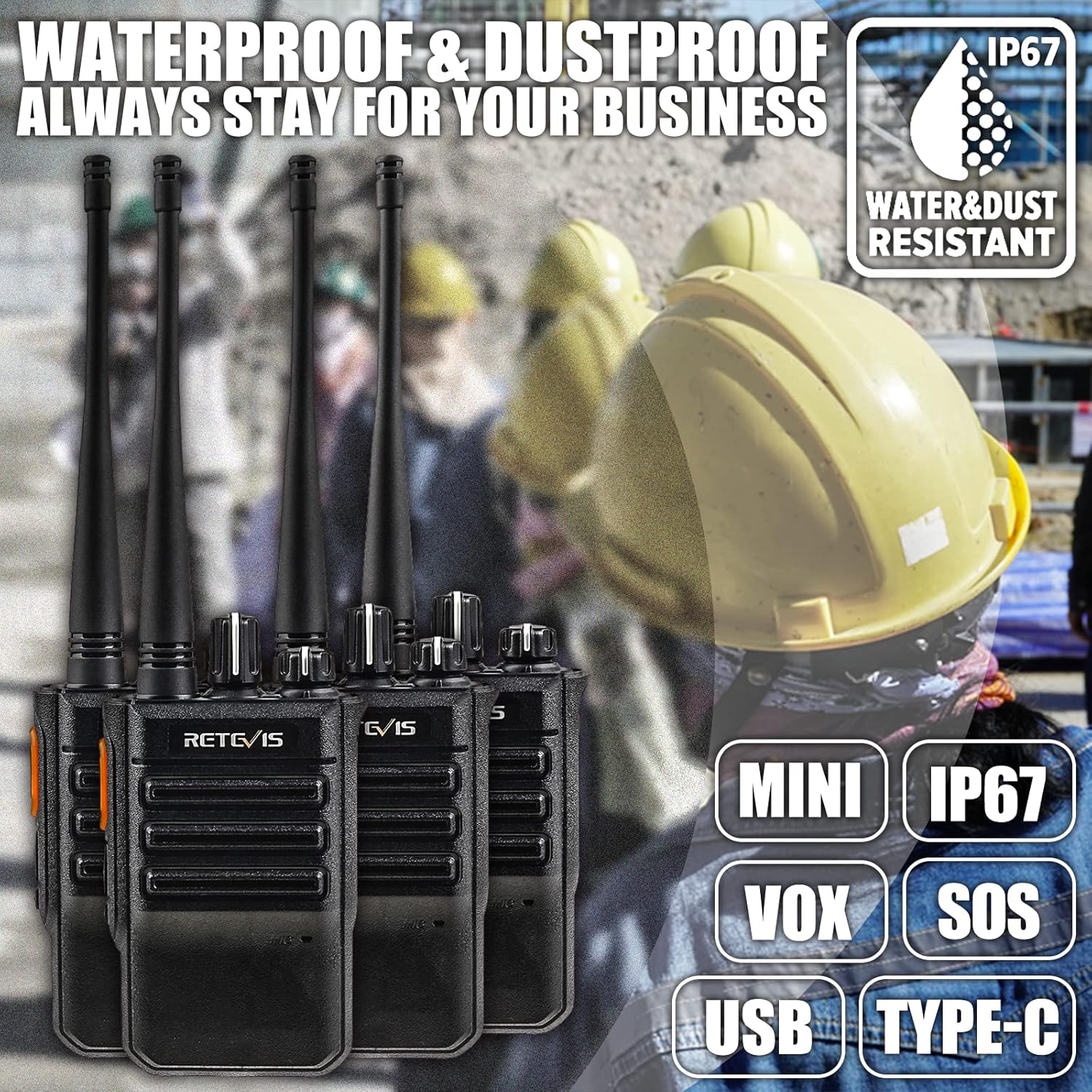
Image: Highlighting the IP67 waterproof and dustproof rating of the Retevis RB646 radio, with icons for Mini, IP67, VOX, SOS, USB, Type-C features.
3.1 Key Features
- IP67 Water and Dust Resistance: Ensures reliable operation in challenging conditions.
- Clear Audio: Advanced filtering reduces unwanted signals and ambient noise for crystal-clear communication.
- Robust Design: Features a hard PC shell and anti-slip body for enhanced durability.
- Long Battery Life: Equipped with a 1050mAh Lithium-ion battery, offering approximately 12 hours of continuous talk time and 70 hours of standby time. Includes a low battery warning and power-saving function.
- VOX Function: Allows for hands-free operation, automatically recognizing voice for transmission.
- Emergency Alarm: Local and remote alarm functions enable quick response to unexpected situations and alert team members.
- Wireless Copy Function: Supports wireless data transmission between two RB646 radios of the same model.
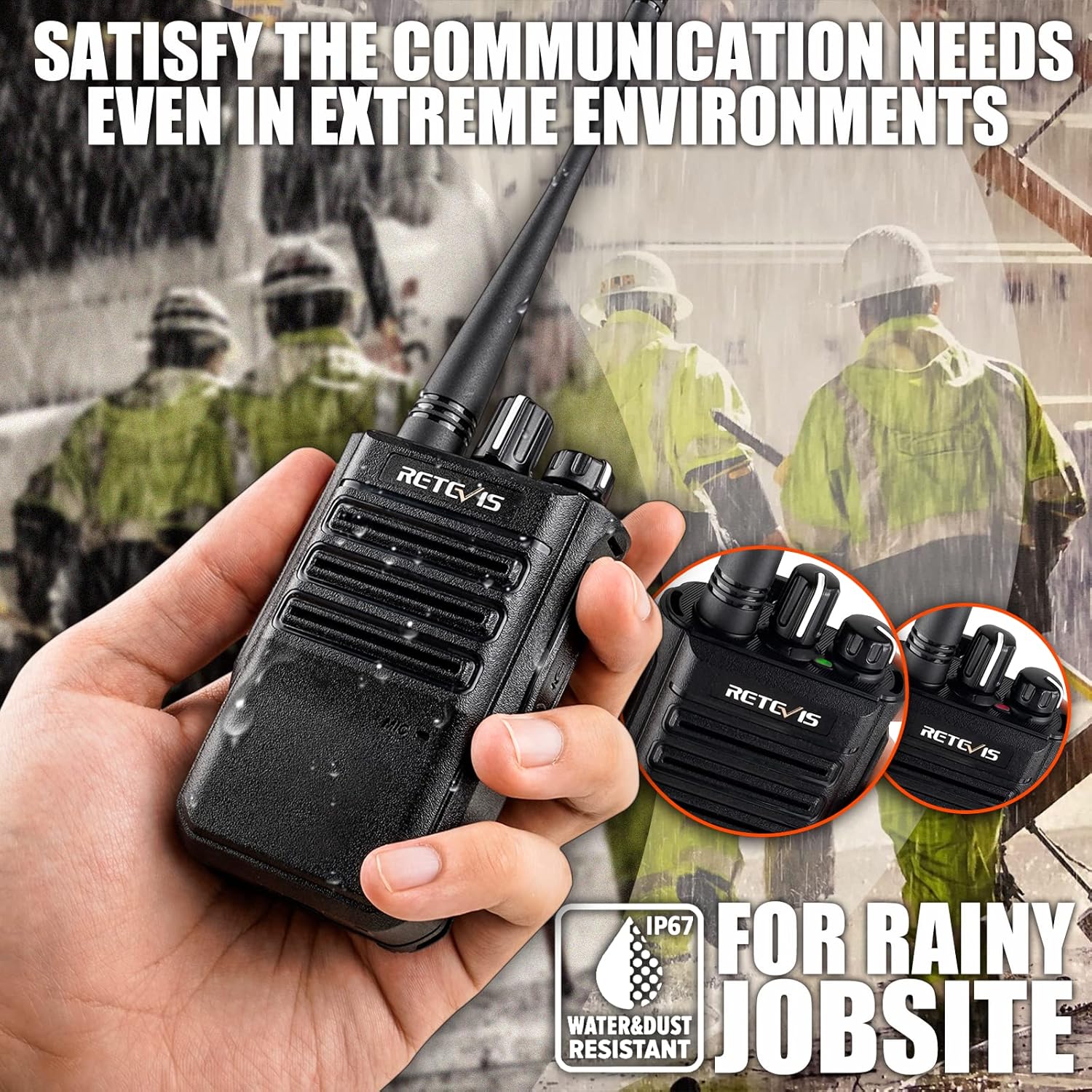
Image: A hand holding a Retevis RB646 radio in a rainy environment, emphasizing its suitability for challenging conditions with IP67 rating.
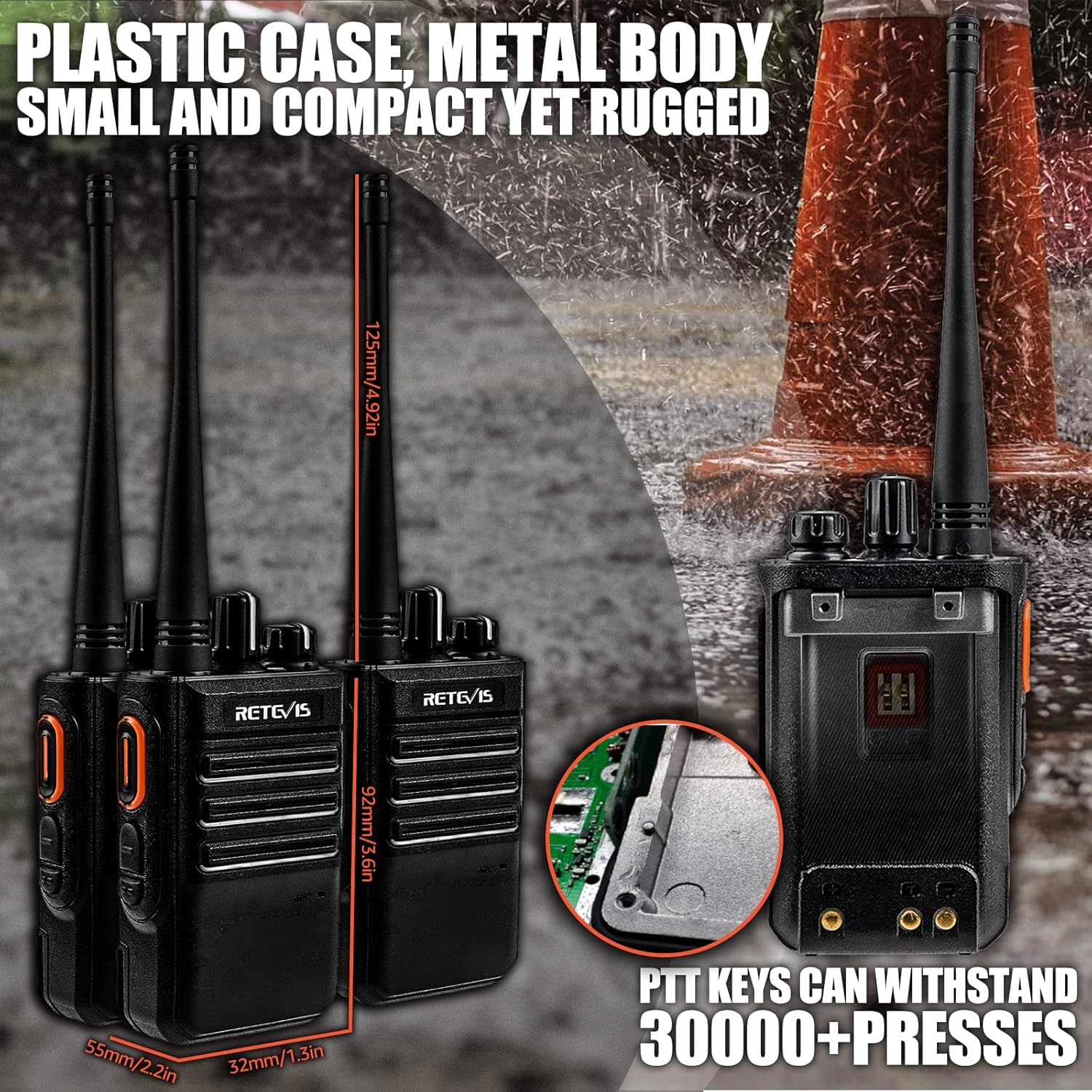
Image: Diagram showing the dimensions of the Retevis RB646 radio and an internal view of the PTT button mechanism, indicating durability.
4. Setup
4.1 Charging the Battery
- Connect the charging cable to the charging base.
- Plug the charging cable into a power source.
- Place the radio into the charging base. Ensure the charging contacts align. The indicator light on the base will show charging status (e.g., red for charging, green for fully charged).
- Charge the battery fully before first use, typically 3-4 hours.

Image: Illustration of the Retevis RB646's battery life, showing 12 hours continuous talk and 70 hours standby with a 1150mAh battery, and a battery reminder feature.
4.2 Attaching the Back Clip
The detachable back clip allows you to secure the radio to your belt or pocket.
- Align the back clip with the grooves on the back of the radio.
- Slide the clip downwards until it clicks into place.
- To remove, push the release tab (if present) and slide the clip upwards.

Image: Showing the detachable back clip of the Retevis RB646 radio, illustrating how it can be attached to clothing or gear.
4.3 Attaching the Lanyard
Thread the lanyard through the designated loop on the radio for added security and portability.
4.4 Connecting Accessories
If using an earpiece or other audio accessory, connect it to the multi-pin accessory port on the side of the radio. Ensure the connection is secure to maintain IP67 rating if the accessory is also rated for water resistance.
5. Operating Instructions
5.1 Power On/Off and Volume Adjustment
- Power On: Rotate the Power/Volume knob clockwise until you hear a click and the radio powers on.
- Power Off: Rotate the Power/Volume knob counter-clockwise until you hear a click and the radio powers off.
- Adjust Volume: Rotate the Power/Volume knob clockwise to increase volume and counter-clockwise to decrease volume.
5.2 Channel Selection
Rotate the Channel Selector knob to choose your desired communication channel (PMR446 channels).
5.3 Transmitting and Receiving
- To Transmit: Press and hold the Push-To-Talk (PTT) button on the side of the radio. Speak clearly into the microphone. The transmission indicator light will illuminate.
- To Receive: Release the PTT button. The radio will automatically switch to receive mode.
5.4 VOX Function (Voice Operated Exchange)
The VOX function allows for hands-free operation. When activated, the radio will automatically transmit when it detects your voice, without needing to press the PTT button.

Image: Demonstrating the VOX hands-free function of the Retevis RB646, showing a multi-pin earpiece connection.
Activation: The VOX function can typically be enabled or disabled through the radio's internal settings or by a specific button combination. Refer to the detailed user manual included in your package for specific steps, as no software is required for installation.
5.5 Emergency Alarm Function
In an emergency, you can activate the alarm function to alert other radios.

Image: Depiction of the emergency alarm function of the Retevis RB646, showing a long press on the alarm button for remote assistance.
Activation: Long press the dedicated Emergency Alarm button (often marked with 'SOS' or a similar icon) on the radio. This will trigger a local alarm sound and/or transmit an alarm signal to other radios on the same channel.
5.6 Wireless Copy Function
This feature allows you to wirelessly copy settings from one RB646 radio to another RB646 radio. This function only works between radios of the same model.
Instructions: Specific steps for wireless copying are detailed in the comprehensive user manual. Generally, it involves placing two radios in a specific mode and initiating the transfer.
6. Maintenance
6.1 Cleaning
- Clean the radio's exterior with a soft, damp cloth.
- Do not use harsh chemicals, cleaning solvents, or strong detergents, as these can damage the radio's casing and seals.
- Ensure charging contacts on both the radio and the charging base are clean and free of debris.
6.2 Battery Care
- To prolong battery life, avoid overcharging or completely draining the battery.
- If storing the radio for an extended period, charge the battery to about 50% and remove it from the radio if possible. Store in a cool, dry place.
6.3 Storage
When not in use, store the radio in a dry, cool environment, away from direct sunlight and extreme temperatures.
7. Troubleshooting
If you encounter issues with your Retevis RB646 radio, refer to the following common problems and solutions:
| Problem | Possible Cause | Solution |
|---|---|---|
| Radio does not power on | Battery is depleted or not properly installed. | Charge the battery. Ensure the battery is correctly inserted. |
| No sound or low volume | Volume is too low. Earpiece not connected properly. | Increase the volume. Reconnect the earpiece securely. |
| Cannot transmit or receive | Wrong channel selected. Out of range. Low battery. | Verify both radios are on the same channel. Move closer to the other radio. Charge the battery. |
| Poor audio quality or static | Interference. Weak signal. | Move away from sources of electrical interference. Ensure you are within effective range. |
If the problem persists after trying these solutions, please contact Retevis customer support.
8. Specifications
| Feature | Detail |
|---|---|
| Brand | Retevis |
| Model | RB646 |
| Color | Black |
| Connectivity Technology | USB |
| Battery Composition | Lithium-ion |
| Rechargeable Battery | Yes |
| Battery Capacity | 1050 mAh |
| Supported Radio Bands | PMR446 |
| Frequency | 446 MHz |
| Item Weight | 60 Grams |
| Dimensions (Radio Body) | 92mm (3.6in) Height, 55mm (2.2in) Width, 32mm (1.3in) Depth |
| IP Rating | IP67 (Waterproof and Dustproof) |
| Recommended Uses | Outdoor activities, construction sites, emergency situations, hands-free communication |
9. Warranty and Support
9.1 Manufacturer Warranty
Retevis offers a 2-year warranty for the radio body and a 1-year warranty for accessories from the date of purchase. Additionally, a 30-day no-reason return policy is provided.
9.2 Post-Warranty Service
Beyond the warranty period, Retevis continues to offer maintenance services. Buyers are responsible for any associated costs for repairs or parts.
9.3 Customer Support
For any questions, technical assistance, or warranty claims, please contact Retevis customer support through Amazon. We aim to respond to all inquiries within 12 hours.


