
Introduction
This manual provides detailed instructions for the installation, operation, and maintenance of your Strpump 9-inch Android Car Stereo. This head unit is specifically designed for Citroen C4 models from 2013 to 2016, offering an enhanced in-car entertainment and navigation experience. It features an Android 10.0 operating system, an Octa-Core CPU, 3GB RAM, 32GB ROM, and supports various functionalities including CarPlay, Android Auto, GPS navigation, Bluetooth, 4G/WiFi connectivity, and DSP audio processing.
Setup and Installation
The Strpump car stereo is designed for a plug-and-play, non-destructive installation. A plastic frame and power harness are included to ensure compatibility with your vehicle's original wiring without causing damage.
Included Accessories
Before beginning installation, verify that all components are present:

Image: Overview of included accessories, including the main unit, GPS antenna, radio fascia, USB cables, CAM In cable, installation tools, 4G SIM RCA cable, 4G antenna, microphone, and power harness.
- Main Unit (Machine)
- GPS Antenna
- Radio Fascia (specific to your car model)
- USB Cables (x2)
- CAM In Cable
- Installation Tool
- 4G SIM RCA Cable
- 4G Antenna
- Microphone
- Power Harness (specific to your car model)
- Can bus (Optional, some models may not require it)
Installation Steps
- Preparation: Ensure the vehicle's ignition is off and the battery is disconnected before starting.
- Remove Original Unit: Carefully remove the existing car stereo and trim using the provided installation tools.
- Connect Wiring: Connect the new power harness to the vehicle's wiring. Ensure all connections are secure. If your car has a factory amplifier or OEM camera, a different harness set may be required. Please contact the seller for assistance if needed.
- Install GPS and 4G Antennas: Mount the GPS and 4G antennas in suitable locations, ensuring clear signal reception.
- Mount New Unit: Secure the Strpump head unit into the dashboard opening using the provided radio fascia.
- Test Functionality: Reconnect the battery and turn on the ignition to test all functions of the new stereo before fully reassembling the dashboard.

Image: Comparison showing the original Citroen C4 dashboard layout (Before) and the dashboard with the Strpump 9-inch Android Car Stereo installed (After).
Operating Instructions
Your Strpump car stereo runs on Android 10.0, providing a familiar and intuitive user experience similar to a smartphone.
User Interface (UI)
The system features a customizable user interface, allowing easy access to various applications and settings.

Image: Various screens of the Strpump car stereo's user interface, including the main UI, menu UI, navigation, CarPlay, Bluetooth music, USB music, video player, radio, file manager, 32-band EQ, and OBD2 display.
Display Features
The unit is equipped with a 9-inch 2.5D+IPS QLED screen, offering a resolution of 1280x720P for clear and vibrant visuals.

Image: Close-up view of the Strpump car stereo screen highlighting its 1280x720P resolution and 2.5D+IPS QLED display technology, showing various app icons.
CarPlay and Android Auto
The stereo supports both wired and wireless Apple CarPlay and Android Auto. Connect your iPhone to the 6-pin USB port for wired CarPlay, or use the wireless function for seamless integration of your smartphone's features.
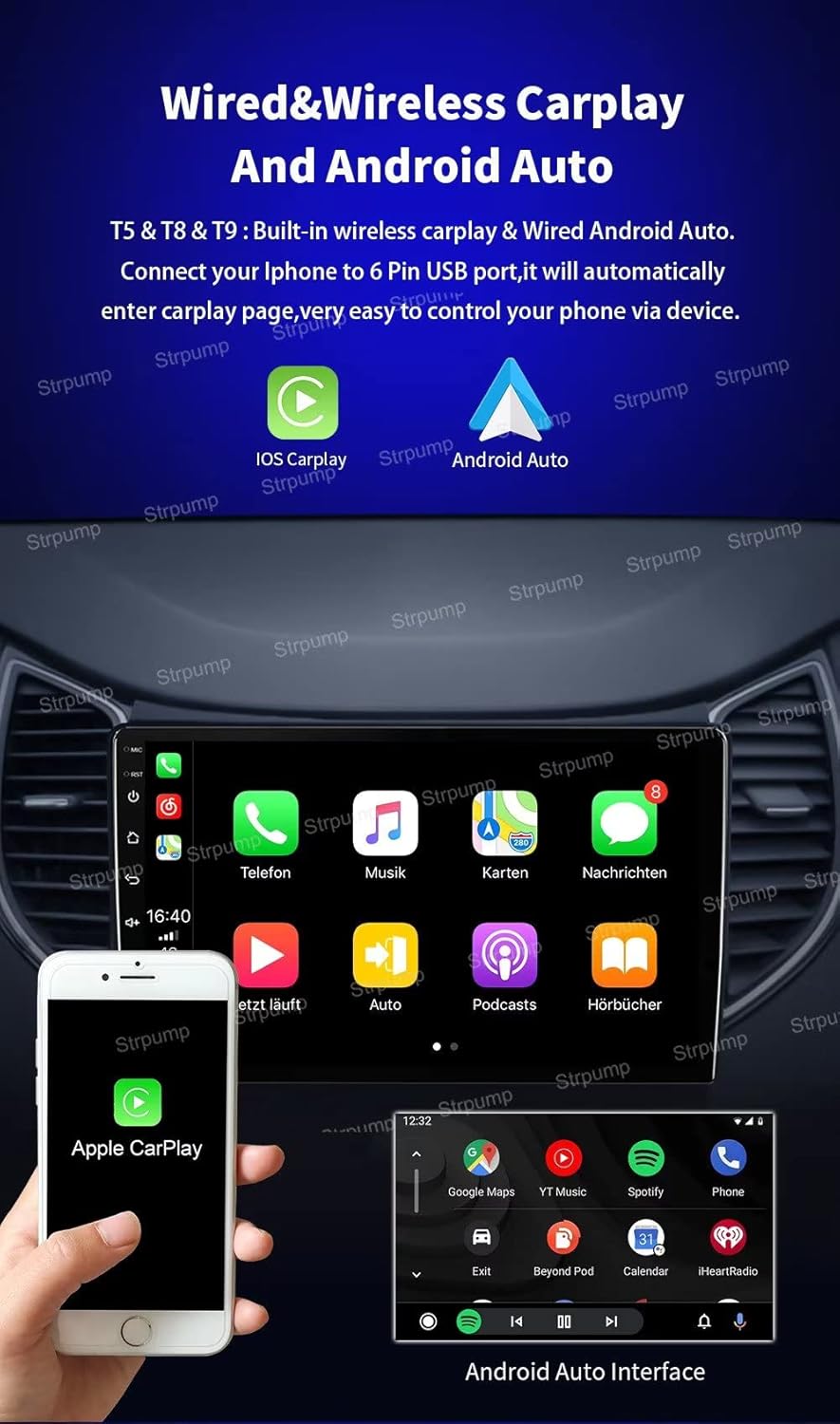
Image: The Strpump car stereo displaying the Apple CarPlay interface, with a smartphone showing the CarPlay icon, and a separate image showing the Android Auto interface.
GPS Navigation
The unit comes with pre-installed online and offline map support. It is compatible with various GPS applications such as Google Maps, iGO, Waze, and Navitel, providing reliable navigation.
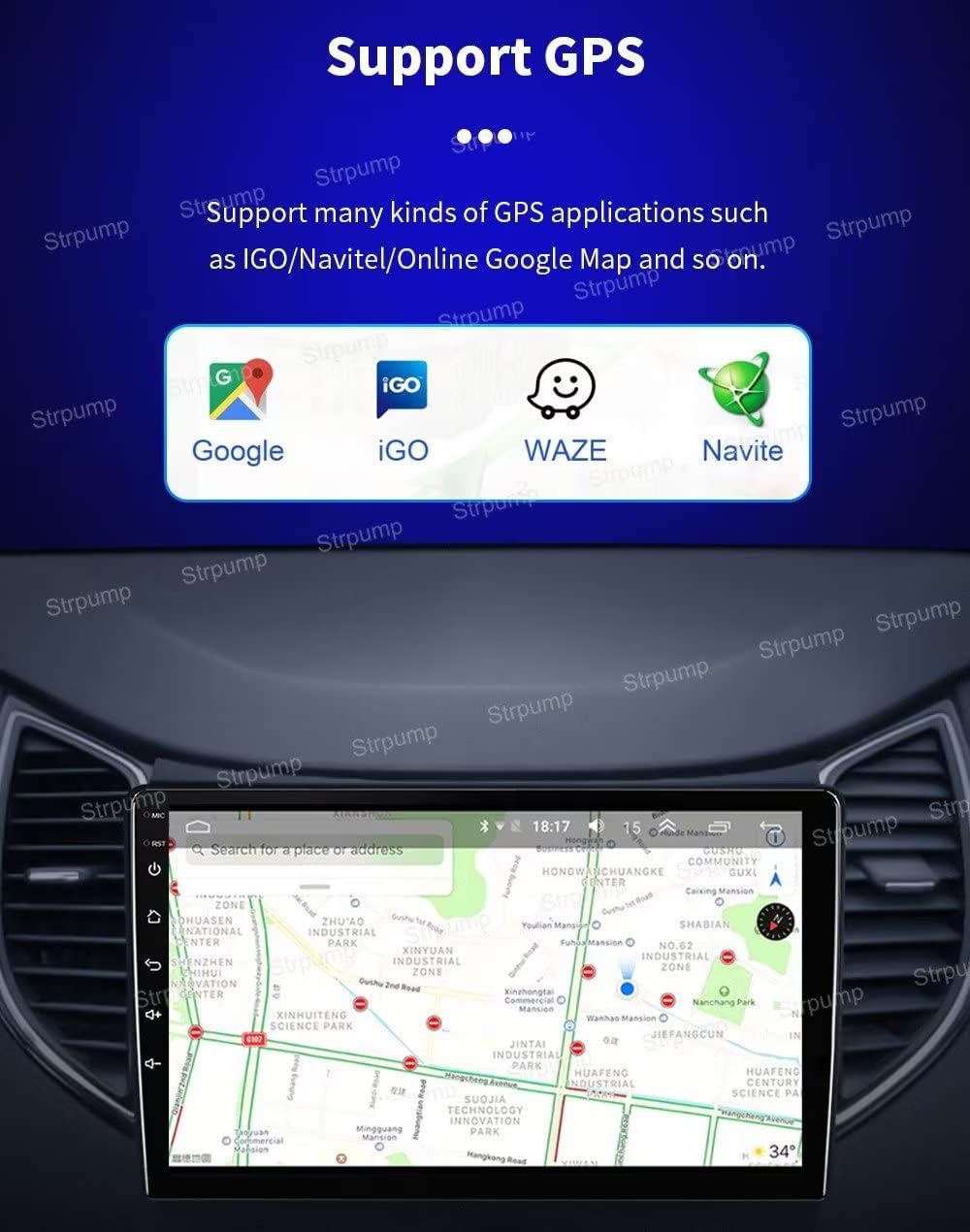
Image: The Strpump car stereo displaying a map interface, with icons for Google, iGO, Waze, and Navitel, indicating support for multiple GPS applications.
Connectivity (4G & WiFi)
Built-in 4G and WiFi capabilities allow for internet access, app downloads from the Google Play Store, and online media streaming. The unit supports various 4G working bands.

Image: A graphic illustrating the built-in 4G LTE and WiFi capabilities of the Strpump car stereo, listing supported GSM, WCDMA, TD-SCDMA, TDD-LTE, and FDD-LTE bands.
Bluetooth
Connect your smartphone via Bluetooth for hands-free phone calls and A2DP music streaming. An external microphone is included for clear call quality.
Rear View Camera Support
The system supports both front dash DVR cameras and AHD rearview cameras. When the vehicle is shifted into reverse gear, the display will automatically switch to the rearview camera feed.

Image: The Strpump car stereo screen displaying a rear view camera feed with parking guidelines, and an inset image of an AHD rear-view camera.
Audio Features
The stereo includes a built-in 32-band DSP audio processor and a 4 x 60W amplifier output, along with subwoofer output support, for a customizable and powerful audio experience.
Other Functions
- Split Screen: Use two applications simultaneously on the screen.
- Steering Wheel Control: Integrate with your vehicle's steering wheel controls for safe operation.
- Google Play Store: Download and install your favorite apps.
- Media Playback: Support for lossless music, 3D games, online video, TV, movies, music, radio, and YouTube.
- Social Media & Communication: Access Twitter, Facebook, Gtalk, Gmail, and other services.
- Optional Accessories Support: Compatible with OBDII, TPMS, DVR, TV Tuner, and DAB (accessories sold separately).
Maintenance
To ensure the longevity and optimal performance of your Strpump car stereo, follow these maintenance guidelines:
- Screen Cleaning: Use a soft, lint-free cloth slightly dampened with water or a screen cleaner specifically designed for electronics. Avoid harsh chemicals or abrasive materials.
- Software Updates: Periodically check for system software updates to ensure you have the latest features and security patches. Updates can typically be found in the system settings menu.
- Avoid Extreme Temperatures: Do not expose the unit to extreme heat or cold for extended periods, as this can affect its performance and lifespan.
- Ventilation: Ensure the unit's ventilation areas are not blocked to prevent overheating.
Troubleshooting
If you encounter issues with your car stereo, refer to the following common troubleshooting steps:
- No Power: Check all power connections. Ensure the vehicle's battery is charged and properly connected. Verify the fuse for the stereo is intact.
- No Sound: Check speaker connections. Ensure the volume is not muted or set to zero. Verify audio settings in the system.
- GPS Signal Loss: Ensure the GPS antenna is properly installed and has a clear view of the sky. Try restarting the navigation application.
- Bluetooth Connection Issues: Ensure Bluetooth is enabled on both the stereo and your device. Delete previous pairings and try reconnecting.
- Touchscreen Unresponsive: Try restarting the unit. If the issue persists, a factory reset might be necessary (note: this will erase all user data).
- System Freezes/Slow Performance: Close unnecessary applications. Clear cache data. If the problem continues, a system restart or factory reset may resolve it.
For persistent issues not resolved by these steps, please contact Strpump customer support.
Specifications
| Feature | Specification |
|---|---|
| Manufacturer | Strpump |
| Model Number | SP-TS18-3GB-9709 |
| Operating System | Android 10.0 |
| CPU | UIS8581A Octa-Core CortexTM A55 1.6GHZ |
| RAM | 3GB |
| ROM | 32GB |
| Screen Size | 9 Inches |
| Screen Type | 2.5D+IPS QLED |
| Resolution | 1280 x 720 |
| Special Features | Bluetooth, Built-in 4G, Wi-Fi, DSP Audio Processor, CarPlay, Android Auto |
| Connectivity Technology | Wi-Fi |
| Audio Output Mode | AUX, Stereo |
| Wattage | 240 watts (4 x 60W amplifier output) |
| Map Type | North America (pre-installed/supported) |
| Mounting Type | Panel Mount |
Warranty and Support
For any questions, technical assistance, or warranty inquiries regarding your Strpump car stereo, please contact the seller directly through your purchase platform. Ensure you have your model number (SP-TS18-3GB-9709) and purchase details available when contacting support.
Protection plans may be available for purchase separately. Please refer to your purchase documentation for details on any extended protection plans.