
Introduction
This manual provides comprehensive instructions for the ASHATA Mini Mechanical Keyboard. This device is a versatile 6-key programmable keypad featuring both wired USB and Bluetooth dual-mode connectivity, along with a multi-functional knob. It is designed for various applications including office tasks, gaming, music control, and media management.
Package Contents
- 1 x ASHATA Mini Mechanical Keypad
- 1 x USB Data Cable
Product Overview
The ASHATA Mini Mechanical Keyboard features a compact design with six mechanical keys and a rotary knob. It supports both wired and wireless connections, offering flexibility for different setups.
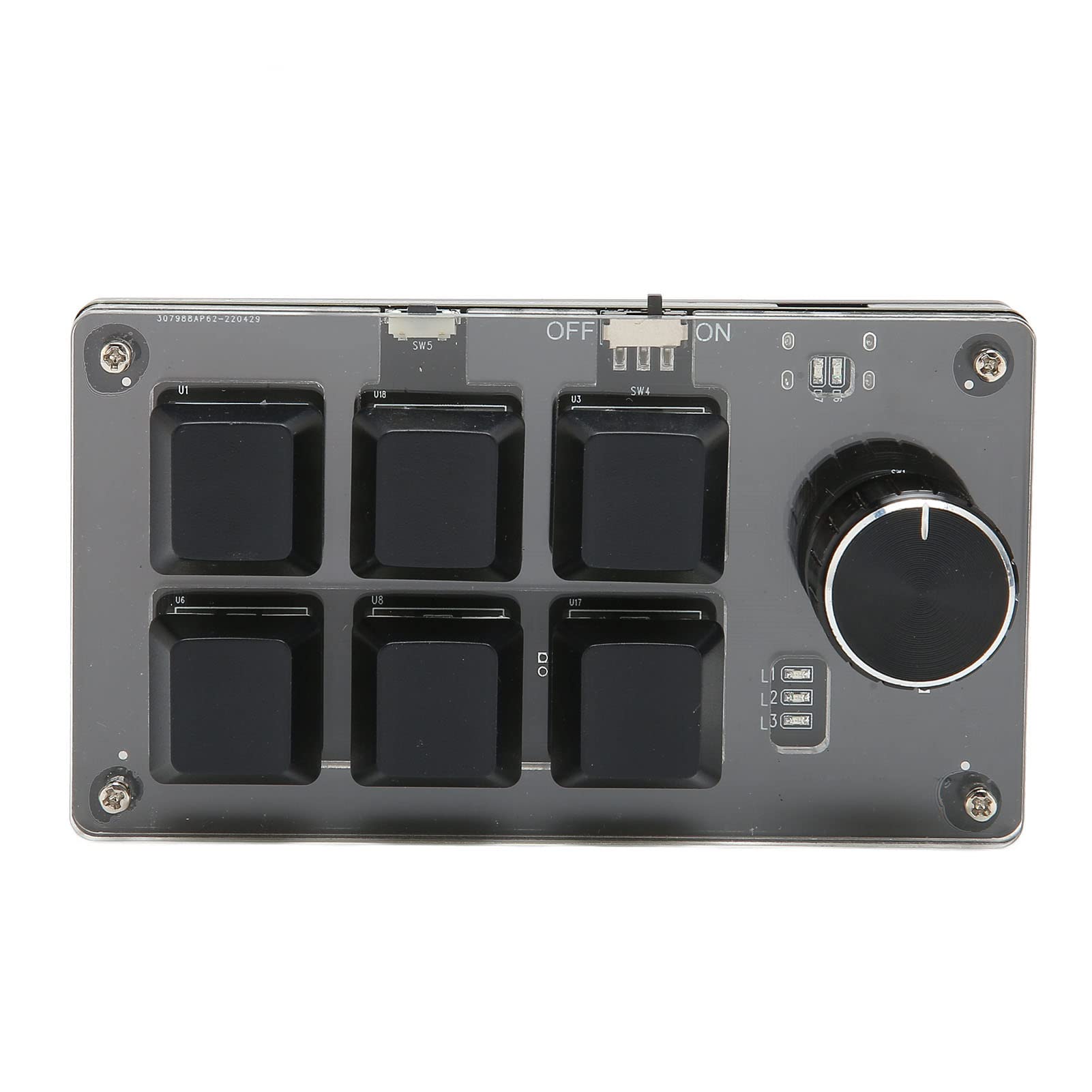
Figure 1: Top view of the ASHATA Mini Mechanical Keyboard. This image displays the six programmable keys, the rotary knob, and the power switch located at the top edge. The clear acrylic casing allows visibility of the internal components.

Figure 2: Angled view of the keypad, highlighting its compact size and the arrangement of the six keys and the knob. A person is visible in the background, demonstrating a typical use case with a computer setup.
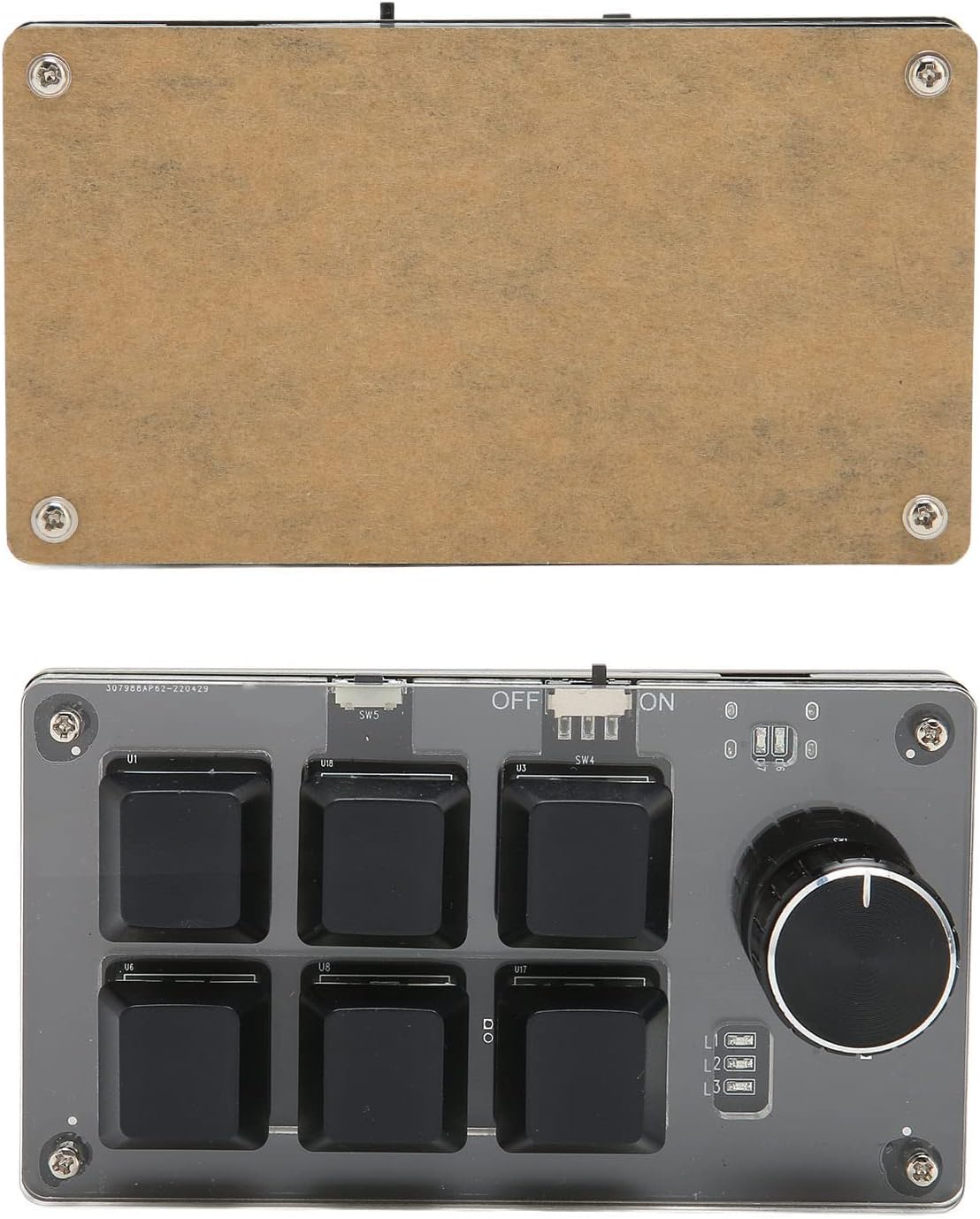
Figure 3: Bottom view of the ASHATA Mini Mechanical Keyboard. This image shows the transparent acrylic base, revealing the circuit board and mechanical switch components underneath the keycaps.
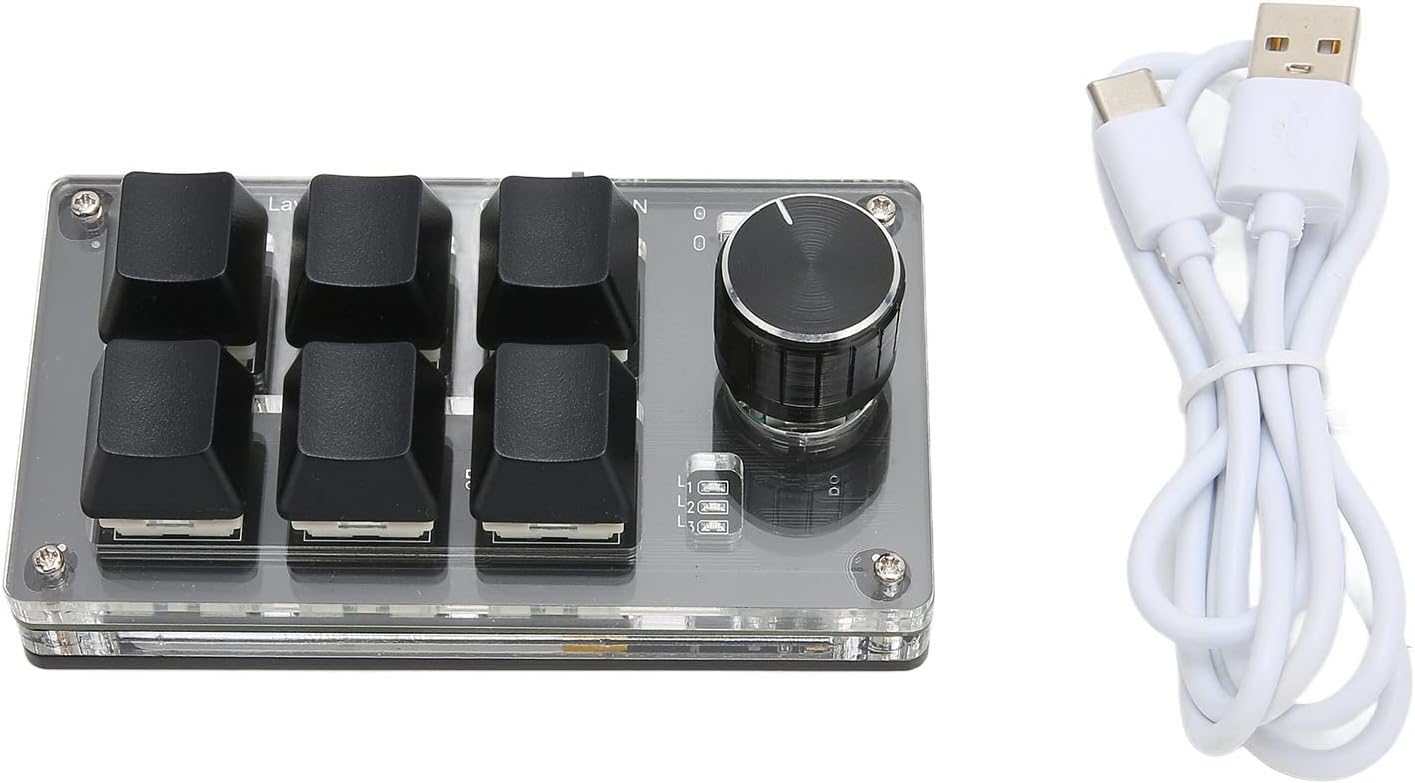
Figure 4: The ASHATA Mini Mechanical Keyboard displayed alongside its included white USB data cable, which is used for wired connection and charging.
Setup
1. Wired Connection
- Connect the provided USB data cable to the keypad's USB port.
- Plug the other end of the USB cable into an available USB port on your computer.
- The keypad will be recognized automatically by your operating system.
2. Bluetooth Connection
- Ensure the keypad is charged. The device has a built-in 200mAh Lithium-Ion battery.
- Locate the power switch on the keypad and slide it to the "ON" position.
- On your computer or device, navigate to the Bluetooth settings.
- Search for available Bluetooth devices and select "ASHATA Mini Keyboard" (or similar name) from the list.
- Follow any on-screen prompts to complete the pairing process.
Operating Instructions
1. Key Programming
All six mechanical keys on the keypad are fully programmable. This allows you to assign any standard keyboard function or complex shortcut key combination to each key. Refer to the specific programming software (not included, typically provided by the manufacturer or available for download) for detailed instructions on how to customize key assignments.
2. Knob Functionality
The rotary knob on the keypad is multi-functional. It can be rotated clockwise or counter-clockwise, and it can also be pressed like a button. The knob's functions are programmable and can be customized for various actions such as:
- Volume control (rotate)
- Zoom in/out (rotate)
- Media playback control (e.g., play/pause, next/previous track) (press or rotate)
- Scrolling (rotate)
- Any other custom function assigned via programming software.
Maintenance
- Cleaning: Use a soft, dry cloth to clean the keypad's surface. Avoid using harsh chemicals or abrasive materials.
- Storage: Store the keypad in a cool, dry place away from direct sunlight and extreme temperatures.
- Battery Care: For optimal battery life, avoid fully discharging the keypad frequently. Charge the device regularly, especially if it will be stored for an extended period.
Troubleshooting
| Problem | Possible Cause | Solution |
|---|---|---|
| Keypad not responding (Wired) | Loose USB connection, faulty cable, or driver issue. | Ensure USB cable is securely connected. Try a different USB port or cable. Restart your computer. |
| Keypad not responding (Bluetooth) | Keypad is off, low battery, not paired, or out of range. | Turn on the keypad. Charge the battery. Re-pair the device via Bluetooth settings. Ensure keypad is within Bluetooth range. |
| Keys not performing assigned functions | Incorrect programming or software issue. | Verify key assignments using the programming software. Ensure the software is running correctly. |
Specifications
| Feature | Detail |
|---|---|
| Item Type | Mechanical Gaming Keypad |
| Material | Acrylic |
| Key Type | 6 Keys Mechanical Keyboard |
| Knob | 1 x Knob (programmable, pressable) |
| Connectivity | Wired USB, Bluetooth Dual Mode |
| Battery Type | Built-in 200mAh Lithium-Ion Battery |
| Compatible Devices | Computer Universal (Laptop) |
| Special Features | Programmable keys, Multi-function knob, Dual mode connection |
Video Resources
The following video provides a brief overview of the ASHATA Mini Mechanical Keyboard.
Video 1: A short overview of the ASHATA Mini Mechanical Keyboard, demonstrating its features and compact design. This video is provided by the seller, Archuus.
Warranty and Support
For warranty information, technical support, or service inquiries, please contact ASHATA customer support or refer to the official ASHATA website. Keep your purchase receipt for warranty claims.